Quality Assurance App helps teams record inspections, review issues, and keep day-to-day QA work organized in one place. Use it to log new inspections from a simple form, browse inspection records in a list, and open detailed views that highlight inspection details, status, and severity. It fits manufacturing floors, warehouses, construction sites, field service teams, and any operation that needs a consistent way to document findings and follow up on problems without losing context.
Built with Jotform, this app template turns your quality process into a practical self-service experience that’s easy to share and maintain. Customize pages and cards with a drag-and-drop interface, connect your inspection data collection to tables, and keep workflows moving with clear navigation for overview, issue review, and inspection logs. With Jotform’s no-code app builder, you can publish a QA hub quickly and adapt it as standards, teams, and locations change.
Related templates
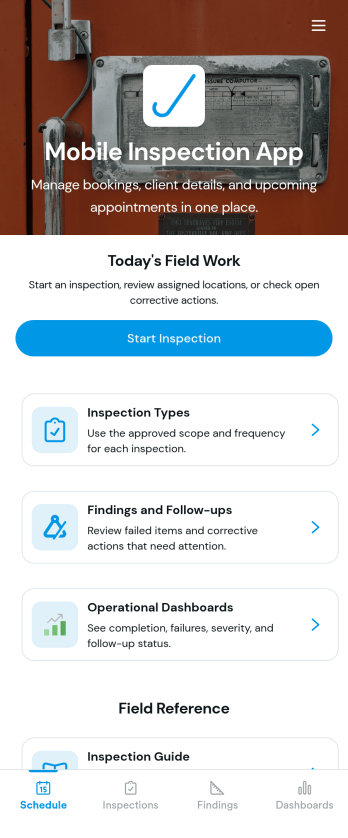
Custom Mobile Inspection App
A mobile inspection app allows inspectors to conduct inspections from any device. Whether you’re a home inspector, vehicle inspector, or building inspector, record and submit inspection reports on the go with our free Mobile Inspection App. This fully customizable app template includes a fillable mobile inspection form that allows you to check off items in your inspection list, upload photos, and provide your e-signature. Submissions will be sent to your Jotform account, where they can be viewed in a collaborative table or downloaded into secure PDFs automatically.Need to modify this Mobile Inspection App for your needs? No problem—without any coding, you can add forms, embed links to tables or other websites, update the provided text, upload images or logos, and change app settings such as name, icon, and splash page to better represent your inspection business. With Jotform’s Role-based feature, you can control access so tutors, admins, and other users see only the parts of the app relevant to them. Once it’s ready to use, download the app onto your mobile device or desktop computer for easy access. Make future inspections a breeze with an efficient Mobile Inspection App that works wherever you do.
Go to Category:Inspection Apps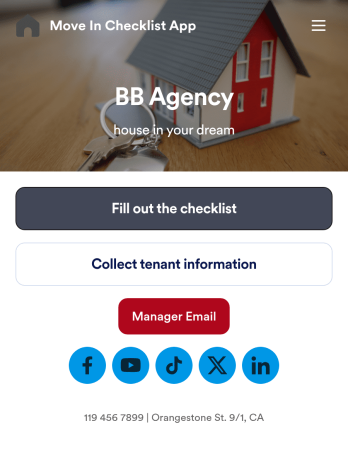
Move In Checklist App
A move-in checklist app is used by landlords and property managers to document the condition of an apartment prior to move-in and after a tenant moves out. This app template contains two forms: a Move In - Move Out Inspection Form, and a Property and Tenant Information Form for recording a new tenant’s contact information and uploading any relevant documentation. There is also a place to include a property manager’s phone number and email address, and to add links to your company’s website and social media.Need to make some changes to this app template? No coding required — just use Jotform’s drag and drop app builder to add or change form elements and text fields, edit checklist items, choose fonts and color schemes, upload your company’s branding, and more. Your app can be accessed and downloaded onto any device such a smartphone or tablet, so filling out this checklist on the go is quick and easy. Keep all your apartment condition checklists and tenant information in one convenient place with this Move In Checklist App from Jotform.
Go to Category:Checklist Apps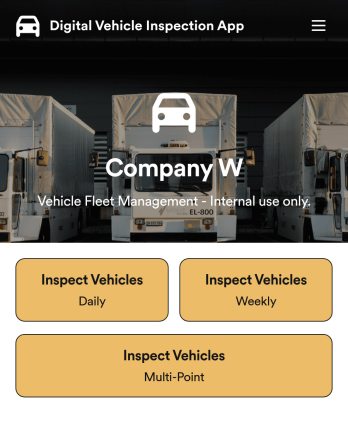
Custom Digital Vehicle Inspection App
A digital vehicle inspection app is used by fleet management companies for inspecting company vehicles. Create a fully-custom Digital Vehicle Inspection App in seconds with Jotform’s app builder. Inspectors can download this app onto any smartphone, tablet, or desktop to record and compile daily, weekly, and multi-point inspection reports for fleet vehicles. No need for paperwork — your digital inspection reports are automatically compiled and synced to your secure Jotform account, where you can manage them all from one location.Want to make this Digital Vehicle Inspection App Template your own? No coding necessary — just use Jotform’s drag-and-drop app builder to add or change form elements, edit form text and fields, upload your company’s logo and branding, choose fonts and colors, and more. When you’re done customizing your app, share it with the rest of the company by sending a link to the app or generating an invitation email. Manage all your fleet vehicles and inspection reports from one convenient app with this Digital Vehicle Inspection App from Jotform.
Go to Category:Inspection Apps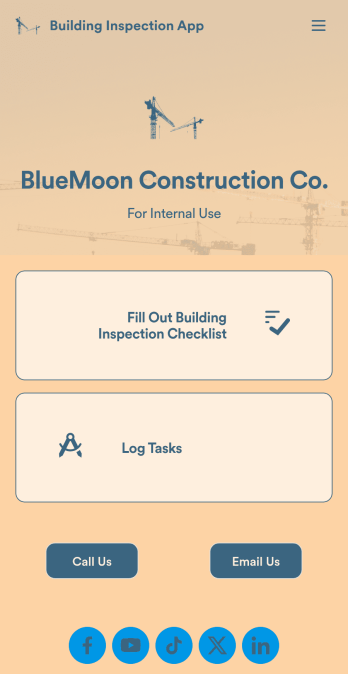
Building Inspection App
A building inspection app allows building inspectors to complete their work using any device. Conduct inspections from any smartphone, tablet, or computer with Jotform’s free Building Inspection App. This readymade template comes with a building inspection checklist and task log, but with our drag-and-drop builder you can add whatever else you need to make the app your own. All entries will be stored in your secure Jotform account and ready to view at any time.Customize your Building Inspection App without any coding. Just drag and drop to add more forms, checklists, documents, links, and even your branding. When you’re done, download it onto your favorite device or share it with other building inspectors via link or email invite. With a fully-custom Building Inspection App, you’ll be able to efficiently conduct building inspections and write reports no matter where you are!
Go to Category:Construction Apps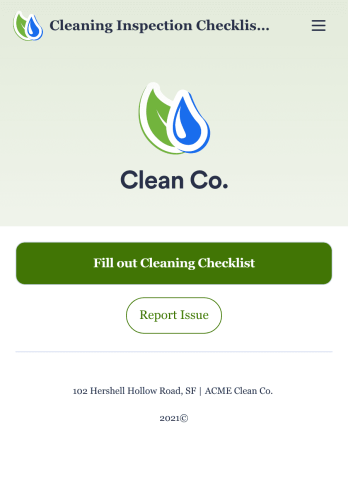
Cleaning Inspection Checklist App
A cleaning inspection checklist app is used by cleaning companies to keep track of what has and hasn’t been cleaned in a home or building. If you own or manage a cleaning company, employees can fill out a Cleaning Inspection Checklist form straight from their smartphone on Jotform’s free Cleaning Inspection Checklist App. All responses are stored in your Jotform account, ready to view on any device.Need to make changes to this app template? Add your logo, update the checklist form, and customize other design elements in seconds with our drag-and-drop builder — no coding necessary. You can then share the app by copying and pasting the app link, so members of your team can save it onto their devices instantly. Ditch paper checklists and manage your cleaning process more efficiently with a free Cleaning Inspection Checklist App.
Go to Category:Checklist Apps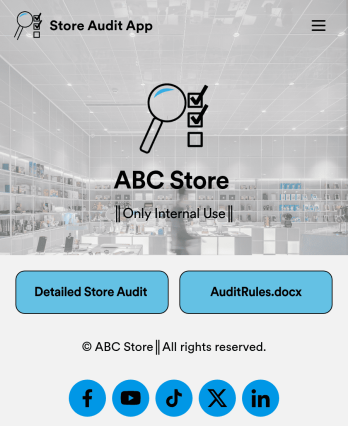
Store Audit App
A store audit app is used by store owners and managers for recording store audits. Jotform’s Store Audit App allows employees to create daily and monthly inspection audits by filling out a form detailing store standards, presentation, and security. Audits are automatically synced to an archive in your secure Jotform account, which you can access from any device for ease of use.Make this app template your own with our intuitive app builder. Drag and drop to add or change form elements, choose color schemes, upload images, and more — no coding required. You can also modify audit headers and textboxes to fit the needs of your store. Once you’re finished, simply download your app onto your store’s tablet or desktop, or share it with employees using a link. Ditch the paperwork and keep all your store audits in one place with this Store Audit App from Jotform.
Go to Category:Checklist Apps