
Receipt Splitting App helps friends, housemates, families, travel groups, and small teams organize shared expenses and see how a receipt is divided among participants. Users can submit receipt details through a connected form, browse recorded expenses, and open a dedicated view showing the expense description, receipt total, and individual participant shares. It is useful for restaurant bills, group trips, household purchases, team outings, and other situations where several people need a clear record of who owes what. By keeping expense data in one accessible place, the app reduces manual notes, unclear calculations, and repeated questions among group members.
Jotform makes this app template easy to adapt with a no-code app builder and an intuitive drag-and-drop interface. Add or rearrange pages, update participant labels, adjust visual elements, and connect forms or tables to support your preferred data collection workflow. The app can be shared through a direct link or QR code, giving participants mobile-friendly self-service access without requiring coding knowledge. Starting with Jotform App Templates also saves setup time while leaving room to personalize the design, content, navigation, and connected processes for personal or business expense tracking.
Related templates
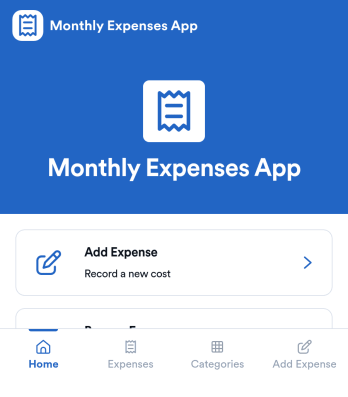
Monthly Expenses App
Monthly Expenses App helps you capture spending as it happens and keep a clear view of where your money goes each month. Use it to add expenses in seconds, browse past entries, and jump into a quick “This Month” view to spot patterns early. It’s a practical fit for individuals, families, roommates, freelancers, and small teams that need a simple way to record purchases like groceries, transport, and utilities without relying on messy notes or scattered receipts.With Jotform, you can turn this monthly tracking routine into a polished self-service experience using an app template built with a no-code app builder. Customize pages with a drag-and-drop interface, connect your expense form to organized records, and keep your workflow consistent as your needs change. Share your Jotform app through a link or QR code so it’s easy to log expenses from anywhere and keep monthly data collection on track.
Go to Category:Expense Tracking Apps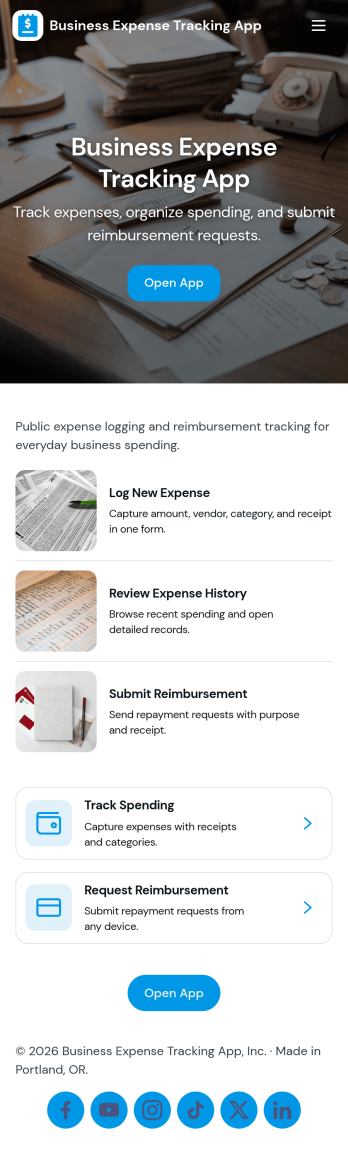
Business Expense Tracking App
Business Expense Tracking App helps teams capture, review, and organize day-to-day company spending in one place, from travel and meals to office supplies and recurring vendor charges. Employees can submit expenses through a dedicated Submit Expense page, while finance leads can monitor Expense History, open individual entries for review, and keep records consistent across departments. With built-in Insights and an Admin Review area that links to All Submissions, it’s easier to spot trends, validate reports, and keep reimbursement conversations moving without relying on scattered emails or spreadsheets.Jotform makes it simple to turn this workflow into a shareable self-service experience using App Templates and a no-code app builder. Customize pages with a drag-and-drop interface, connect the app to your existing data collection form and tables, and publish a mobile-friendly app your team can use anywhere. As expense volume grows, Jotform helps you centralize intake, maintain a reliable history, and support clearer workflows for tracking and review.
Go to Category:Expense Tracking Apps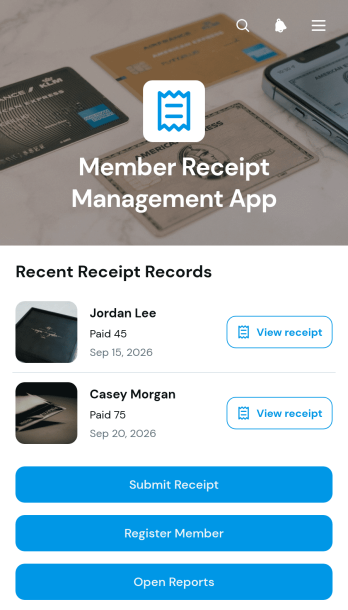
Member Receipt Management App
The Member Receipt Management App gives membership-based organizations a central place to register members, collect their receipts, and review receipt records. Associations, clubs, gyms, nonprofits, and community groups can use it to keep member-related payment documentation organized without relying on scattered emails or paper files. Staff can submit receipts, browse records by member, and view essential details such as payment method, amount, and payment date. Report access also helps administrative and finance teams review activity, answer member questions, and maintain clearer internal records.With Jotform Apps, teams can adapt this app template to their own receipt management workflow without writing code. The drag-and-drop app builder makes it easy to update pages, buttons, colors, fonts, and navigation while maintaining a modern, mobile-friendly experience. Connected forms support data collection for member registration and receipt submission, while organized records provide convenient self-service access for authorized users. Once customized, the Member Receipt Management App can be shared through a direct link or QR code, helping teams provide reliable access from phones, tablets, and computers.
Go to Category:Subscription & Membership Apps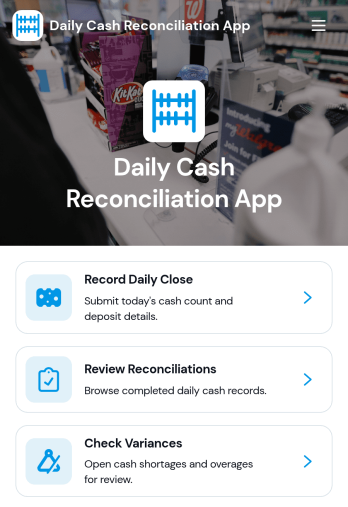
Daily Cash Reconciliation App
Daily Cash Reconciliation App helps teams document daily closes, compare expected versus actual cash, and flag variances by location and business date. It’s a practical fit for retail stores, restaurants, hospitality counters, pop-up shops, and any operation that handles cash across shifts. Use it to guide staff through recording the close, capture who prepared the reconciliation, and keep key figures like deposit amount and variance easy to review without digging through spreadsheets or paper logs.With Jotform, you can turn this workflow into a shareable, self-service experience using ready-to-use app templates and a no-code app builder. Customize pages with a drag-and-drop interface, connect the app to your data collection form, and organize reconciliations in a clear list for quick review. As your process evolves, you can update layouts, standardize how locations report their totals, and keep daily cash reconciliation consistent across teams.
Go to Category:Finance Apps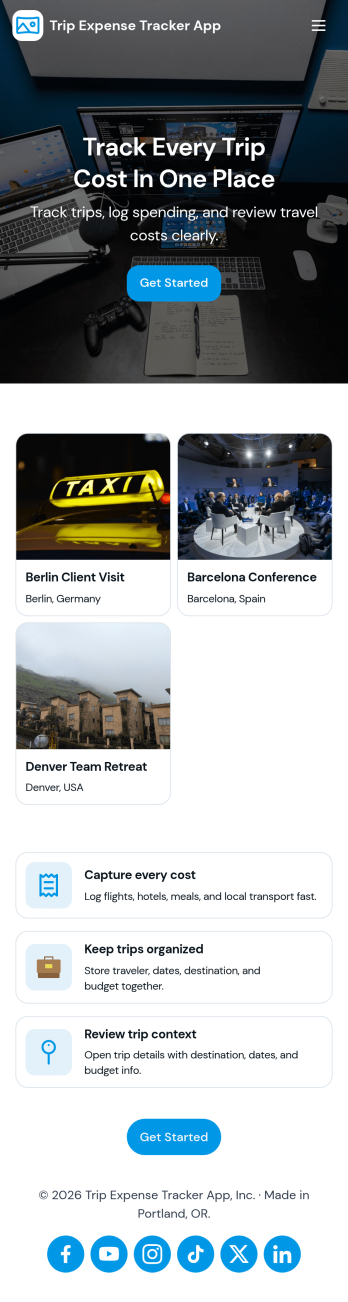
Trip Expense Tracker App
Trip Expense Tracker App helps individuals, teams, and organizations keep travel spending organized across multiple trips without losing receipts or forgetting smaller charges. Use it to create trips, record expenses as they happen, and review a clear summary so you can understand where money is going during business travel, client visits, conferences, or personal getaways. With dedicated areas for trips, expenses, and a high-level summary, it’s easy to stay consistent from the first booking to the final reimbursement.Built with Jotform, this app template turns travel expense tracking into a mobile-friendly self-service experience you can share with anyone who needs to log spending. Customize it with Jotform’s no-code app builder and drag-and-drop interface, then connect it to the included forms for fast data collection and a cleaner workflow for reviewing costs, reducing manual follow-ups, and keeping trip records in one place.
Go to Category:Expense Tracking Apps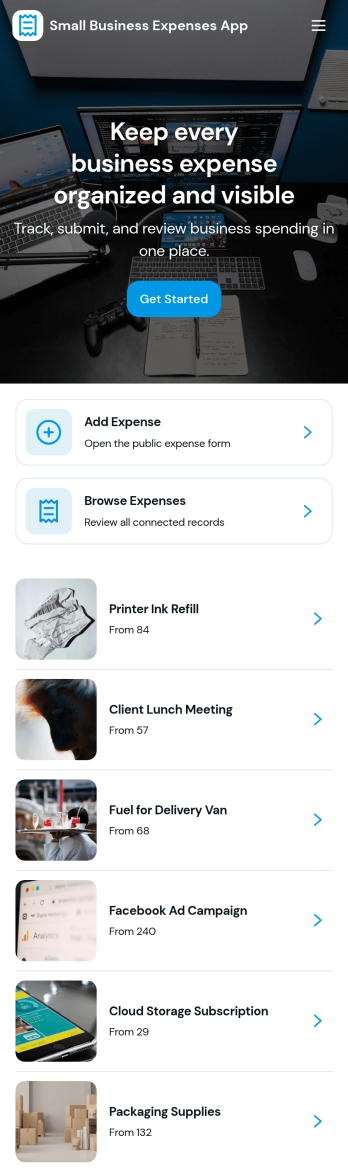
Small Business Expenses App
Small Business Expenses App helps teams capture, organize, and review day-to-day business spending in one place, so you can stay on top of receipts and keep expense records consistent. Use it to add a new expense as it happens, browse submitted expenses by merchant, and open a simple dashboard view to spot patterns in categories like office supplies and travel. It’s a practical fit for owners, office managers, and bookkeepers who need a clear trail of purchases without chasing paperwork across email threads, paper receipts, or scattered files.With Jotform, you can turn this expense tracking app template into a branded, self-service experience that works anywhere. Customize pages with a drag-and-drop interface, connect forms and tables for reliable data collection, and route the right actions to the right place such as adding receipts, viewing records, or exporting receipt information. Jotform’s no-code app builder makes it easy to publish and share an app your team will actually use, while keeping your workflow organized as spending volume grows.
Go to Category:Finance & Accounting Portal Apps