
The Recruitment Workflow Control App is an internal hiring workspace for recruiters, hiring managers, human resources teams, and growing organizations that need a clearer view of candidate progress. Teams can submit new candidates, browse centralized records, and review essential details such as the role applied for, review notes, and interview outcomes. This app template helps replace scattered hiring updates with an accessible process that supports consistent evaluations, smoother handoffs, and better visibility across each stage of recruitment. It is particularly useful for businesses managing multiple openings or involving several decision-makers in candidate reviews.
With Jotform Apps, teams can adapt the Recruitment Workflow Control App to match their hiring process without writing code. The no-code app builder and drag-and-drop interface make it easy to update pages, navigation, branding, and connected resources. Forms and tables support organized data collection, while approvals and notifications can extend the workflow as hiring needs evolve. Start with Jotform App Templates, publish the finished app through a direct link or QR code, and give authorized team members mobile-friendly access to recruitment information from one convenient location.
Related templates
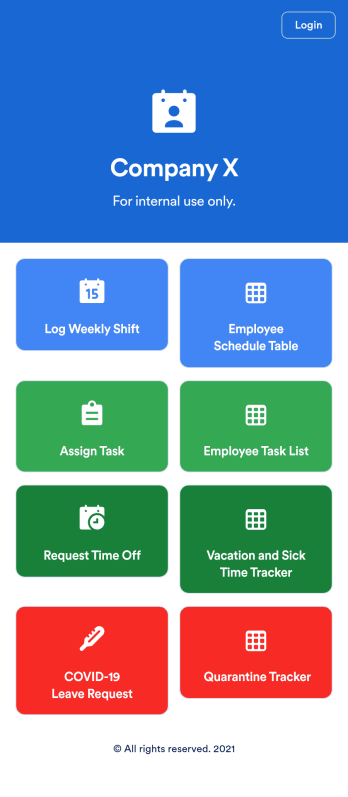
Employee Scheduling App
An employee scheduling app is used by company HR, department managers, and employees for keeping track of employee data. This Employee Scheduling App from Jotform comes bundled with four useful forms, allowing employees to log weekly shifts, view assigned tasks, manage leave requests easily with Leave Request Form, and take time off to quarantine from COVID-19 exposures. Each form includes a companion spreadsheet where employee data is stored — allowing managers to easily sort, filter, and search through entries from any smartphone, tablet, or desktop.Make this app template your own with Jotform’s intuitive app builder. Just drag and drop to add or change form elements, edit the content of individual forms, upload your company’s logo, and more — all without any coding. You can also use your app’s splash screen for things like company-wide announcements or listing HR contact information. Once you’re finished, share your app with employees by attaching a link to an onboarding email or embedding it in an employee portal. Streamline scheduling and time-off requests with this fully-customizable Employee Scheduling app that can be downloaded on any device.
Go to Category:Human Resources Apps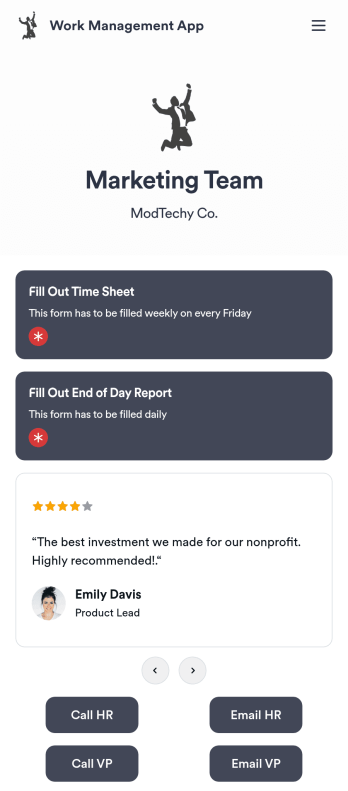
Work Management App
A work management app is used by team managers to assign tasks to others, track employee information, and fill out timesheets and end-of-day reports. Whether you work in marketing, sales, or another department, use this fully-customizable Work Management App to expertly track your team’s work from your computer, smartphone, or other mobile device. Tasks submitted through your Employee Task Assignment Form will be sent straight to your Employee Task List Table, and submissions through your Time Sheet Log Form and Employee Information Form will automatically populate your Employee Timesheet Table — no manual data entry required!Need to make changes like adding more forms, including your logo, or changing fonts and colors? Do it quickly with our drag-and-drop builder, with no coding knowledge needed. Once you’re done, share the app with a link to be saved onto any device, and start securely managing work information in your Jotform account. Get organized with a streamlined Work Management App for your team.
Go to Category:Human Resources Apps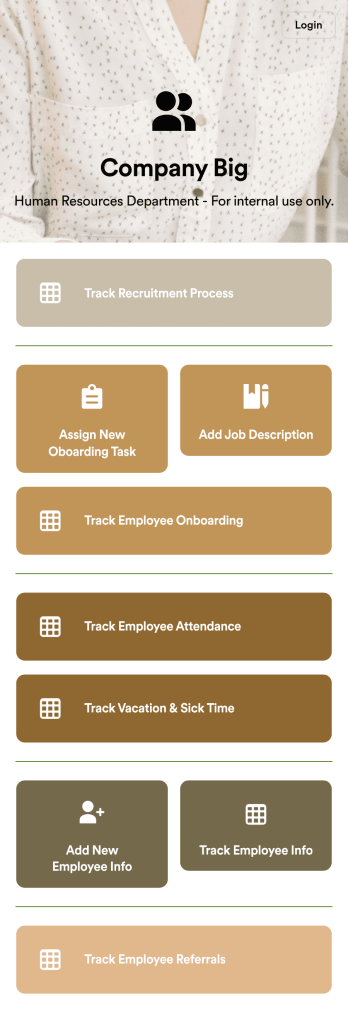
HR Management App
An HR management app keeps all your recruiting tools in one place that can be accessed from any device. Support your human resources team with a fully custom HR Management App powered by Jotform. This ready-to-use template includes multiple HR forms and tables to help you keep all of your data organized in one central location. You and your HR team can download the app onto any smartphone, tablet, or computer for easy access to your forms, tables, and other resources.Want to modify this app template for your company? You won’t need any coding knowledge – with our intuitive builder, all you need to do is drag and drop to add or update forms, tables, links, documents, pages, buttons, and other app elements. You can even change the app name, icon, fonts, colors, and splash screen to match your branding. When it’s ready to use, share it with your HR team by sending email invites or the app link. Manage new and existing employees effectively with a HR Management App built just for your HR team.
Go to Category:Company Portal Apps
Employee Training App
Monitor your employees’ training progress from a central location with Jotform’s free Employee Training App. Employees can download this app onto any device and document when they’ve completed individual training courses, as well as evaluate the effectiveness of their courses and instructors with a detailed checklist. HR can track employee training statuses and attendance using built-in Jotform Tables spreadsheets.Customize this ready-made app template to match your company’s branding without any coding knowledge. Simply drag and drop to add or change form fields and checklist items, create additional pages, choose fonts and colors, personalize the app icon and splash screen with your unique branding — and much more. After you’re finished, simply embed your app in an internal company website or send out email invites to new employees during the onboarding process. Make sure your employees are getting the training they need with this fully-customizable Employee Training App from Jotform.
Go to Category:Company Portal Apps
Employee Travel Management App
Employee Travel Management App is an app template designed to transform the way companies and their employees handle business travel. This innovative application provides an all-inclusive platform to streamline trip requests, approval workflows, itinerary management, and expense tracking. The app is ideal for companies of all sizes, enabling employees to submit travel plans and receive approval in a systematic, efficient manner. It offers a central location for tracking all travel-related activities, significantly reducing the time spent on coordinating and managing business trips. The Employee Travel Management App also promotes adherence to travel policies, maintaining compliance while saving time and money. It is best suited for travel coordinators, financial administrators, and operations teams who are tasked with managing and optimizing their company's business travel.With Jotform's no-code app builder, customizing the Employee Travel Management App to fit the specific needs of your organization is effortless. The drag-and-drop interface allows you to tailor the app's features, elements, and layouts to perfectly mirror your company's brand and workflow. Whether it's adding new forms or widgets or adjusting the colors and fonts, Jotform provides a seamless, code-free experience. Furthermore, the app's cross-platform compatibility means it can be accessed and utilized on any device, be it a smartphone, tablet, or desktop, offering convenience and accessibility. The Employee Travel Management App from Jotform delivers a streamlined, efficient solution for business travel management, simplifying processes and enhancing productivity.
Go to Category:Company Portal Apps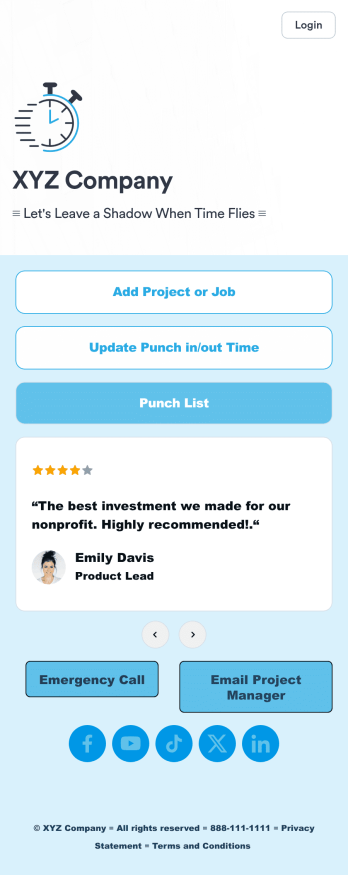
Customizable Punch In Out Timesheet App
Ditch paper timesheets with our free Punch In/Out Timesheet App! Employees can clock in or out for their shifts using the app on a company tablet or computer. As account owner, you’ll receive instant notifications for each new form submission, so you’ll know if any employee is late or leaving before their scheduled time. You can see all entries in spreadsheet, calendar, or card view using the attached Punch List Template for Jotform Tables.Customize your Punch In/Out Timesheet App in just a few minutes. Without any coding, you can use our drag-and-drop interface to add new forms, include a link to your timesheet, update the app text and design, embed links, and more. When your app is ready to use, keep it open on a company device for employees to use as they start their shift. Make employee management a breeze with a Punch In/Out Timesheet App for your company.
Go to Category:Company Portal Apps