Report App helps teams collect new reports and browse existing reports in one place, so issues and updates don’t get lost across messages and spreadsheets. Use it to capture incident notes, field observations, project status updates, QA findings, or daily logs from staff, contractors, or volunteers. With clear navigation for submitting a report and viewing report lists, it supports faster follow-up, more consistent reporting, and an easy way for people to check what they’ve already sent through the My Reports view.
Jotform makes it simple to publish this kind of self-service experience with App Templates built on a no-code app builder. Customize the pages with a drag-and-drop interface, connect your report form and data to the app, and share a single link for quick access on any device. As your workflow grows, you can update layouts, organize reporting activity, and keep everyone working from the same source of truth without writing code.
Related templates
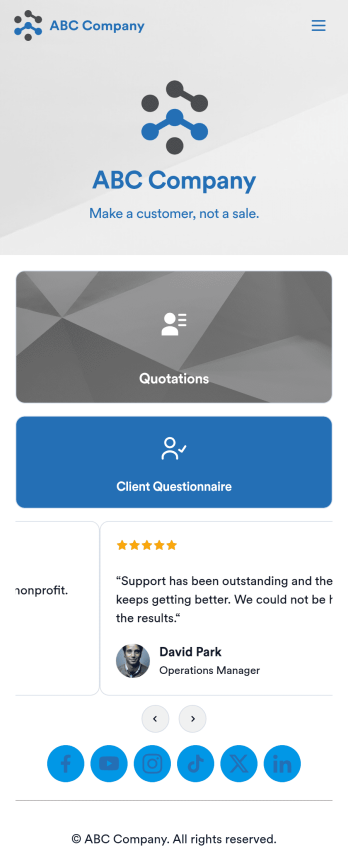
Customizable Quotation Management App
Create and manage quotes for your customers using Jotform’s free Quotation Management App for sales teams. This fully customizable mobile app includes a client questionnaire and a quotation log that syncs to our Simple CRM template. You and other members of your sales team can download and use the app on any computer, tablet, or smartphone to fill out the attached forms or view data in the tables.Customize this Quotation Management App for your business in just a couple of clicks. No coding is necessary — just drag and drop to customize the look and feel of your app. You can easily add forms, tables, links, documents, images, logos, and much more. Then share your mobile with others via the app link or by sending email invites. Make it easier to generate and track customer quotes with a custom Quotation Management App for your sales team.
Go to Category:Management Apps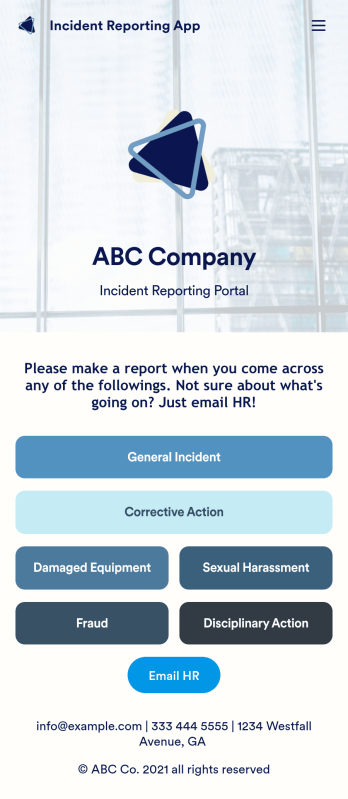
Incident Reporting App
Reporting workplace incidents helps address safety hazards and prevent future accidents. Create a custom Incident Reporting App for your company with our free readymade template. This app features report forms for general incidents, fraud, and corrective and disciplinary actions. You’ll be able to customize and share your form with other managers or supervisors, who can then access, download, and interact with your app from any device. This Incident Reporting App is ready to use as if — but feel free to make modifications using our drag-and-drop interface. Without coding, you can add new report forms, update text, upload images, and change the name, icon, and splash page of your app. When it’s ready, you can access your app from any smartphone, tablet, or computer and share it with others via link. Make it easier to record, report, and respond to incidents at your workplace with a custom Incident Reporting App!
Go to Category:Report Apps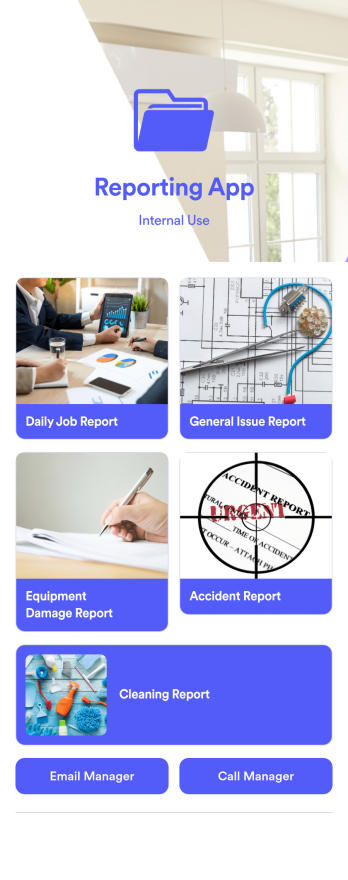
Reporting App
A reporting app is used to track and manage reports — including general daily reports, incident reports, equipment damage reports, employee write ups, and more. To create your own custom Reporting App, use this ready-made template from Jotform. Include your report forms, inquiry forms, contact forms, and more.Need to change the look and feel of this Reporting App Templates? No problem. Jotform Apps offers an intuitive drag-and-drop builder so you can make any design or content changes. Add or remove forms, select a unique app icon, integrate with widgets and platforms, choose a background image or color, and so much more. Streamline your reporting processes with Jotform Apps today.
Go to Category:Company Portal Apps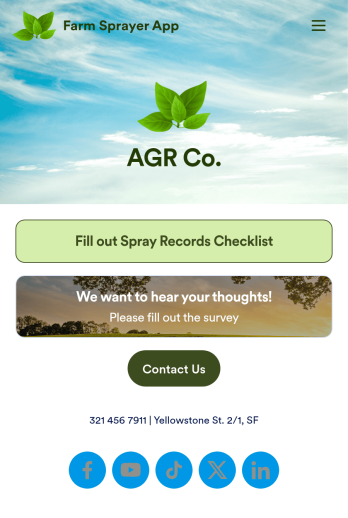
Farm Sprayer App
A farm sprayer app is used by farmers, agricultural applicators, orchard applicators, crop advisers and growers for keeping records of farm pesticide sprays. Our Farm Sprayer App comes with a Spray Records Checklist Form, which makes it easy for farm workers to keep detailed records of spray locations, pesticide amount, date, time of application, wind conditions, and more. Users can also calculate the cost per acre, sign off on farm spray reports using an e-signature form, and collect farm and land survey data with an included Agricultural Survey Form.This ready-made app template can be customized to your liking with Jotform’s no-code app builder. Simply drag and drop to add or change form elements, edit text fields and checklist items, create additional forms, update your app’s splash screen and icon, and more. You can even add your own branding with just a few clicks. When you’re finished making changes, share your app with other farm workers by sending email invites or the app link. Users can then download your app on any device and start filling out reports right away. Submissions are instantly synced and stored in your Jotform account for ease of access. Record and manage your farm’s pesticide spray data from a single convenient location with Jotform’s Farm Sprayer App.
Go to Category:Checklist Apps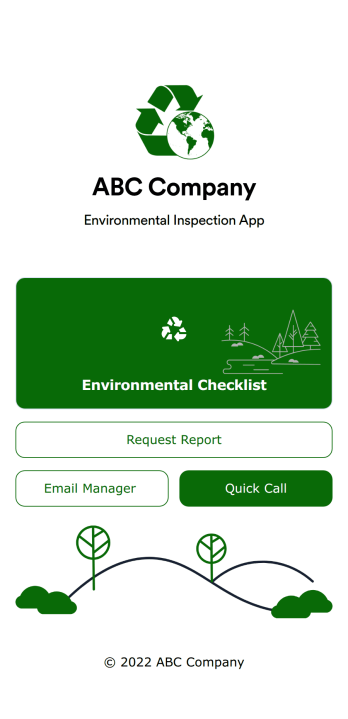
Environmental Inspection App
An environmental inspection app is used by government agencies and other environmental organizations to conduct inspections from their mobile devices. With Jotform’s free Environmental Inspection App, your agency can switch from paper forms to online forms to reduce messy paperwork and create a secure database of all your inspection information. Just customize and share the app to download it onto any device — no coding required!Customize the app design with our drag-and-drop no-code builder. Choose a new app icon and splash screen, add or remove forms, include your unique logo, and make other changes in seconds. You can then send your personalized Environmental Inspection App to your teammates with a copy-paste link that they can use to download the app onto their iOS or Android device.
Go to Category:Checklist Apps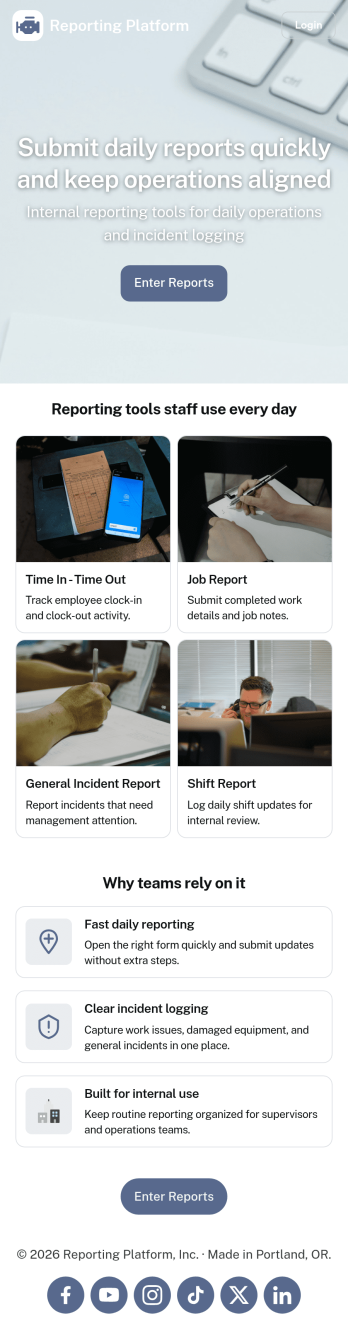
Daily Report App
A daily report app is used by employers to track shift reports, hours worked, and other types of job reports. If you need a more efficient way to collect and manage reports, do it with this ready-made Daily Report App. Simply customize the app if you need to and share it with your employees to download onto their smartphone, tablet, or computer.Customizing this Daily Report App is easy. Jotform’s drag-and-drop app builder lets you add your logo, update forms, change the app background and icon, and make other design changes with no coding required. And if you want to send reports to other platforms, you can do it automatically with 100+ form integrations.
Go to Category:Human Resources Apps