
Retail Merchandising Route App helps merchandising teams, field representatives, retail auditors, and regional managers coordinate store visits across assigned territories. Teams can create and review store records, organize merchandising routes, and submit visit reports from one central location. Store and route views provide useful context such as region, status, planned locations, shelf availability, display compliance, visit notes, and required follow-up. This app template is well suited to brands, distributors, retail agencies, and growing businesses that need clearer field activity records, more consistent reporting, and better visibility into merchandising execution.
Jotform Apps makes it easy to adapt this Retail Merchandising Route App without writing code. Use the drag-and-drop app builder to update pages, navigation, buttons, colors, fonts, and branded visual elements. Connected forms support data collection from the field, while Jotform Tables and related workflows can help teams organize records and respond to submitted information. Once the app is ready, share it through a direct link or QR code so representatives can access routes and record store activity from a mobile-friendly experience. Jotform App Templates give teams a practical starting point that can be customized as territories, reporting needs, and merchandising processes change.
Related templates
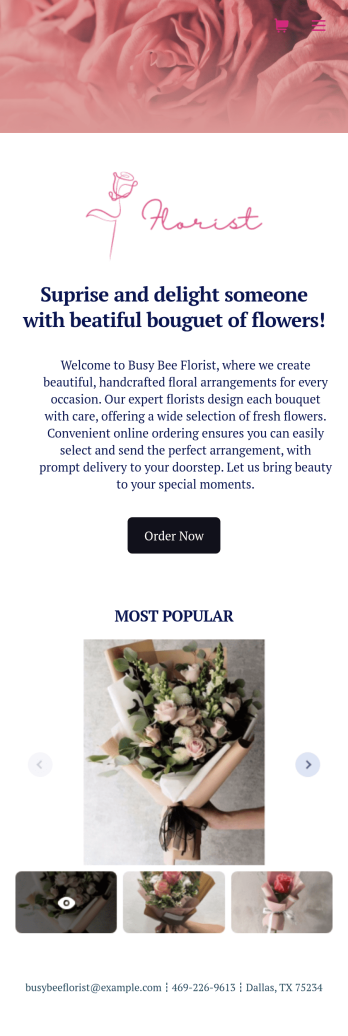
Flower Ordering App
As a florist, you’re a pro at making beautiful bouquets and flower arrangements — but are you wondering how to sell flowers online? With our free Flower Order App, you can easily make your flower shop’s very own app too! This ready-to-use app template includes an order form and feedback form, so you can easily store and share all your forms in one place. Customers can open your app from any device, place orders or leave reviews, and even download your app to their smartphone, tablet, or computer for future use.You’re already familiar with custom orders, so why not customize your Flower Ordering App too? No coding necessary — simply drag and drop to add more forms, change the background or splash screen, upload images or a new icon, update the app name or text, and more. When you’re satisfied with your app’s design, just share the link on your website or social media to start collecting orders from customers. Watch your business bloom with a custom Flower Ordering App that makes it easy to manage your forms, sell flowers online, track orders, and promote your shop all in one place.
Go to Category:E-commerce Apps
Grocery Delivery App
A grocery delivery app is used by grocery stores for online grocery orders. Need to find out how to sell groceries online? With this Grocery Delivery App, customers can browse your inventory, purchase items, and fill out a form with their general contact information and delivery address. From your splash screen, you can run promotional campaigns and showcase various items, as well as display pick-up and delivery hours. Grocery orders are instantly synced to your secure Jotform account, where you can browse, sort, filter, and search them from any device.Make this app template your own with no coding using our drag-and-drop form builder. You can add or change form elements, choose fonts and colors, upload your logo or thumbnail images of your products, connect an online payment form, and more. After you’re finished customizing your app, simply share it on your website or social media with a link, and customers can download it on any smartphone, tablet, or desktop. Sell grocery orders online for delivery with this Grocery Delivery App from Jotform.
Go to Category:Delivery Apps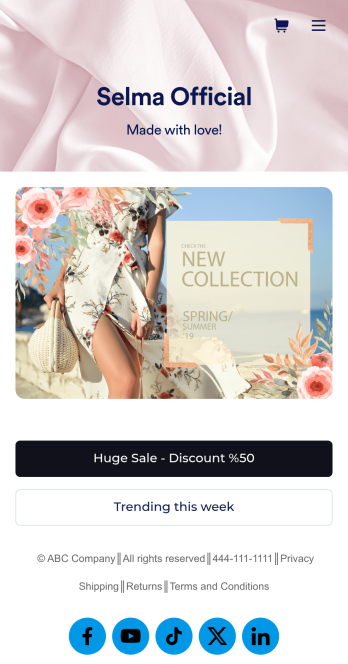
Ecommerce App Template
An e-commerce app is used by stores to sell e-commerce products online. This ready-made E-commerce App allows customers to purchase products from your catalog, input their shipping and billing information, and pay either by card or through PayPal. There is a separate form for showcasing weekly sales and marked-down goods. Orders and payments are instantly synced to your secure Jotform account, and can be accessed from any device.Want to personalize this app template to match your store’s branding? No coding necessary — just use our drag-and-drop form builder to add or swap out form elements, choose fonts and colors, upload thumbnail images of your products, set prices and discounts, and more. You can also customize your splash page with images of your newest products. After you’re done, you can share your app on your website or social media with a link, where it can be downloaded on any smartphone, tablet, or desktop. Stop wondering how to sell e-commerce products online and start doing it today with this E-commerce App from Jotform.
Go to Category:Apparel Selling Apps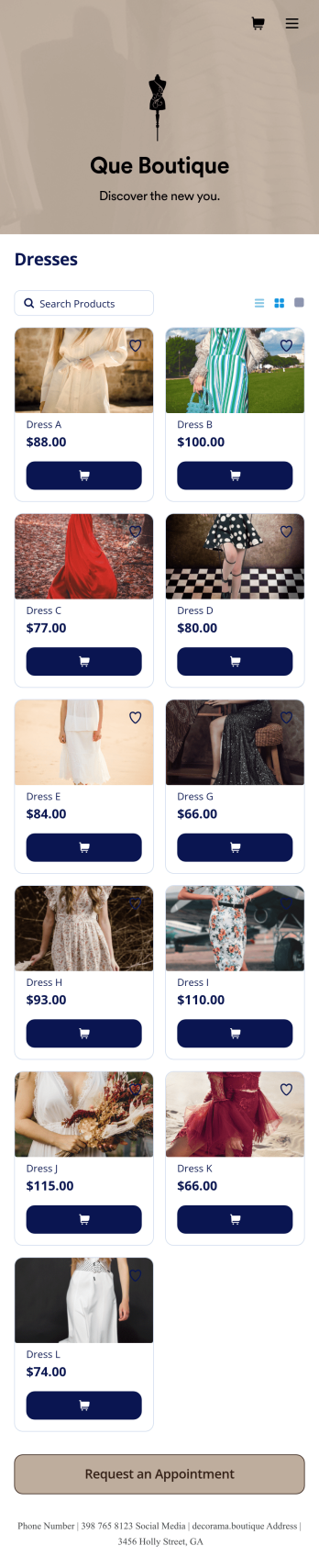
Boutique App
A boutique app is used by small specialty shops that sell limited types of fashionable clothing and accessories. Want to learn how to sell boutique products online? No matter what type of specialized products you sell, you can create a fully-custom app for your boutique with our free Boutique App Template. Using your app, customers can access and fill out your boutique’s appointment request form or product list from any device. You’ll instantly receive form submissions in your Jotform account, so you can respond to customers and fill orders without delay.Customize this Boutique App to match the look and feel of your boutique — no coding required. Simply drag and drop to create and add forms, update text and images, embed links, and change app settings such as name, icon, and splash screen. Once it’s ready to use, share the app link on your website or social media accounts. Customers will be able to download the app onto their smartphone, tablet, or computer. Sell boutique products online and keep your customers coming back for more with a professional Boutique App for your store.
Go to Category:Apparel Selling Apps
Beauty Salon Appointment App
A beauty salon appointment app helps clients book appointments, order beauty products, and find professionals who can help them look and feel their best. Create a mobile app for your beauty salon without any coding using our free Beauty Salon Appointment App Template. This ready-made template bundles multiple forms — including a client information form, COVID-19 consent form and an appointment form — all in one place. Clients will be able to fill out your forms from their smartphone, tablet, or computer with ease.Customizing your Beauty Salon Appointment App won’t take up any time with our drag-and-drop builder. You can easily add new forms to sell beauty supplies online, as well as add surveys, links, text, images, and even your branding for a more professional and personalized look. Once it’s ready to use, share your app by embedding the link in your website or posting it on social media. Stop wondering how to sell beauty supplies online and gather appointment bookings — create a contactless way for clients to book services and pay for products at your beauty salon with a fully-custom Beauty Salon Appointment App that works on any device.
Go to Category:Appointment & Booking Apps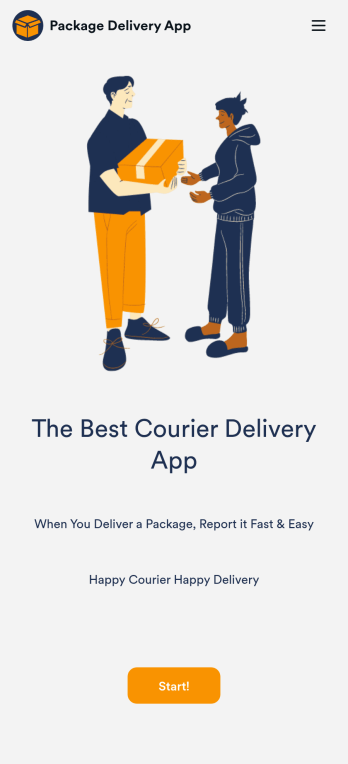
Courier Delivery App
A Courier Delivery App is used by delivery companies to record delivery statuses. With this Courier Delivery App, drivers can fill out the recipient name, reference number, delivery status, and item details, and include any additional notes. Drivers can sign off on deliveries at the bottom using a digital signature box. Delivery reports are stored securely in your account and can be accessed from any device. There is also a separate form for new driver applications, which you can view and manage through our Driver Application Tracking Sheet.It’s easy to customize this Courier Delivery App with our drag-and-drop interface. With just a couple of clicks, you can add or change forms, choose fonts and colors, upload your delivery company’s logo, update the app name, text, and splash page, and more — no coding required. Your app can be shared internally with a link and then downloaded by your drivers on any smartphone, tablet, or desktop. Never lose track of a package again with this Courier Delivery App!
Go to Category:Retail Apps