
The Ritual Ablution Learning App provides guided instruction for people learning or reviewing the purpose and practice sequence of ritual ablution. It presents lessons in a clear order, breaks the sequence into manageable steps, and includes a knowledge check for reinforcing understanding. Faith educators, community learning groups, families, tutors, and educational organizations can use this app template for independent study, classroom support, orientation sessions, or recurring practice. Keeping lesson content and review activities together gives learners a focused, accessible resource they can revisit whenever they need guidance.
Jotform makes it easy to adapt the Ritual Ablution Learning App with a no-code app builder and an intuitive drag-and-drop interface. Update lesson text, rearrange learning resources, add images or videos, and connect forms for knowledge checks or data collection without writing code. Jotform App Templates can also support automated workflows, notifications, and organized responses through connected tools. Once customized, the app can be shared by direct link, QR code, or embedded experience, giving learners convenient mobile access and a consistent self-service learning journey.
Related templates
Lesson Planner App
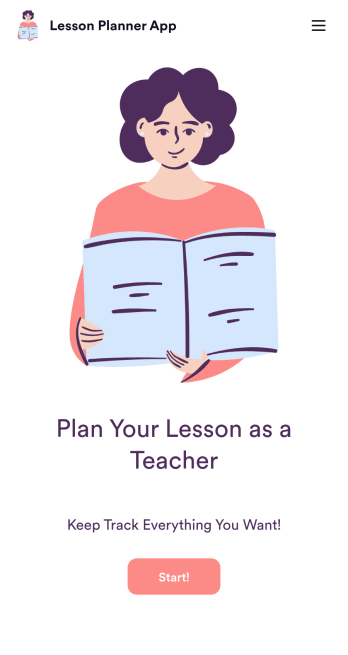
Create and manage your classroom lesson plan with this free Lesson Planner app from Jotform. Download this app onto any device and start adding courses, start and end dates, lesson titles and objectives, tasks, resources, and more. There are also separate forms for entering student information and creating daily assignment checklists. Submissions are aggregated and stored in a color-coded and easy-to-understand spreadsheet using Jotform Tables.Want to make changes to this Lesson Planner App? No problem! With Jotform’s no-code app builder, you can build a custom app that meets your classroom’s needs in seconds. Simply drag and drop to add or change form elements, edit text fields and checklist items, install integrations and widgets, change fonts and colors, and more. When you’re done, you can access and download your app onto any smartphone, tablet, or desktop and start using it right away. Manage all your lesson plans and assignments from a single location with this mobile-friendly Lesson Planner App.
Go to Category:Daily Planner Apps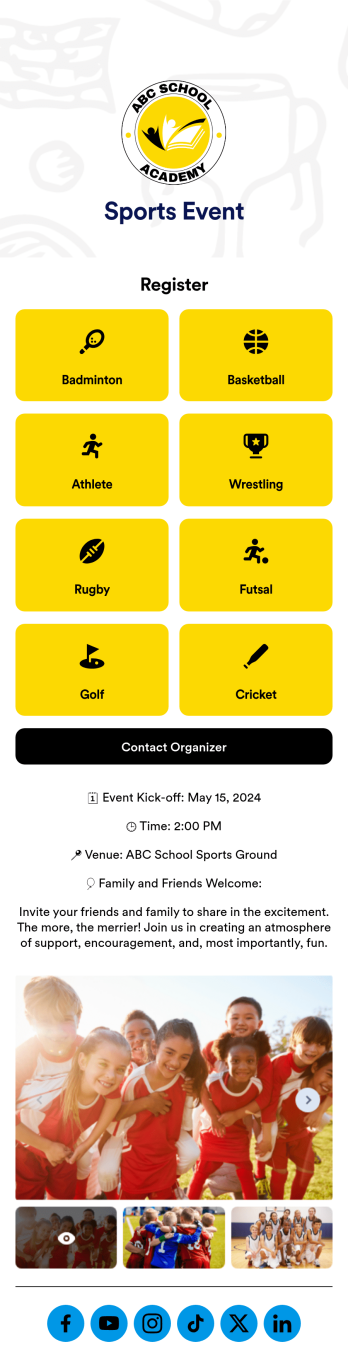
Sports Event App
A sports event app template is a tool for athletic organizations to support their teams, register new players, and promote upcoming games. Whether it’s for school sports, a recreational league, or a sports club, this free Sports Events App template makes it easy to organize everything you need in one place. This template features links to player registration forms, plus space to provide details about the season, special events, organizer contact information, and links to your social media pages. Update the app to include information about your teams for anyone who may want to join, gather signatures on waivers, collect email addresses for your mailing lists, and more.Jotform’s drag-and-drop builder makes it easy to customize this Sports Events App template to fit your team colors and branding without any coding. Change the background image, create new pages, upload photos and videos of games, and add your team logo to the splash page for a professional look other teams will envy. You can even connect to Jotform’s 30+ payment gateway integrations to collect registration payments and sell tickets to games without any additional fees. When you’re done, share your app with players, coaches, parents, and fans to give them quick access to everything they may need right from their mobile device.
Go to Category:Education Apps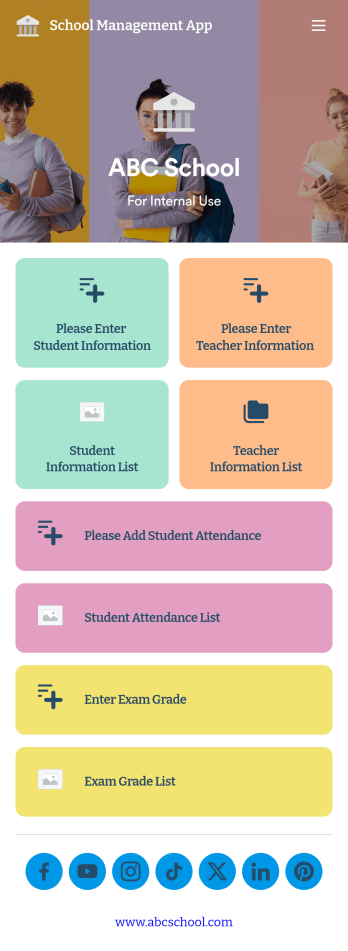
School Management App
A school management app is used by schools and educational institutions to record and compile student information. Our School Management App bundles together four useful forms, allowing school administrators and teachers to easily add school and teacher contact information, log attendance, and record exam scores from any device. Each form automatically feeds data into an easy-to-understand companion spreadsheet, which you can sort, filter, and search from your secure Jotform account.Make this School Management App template your own in seconds with Jotform’s no-code app builder. Just drag and drop to add or change form elements, edit form text and fields, change the color scheme to match your school’s colors, upload your ensignia, attach documents and external links, and more. When you’re finished customizing, you can share your app by sending the app link, attaching it to an email invitation, or embedding it in an internal-use school website. Teachers and staff can then download it onto any smartphone, tablet, or desktop and begin using it right away. Create an all-in-one app for managing student data with just a few clicks with this free School Management App from Jotform.
Go to Category:Education Apps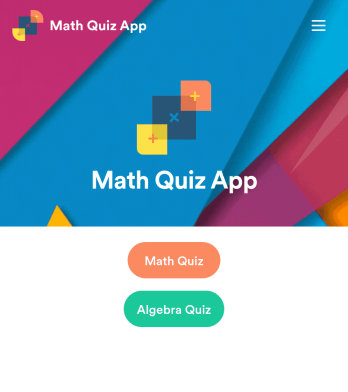
Math Quiz App
Create math quizzes for your students and share them in a free, downloadable app with Jotform. Whether you’re a math teacher or tutor, make quizzes that can be filled out seamlessly on any device — including computers, tablets, or smartphones — to gather responses instantly online. This ready-to-use app provides you with premade quizzes that calculate the submitter's results automatically. You can add your own quizzes or change the existing ones to get started. Once you are done, share the app with your quizzers. Submissions are stored in your secure account and ready to view in Jotform Tables or turn into reports using Jotform Report Builder.Customize this Math Quiz App template with our drag-and-drop builder. Change the app icon or splash screen, add new quizzes or update existing ones, and include as many links, documents, and images as you like. You can even set up calculations to calculate each student’s grade automatically! Save time and paper with a free Math Quiz App from Jotform.
Go to Category:Education Apps
Football News App
A football news app is used to display football-related news, scores, and collect subscriptions from fans. As the app owner, you can aggregate news articles from other websites, or upload your own original work. Football fans can download your app onto their favorite device and sign up to receive email updates whenever your app is updated with football news or scores. Subscriber information is stored securely in your Jotform account.This Football News App can be fully customized to your liking with Jotform’s intuitive app builder. No coding knowledge required — simply drag and drop to add form elements, create new pages and forms, customize your app’s main screen, upload your own images and branding, and much more. You can even install one of our 30+ payment gateway integrations to charge for premium subscriptions fees. Create an all-in-one Football News App to keep sports fans in the know with this free app template from Jotform.
Go to Category:Education Apps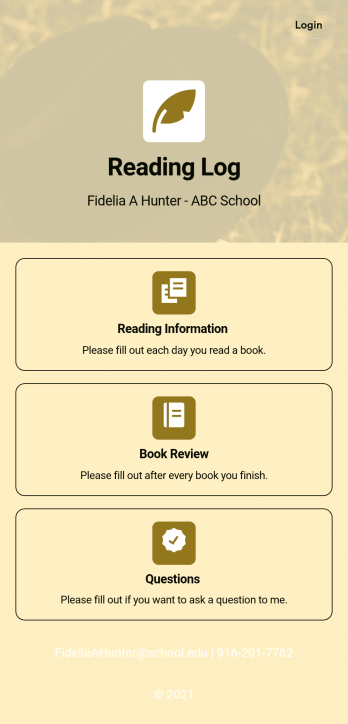
Reading Log App
As a teacher, staying on top of your students’ reading habits can be a headache. So why not create one central place to keep track of it all? With this Reading Log App, teachers can easily track, monitor, and review students’ assigned reading progress. This ready-to-use template also comes with a place for your students to send questions, and a digital signature form for parents to sign off on readings. This app works in tandem with our Reading Log Template, which allows you to easily sort through entries in a searchable spreadsheet.Want to customize this Reading Log App and make it your own? With our simple drag-and-drop interface, you can add or change forms, choose fonts and colors, update the app name or text, and more — all with zero coding. Once you’re satisfied with the look and feel of your app, simply share the link through email and have your students start filling out their assigned readings from any smartphone, tablet, or desktop. Make your job outside of the classroom easier with this customizable Reading Log App!
Go to Category:Classroom Management Apps