Safety Check In App helps teams run quick, consistent safety check-ins and capture hazards in one place. Frontline staff can start a safety check from a simple card, submit their check when finished, and report hazards as they’re spotted. The app also supports browsing past checks and hazard reports, which is useful for supervisors who need visibility into what was completed, what issues were raised, and where follow-up may be needed across sites, shifts, or crews.
Jotform makes it easy to build and publish app templates like this with a no-code app builder and a drag-and-drop interface. Connect your check-in and hazard reporting forms, organize records for fast self-service browsing, and keep everyone aligned with a single mobile-friendly destination. You can customize pages, buttons, and navigation to match your internal workflow, then share the app through a link or QR code so people can take action immediately.
Related templates
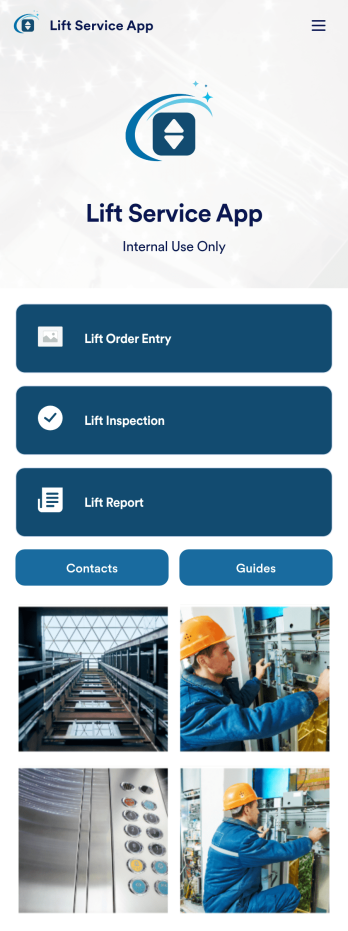
Lift Service App
A lift service app is used by lift operators to keep track of inspections, orders, reports, and more. With this ready-made Lift Service App by Jotform, your company can switch from paper forms to efficient online forms that can be filled out seamlessly on any device. Once you customize this app template to your liking with our drag-and-drop builder, you can share it to start collecting form submissions instantly.Need to update the design of this Lift Service App? Add your company logo, add or remove forms, split your app into separate pages, and make other changes with no coding required. You can even integrate with 200+ other platforms to sync submissions to your other accounts automatically — no manual data entry required.
Go to Category:Company Portal Apps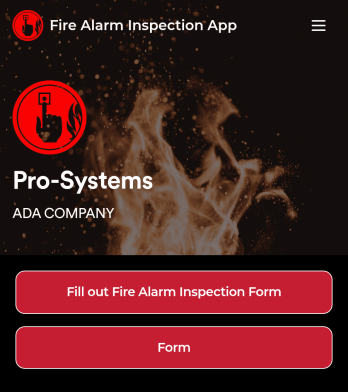
Fire Alarm Report App
A fire alarm report app allows fire inspectors to conduct inspections and submit reports from any device. Get a head start creating your own mobile app with our free Fire Alarm Report App for fire inspectors. This fully customizable app template includes a fire alarm inspection form and risk assessment form that can easily be filled out from any smartphone or tablet. Submitted reports will be safe and sound in your Jotform account and can even be turned into secure PDFs automatically.Without any coding, you can update this Fire Alarm Report App to meet your fire department’s needs. To customize the template, simply drag and drop to add or remove forms, include links to tables or external websites, change text and images, and modify app settings. When your app is ready to be used, download it onto your preferred device or share it with other fire inspectors via the app link.
Go to Category:Inspection Apps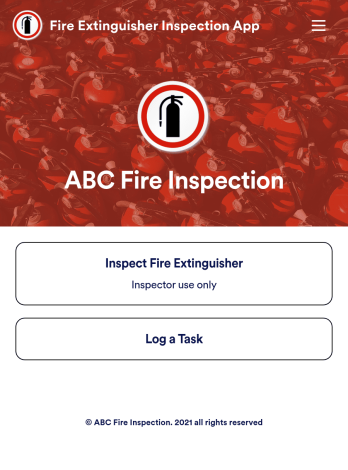
Fire Extinguisher Inspection App
A fire extinguisher inspection app is used by safety inspectors to record the working condition of fire extinguishers within a building. Jotform’s free Fire Extinguisher Inspection App allows inspectors to fill out a form with their name and company, inspection date, and report number. Inspectors can then provide a detailed assessment of a fire extinguisher’s condition by noting the general quality of the tubes, hoses, brackets, and seals — as well as provide any additional comments. There is a digital signature form at the bottom where inspectors can sign off on individual reports.This app template is ready-made and requires no coding, but you can fully customize it with just a few clicks. Our drag-and-drop interface allows you to add or change forms and text, choose fonts and colors, upload your logo, and more. After you’re done customizing, your app can be embedded on your website or shared with a link and then opened on any device. Make sure your fire extinguishers are in good working order with this customizable Fire Extinguisher Inspection App.
Go to Category:Inspection Apps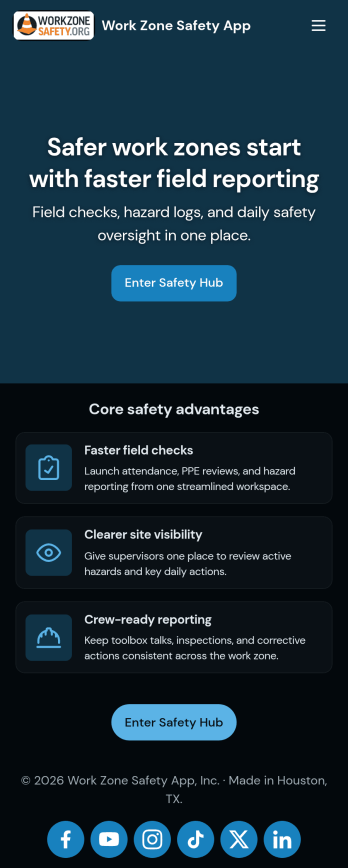
Work Zone Safety App
A work zone safety app is used by occupational health and safety (OHS) inspectors to keep track of work zone safety inspections. With Jotform’s free Work Zone Safety App, you can track attendance, analyze job hazards, assess PPE, and perform other important tasks straight from your mobile device — no messy paperwork required. Submissions are securely stored in your Safety Meeting Sign In Sheet and easy to access on any computer, tablet, or smartphone.If you’d like to customize this app template by adding new forms, uploading your logo, choosing new fonts and colors, or changing the splash screen, do it fast with our drag-and-drop builder. Your custom app can then be shared with employees and downloaded directly onto their devices for easy access whenever they need it. Speed up the way your company conducts safety checks with a free Work Zone Safety App.
Go to Category:Inspection Apps
Custom Fire Department App
A fire department app is used by fire departments to track and manage important tasks and activities. This type of app can be used for fire truck inspections, new firefighter applications, shift tracking, equipment logging, performance reviews, and more. To create a custom Fire Department App for your station, use this ready-made template.Personalizing the design of this Fire Department App Template is easy and quick with Jotform’s no-code app builder. Simply drag and drop to make any design or content changes you need. Pick a unique icon for your app, add or remove forms, change colors and fonts, integrate with useful platforms and widgets, and more. Keep your fire department running smoothly with Jotform Apps.
Go to Category:Company Portal Apps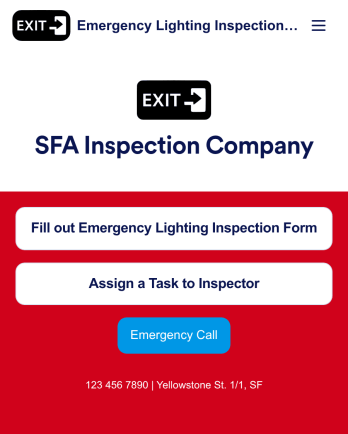
Emergency Lighting Inspection
An emergency lighting inspection app is used by safety inspectors to log reports ensuring that the proper emergency lighting is installed in a property or building. Inspectors can fill out an Emergency Lighting Inspection Form with details such as business name and address, inspection date, start and end times, and include general comments. There is also a safety checklist and an e-signature form to be signed by the inspector upon completion of a report. Managers can assign specific tasks and projects with an included Task Log Form.Want to customize this app template? No problem — Jotform’s intuitive app builder makes it easy to make changes without any coding knowledge. Just drag and drop to add form elements, edit text fields and checklist items, create additional forms and pages, choose fonts and colors, and more. Once you’re finished making changes, you can share your mobile-ready app with inspectors by sending email invites or the app link, where they can then download it on any device. Record and store emergency lighting inspection reports with this readymade app from Jotform.
Go to Category:Inspection Apps