Safety Reporting App helps teams capture incident details and keep safety communication organized in one place. Staff can quickly send an incident report from a clear "Report an Incident" entry point, then review Recent Reports in a running list to understand what has been logged and what needs attention. It works well for workplaces, construction sites, facilities teams, schools, and nonprofits that want a consistent way to document hazards, near misses, and on-the-job incidents while keeping reporting simple for the people closest to the issue.
With Jotform, you can publish this app template fast and tailor it to how your organization handles safety reporting. Use the no-code app builder and drag-and-drop interface to adjust the pages, add guidance text, and connect the reporting form to your workflow for follow-up and internal review. Once shared by link or QR code, the app supports self-service data collection from the field while keeping reports easy to find and revisit.
Related templates
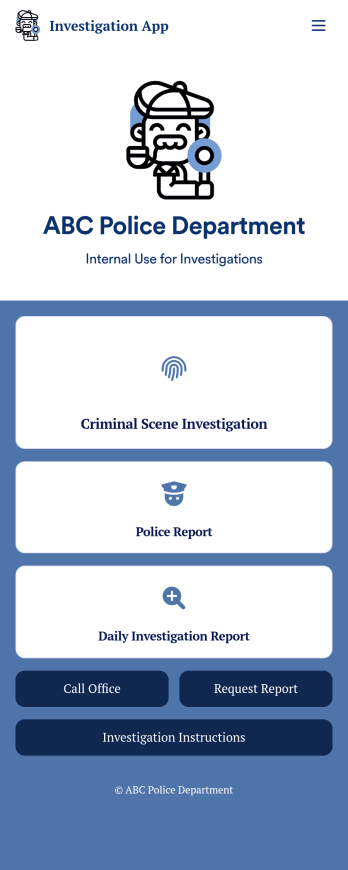
Investigation App
An investigation app is used by police officers and crime scene investigators to log important crime scene details. Investigators can create CSI reports documenting important case details such as dates, witnesses, addresses, and items found. A separate police report form allows officers to log their name and ID, incident dates and times, location, people involved, and any additional relevant information. Officers can also upload images and documents and sign off on reports using an e-signature form. All submissions are stored in your secure Jotform account.Customize this app template to meet your department’s individual needs with Jotform’s no-code app builder. Simply drag and drop to create additional forms, edit text fields and checklist items, install widgets and integrations, and much more without any coding knowledge. Share your custom Investigation App with CSI investigators and police officers by sending email invites or embedding it in an internal website, where it can be accessed and downloaded on any device. Create secure online crime scene reports with a free Investigation App from Jotform.
Go to Category:Inspection Apps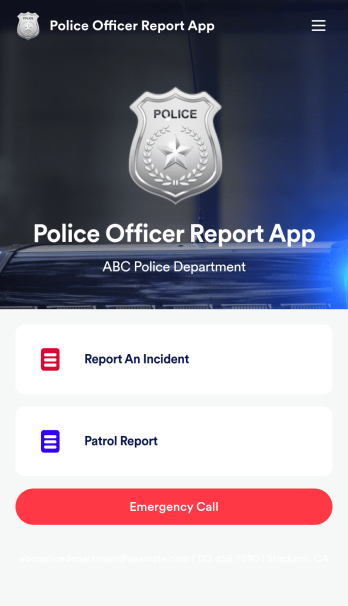
Police Officer Report App
A police officer report app is used by members of law enforcement to report an incident or submit patrol reports. By entering important information like date, time, officer ID, and the people involved in the incident, your department can keep a thorough record of incidents with this free Police Officer Report App from Jotform! All reports are stored securely in your Jotform account and easy to view on any device.Make changes to this app fast with our drag-and-drop builder. Personalize the design by adding a new logo, including extra forms to gather additional details, and customizing other elements to meet your specific needs — then share the app with a link so it can be downloaded to each officer’s computer, tablet, or smartphone. Ditch paper forms and enjoy a faster, more secure way to file incident reports with this free Police Officer Report App.
Go to Category:Report Apps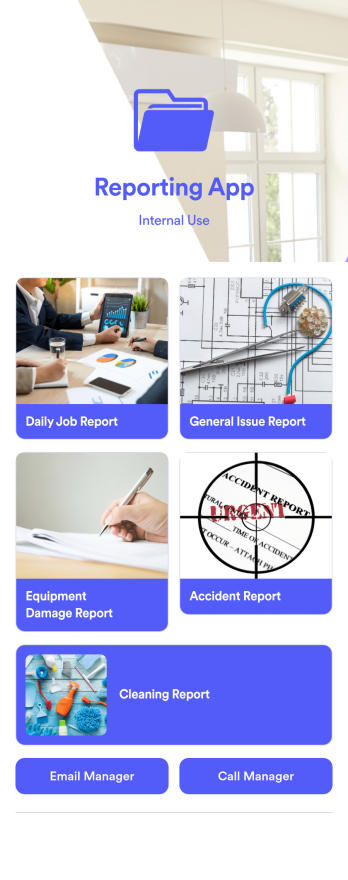
Reporting App
A reporting app is used to track and manage reports — including general daily reports, incident reports, equipment damage reports, employee write ups, and more. To create your own custom Reporting App, use this ready-made template from Jotform. Include your report forms, inquiry forms, contact forms, and more.Need to change the look and feel of this Reporting App Templates? No problem. Jotform Apps offers an intuitive drag-and-drop builder so you can make any design or content changes. Add or remove forms, select a unique app icon, integrate with widgets and platforms, choose a background image or color, and so much more. Streamline your reporting processes with Jotform Apps today.
Go to Category:Company Portal Apps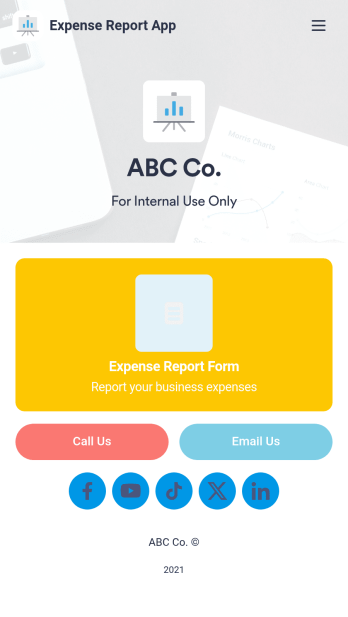
Expense Report App
An expense report app is used by companies for keeping track of employee expenses. This free Expense Report App allows employees to log business expenses by filling out a form with general contact information, cost, description, date and time, and payment and expense type. There is also an upload form for employees to attach any relevant documents and receipts. Expense reports are immediately synced and stored securely in your account, and can be sorted, filtered, and exported from any device.Customize this app template in no time using Jotform’s drag-and-drop form builder. You can easily add or swap out form elements, change text, customize your app icon and splash page, and more — no coding necessary. Share a link to your app in an email or embed it in your website, and employees can access and download it on any smartphone, tablet, or computer for future use. Keep track of all your employees’ business expenses with this Expense Report App.
Go to Category:Company Portal Apps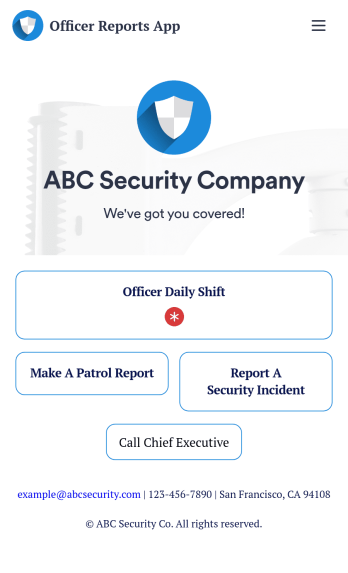
Officer Reports App
An officer reports app is used by security companies to track and manage reports from their security officers. Downloadable on any device, this free Officer Reports App from Jotform makes it easy for officers to report security incidents, submit a patrol report, or complete a daily shift form. As the company manager or owner, you can then view their submission securely from your online Jotform account.Need to customize this app’s template? Drag and drop to include more forms or spreadsheets, personalize visual elements like the icon or splash screen, and make other changes with no coding. Submissions are protected with Jotform’s advanced security features, so you can rest easy knowing your data is kept safe. Save time by switching from paper forms to online forms with this free Officer Reports App.
Go to Category:Report Apps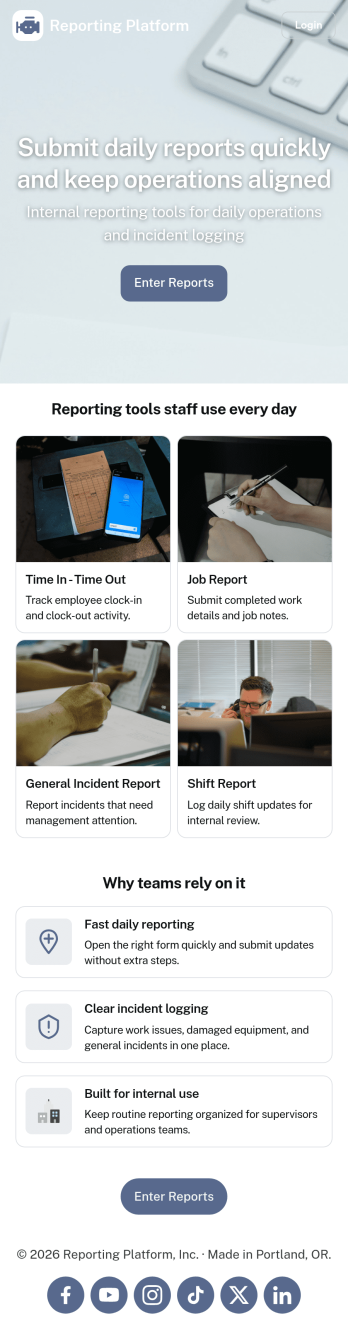
Daily Report App
A daily report app is used by employers to track shift reports, hours worked, and other types of job reports. If you need a more efficient way to collect and manage reports, do it with this ready-made Daily Report App. Simply customize the app if you need to and share it with your employees to download onto their smartphone, tablet, or computer.Customizing this Daily Report App is easy. Jotform’s drag-and-drop app builder lets you add your logo, update forms, change the app background and icon, and make other design changes with no coding required. And if you want to send reports to other platforms, you can do it automatically with 100+ form integrations.
Go to Category:Human Resources Apps