
School Council Coordination App is an app template for organizing council meetings, agenda proposals, decisions, and follow-up actions in one accessible place. School administrators, council officers, teachers, student representatives, and parent representatives can use it to prepare for discussions and keep responsibilities visible after each meeting. Members can browse meeting records, submit proposed agenda items, review decisions, and provide updates on assigned actions. This shared process reduces scattered messages, helps participants arrive informed, and gives council leaders a clearer view of pending work. It is useful for recurring council sessions, committee reviews, policy discussions, school improvement planning, and community initiatives.
Jotform makes this School Council Coordination App easy to adapt with a no-code app builder and drag-and-drop interface. Schools can update pages, navigation, colors, fonts, and branding while connecting forms and tables to support data collection and council workflows. The app can be shared through a direct link or QR code for convenient mobile access, giving members a practical self-service resource wherever they work. Start with one of Jotform’s App Templates, tailor the content to council procedures, and publish without writing code.
Related templates

Football News App
A football news app is used to display football-related news, scores, and collect subscriptions from fans. As the app owner, you can aggregate news articles from other websites, or upload your own original work. Football fans can download your app onto their favorite device and sign up to receive email updates whenever your app is updated with football news or scores. Subscriber information is stored securely in your Jotform account.This Football News App can be fully customized to your liking with Jotform’s intuitive app builder. No coding knowledge required — simply drag and drop to add form elements, create new pages and forms, customize your app’s main screen, upload your own images and branding, and much more. You can even install one of our 30+ payment gateway integrations to charge for premium subscriptions fees. Create an all-in-one Football News App to keep sports fans in the know with this free app template from Jotform.
Go to Category:Education Apps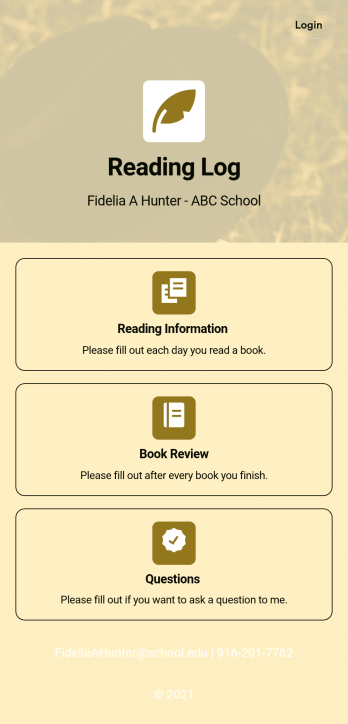
Reading Log App
As a teacher, staying on top of your students’ reading habits can be a headache. So why not create one central place to keep track of it all? With this Reading Log App, teachers can easily track, monitor, and review students’ assigned reading progress. This ready-to-use template also comes with a place for your students to send questions, and a digital signature form for parents to sign off on readings. This app works in tandem with our Reading Log Template, which allows you to easily sort through entries in a searchable spreadsheet.Want to customize this Reading Log App and make it your own? With our simple drag-and-drop interface, you can add or change forms, choose fonts and colors, update the app name or text, and more — all with zero coding. Once you’re satisfied with the look and feel of your app, simply share the link through email and have your students start filling out their assigned readings from any smartphone, tablet, or desktop. Make your job outside of the classroom easier with this customizable Reading Log App!
Go to Category:Classroom Management Apps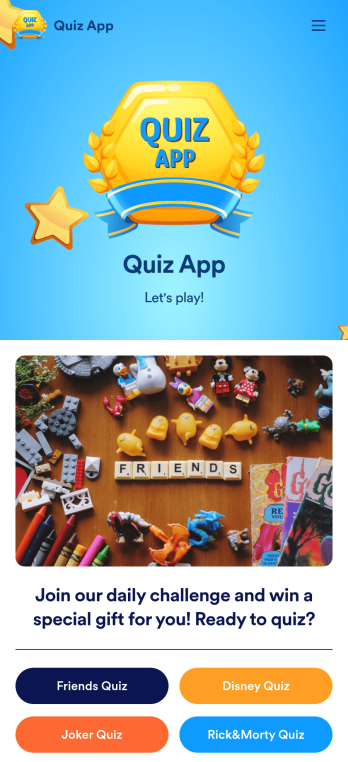
Quiz App
A quiz app lets you take quizzes and submit answers from any device. Whether you need a place to share quizzes for your classroom, office party, or friend group, get started with Jotform’s free Quiz App! This ready-to-use template includes four premade quizzes that you can fill out using any device and share with others. Using our drag-and-drop builder, you can create and add your own quizzes. All responses will be instantly synced to your secure and easily-accessible Jotform account for quick and easy scoring.Make this Quiz App your own in just a few clicks. All you need to do is drag and drop to build and add quizzes, upload tables to see results, embed links and documents, create new pages and buttons, upload photos and videos, and much more. When your app is ready to use, download it onto your favorite device and share it with others via the app link or by sending email invites. Take your online quizzes to the next level with a fully custom and engaging Quiz App that works anywhere.
Go to Category:Education Apps
Career Coaching App
Need an easy way to schedule your career coaching sessions? Jotform has you covered with our Career Coaching App. It doesn’t matter if you already have a successful online career coaching business or if you’re just starting out — Jotform offers flexible app customization and templates to get you started. List your schedule for coaching appointments, add session descriptions, and integrate with 25+ easy-to-manage payment gateways to collect and manage appointment bookings.Use our drag-and-drop builder to customize your Career Coaching App! Add or swap out scheduling and payment forms, upload your coaching business logo, change colors and fonts, and integrate with hundreds of useful widgets to make your job easier. After you’re done designing your app to match your branding, share your app’s link via direct message, scannable QR code, or by embedding it directly into your website. You can also link your app on your social media pages to increase engagement and orders. Create your own Career Coaching App today with Jotform.
Go to Category:Consulting Apps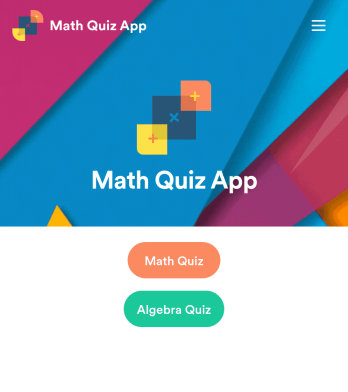
Math Quiz App
Create math quizzes for your students and share them in a free, downloadable app with Jotform. Whether you’re a math teacher or tutor, make quizzes that can be filled out seamlessly on any device — including computers, tablets, or smartphones — to gather responses instantly online. This ready-to-use app provides you with premade quizzes that calculate the submitter's results automatically. You can add your own quizzes or change the existing ones to get started. Once you are done, share the app with your quizzers. Submissions are stored in your secure account and ready to view in Jotform Tables or turn into reports using Jotform Report Builder.Customize this Math Quiz App template with our drag-and-drop builder. Change the app icon or splash screen, add new quizzes or update existing ones, and include as many links, documents, and images as you like. You can even set up calculations to calculate each student’s grade automatically! Save time and paper with a free Math Quiz App from Jotform.
Go to Category:Education Apps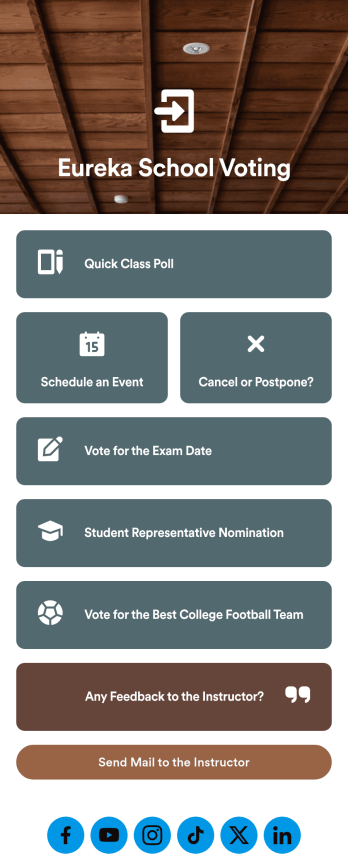
Customizable Voting App
Looking for an easier way to manage your classroom? Try organizing your students by using our intuitive, easy to set up Voting App. With this app you’ll be able to assign daily tasks, keep track of events and exams, and conduct quick polls with your students. This app can be downloaded on any Android or iOS smartphone or tablet — accessible anywhere, anytime. Every form submission from your students will be stored in your Jotform account for on-the-go access — great for at school and on fieldtrips.Let your creative side shine and customize your app the way you want it. Try using our drag-and-drop customizing tools to change your app’s design — no coding required. Upload your classroom’s school year, update student forms, pick a fresh app icon and background image, and make other changes you need. After you’re finished, you can instantly share your app with your students by sending a direct link, emailing them, or setting up scannable QR codes in your classroom. Go paperless and try out Jotform’s free Voting App.
Go to Category:Education Apps