
The School Delivery Tracking App is an app template for schools that need one accessible place to review incoming or completed deliveries and record delivery-related information. School administrators, office staff, receiving teams, and transportation coordinators can use its delivery reference list and connected form to locate records, submit updates, and document issues without relying on scattered messages or paper logs. It is useful for tracking supplies, classroom materials, meal orders, equipment, and other items moving to or within a campus. Clear references support faster follow-up, improve visibility across handoffs, and give authorized users a practical self-service destination for routine delivery checks.
Jotform Apps helps organizations turn everyday processes into interactive, mobile-friendly experiences. Using Jotform’s no-code app builder and drag-and-drop interface, teams can adapt this School Delivery Tracking App to their workflow, branding, and data collection needs without writing code. Forms and other connected resources can be organized in one app, making information easier to access and maintain. Like other Jotform app templates, it can be updated as school operations change and shared through a direct link or QR code so staff can open it on phones, tablets, or computers.
Related templates
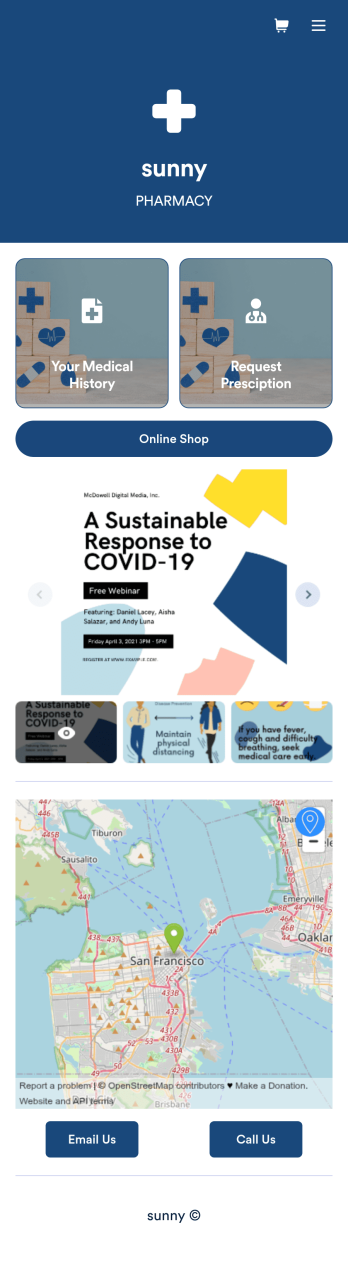
Pharmacy App
A pharmacy app is used by pharmacies for logging patient data and filling prescriptions. Need to know how to sell prescriptions online? Patients can download this Pharmacy App on any device and fill out a form with their personal and medical information, make prescription requests, and schedule COVID-19 vaccination appointments. This app also includes a COVID-19 consent form that patients can digitally sign prior to their appointment. Patient data and prescription refill requests are stored in your secure Jotform account for ease of access.Want to make this app template your own? No problem — just use Jotform’s no-code app builder to drag and drop form elements, choose fonts and colors, upload images, customize your app icon, and more. You can also use your splash screen to add informative content and make announcements. When you're finished customizing, share your app by embedding a link in your website or email newsletter. Manage your pharmacy from one convenient location with this free Pharmacy App from Jotform.
Go to Category:Delivery Apps
Local Food App
Whether you’re in charge of the local farmer’s market or run a local food business, you may be wondering how to sell local food online. Use this free Local Foods App to sell local food online with ease! The app includes a product list for ordering local foods, Farm Business Registration Form, Product Feedback Survey, and Contact Form so you can collect all the information you need. Once you receive responses, you’ll be able to view them in your secure Jotform account instantly.Need to make changes to this Local Foods App template? Change the background image or app icon, integrate your form with your preferred payment processor, and make other changes with no coding. Your app can then be shared with a link or via email to be downloaded onto any computer, tablet, or smartphone. Sell local food products online with a free Local Foods App from Jotform.
Go to Category:Delivery Apps
Restaurant Mobile App
You’ve got your hands full trying to run a busy restaurant — so the last thing you want to learn is how to sell food online. Make it easier on yourself with Jotform's free Restaurant Mobile App. With this ready-to-use template, customers can reserve a table, place orders for pick-up or delivery, pay ahead with credit card or through PayPal, and leave reviews for your restaurant. You can upload images to use for the online menu, and even showcase signature dishes on your splash page! Just share a link to your app on your website or social media, and customers can access and download it on any smartphone, tablet, or computer.Want to customize your Restaurant Mobile App to match your restaurant’s branding? Our drag-and-drop interface makes it easy to add or change forms, choose fonts and colors, upload your logo, update the app name or text, and more — all with zero coding. Take your restaurant digital to sell food online and make reservations and orders a breeze with this Restaurant Mobile App.
Go to Category:Booking Apps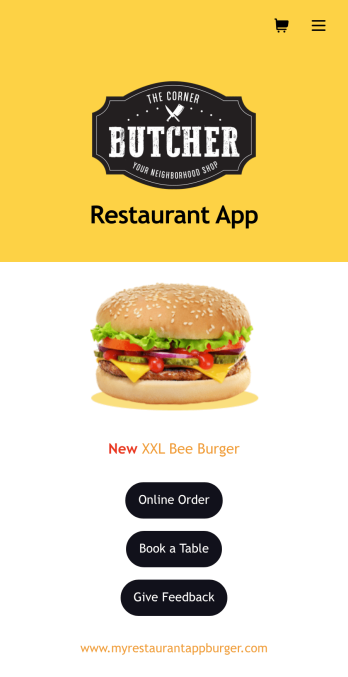
Burger Restaurant App
A burger restaurant app makes it easy for customers to place orders, make reservations, and submit feedback from any device. Whether you cook classic burgers, specialty burgers, or veggie burgers, take your restaurant to the next level with Jotform’s free and customizable Burger Restaurant App. Customers can download your app onto their computer or any iOS or Android device and fill out your online forms from anywhere. You’ll receive form submissions instantly, ready to view in your secure Jotform account.Customize this Burger Restaurant App without any coding. Using our drag-and-drop interface, you can upload your logos and branding, add or remove forms, and include other app elements such as documents, links, buttons, images, and much more. When it’s ready, your app can be shared on your website and social media accounts via the app link — sell burgers online faster than ever. Make it easier for customers to quickly and easily order your tasty burgers with a fully-custom Burger Restaurant App!
Go to Category:Delivery Apps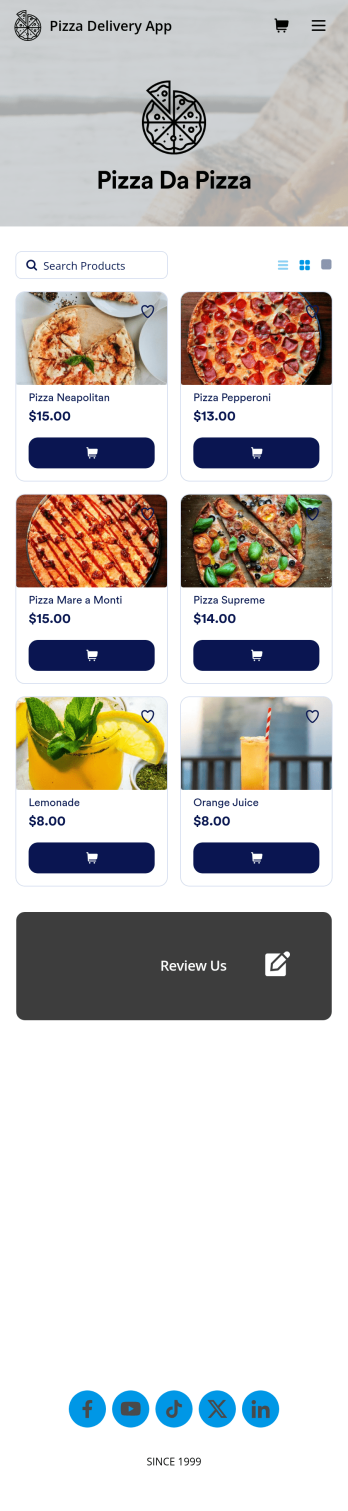
Custom Pizza Delivery App
Need to know how to sell pizza online to take your business to next level? Give your customers an easier way to order pizzas for delivery with this free Pizza Delivery App from Jotform. Start by adding your pizza and topping options to the app using our drag-and-drop builder, then connect the app with your preferred payment gateway to gather payments online — all while paying no extra transaction fees to Jotform! All orders are stored in your Jotform account, ready to be viewed, prepared, and delivered by you and your team.Need to make other changes to this Pizza Delivery App template? Drag and drop to add your company logo, change fonts and colors, and make other design updates with no coding. Not only does the app’s order form integrate with 30+ gateways like PayPal, Stripe, and Square, but it also connects with 100+ apps so you can track orders in other accounts too. Ditch time-consuming phone calls and enjoy a more efficient way to sell pizza online with a Pizza Delivery App.
Go to Category:Delivery Apps
Order Ahead App
Wondering how to let customers order ahead online? Giving customers the freedom to order ahead makes everything easier for both parties. With this Order Ahead App, you can collect orders for pick-up or delivery, and take payments with debit or credit cards, or even with PayPal. Customers can open your app from any device, contact your restaurant or leave reviews, and download your app to their smartphone, tablet, or computer.Want to customize your Order Ahead App to match your restaurant’s branding? Our drag-and-drop interface makes it easy to add or change forms, choose fonts and colors, upload your logo or menu thumbnail images, update the app name or text, and more — all with zero coding. After that, simply share the link on your website or social media, and you’re off and running! Make ordering ahead a breeze and sell orders online with your own personal Order Ahead App.
Go to Category:Restaurant Apps