
School Facility Rental App provides schools and education administrators with a central place to present rentable spaces and receive facility requests from community groups, sports organizers, instructors, and event planners. Visitors can browse facility listings, review essential information such as location, availability, maximum capacity, and facility type, then submit a rental request through a connected form. This app template helps staff replace scattered inquiries with a consistent request process while giving prospective renters convenient self-service access to the details needed for planning meetings, practices, classes, performances, and community events.
Jotform Apps makes it easy to adapt this School Facility Rental App without writing code. Using the no-code app builder and drag-and-drop interface, administrators can update pages, images, buttons, branding, and navigation to match their rental program. The request form can support organized data collection and connect with tables, notifications, approvals, and other workflow steps as needs evolve. Among Jotform’s customizable App Templates, this option offers a mobile-friendly way to publish facility information, gather rental inquiries, and share one accessible resource through a direct link or QR code.
Related templates
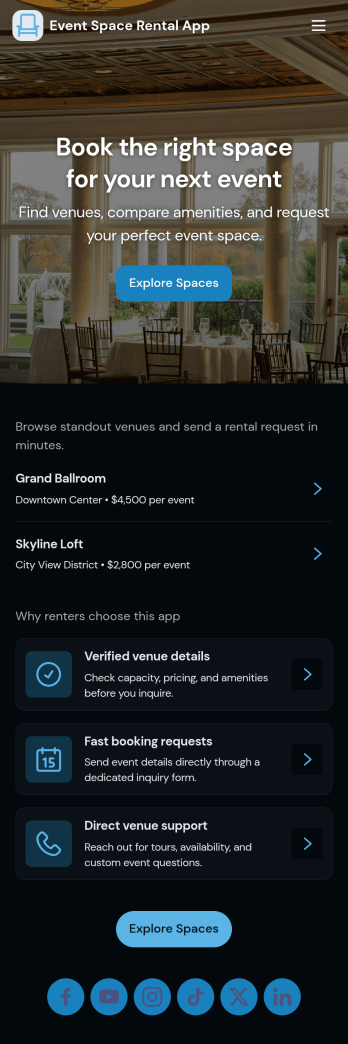
Event Space Rental App
Event Space Rental App helps venues and event organizers handle rentals in one place, from discovering available spaces to sending booking inquiries and tracking request status. Use it to showcase multiple venues, guide visitors to key details and typical uses, and give prospects a clear path to request a booking. It’s a strong fit for banquet halls, studios, coworking and meeting spaces, community centers, hotels with event rooms, and property managers who rent spaces for parties, workshops, photo shoots, and corporate gatherings.With Jotform, you can turn this app template into a branded self-service experience without coding. Build pages with a drag-and-drop interface, connect the booking request form to your workflow, and keep requests organized in connected tables for quick review. Share the app through a link or QR code so customers can browse venues, submit requests, and revisit “My Requests” while your team monitors “All Requests” and follows up faster.
Go to Category:Rental Apps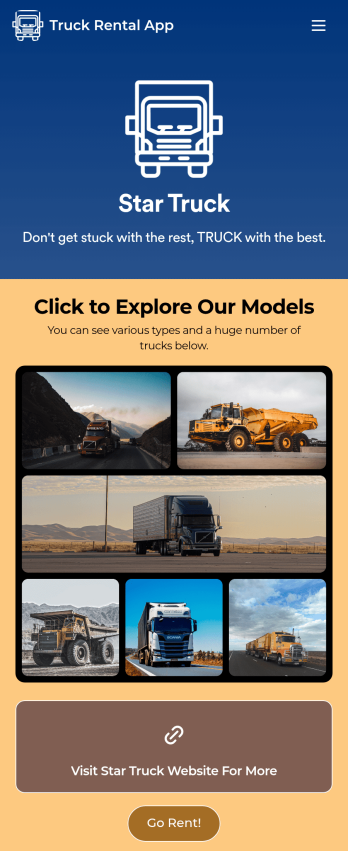
Truck Rental App
Give your customers an easy way to rent your trucks with this free Truck Rental App! Want to learn how to rent out your trucks online? The app is fully-customizable with Jotform’s drag-and-drop app builder, so you won’t need any coding knowledge to make it match your branding. Once you’ve got your app looking how you want it to, share it with your customers with a link or via email for them to download onto any iOS device, Android device, or computer for easy access.Need to make changes to this Truck Rental App template? Drag and drop to get the look you want by adding your logo, including more forms, and adding images of the trucks you have available. All submissions you receive through your custom Truck Rental App are stored securely in your Jotform account and ready to view instantly on any device — so you and your team can respond to customers right away.
Go to Category:Automotive Apps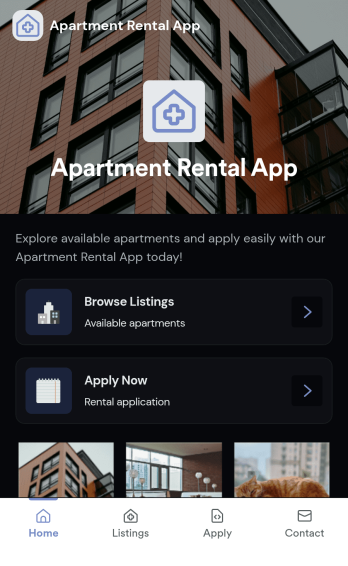
Apartment Rental App
Apartment Rental App gives property managers, landlords, and leasing teams a simple way to present available units and guide renters from browsing to applying. Use it to highlight featured apartments on a home page, let prospects browse listings, open a listing detail page, and start an application when they find the right fit. It’s a practical option for small property portfolios, student housing, corporate housing coordinators, and real estate teams that want one shareable place for current availability without juggling long email threads or sending multiple links.Built with Jotform, this app template pairs a mobile-friendly, self-service experience with a no-code app builder and drag-and-drop interface, so you can update listings, adjust content, and keep the renter journey consistent. Connect your listing data and application form to create a smooth workflow for data collection, then share the app through a link or QR code so prospects can view listings and apply from anywhere.
Go to Category:Rental Apps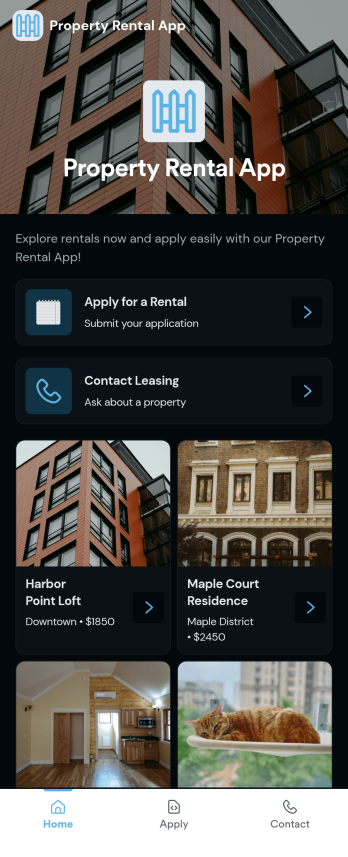
Property Rental App
A Property Rental App gives prospective tenants an easy way to browse available listings, open a property detail view, and take action immediately. Use it to present rentals with clear visuals and key information, then route renters to the right next step such as submitting a rental application or sending an inquiry. Property managers, leasing teams, and independent landlords can share one central place where people can explore options, request more details, and contact leasing without searching through emails or scattered links.Built with Jotform App Templates, this app template is simple to tailor for your portfolio and brand using a no-code app builder and a drag-and-drop interface. Connect the app to Jotform forms for rental applications and inquiries, keep information consistent across listings, and support self-service for renters on any device. As requests come in, your team can respond faster, reduce missed leads, and keep the rental process organized from first click to completed paperwork.
Go to Category:Rental Apps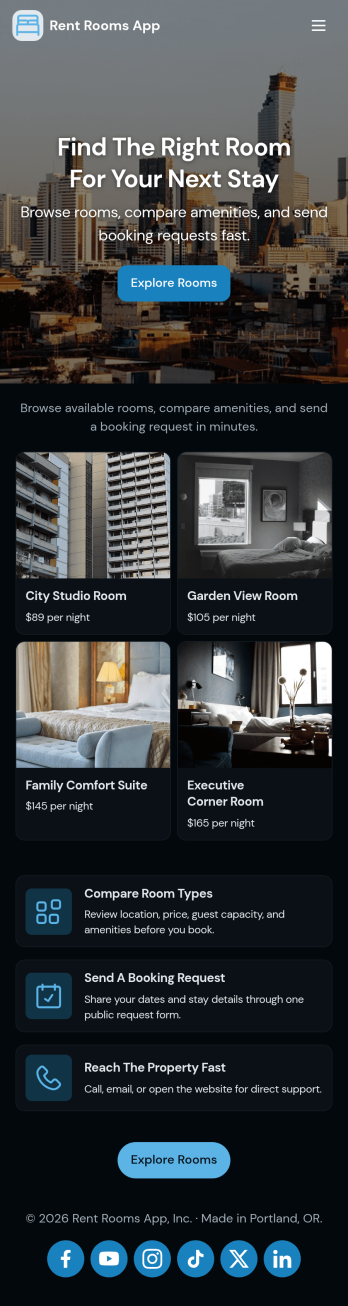
Rent Rooms App
Rent Rooms App helps property owners and hosts present available rooms in a simple, mobile-friendly experience where guests can browse listings, open a room detail view, and send a booking request without unnecessary steps. It’s a practical fit for short-term rentals, guesthouses, homestays, and small property managers who want one place to share room options, capture inquiries, and keep requests organized as demand grows.With Jotform, you can turn this app template into a polished self-service booking flow using a no-code app builder and a drag-and-drop interface. Connect your room list to stored data, route booking requests into a workflow your team can manage, and share the app with a link or QR code. Update room details anytime, track booking requests in one view, and keep data collection consistent across every stay request.
Go to Category:Rental Apps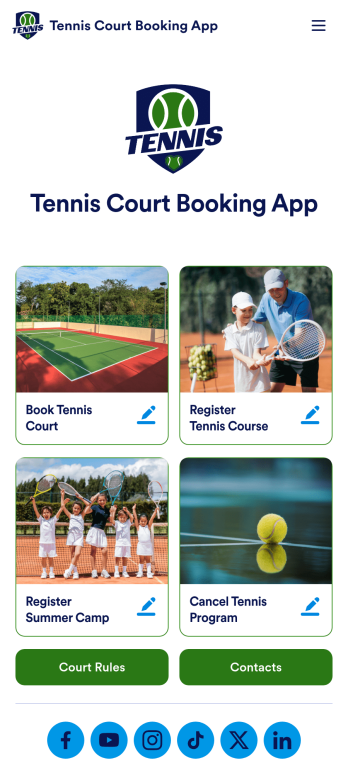
Tennis Court Booking App
A tennis court booking app is used by tennis court facility managers to receive, track, and manage tennis court bookings with ease. Using this ready-made Tennis Court Booking App, you can receive bookings from any device, complete with payments, contact details, and e-signatures, then manage them all using Jotform’s suite of powerful productivity tools.Customize this Tennis Court Booking App with our drag-and-drop app builder. No coding required! You can add a booking calendar, include your logo and branding, integrate with 200+ platforms to send submissions to other platforms like Google Calendar or Google Sheets, and collect payments with popular payment processors like Square and PayPal — while paying no extra transaction fees to Jotform.
Go to Category:Booking Apps