
Screening Ticket Management App is an app template for teams that receive, review, and resolve screening-related requests through a consistent ticket process. Operations teams, service departments, review groups, educational institutions, healthcare organizations, nonprofits, and internal support units can use it to replace scattered emails and manual status checks. Users can submit a ticket, browse existing requests, view status insights, and send follow-up information from one organized location. Clear ticket references, screening areas, current statuses, next actions, contact details, and request context help reviewers understand each case and keep work moving. This setup supports reliable data collection while giving requesters a convenient self-service experience.
With Jotform Apps, teams can adapt this Screening Ticket Management App without writing code. The no-code app builder features a drag-and-drop interface for changing pages, navigation, visual elements, and branding to match an existing workflow. Connected forms can collect new tickets and follow-up details, while tables and notifications help staff organize records and respond to updates. The finished app can be shared through a direct link or QR code for easy mobile access. Jotform App Templates offer a practical starting point that teams can customize, publish, and update as their screening process evolves.
Related templates
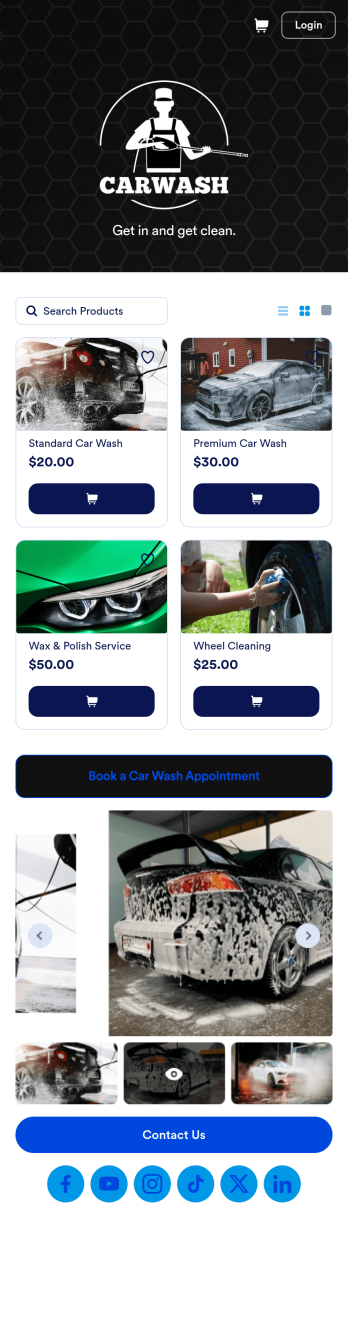
Custom Mobile Car Wash App
Wondering how to sell car washes online? Create a downloadable app for your mobile car wash customers with a free Mobile Car Wash App from Jotform. This app includes a Car Wash Appointment Form so customers can select their preferred date from a calendar and provide other booking details like name, phone number, and their car’s make and model. Also it includes a product list that customers choose a car wash service and make payments. All submissions are sent to your company Jotform account, ready to view instantly on any device.Add your logo, include other forms to collect additional info like e-signatures or payments, and make other design changes by dragging and dropping elements in our intuitive no-code app builder. Once your app is ready to be shared, copy and paste the link or invite people via email so they can download it onto their devices. Stop spending time on phone or email bookings and enjoy a more efficient booking process with this Mobile Car Wash App.
Go to Category:Appointment & Booking Apps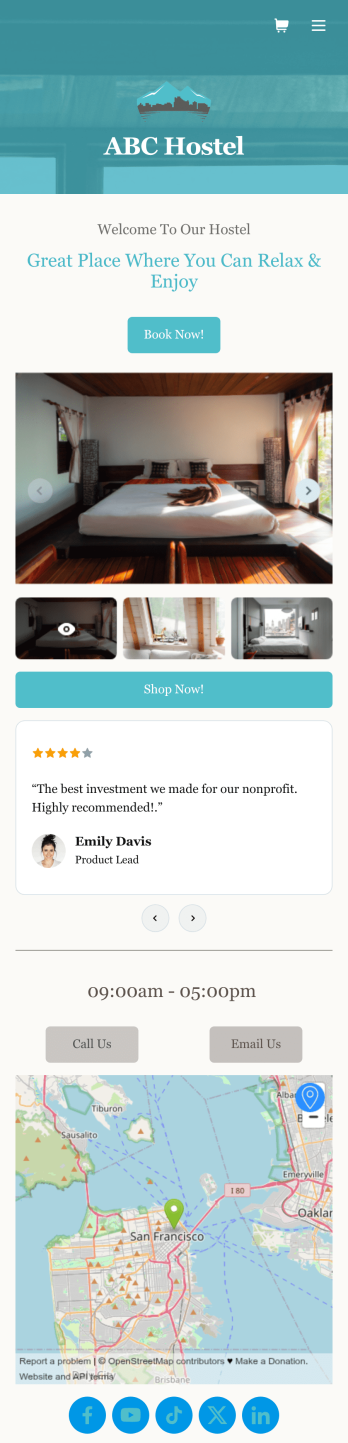
Hostel App
Discover how to sell hostel bookings online, collect breakfast requests, and gather feedback from your guests with a free Hostel App from Jotform. Instead of spending your time on phone calls and emails, customers can submit their information directly from any computer, tablet, or smartphone — including iOS and Android devices. All submissions are stored in your Jotform account, ready to be viewed, managed, and responded to by you and your team.Need to update this Hostel App template? Drag and drop to change the app icon or background, change booking options to match your hostel, choose new fonts and colors, and make other updates with no coding required. You can even connect your forms with 100+ apps like Google Calendar and Google Drive or multiple payment gateways including Square and PayPal. Save time and sell hostel bookings online with a powerful Hostel App, personalized to perfectly match your needs.
Go to Category:Appointment & Booking Apps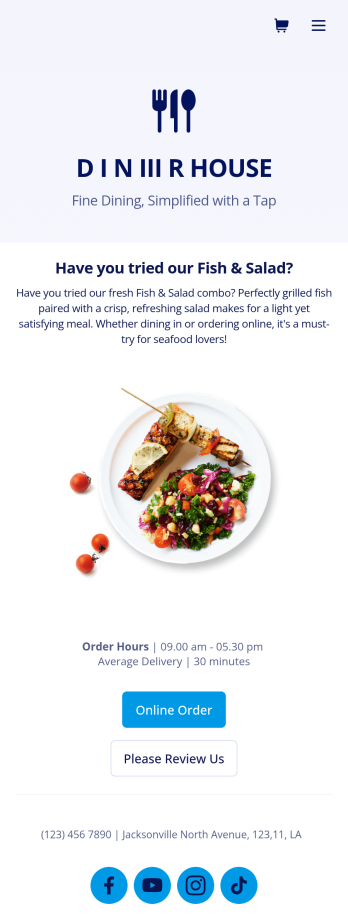
Food Delivery App
A food delivery app is used by food delivery services to communicate with customers, and drivers, while also providing an enhanced customer experience. This template is ideal for restaurants, food trucks, or anyone who may deliver the food ordered by their customers. Wondering how to sell food deliveries online? Whether you've got a restaurant, diner, or small cafe, our Food Delivery App is the perfect way to take online delivery orders and payments. This app template comes readymade with a product list where customers can view your menu and input their delivery address and payment information. You can even showcase signature and seasonal dishes, run promotional campaigns, and gather feedback. Customers can open and download your app on any smartphone, tablet, or computer.Want to make this Food Delivery App your own? Our drag-and-drop interface allows you to add forms, change fonts and colors, upload your logo and thumbnail images for menu items, and completely customize the look of your app icon — with no coding necessary. After that, simply share the link on your website or social media and you’re off and running. Start taking online delivery orders today to sell food deliveries online with this free Food Delivery App!Please refer to our article for further tips on creating a food ordering and delivery app.
Go to Category:Delivery Apps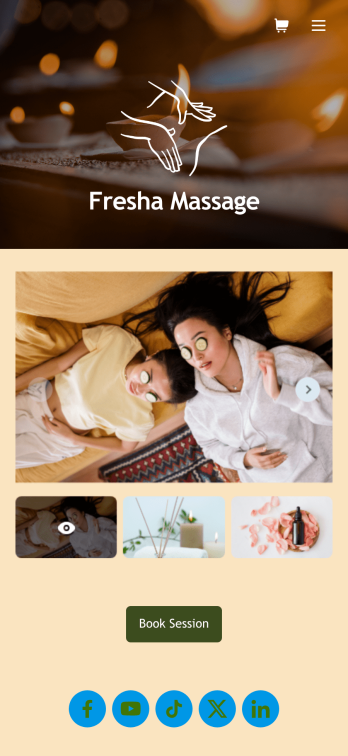
Massage Therapist Booking App
A massage therapist booking app is used by massage therapy businesses and freelance massage therapists for scheduling appointments. Want to know how to sell massage therapy appointments online? With Jotform’s free Massage Therapist Booking App, clients can access and download your custom app on their favorite device and book massage services by choosing a date from an interactive calendar and entering their general contact information. Appointments and confidential client information are stored in your secure Jotform account, so you can keep track of everything from one convenient location.Make this Massage Therapist Book App your own with Jotform’s intuitive app builder. No coding knowledge necessary — simply drag and drop to add or edit form elements and text fields, choose fonts and colors, upload your own branding, and install widgets and payment integrations. You can also create an image carousel on your app’s main page and showcase images of your business and services offered. Once you’re done customizing, share your app with clients by sending email invites, embedding the app link in your website or social media, or by generating a QR code to print on business cards. Create a one-stop-shop for clients to book massage services with this Massage Therapist Booking App that works on any device.
Go to Category:Appointment & Booking Apps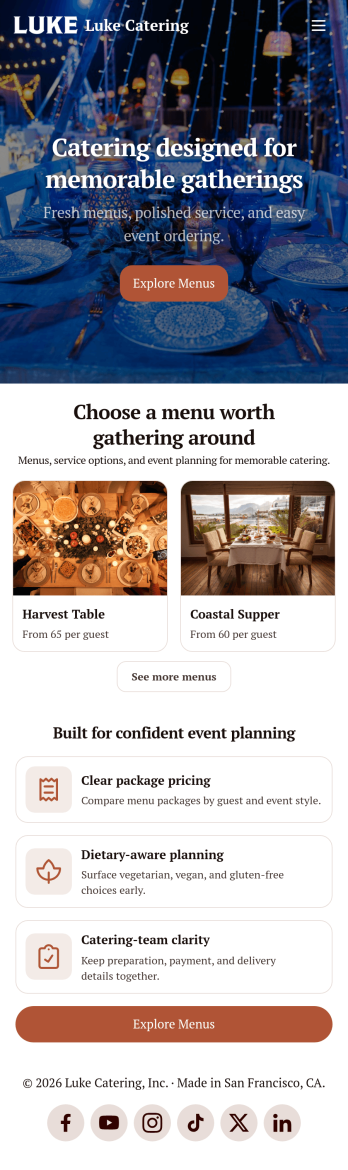
Catering App
Need to find out how to sell catering items online? A catering app allows customers to quickly and easily hire caterers and order food for their events. Get a head start creating an app for your own catering company with our free Catering App. This pre-made template includes a menu and order form for customers to access from their smartphone, tablet, or computer. Customers can easily place their orders from any device, and you’ll receive submissions instantly in your secure Jotform account.Customize your Catering App in just a couple of clicks with our no-code app builder. Simply drag and drop to add more forms, update text, upload images, embed links, and change app settings. When it’s ready, embed the app link in your website or share it on social media to start receiving orders from customers. Take your catering business to the next level and sell catering items online with a professional Catering App.
Go to Category:Delivery Apps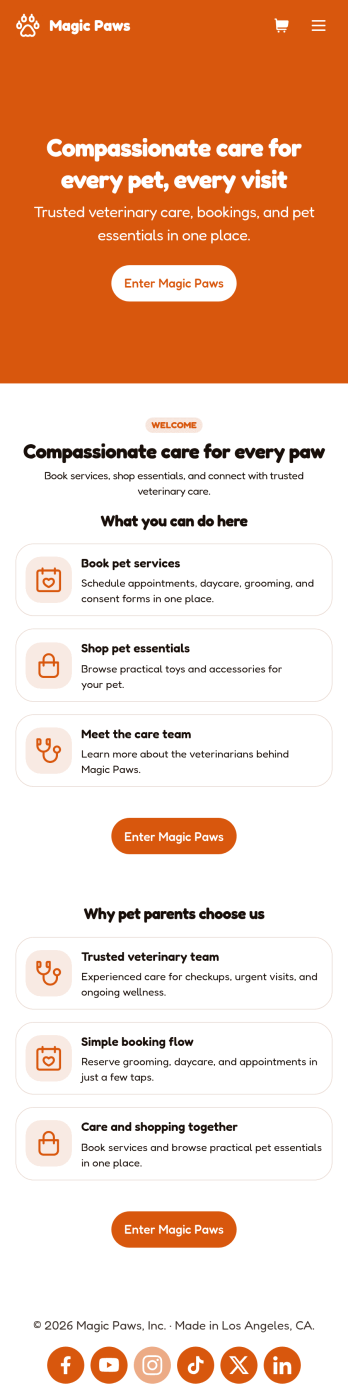
Veterinarian App
A veterinarian app is used by veterinary hospitals and clinics for scheduling appointments and services. This free Veterinarian App from Jotform allows pet owners to schedule appointments for general care and checkups with a Veterinarian Appointment Form, pet grooming with a Pet Grooming Registration Form, and dog daycare with a Dog Daycare Reservation Form. There is a separate Pet Vaccination Consent Form for collecting consent, which includes a digital signature box. Appointments are compiled in an easy-to-read table in your account, and can be sorted, filtered, and exported from any device. You can also convert consent forms into professional-looking PDFs with just a few clicks.With our drag-and-drop interface, it’s easy to create an app to suit your individual needs. You can add or change form elements and text, choose fonts and colors, customize your splash page and app icon, and more — no coding required. After you’re done, simply share a link to your app via email or embed it in your website and your clients can use it right away. Make scheduling vet appointments quick and easy with this customizable Veterinarian App from Jotform.
Go to Category:Appointment & Booking Apps