

Task Management Apps

Assignment Tracking App
An assignment tracking app is used by teachers as an all-in-one classroom app for keeping track of students’ assignments and assessments. With Jotform’s Assignment Tracking App, teachers can record student information, completed assignments, test scores, and performance evaluations. Form submissions are automatically compiled in a companion spreadsheet, where teachers can sort, filter, and search through grades and test scores in an easy-to-understand format from any device.This app template works right out of the box, but you can easily customize it to meet your classroom’s needs with our intuitive app builder. No coding necessary — just drag and drop to add or swap out form elements, edit individual forms, upload images and documents, choose a custom app icon and splash screen, and more. When you’re done, you can access and download your very own app on any smartphone, tablet, or desktop for ease of use. Ditch the paperwork and manage your classroom from a single app with this fully-customizable Assignment Tracking App from Jotform!
Go to Category:Education Apps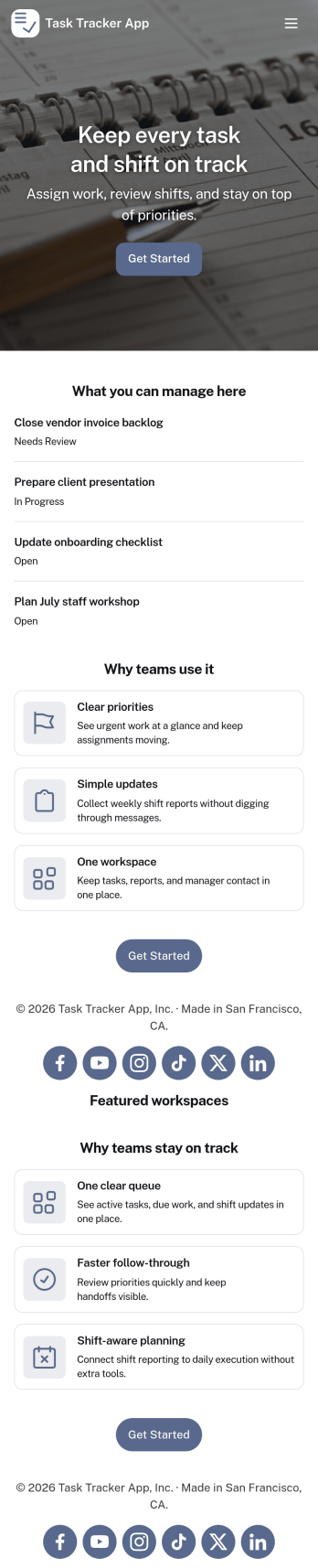
Task Tracker App
A task tracker app is used to keep track of tasks on any device. No matter which industry you work in, Jotform’s free Task Tracker App lets you log and manage task details and even assign tasks to employees or teammates! The app is downloadable onto any smartphone, tablet, or computer, and all submissions are stored securely in your Jotform account — ready to access whenever you need them.Want to make changes to this free app? Add or remove forms, include your company logo, change fonts and colors, and personalize other elements with our drag-and-drop builder. No coding is necessary! Once you’ve got your app looking perfect, share it with a link for others to download directly onto their devices. Track tasks more efficiently with the help of a free Task Tracker App from Jotform.
Go to Category:Organization Apps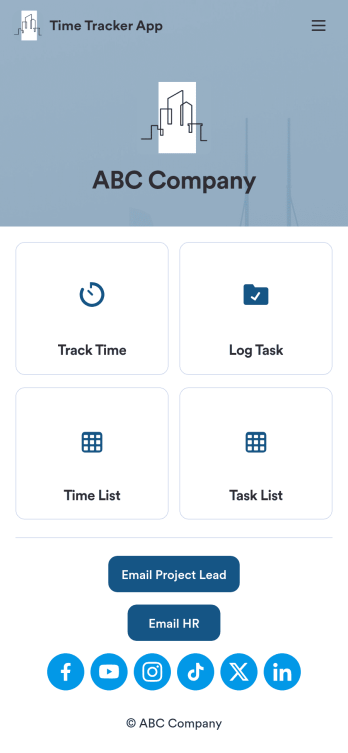
Custom Time Tracker App
A time tracker app is used to keep track of employees’ hours and tasks. With Jotform’s free Time Tracker App, managers can keep a complete record of the times employees punch in or out, task details and the amount of time employees spend on them, and view all the information in a professional spreadsheet. All submissions are stored securely in your Jotform account and ready to access on any device.Need to make changes to this app template? Be sure to add your logo, change the background image, and choose new fonts and colors for a personalized touch. You can also customize the spreadsheet layouts and make changes to the app’s forms to collect other types of information — then share the app for your employees to download onto their devices. Better manage employee information with a free Time Tracker App from Jotform.
Go to Category:Management Apps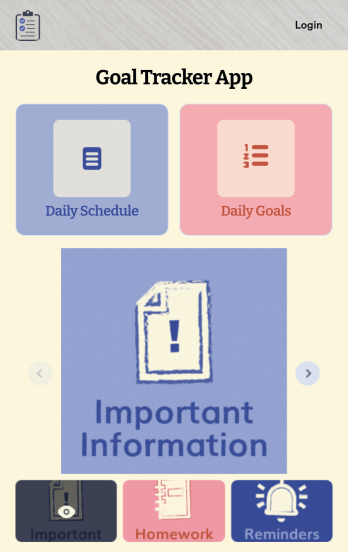
Customizable Goal Tracker App
Need an easier way for your clients to track their goals? With Jotform’s Goal Tracker App, you can build an online goal tracking app in minutes. Start creating your app from scratch or choose one of our ready-made app templates to get your creativity flowing. Add a contact form, let your customers create a schedule that works for them, showcase past client reviews, and more. Once you’ve customized your app to your liking, share with clients — downloadable onto any computer or iOS or Android device.Personalize your Goal Tracker App with Jotform’s easy-to-use app builder. Just drag and drop to change the look and feel of your app, add powerful app elements, install helpful app widgets, and integrate with one of our 25+ payment processors, including Stripe and Square. Share your customized app via email or embed it directly into your own website for easy access. Help your clients reach their goals with your very own Goal Tracker App — free on Jotform.
Go to Category:Activity Tracking Apps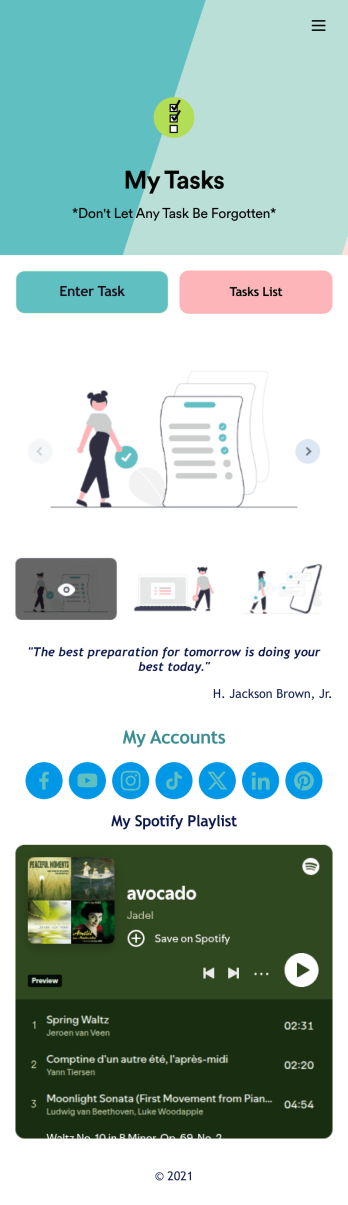
Recurring Tasks App
A recurring tasks app is used to track and manage daily tasks. Whether you’re organizing tasks for school, work, or at home, do it directly from your desktop or mobile device with a free Recurring Tasks App from Jotform! All tasks are stored securely in your Jotform account and easily accessible on any device — including as a spreadsheet, calendar, or individual cards with Jotform Tables’ Daily Task List!Feel free to update the design by adding other forms, changing colors, uploading your logo, and making other changes for a personalized touch with our no-code builder. You can even copy and paste the app link to send it to members of your team, so they can download it onto their devices too! Organize your tasks more efficiently with this Recurring Tasks App.
Go to Category:Management Apps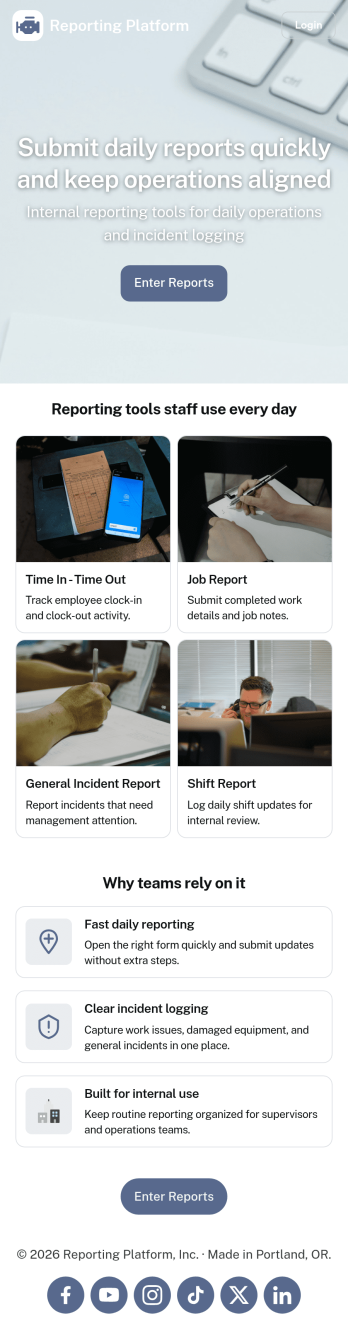
Daily Report App
A daily report app is used by employers to track shift reports, hours worked, and other types of job reports. If you need a more efficient way to collect and manage reports, do it with this ready-made Daily Report App. Simply customize the app if you need to and share it with your employees to download onto their smartphone, tablet, or computer.Customizing this Daily Report App is easy. Jotform’s drag-and-drop app builder lets you add your logo, update forms, change the app background and icon, and make other design changes with no coding required. And if you want to send reports to other platforms, you can do it automatically with 100+ form integrations.
Go to Category:Human Resources Apps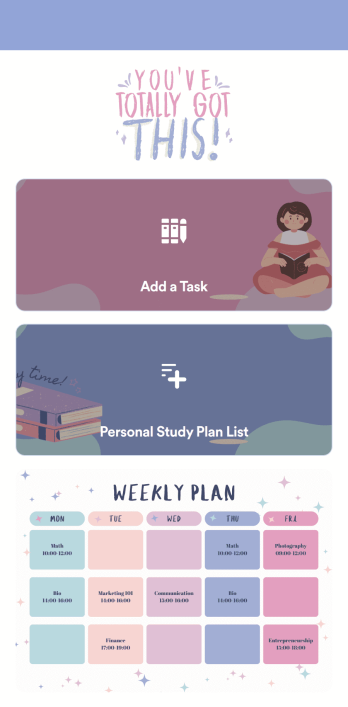
Customizable Study Planning App
A study planning app lets students create a student plan and track it on their mobile device. With this ready-made Study Planning App from Jotform, you can quickly and efficiently start tracking tasks, schedules, and study plans no matter where you are. Just customize the app to meet your study needs and download it for iOS, Android, or onto your computer for easy access.Need to make changes to this Study Planning App template? No problem — just drag and drop to get the design you want. Split your app into multiple pages, add more forms or tables, and make other changes in seconds with no coding knowledge required. You can even connect your app to 250+ other platforms like Trello, Asana, and more to monitor your study plans in your other accounts!
Go to Category:Organization Apps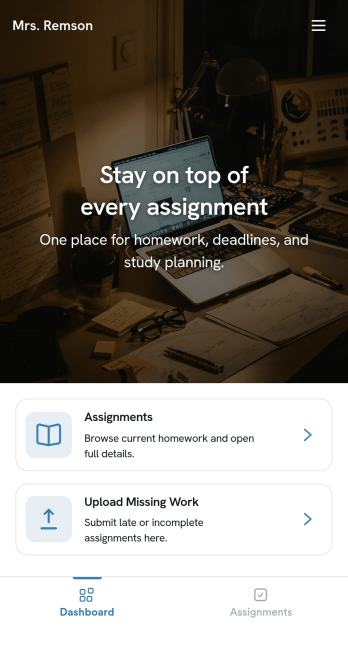
Homework Management App
A homework management app is used by teachers to collect homework assignments from their students. Give your students an easier way to submit homework for your remote or in-person classroom with a free Homework Management App from Jotform. Students can upload documents through the app’s homework or missing assignment forms, which you can view easily on any device from your secure online account.Need to make changes to this app template? Add or remove forms, update the app icon or background, include important information for your classroom, or add helpful links with no coding required. You can then copy and paste the app link to share your custom Homework Management App with your students, who can download it onto their computer, tablet, or smartphone to submit their homework instantly.
Go to Category:Classroom Management Apps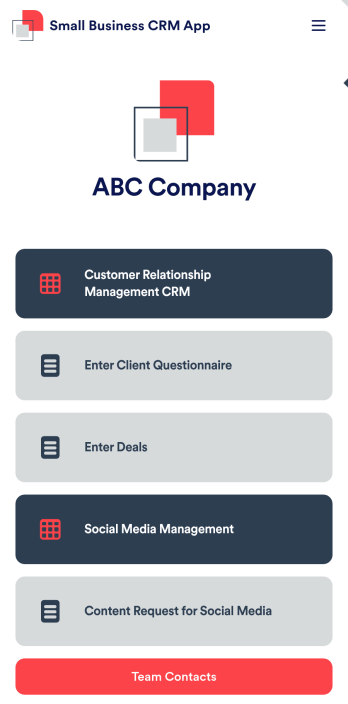
Small Business CRM App
A small business CRM app is used by small businesses for customer relationship management (CRM). This Small Business CRM App lets you receive client questionnaires, track and manage deals, submit content requests for social media, and more. Simply customize the app to perfectly match your needs with no coding required, then share the app to start collecting form submissions.Need to customize this free app template? Drag and drop to get the design you want. Add your company logo and branding, update the included forms, split your app into multiple pages, and make other changes in seconds. You can even integrate the app with 200+ other platforms to automatically sync submissions to your other accounts! Streamline your business’ workflow with a ready-made Small Business CRM App from Jotform.
Go to Category:Company Portal Apps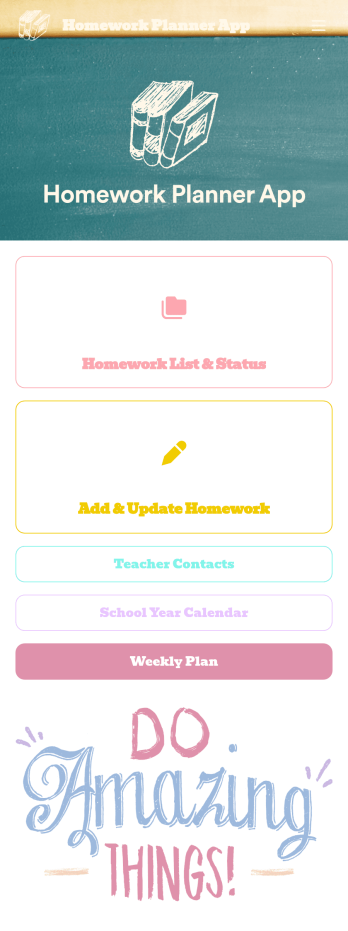
Homework Planner App
A homework planning app is a mobile application created by teachers and educators to help their students keep track of assignments and due dates. Use this ready-made Homework Planner App template from Jotform Apps to create your own in just a few easy clicks. Keep students updated on upcoming assignments, collect homework, list your office hours, and more.Want to make changes to how this Homework Planner App looks? No problem. With Jotform’s drag-and drop builder, you can add or remove forms, pick a background image, change font types, upload images and videos, select a unique app icon, and more. After you’re done customizing your app, simply embed it in your website or online portal for students to download.
Go to Category:Planner Apps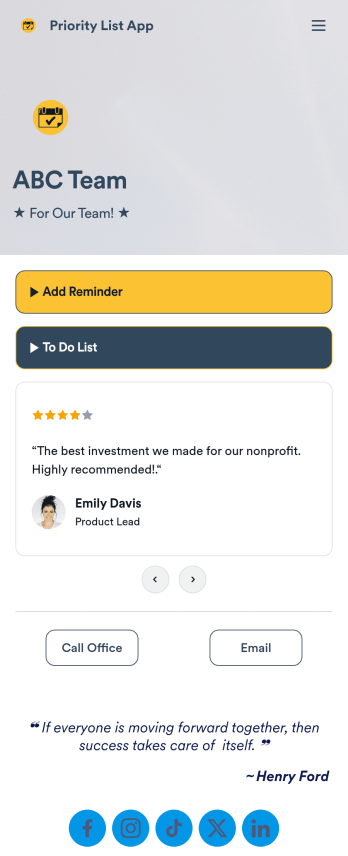
Priority List App
A priority list app is used by employees who work in a team to prioritize tasks. With Jotform’s free Priority List App, team members can easily add tasks with priority levels and deadlines, as well as set reminders. Tasks are compiled in a searchable and easy-to-understand task list table, which can be accessed by team members on any device.Customizing this Priority List App is easy. With our drag-and-drop form builder, you can add new forms, upload images, change fonts and colors, and more — all with no coding. After you’re done, you can share your app with other team members via link, or even embed it in an internal website. Your app can be downloaded on any smartphone, tablet, or desktop for future use. Keep your team on track with this fully customizable Priority List App!
Go to Category:Management Apps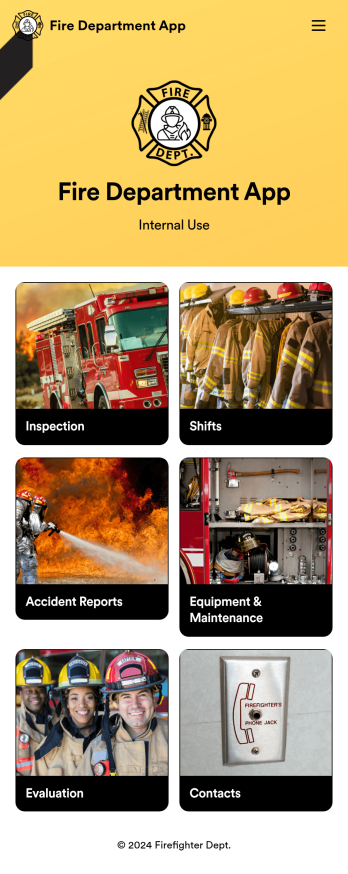
Custom Fire Department App
A fire department app is used by fire departments to track and manage important tasks and activities. This type of app can be used for fire truck inspections, new firefighter applications, shift tracking, equipment logging, performance reviews, and more. To create a custom Fire Department App for your station, use this ready-made template.Personalizing the design of this Fire Department App Template is easy and quick with Jotform’s no-code app builder. Simply drag and drop to make any design or content changes you need. Pick a unique icon for your app, add or remove forms, change colors and fonts, integrate with useful platforms and widgets, and more. Keep your fire department running smoothly with Jotform Apps.
Go to Category:Company Portal Apps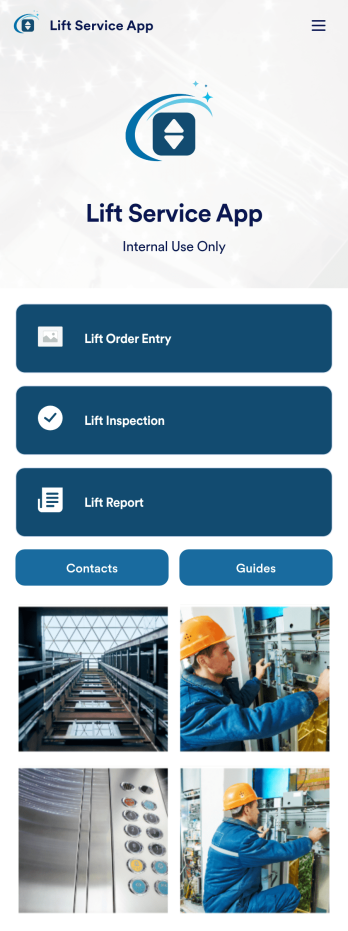
Lift Service App
A lift service app is used by lift operators to keep track of inspections, orders, reports, and more. With this ready-made Lift Service App by Jotform, your company can switch from paper forms to efficient online forms that can be filled out seamlessly on any device. Once you customize this app template to your liking with our drag-and-drop builder, you can share it to start collecting form submissions instantly.Need to update the design of this Lift Service App? Add your company logo, add or remove forms, split your app into separate pages, and make other changes with no coding required. You can even integrate with 200+ other platforms to sync submissions to your other accounts automatically — no manual data entry required.
Go to Category:Company Portal Apps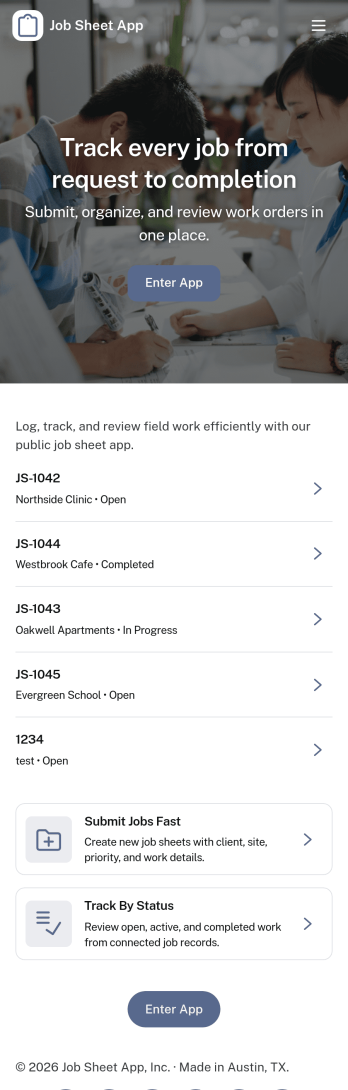
Job Sheet App
A Job Sheet App gives field teams and service businesses a clear place to view open jobs, capture progress updates, and keep work details consistent from start to finish. Use it to reduce missed steps on site visits, standardize job notes across technicians, and keep everyone aligned on what’s next. With quick navigation to Open Jobs and a simple Submit Update path, it works well for contractors, maintenance crews, home services teams, and operations managers who need job information to stay current while work is happening.Jotform makes it easy to publish this kind of job tracking experience without coding using its no-code app builder and drag-and-drop interface. Connect the app to a form for fast data collection, organize job records in a connected workflow, and share a self-service link with your team so updates can be submitted from anywhere. As your process grows, you can adjust pages, add new steps, and keep insights accessible in one mobile-friendly place with Jotform App Templates.
Go to Category:Operations & Logistics Portal Apps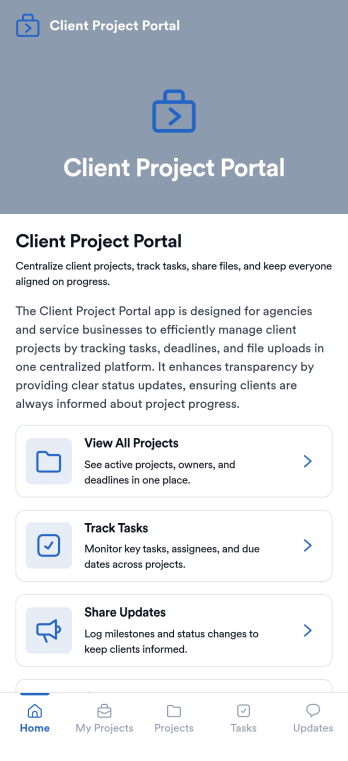
Client Project Portal
Client Project Portal is an app template designed to streamline project management and improve transparency between agencies, freelancers, service-based businesses, and their clients. This all-in-one platform brings together tasks, timelines, files, and updates, providing teams with a centralized system for managing ongoing client work. Users can seamlessly share progress, upload deliverables, and keep clients informed with status updates. The easy-to-read table view allows both teams and clients to quickly see project milestones, deadlines, and current status, while the dashboard provides a high-level overview of progress and next steps. This app is particularly beneficial for designers, developers, marketers, and consultants, but small teams also find value in the improved transparency and simplicity compared to complex project management systems.Jotform's Client Project Portal template provides a no-code, user-friendly solution to improve project transparency and streamline client communications. With its drag-and-drop interface, users can easily customize the portal to align with their brand identity, choose fonts and colors, and upload their logo without any coding. The cross-platform compatibility ensures that clients can access the portal on any smartphone, tablet, or desktop. Plus, with the added advantage of Progressive Web Apps (PWA), clients can download the app directly onto their home screen for easy access. Embrace a seamless project management experience and improve client relationships with Jotform's Client Project Portal.
Go to Category:Service & Support Portal Apps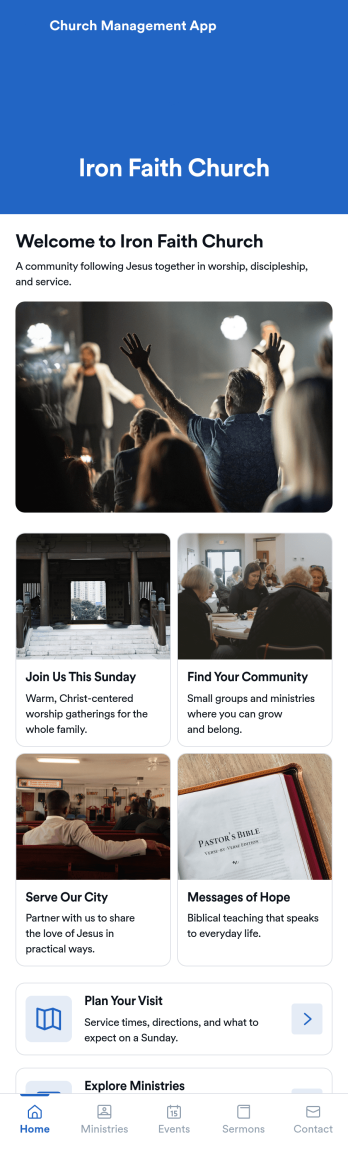
Church Management App
Church Management App is an app template designed to streamline the logistical aspects of managing a religious community. This ready-to-use solution facilitates the coordination of activities, enhances member engagement, and centrally manages administrative tasks. The app is invaluable for church administrators, ministry leaders, and community coordinators looking to simplify their operations. The Church Management App collects a variety of data, from member details to event registrations, ensuring a complete, accurate view of your church's activities. It provides a unified platform for managing services and community programs, making it ideal for religious organizations aiming to upgrade their administrative workflows.Jotform’s Church Management App template offers unparalleled ease of use and ease of customization. The no-code app-building interface lets you tailor the app to your organization’s needs without writing a single line of code. You can adjust the design, add or remove fields, and even incorporate features like electronic signature collection for agreements and waivers. This is a Progressive Web App (PWA), meaning that it can be accessed on any device - from smartphones to desktops - as long as there's an internet connection. You can even set the app to capture data offline, so you can collect information at events or meetings without worrying about connectivity. With Jotform, managing your church community has never been simpler or more efficient.
Go to Category:Task Management Apps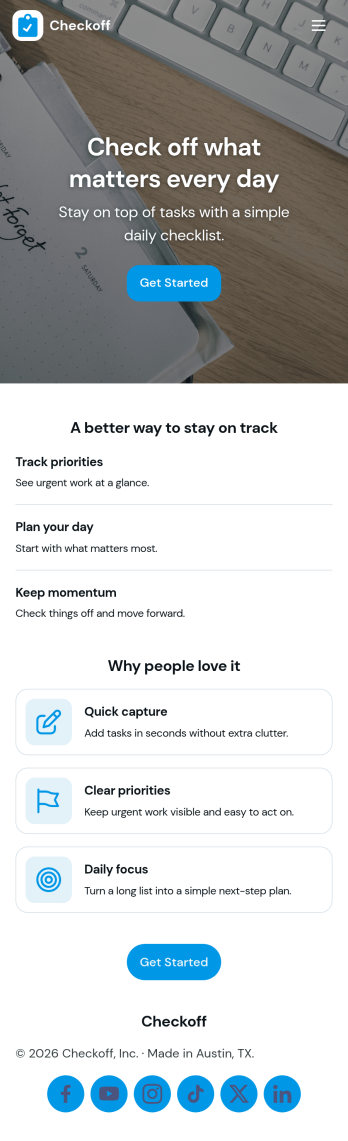
Check Off List App
Check Off List App helps you keep a simple, actionable checklist you can open, add to, and work through as tasks change throughout the day. Use it for personal to-dos, shift checklists, packing lists, cleaning routines, or quick project punch lists where finishing an item matters more than writing long notes. The layout makes it easy to jump into an open list, add a new item in seconds, and view tasks in a clear list so nothing gets missed.With Jotform, you can turn a basic checklist into a shareable, self-service app experience using an intuitive no-code app builder and drag-and-drop interface. Connect the app to a form for consistent data collection, keep task entries organized, and update your workflow as your needs evolve. Publish with a link for fast access on desktop or mobile, and adjust pages, buttons, and branding to fit how you manage tasks.
Go to Category:Checklist Apps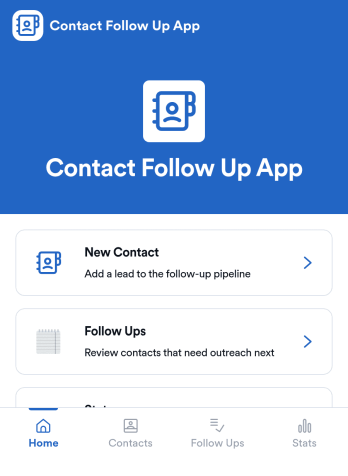
Contact Follow Up App
Contact Follow Up App helps you capture new leads and keep every conversation moving forward without losing track of who needs a reply. It’s built for sales reps, small business owners, agencies, and client-facing teams who juggle outreach across events, referrals, inbound inquiries, and repeat customers. With a simple New Contact entry point and a dedicated Follow Ups area, you can quickly log contact details, review people who need attention, and open an individual contact view when it’s time to act.Jotform makes it easy to turn this kind of follow-up workflow into a shareable, branded experience using a no-code app builder and a drag-and-drop interface. Connect your app to forms and tables for consistent data collection, keep information organized in one place, and publish updates fast as your workflow evolves. Whether you’re tracking lead status, prioritizing outreach, or reviewing simple stats, Jotform app templates help you deliver reliable self-service and internal processes without extra tools.
Go to Category:Customer Engagement Apps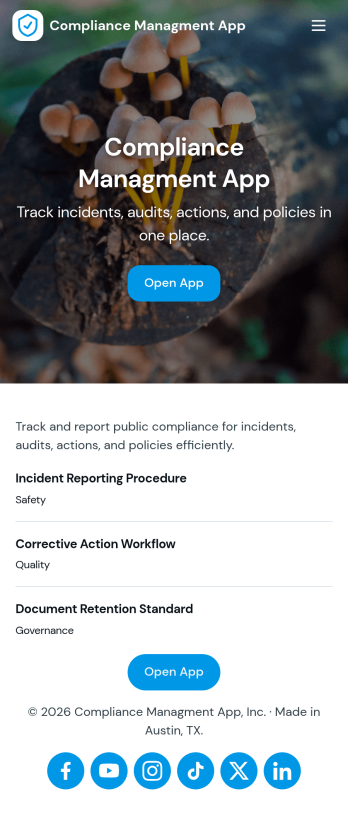
Compliance Managment App
Compliance Managment App brings your day-to-day compliance work into one place so teams can keep controls visible, document what happened, and stay ready for reviews. It’s built for operations leaders, IT and security teams, HR, and managers who need a practical way to organize controls, report incidents as they occur, log audits, and maintain supporting documents without hunting across folders or email threads.With Jotform you can turn this app template into a branded self-service workspace using a drag-and-drop interface and a no-code app builder. Connect the app to forms and tables to support ongoing data collection, route key steps through a workflow, and keep updates consistent across controls, incidents, audits, and documents. Share it with internal stakeholders through a link, tailor pages to your process, and keep information easy to access on any device.
Go to Category:Information Technology Apps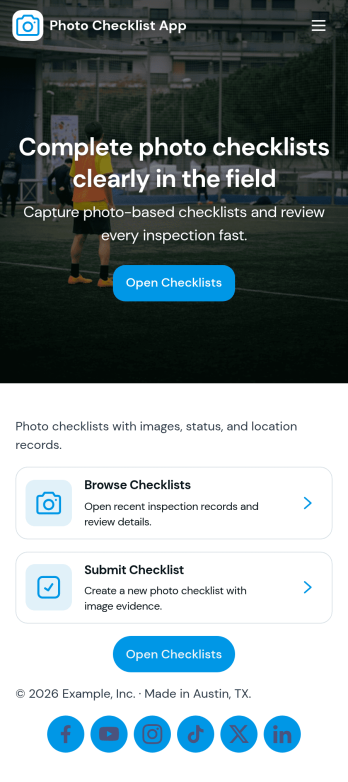
Photo Checklist App
Photo Checklist App helps teams capture visual proof while completing routine checks, inspections, and repeatable tasks. Create a new checklist on site, attach photos as you go, and keep everyone aligned on what was done and what still needs attention. It’s a practical fit for field service crews, property managers, construction teams, retailers, and anyone who needs consistent, photo-backed documentation for locations, equipment, rooms, deliveries, or daily openings and closings.With Jotform, you can turn this app template into a branded, mobile-friendly experience using a no-code app builder and a drag-and-drop interface. Connect the app to your form for fast data collection, then make it easy to review past entries through the built-in submissions view. As your workflow evolves, update pages, reorder navigation, and share a single link so staff can complete checklists in the moment and supervisors can follow progress without hunting for updates.
Go to Category:Checklist Apps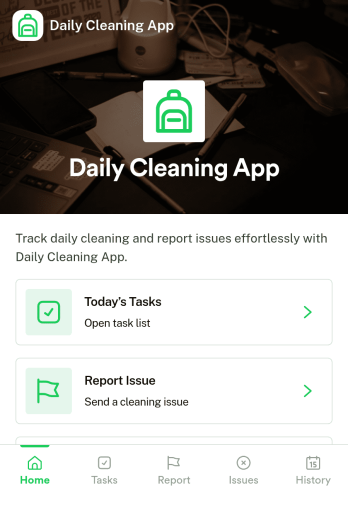
Daily Cleaning App
Daily Cleaning App helps teams plan, record, and follow up on routine cleaning across rooms or areas without losing track of what needs to happen today. It brings daily tasks into one place, lets staff log completed cleaning work, and makes it simple to report issues as they’re noticed, so supervisors can respond before small problems turn into repeat complaints. Use it for offices, gyms, clinics, restaurants, short-term rentals, schools, and any facility that needs consistent day-to-day cleanliness with clear accountability.Built with Jotform, this app template is easy to tailor with a no-code app builder and a drag-and-drop interface, so you can match your exact cleaning workflow in minutes. Connect buttons and pages to forms for data collection, keep a reliable cleaning history for quick lookups, and share the app for self-service use by cleaners, managers, or onsite staff. Jotform Apps makes it simple to publish a mobile-friendly experience your team can use on the go.
Go to Category:Home Services Apps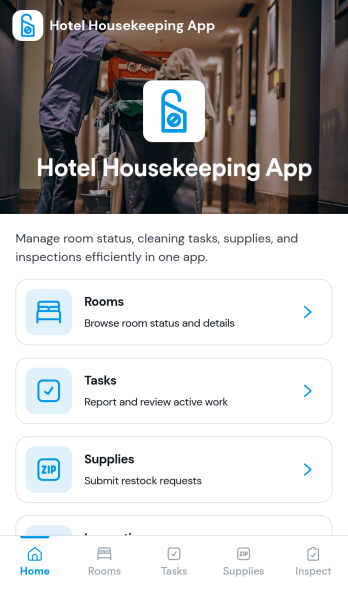
Hotel Housekeeping App
Hotel Housekeeping App brings daily room operations into one place so housekeeping teams can stay aligned from shift start to final checks. Use it to view assigned tasks by room, capture an at-a-glance shift overview, and keep work moving without chasing updates across radios, paper sheets, or scattered messages. It also supports fast reporting when something is off in a room, helping staff flag maintenance needs, missing items, or guest-impacting problems as soon as they’re noticed. Supervisors can use the same workflow to coordinate priorities, reduce missed cleanings, and create more consistent room readiness across floors and properties.Built with Jotform App Templates, this app template can be tailored in Jotform’s no-code app builder with a drag-and-drop interface. Connect the navigation cards to your existing workflows for data collection, inspections, and issue reporting, then share the app with your housekeeping team for simple self-service access on mobile. As updates come in, Jotform helps you keep records organized, improve handoffs, and maintain a clear operational trail for tasks and room checks.
Go to Category:Hotel Management Apps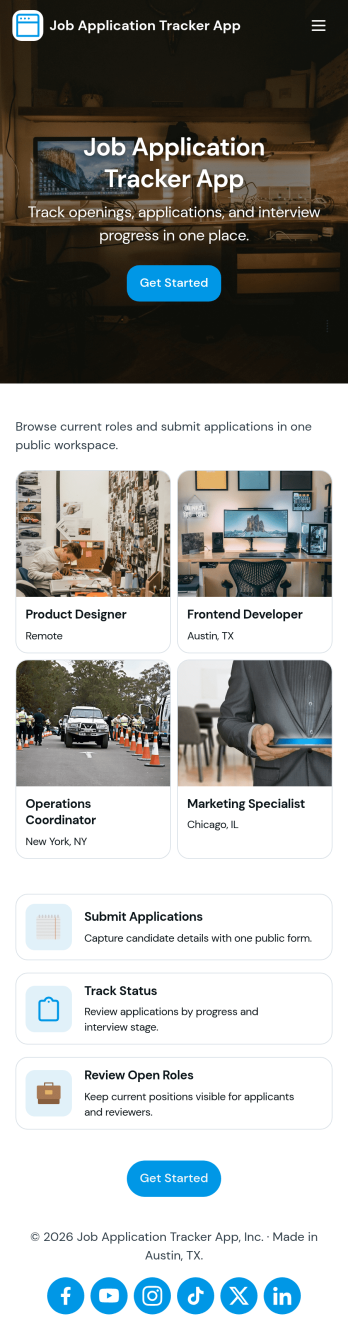
Job Application Tracker App
Job Application Tracker App helps job seekers stay organized while applying to multiple roles by keeping key details in one place and making it easy to add new applications as they happen. Use it to log where you applied, jump back into your list of applications when you need to follow up, and open an individual application record from a browsable list for quick review. It’s a practical fit for students, recent grads, career changers, and anyone managing a busy search who wants a clearer view of what’s in progress and what needs attention.Built with Jotform, this app template combines a friendly self-service experience with connected data collection so you can capture new application info through a form and keep everything organized in a central table-driven view. Customize pages with a drag-and-drop interface, adjust the navigation cards, and tailor the insights area to match your workflow. When you’re ready, share a single link so you can update your tracker from anywhere and keep your job search moving without digging through spreadsheets.
Go to Category:Human Resources Apps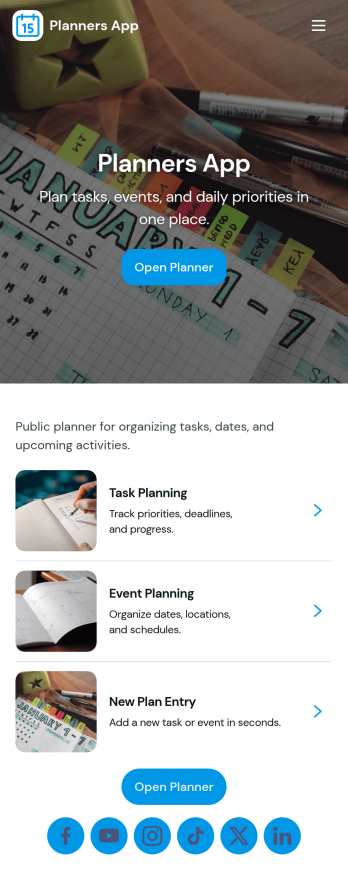
Planners App
Planners App brings your day-to-day planning into one place, combining task lists, project overviews, and a schedule you can keep up with. It’s a practical fit for busy professionals, students, freelancers, and small teams who need a simple way to capture new to-dos, organize work by project, and keep events visible without juggling multiple tools. Use it for weekly planning, content calendars, client work, study deadlines, or home admin, so priorities stay clear and nothing slips through the cracks.With Jotform you can turn this app template into a branded planning hub using a no-code app builder and a drag-and-drop interface. Connect buttons to forms for fast data collection when adding tasks, projects, or events, and keep everything organized for easy self-service navigation on any device. Update pages, adjust the layout, and publish a shareable link so your planner stays consistent as your workflow evolves.
Go to Category:Planner AppsAbout Task Management Apps
Task Management Apps are specialized mobile and web applications designed to streamline the process of planning, executing, and monitoring tasks within an organization. These apps facilitate collaboration by allowing teams to assign tasks, set deadlines, and track progress in real-time. Industries such as construction, healthcare, and marketing often rely on task management apps to enhance productivity and ensure that project timelines are adhered to without compromise. These apps are equipped to handle various workflows, from simple to complex, ensuring that teams can focus on their core responsibilities without getting bogged down by administrative overhead.
Jotform Apps presents a no-code app builder that is exceptionally suitable for creating task management applications. Powered by Progressive Web App (PWA) technology, Jotform Apps can be installed directly via a browser, eliminating the need for App Store downloads, and are compatible across iOS, Android, tablets, and desktops. This ensures seamless access and usability for teams, regardless of their preferred devices. With centralized data management through Jotform Tables, organizations can maintain an organized overview of all tasks and projects, further optimizing their workflow for better outcomes.
Why Use Task Management Apps?
- Task management apps provide an intuitive platform for organizing and delegating tasks, which enhances overall productivity and ensures that projects are completed on time. By offering real-time updates and notifications, these apps keep all team members informed of any changes or updates to their assignments.
- The ability to assign tasks with specific deadlines and priorities helps teams focus on critical activities, reducing the risk of important tasks falling through the cracks. This structured approach facilitates better time management and resource allocation.
- These apps support collaboration by providing shared workspaces where team members can communicate, share files, and provide feedback instantly. This promotes a collaborative work environment, enhancing team dynamics and efficiency.
- With task management apps, managers can easily monitor project progress through dashboards and reports, enabling them to make informed decisions quickly. This visibility into ongoing projects helps in assessing performance and identifying bottlenecks early.
- The flexibility of task management apps allows organizations to customize their workflows according to their specific needs, ensuring that the app fits seamlessly into existing processes. This adaptability is crucial for businesses that require a tailored approach to task management.
Common Problems Solved by Task Management Apps
- One common issue in many organizations is the lack of communication and transparency, which can lead to missed deadlines and unfulfilled tasks. Task management apps solve this by providing a centralized platform for communication and task updates, ensuring everyone is on the same page.
- Managing resources efficiently is a challenge, especially for large teams. These apps allow for better resource planning by visualizing workload distribution and identifying available bandwidth, preventing employee burnout and optimizing resource use.
- Keeping track of project timelines is another significant challenge, particularly when dealing with complex projects with multiple dependencies. Task management apps offer features like Gantt charts and timeline views that help in visualizing project timelines, ensuring that all tasks are aligned with the overall project schedule.
- Inconsistencies in data can lead to errors and inefficiencies in task execution. Task management apps provide a single source of truth for all task-related data, reducing the risk of errors and ensuring that decisions are based on accurate information.
Matching Use Cases to Features
- For teams needing a quick setup, the Drag-and-Drop Interface allows users to easily customize their task management apps without any technical expertise. This feature is particularly beneficial for creating a tailored app that reflects the team's specific workflow requirements.
- Businesses that require regular updates can utilize Push Notifications to keep team members informed of new tasks or changes to existing tasks. This ensures that everyone is aware of their responsibilities and any immediate actions required.
- Organizations that need to handle payments as part of their task management can integrate Payment Integrations with services like Stripe or PayPal. This feature allows for seamless payment processing directly within the app, making it easier to manage financial transactions related to tasks.
- For companies concerned about data privacy, Publish Options such as Public, Private, or Company-only access ensure that sensitive information is only accessible to authorized personnel. This control is crucial for maintaining confidentiality and compliance with data protection regulations.
- Teams that work remotely or in the field can benefit from Offline Mode, which allows data to be collected and stored even without internet access. This ensures that work can continue uninterrupted, regardless of connectivity issues.
How to Create a Task Management App
- Choose a category-relevant template from the Template List or start from scratch.
- Customize using the Drag-and-Drop Interface to add or modify elements as needed.
- Share via Link, QR Code, or Embed to distribute the app to your team or clients.
Top Use Cases for Task Management Apps
- For Managers: Task management apps provide managers with the tools needed to oversee multiple projects simultaneously. With features like dashboards and real-time updates, managers can easily track the progress of each task and make strategic decisions based on current data. These apps also allow managers to allocate resources effectively, ensuring that team members are neither overburdened nor underutilized.
- For Teams: Teams benefit significantly from task management apps as they offer a collaborative space to organize and prioritize tasks. Team members can easily communicate with each other, share files, and provide feedback, which enhances teamwork and reduces misunderstandings. By having a clear view of their tasks and deadlines, team members can manage their workload more efficiently and contribute to the team's overall success.
- For Customers: From a customer's perspective, task management apps can provide transparency into the progress of their projects. Customers can be given limited access to view task progress, timelines, and deliverables, fostering trust and satisfaction. This level of transparency ensures that customers are kept informed and reassured that their projects are on track and being handled professionally.
Summarizing Task Management Apps
Task management apps are invaluable in optimizing organizational workflows, improving communication, and enhancing productivity. By providing a centralized platform for task delegation, monitoring, and reporting, these apps enable businesses to streamline their operations and achieve their objectives more efficiently. With Jotform's no-code app builder, creating a customized task management solution has never been easier, allowing businesses to adapt and thrive in a dynamic environment.
Frequently Asked Questions
1) Is it free to create and use Task Management apps on Jotform?
Yes, Jotform offers a Starter plan that allows users to create and use task management apps for free. This plan provides access to essential features needed to build functional apps without incurring any costs. However, there are also paid plans available that offer additional features and increased usage limits for businesses with more extensive needs.
2) Are the data and payments collected through the app secure?
Absolutely, the data and payments collected through Jotform Apps are secure and compliant with GDPR regulations. Jotform employs advanced security measures such as data encryption and secure payment integrations to ensure that all information is protected. Users can trust that their data is handled with the highest standards of security and privacy.
3) Do I need any coding skills to create a Task Management app with Jotform?
No coding skills are required to create a task management app with Jotform. The platform's intuitive Drag-and-Drop Interface allows users to design and customize apps effortlessly. This makes it accessible to anyone, regardless of their technical expertise, enabling them to build powerful apps that meet their specific needs.
4) Can I collect payments for services directly through the app?
Yes, Jotform Apps support payment collection directly through the app using integrations with Stripe and PayPal. These payment gateways allow for seamless and secure transactions, making it convenient for businesses to handle financial interactions related to their tasks and services.
5) Does Jotform support offline data collection for Task Management apps?
Yes, Jotform supports offline data collection through its mobile forms feature. This capability ensures that users can collect and store data even when they are not connected to the internet, providing flexibility for teams working in remote locations or areas with unreliable connectivity.
6) Are Jotform Apps compatible with both iOS and Android devices?
Jotform Apps are fully compatible with both iOS and Android devices. As Progressive Web Apps, they can be accessed and used across various devices, including tablets and desktops, without the need for App Store downloads. This cross-platform compatibility ensures a seamless user experience.
7) How can Task Management apps improve productivity in the healthcare industry?
Task management apps can significantly boost productivity in the healthcare industry by streamlining administrative tasks and improving communication among healthcare professionals. By organizing patient schedules, assigning specific responsibilities, and tracking task completion, these apps help ensure efficient patient care and reduce the risk of errors.
8) What are the benefits of using Task Management apps in construction projects?
In construction projects, task management apps offer the advantage of real-time updates and resource management. They facilitate coordination among various teams and stakeholders, ensure that project timelines are adhered to, and provide a clear overview of progress, ultimately leading to timely project completion and cost savings.