Security Audit App helps teams plan, run, and document security audits across multiple sites while keeping audit activity easy to follow. Use it to start new audits, capture findings as they’re discovered, and organize locations so your audits stay consistent from one engagement to the next. It’s a practical fit for IT and security teams, consultants, internal audit groups, and operations leaders who need a clear way to track audit status, recurring issues, and what’s happening at each site without relying on scattered notes or spreadsheets.
Jotform makes it simple to turn this workflow into a shareable self-service experience with a no-code app template you can tailor to your process. With a drag-and-drop interface, you can adjust pages, add your branding, and connect the app to the forms that collect audit details, findings, and site information. As updates come in, your team can review data in one place, monitor progress with an insights dashboard, and keep stakeholders aligned with a smoother workflow from kickoff to final reporting.
Related templates
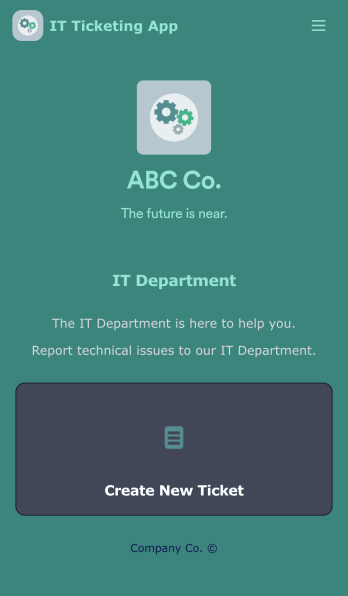
IT Ticketing App
An IT Ticketing App is used by companies to internally record IT issues using support tickets. This readymade app allows employees to specify their IT issue, browser, and operating system, add relevant URLs, assign priority level, and even attach screenshots using an included upload form. IT tickets are then stored securely in your account, where they are compiled into an easy-to-read spreadsheet in Jotform Tables.Our drag-and-drop interface makes customizing this IT Ticketing App a breeze. With just a few clicks, you can add or change forms and text, choose fonts and colors, upload your company logo, update the app name and icon, and more — no coding required. When you’re finished, just share a link with your employees, where they can access and download your app on any smartphone, tablet, or desktop. Start squashing bugs today with this fully customizable IT Ticketing App!
Go to Category:Tracker Apps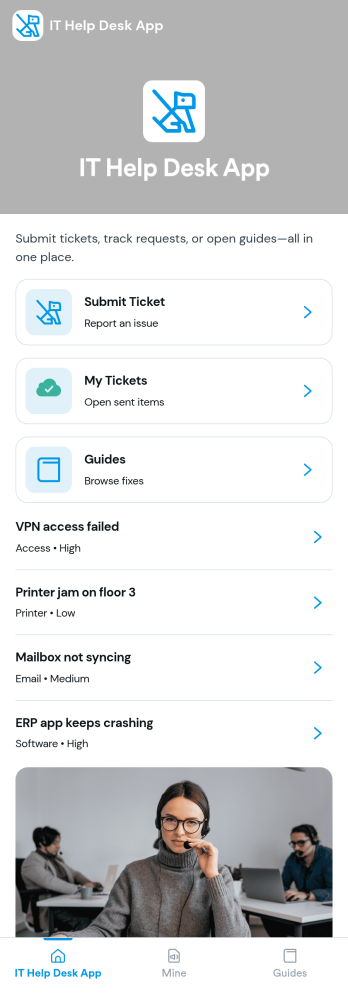
It Help Desk App
It Help Desk App gives teams a clear place to route internal tech issues and keep requests from getting lost in chat threads and inboxes. Employees can submit a ticket, check their open tickets, and review request details like priority and issue type in one simple experience. It works well for IT departments, managed service teams, and fast-growing companies that need a consistent way to capture problems, assign attention, and follow up without confusion.With Jotform App Templates, you can publish a self-service help desk that connects pages, buttons, and lists to the forms and tables behind your process. Build and update your workflow in a no-code app builder with a drag-and-drop interface, then share the app as a single link for quick access on any device. Jotform supports reliable data collection and organized request tracking, so your team can spend less time searching for context and more time resolving issues.
Go to Category:Information Technology Apps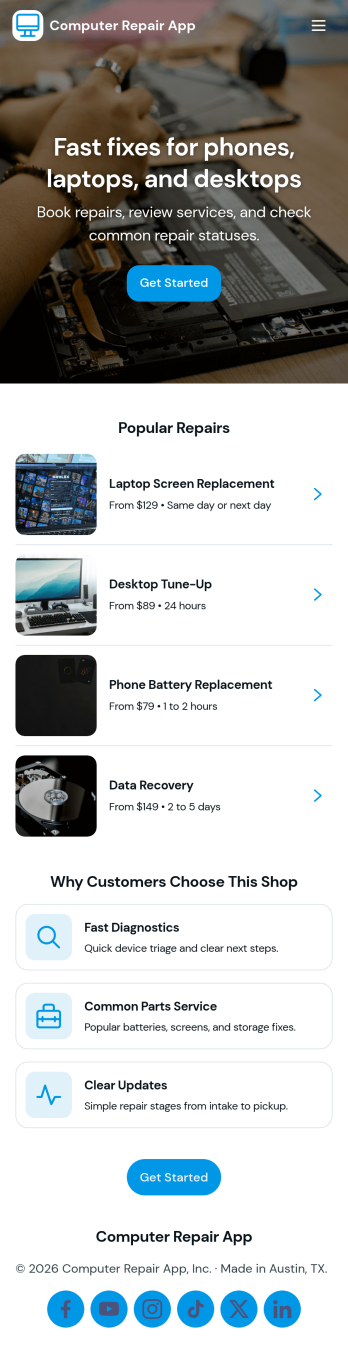
Computer Repair App
Computer Repair App brings your repair shop’s front desk and workbench into one place so you can capture new repair requests, create tickets fast, and keep jobs moving without losing track of device details. It’s built for computer repair businesses, IT service counters, and technicians who need a clear way to open intake, start a new repair, and follow each customer job from check-in to pickup. With quick intake and job tracking in the same experience, teams can reduce missed information and keep customers updated with fewer manual handoffs.Jotform makes it easy to turn this computer repair app template into a branded, self-service workflow using a drag-and-drop no-code app builder. Connect buttons and pages to your intake form, organize job records for faster lookups, and use dashboards to monitor repair operations at a glance. Share the app by link or QR code, refine it as your process evolves, and keep your data collection and daily workflow consistent across the whole team.
Go to Category:Information Technology Apps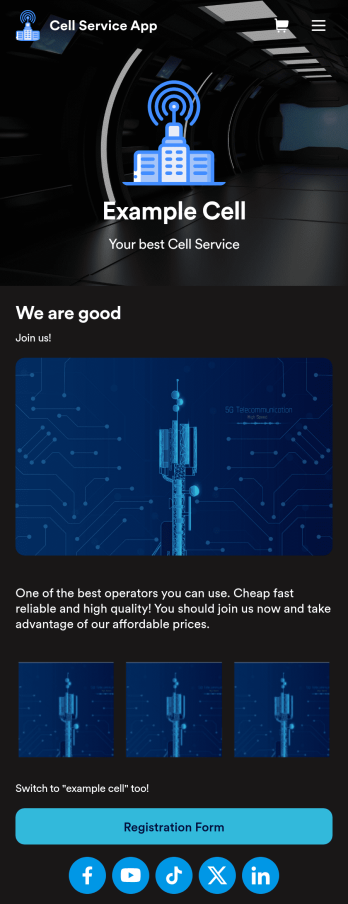
Cell Service App
If you sell cell phones or are a cell phone service provider, use this free Cell Service App to give customers an easy way to contact you and purchase your products or services! Start by customizing the app template to match your needs and branding — then share the app to be downloaded onto any iOS or Android tablet or smartphone. Customers can then submit orders, feedback, and other form responses on the go.Want to customize the design of this Cell Service App template? Drag and drop to get the look you want. Add your logo and products, update the app icon and background, split the app into multiple pages, and make other design changes in seconds with no coding required. All submissions through your custom Cell Service App are stored securely in your Jotform account, ready to view and respond to fast.
Go to Category:Customer Portal Apps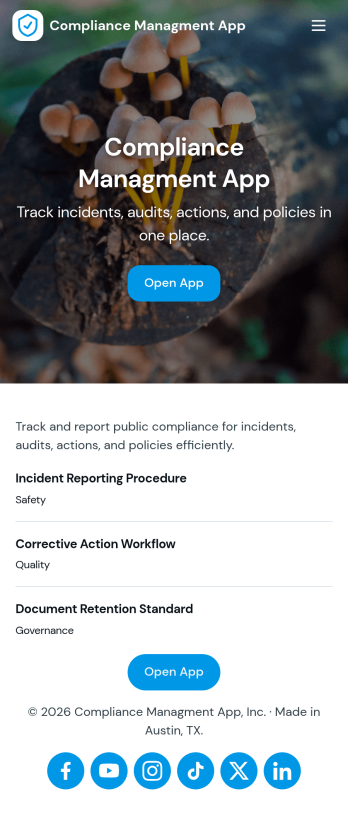
Compliance Managment App
Compliance Managment App brings your day-to-day compliance work into one place so teams can keep controls visible, document what happened, and stay ready for reviews. It’s built for operations leaders, IT and security teams, HR, and managers who need a practical way to organize controls, report incidents as they occur, log audits, and maintain supporting documents without hunting across folders or email threads.With Jotform you can turn this app template into a branded self-service workspace using a drag-and-drop interface and a no-code app builder. Connect the app to forms and tables to support ongoing data collection, route key steps through a workflow, and keep updates consistent across controls, incidents, audits, and documents. Share it with internal stakeholders through a link, tailor pages to your process, and keep information easy to access on any device.
Go to Category:Information Technology Apps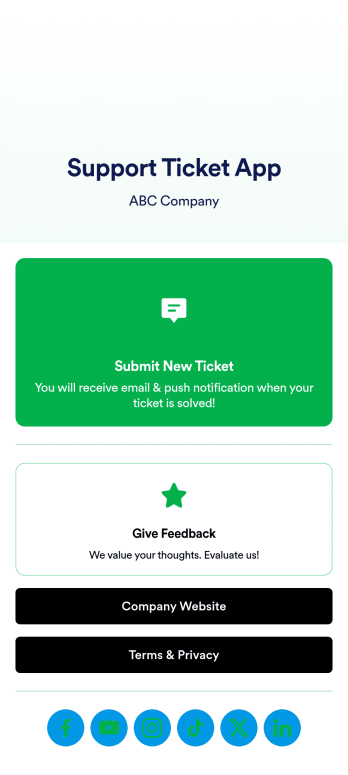
Support Ticket App
Jotform's Support Ticket App template allows customer support teams and IT departments to efficiently manage customer inquiries and issues without any coding. This free, no-code app builder enables users to create a fully customized app with forms, widgets, products, and branding that can be downloaded onto any device. With this template, support teams can collect tickets and feedback to streamline their ticketing system and provide timely assistance to customers.Are you looking for a way to simplify your customer support process? Jotform's Support Ticket App template is the solution you need. With features like a drag-and-drop builder, powerful app elements, and 70+ app widgets, you can create a seamless experience for your customers. Improve user engagement with push notifications and give users access to their submission history. Experience the ease of use and customization that Jotform Apps offer, making it the perfect choice for customer support teams and IT departments.
Go to Category:Customer Portal Apps