Security Check App helps teams run consistent security checks, capture findings, and keep a clear record of what was inspected and what needs attention. It’s built for security guards, facilities teams, operations managers, and site supervisors who need a simple way to start a check, review open checks in progress, and spot recent risks without hunting through messages or paper notes. With quick access to Start Check and New Check, plus navigation to Open Checks, View Logs, and Recent Risks, the app supports daily rounds, shift handovers, incident prevention, and routine site verification across offices, warehouses, events, and multi-location properties.
Jotform makes it easy to turn this workflow into a shareable, branded experience using its app templates and no-code app builder. Customize pages with a drag-and-drop interface, connect checks to forms and tables for reliable data collection, and keep your workflow organized with simple navigation between active items and historical logs. Share the app with a link or QR code so teams can complete checks on mobile, track updates as they happen, and keep security activity centralized in Jotform.
Related templates
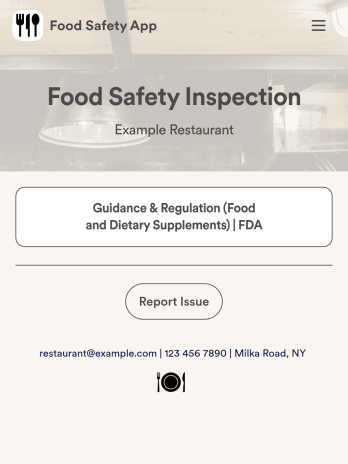
Food Safety App
A food safety app is used by restaurant managers and health inspectors to document food storage and preparation conditions of a restaurant kitchen. With this free Food Safety App from Jotform, you can fill out health and safety checklists for food preparation and contamination, as well as heated and frozen foods. Inspectors can date and sign their reports using a digital signature box at the bottom of the form. For convenience, a link to the FDA’s Guidance & Regulation web page is available on the main page of your app. Inspection reports are instantly synced to your secure Jotform account and can be accessed from any device.Customize this app template without any coding using our drag-and-drop interface. With a few clicks, you can swap out form elements, add checklists, upload images, choose fonts and colors, personalize your splash screen, and more. After you’re done, your app can be downloaded on any smartphone, tablet, or desktop with a shareable link. Make sure your restaurant is safe and hygienic with this Food Safety App from Jotform.
Go to Category:Inspection Apps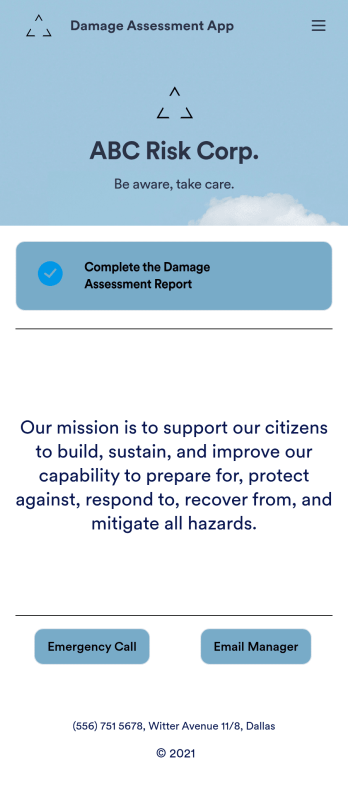
Damage Assessment App
A damage assessment app allows emergency management agencies to create and submit reports from any device. Use our free Damage Assessment App Template to create an app for your own emergency management program in just a few clicks. This fully-customizable template includes an online damage assessment report form where inspectors can describe the damage, take photos, and provide their e-signature from any smartphone or tablet.Need to modify this Damage Assessment app? Customize the template to better suit your needs with our drag-and-drop builder. It’s easy to add more forms, include links to other resources, change text and images, and update app settings such as name, icon, and splash screen. When it’s ready to use, download the app onto your preferred device or share it with others in your organization via app link. Streamline the inspection process for your emergency management agency with an efficient online Damage Assessment App that works anywhere.
Go to Category:Inspection Apps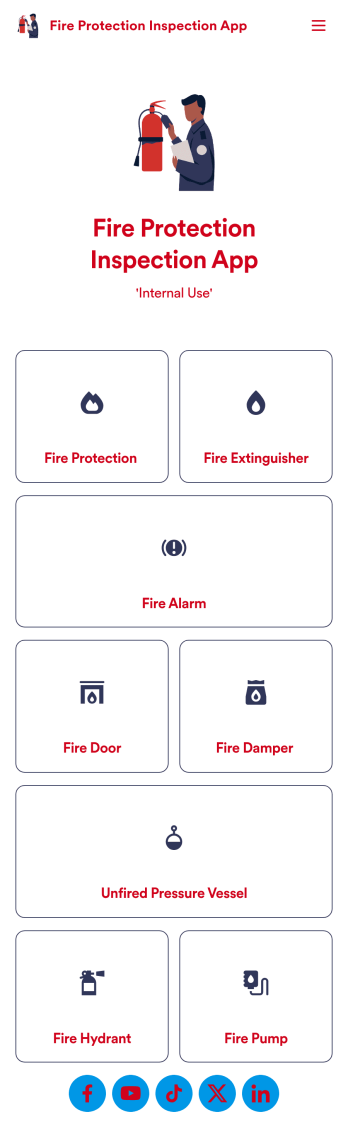
Fire Protection Inspection App
A fire protection inspection app is used to perform fire inspections on any device. Jotform’s free Fire Protection Inspection App allows members of your inspection company or organization to take note of what processes a building has in place to protect themselves from a fire disaster — such as fire extinguishers, fire alarms, and exit routes. Instead of completing inspections with paper forms, you can be more efficient and enter them directly into your mobile device.Want to make changes to the app design? Drag and drop to personalize the app icon or splash screen, add or remove forms, and make other updates with no coding. Every inspection collected through your custom Fire Protection Inspection App will be stored securely in your Jotform account, which you can use to view inspections in a spreadsheet in Jotform Tables, convert inspections into PDF documents with Jotform PDF Editor, and do more with a powerful suite of data management tools.
Go to Category:Inspection Apps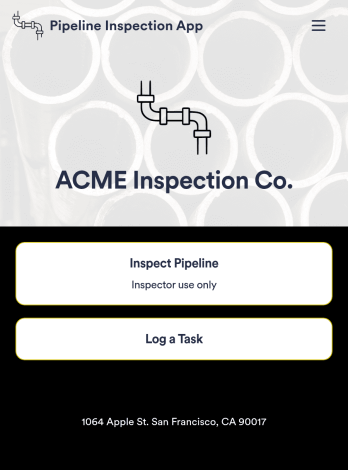
Pipeline Inspection App
A pipeline inspection app is used by safety inspection companies to record the condition of pipelines. With this ready-made Pipeline Inspection App, inspectors can fill out a form with details for each pipeline inspection, including location, type, dimensions, quadrangle, and watershed. There is also space to write down any additional information — for example, if a pipeline needed to be flagged for maintenance. Submissions are compiled and stored securely in your online account, and can be viewed in an easy-to-understand database from any device.This Pipeline Inspection App can be fully customized with no coding. Using our drag-and-drop form builder, it’s easy to swap out forms, change text, choose fonts and colors, upload your logo, and more. Employees can access and download your app with a shareable link, or you can embed it in your website. Keep all your pipeline inspection reports in one place with our free Pipeline Inspection App.
Go to Category:Inspection Apps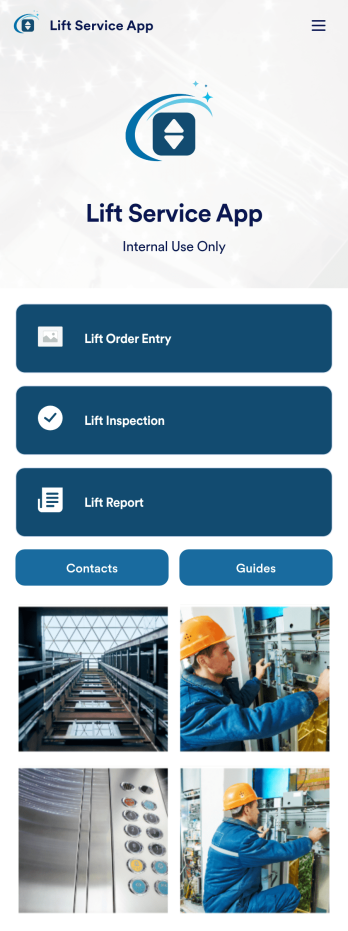
Lift Service App
A lift service app is used by lift operators to keep track of inspections, orders, reports, and more. With this ready-made Lift Service App by Jotform, your company can switch from paper forms to efficient online forms that can be filled out seamlessly on any device. Once you customize this app template to your liking with our drag-and-drop builder, you can share it to start collecting form submissions instantly.Need to update the design of this Lift Service App? Add your company logo, add or remove forms, split your app into separate pages, and make other changes with no coding required. You can even integrate with 200+ other platforms to sync submissions to your other accounts automatically — no manual data entry required.
Go to Category:Company Portal Apps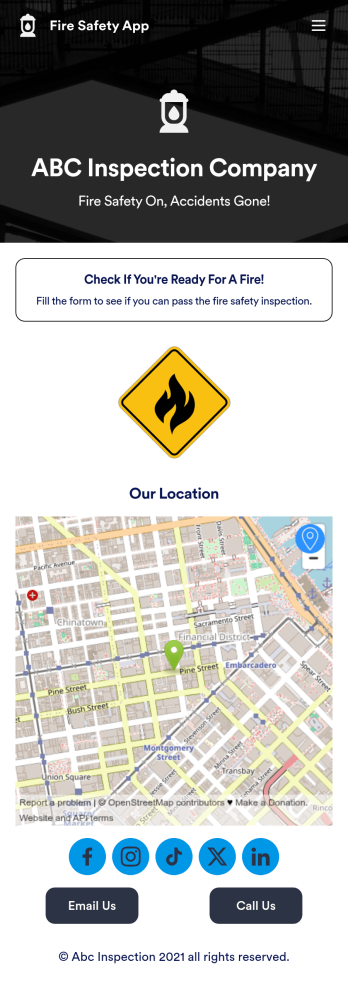
Fire Risk Assessment App
A Fire Risk Assessment App is used by fire safety inspection companies to perform inspections for homes, buildings, or businesses. With Jotform’s free Fire Risk Assessment App, members of your team can download the app onto their smartphone, tablet, or computer to submit safety inspection reports electronically. All information is stored securely and protected with Jotform’s advanced security protocols.Customizing this app is simple. Without coding, you can drag-and-drop fields to add your logo, update the splash screen, include more forms, or change fonts and colors. To get your app in front of team members, share it in seconds by copying and pasting the auto-generated app link. Make paper inspection forms a thing of the past and gets organized with a free Fire Risk Assessment App.
Go to Category:Inspection Apps