
The Short-Term Rental Agreement App is a ready-to-use app template for property owners, hosts, rental managers, and hospitality teams that need one place to prepare and review short-stay agreements. Users can create a new agreement through a connected form, browse existing agreements by property address, and open a clear record showing the parties, rates, rent, deposits, included utilities, and emergency contact details. This organized experience supports vacation homes, furnished apartments, guest units, and other temporary rentals by reducing scattered paperwork and making key terms easier to find before, during, or after a stay.
With Jotform Apps, teams can adapt this Short-Term Rental Agreement App using a no-code app builder and drag-and-drop interface. Update pages, branding, buttons, and navigation, then connect forms, tables, approvals, and workflow steps to support data collection and internal review. The app can be shared by direct link or QR code and opened on mobile devices, giving staff convenient self-service access wherever rental activity is managed. Start with this option from Jotform’s App Templates library to publish a polished experience quickly without writing code.
Related templates
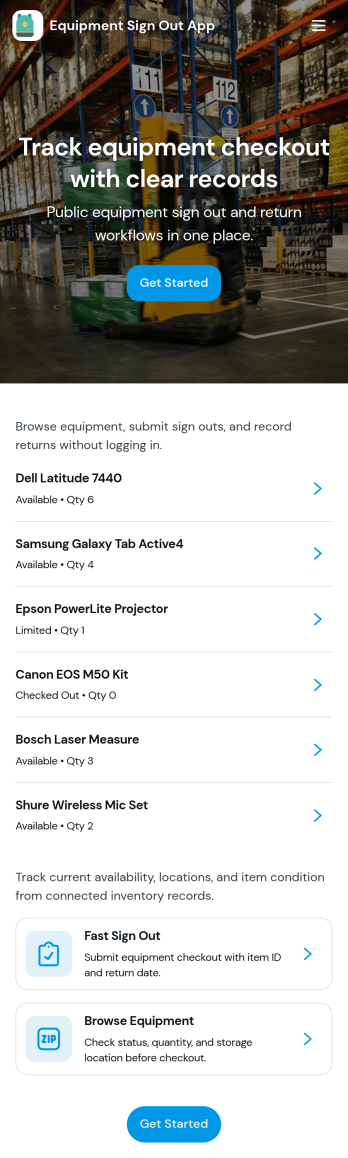
Equipment Sign Out App
Equipment Sign Out App helps teams keep a clear, searchable trail of who has which gear, when it was checked out, and what still needs to be returned. It’s useful for construction crews, schools, IT departments, studios, gyms, warehouses, and any workplace that shares tools, devices, or kits across shifts. With an equipment list to browse, a dedicated sign out flow, and a records area for lookups, staff can quickly find an item, sign it out in seconds, and reduce lost equipment, duplicate purchases, and time spent chasing updates.Built with Jotform, this app template turns everyday equipment tracking into a mobile-friendly self-service experience. Customize pages with a drag-and-drop interface, connect your sign out form to the app for consistent data collection, and keep everything organized in a single workflow that’s easy to share by link or QR code. As your inventory grows, Jotform makes it simple to update lists, adjust fields, and maintain reliable records without coding.
Go to Category:Inventory Apps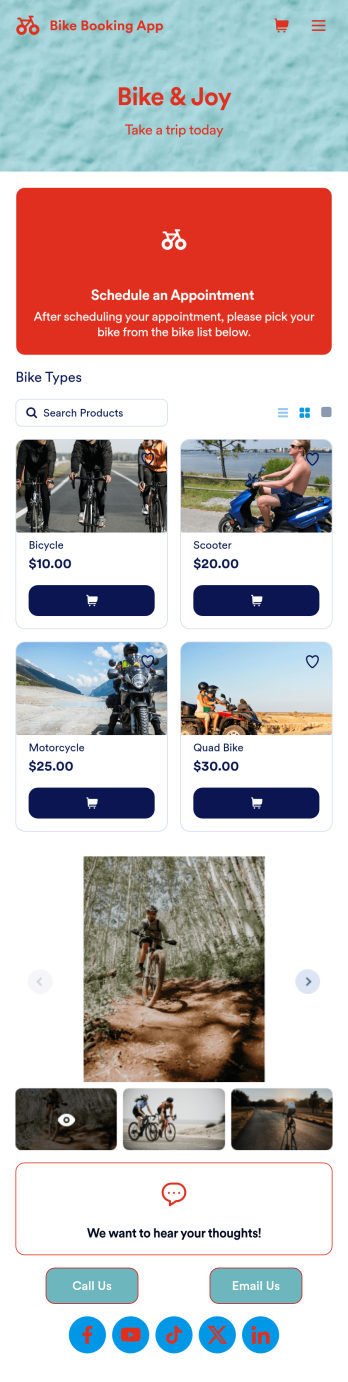
Bike Booking App
A bike booking app is used by bicycle renting companies for logging and storing bicycle bookings and customer contact information. Want to know how to sell bike bookings online? Create a custom Bike Booking App in seconds and customers can rent bicycles, leave feedback, contact your store, and follow you on social media. This app template comes bundled with two forms — a Bike Booking Form and a Feedback Form — but you can always add more forms and pages to suit your needs. Bookings are instantly synced and stored in your secure Jotform account and are accessible from any device.Making this app template your own is easy with Jotform’s intuitive no-code app builder. Simply drag and drop to change form elements and text fields, upload images to the image carousel on your app’s main page, include your logo and branding, and more. Once you’re finished customizing your app, you can share the app link on your website or social media, and customers can then access and download it on their favorite device. You can even generate and print out a custom QR code to hang in the window of your shop. Simplify your bike booking process and keep all your submissions in one convenient place with this Bike Booking App from Jotform.
Go to Category:Appointment & Booking Apps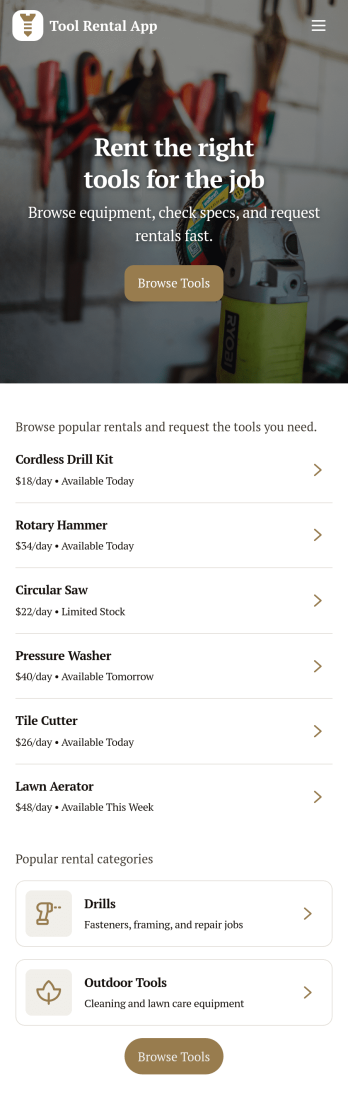
Tool Rental App
Tool Rental App gives rental businesses and teams a simple way to present their tool catalog, take rental requests, and keep renters informed in one place. Visitors can browse available tools, open a tool detail view, and use a dedicated request flow to book what they need, which works well for equipment rental shops, hardware stores offering rentals, construction suppliers, and community tool libraries. It also supports day-to-day operations by keeping a clear view of active rentals and requests, helping staff reduce missed handoffs and keep availability easier to manage.With Jotform, you can build and publish app templates like Tool Rental App using a drag-and-drop interface and a no-code app builder that fits the way your rental workflow already works. Connect the app to your forms and data collection, organize requests in a structured workflow, and share the app through a link or QR code so customers and staff can access it from anywhere. As your inventory grows, you can update pages, adjust navigation, and refine the experience without rebuilding from scratch.
Go to Category:Rental Apps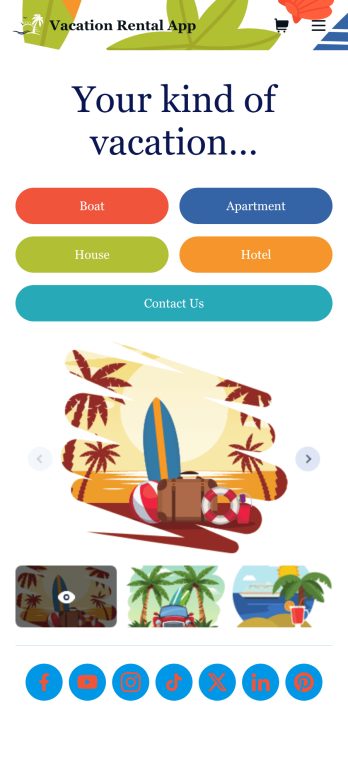
Vacation Rental App
Organize your vacation rental spaces and experiences with your own Vacation Rental App. Build your own app from scratch or pick one of our many ready-made app templates to get things going. Personalize by dragging and dropping form elements to match your rental company brand. List the types of villas, boats, or houses you offer, details about each rental, how to book, and integrate with a payment gateway of your choice to collect payments and tips. You also have the option of setting up an automated email response to confirm rental dates and payments.Give your guests a sense of luxury and relaxation and customize your Vacation Rental App. Upload your own logo, change fonts and colors, add rental images and descriptions, and more. When you’re done designing your app, share your link via direct message, scannable QR code, or by embedding it directly into your website. You can also link to your app on your social media pages to increase exposure and general interest. Create your own Vacation Rental App today with Jotform!
Go to Category:Appointment & Booking Apps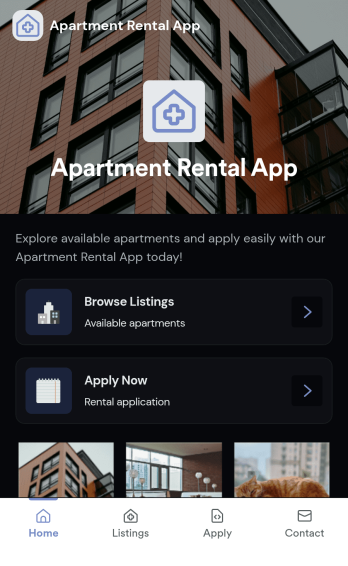
Apartment Rental App
Apartment Rental App gives property managers, landlords, and leasing teams a simple way to present available units and guide renters from browsing to applying. Use it to highlight featured apartments on a home page, let prospects browse listings, open a listing detail page, and start an application when they find the right fit. It’s a practical option for small property portfolios, student housing, corporate housing coordinators, and real estate teams that want one shareable place for current availability without juggling long email threads or sending multiple links.Built with Jotform, this app template pairs a mobile-friendly, self-service experience with a no-code app builder and drag-and-drop interface, so you can update listings, adjust content, and keep the renter journey consistent. Connect your listing data and application form to create a smooth workflow for data collection, then share the app through a link or QR code so prospects can view listings and apply from anywhere.
Go to Category:Rental Apps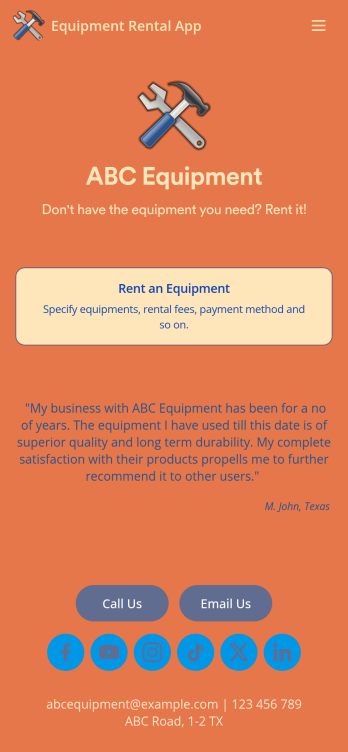
Equipment Rental App
An Equipment Rental App is used by companies that need to keep track of loaned out equipment. This app template allows customers to enter general contact and payment information, log start and end dates, and specify which equipment they’re taking out and why. There are also two digital signature boxes to be signed by both parties before submitting the agreement form. Once submitted, an Equipment Rental Agreement PDF is automatically generated. Rental agreements are stored securely in an easy-to-read spreadsheet in your online account.Personalizing this Equipment Rental App is easy. Using our drag-and-drop interface, you can add or change forms, choose fonts and colors, upload your company logo, update the app name, text and splash page, and more — all with zero coding. After you’re done customizing, your app can be shared via link and then accessed and downloaded on any smartphone, tablet, or desktop computer. Make equipment rental a breeze with this customizable Equipment Rental App!
Go to Category:Construction Apps