
The Ski and Snowboard Rental App is an app template for rental shops, winter sports centers, and resort equipment desks that need a convenient way to present available gear and receive rental requests. Customers can browse equipment, review key rental information such as category, skill level, and daily rate, and request a suitable item from one mobile-friendly location. Pickup and return guidance helps renters understand the next steps, while staff gain a clearer intake process for skis, snowboards, and related equipment. It is particularly useful during busy winter periods when teams need to reduce repetitive questions and help customers select gear before reaching the rental desk.
Jotform App Templates make it easy to turn this rental journey into a branded self-service experience without coding. Using the no-code app builder and its drag-and-drop interface, businesses can update equipment content, adjust navigation, connect rental request forms, and organize data collection around their workflow. The app can be shared through a direct link or QR code, giving customers convenient access on their phones. Teams can also customize colors, fonts, images, and pages so the finished experience reflects their rental operation and remains easy to maintain as inventory or rental details change.
Related templates
Event Space Rental App
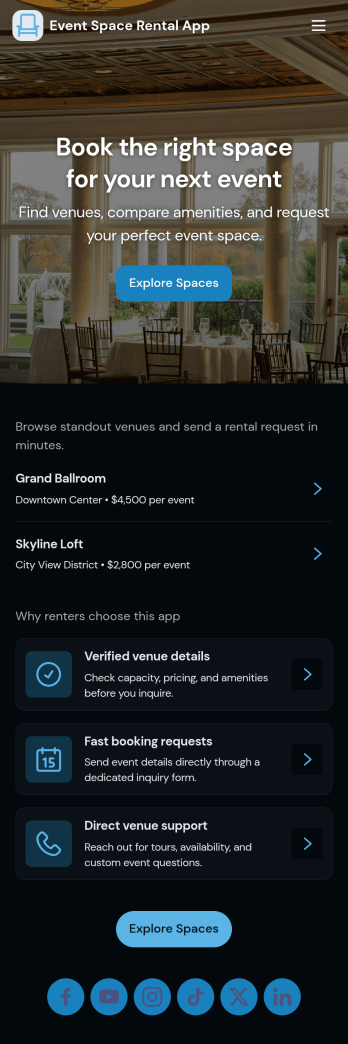
Event Space Rental App helps venues and event organizers handle rentals in one place, from discovering available spaces to sending booking inquiries and tracking request status. Use it to showcase multiple venues, guide visitors to key details and typical uses, and give prospects a clear path to request a booking. It’s a strong fit for banquet halls, studios, coworking and meeting spaces, community centers, hotels with event rooms, and property managers who rent spaces for parties, workshops, photo shoots, and corporate gatherings.With Jotform, you can turn this app template into a branded self-service experience without coding. Build pages with a drag-and-drop interface, connect the booking request form to your workflow, and keep requests organized in connected tables for quick review. Share the app through a link or QR code so customers can browse venues, submit requests, and revisit “My Requests” while your team monitors “All Requests” and follows up faster.
Go to Category:Rental Apps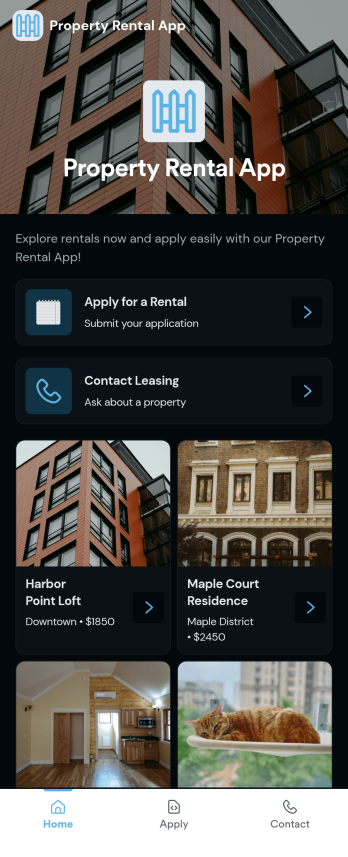
Property Rental App
A Property Rental App gives prospective tenants an easy way to browse available listings, open a property detail view, and take action immediately. Use it to present rentals with clear visuals and key information, then route renters to the right next step such as submitting a rental application or sending an inquiry. Property managers, leasing teams, and independent landlords can share one central place where people can explore options, request more details, and contact leasing without searching through emails or scattered links.Built with Jotform App Templates, this app template is simple to tailor for your portfolio and brand using a no-code app builder and a drag-and-drop interface. Connect the app to Jotform forms for rental applications and inquiries, keep information consistent across listings, and support self-service for renters on any device. As requests come in, your team can respond faster, reduce missed leads, and keep the rental process organized from first click to completed paperwork.
Go to Category:Rental Apps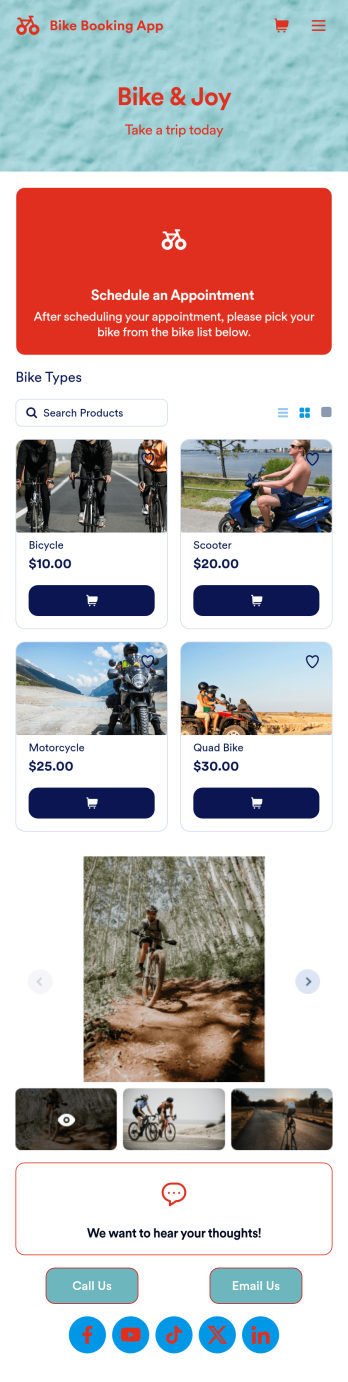
Bike Booking App
A bike booking app is used by bicycle renting companies for logging and storing bicycle bookings and customer contact information. Want to know how to sell bike bookings online? Create a custom Bike Booking App in seconds and customers can rent bicycles, leave feedback, contact your store, and follow you on social media. This app template comes bundled with two forms — a Bike Booking Form and a Feedback Form — but you can always add more forms and pages to suit your needs. Bookings are instantly synced and stored in your secure Jotform account and are accessible from any device.Making this app template your own is easy with Jotform’s intuitive no-code app builder. Simply drag and drop to change form elements and text fields, upload images to the image carousel on your app’s main page, include your logo and branding, and more. Once you’re finished customizing your app, you can share the app link on your website or social media, and customers can then access and download it on their favorite device. You can even generate and print out a custom QR code to hang in the window of your shop. Simplify your bike booking process and keep all your submissions in one convenient place with this Bike Booking App from Jotform.
Go to Category:Appointment & Booking Apps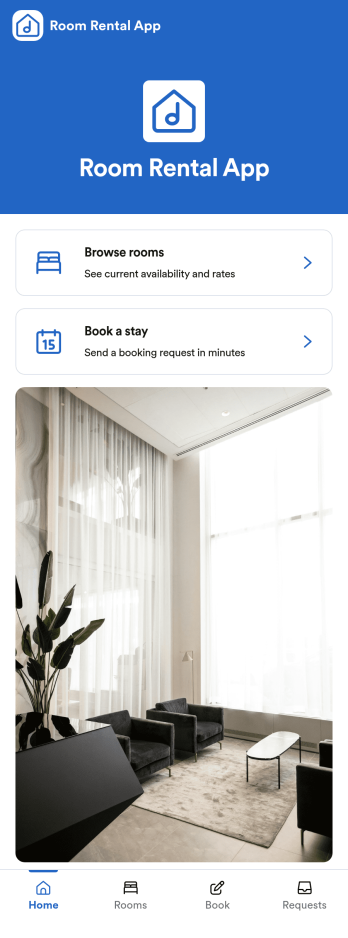
Room Rental App
Room Rental App helps hosts and property managers present available rooms, take booking requests, and stay on top of incoming inquiries from one place. Visitors can browse rooms in a simple list, open a room to view details, and use clear actions like Book a stay or Request this room to start the booking process. It works well for short-term rentals, spare-room hosts, serviced rooms, and small hospitality teams who want a straightforward way to guide guests from discovery to request without confusion.Built with Jotform, this app template can be tailored with a no-code app builder and a drag-and-drop interface to match your branding and rental workflow. Connect the app to your forms and tables to support data collection for booking requests, keep a record of My bookings, and review activity in All booking requests. When you are ready, share the app through a link or QR code so guests can book and you can manage requests faster with a clearer self-service experience.
Go to Category:Rental Apps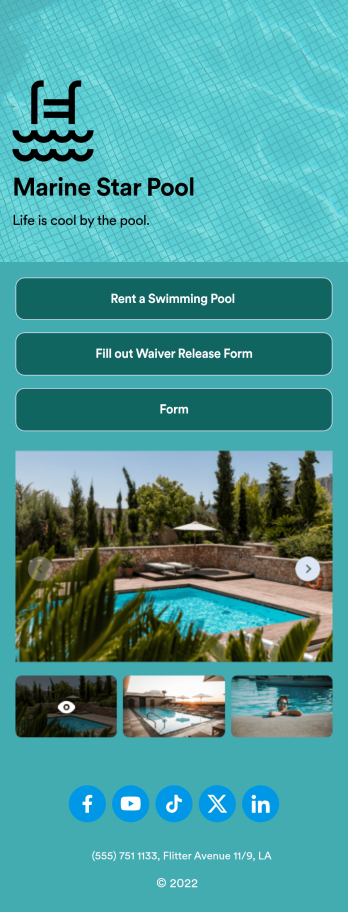
Swimming Pool Rental App
Collect rentals for your swimming pool or recreation center with a free Swimming Pool Rental App from Jotform. After you customize the app to match your branding and share it with your pool visitors, you can gather pool rentals, waivers, and other important information directly through the app. You or members of your team can then view submissions in your Jotform account.Want to make this app match your business? Just drag and drop to get the look you want. Add your logo as the app’s icon, change the splash screen, update form fields, and make other changes without coding. Then share the app with a link or add it to your social media bio for people to download onto their iOS or Android devices. Dive into creating your own Swimming Pool Rental App with our free app template.
Go to Category:Reservation Apps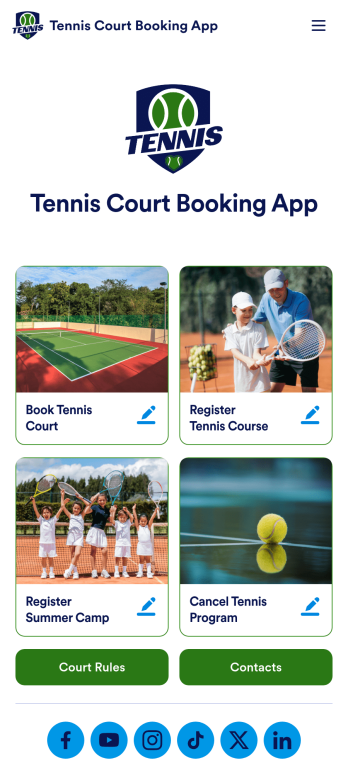
Tennis Court Booking App
A tennis court booking app is used by tennis court facility managers to receive, track, and manage tennis court bookings with ease. Using this ready-made Tennis Court Booking App, you can receive bookings from any device, complete with payments, contact details, and e-signatures, then manage them all using Jotform’s suite of powerful productivity tools.Customize this Tennis Court Booking App with our drag-and-drop app builder. No coding required! You can add a booking calendar, include your logo and branding, integrate with 200+ platforms to send submissions to other platforms like Google Calendar or Google Sheets, and collect payments with popular payment processors like Square and PayPal — while paying no extra transaction fees to Jotform.
Go to Category:Booking Apps