Social Media Discovery App helps you curate and share a browsable directory of creators across major platforms so audiences can quickly find the right profiles to follow. Use it to showcase recommended creators, group them by platform, category, or audience type, and guide visitors to the creator’s profile with a direct link. It works well for influencer agencies, marketing teams, online communities, and anyone building a discovery hub for talent, partners, or niche experts.
With Jotform, you can publish this app template in minutes using a no-code app builder and a drag-and-drop interface. Connect the app to your data collection workflow to add new creator recommendations, update profiles, and keep your creator lists current without relying on developers. Share the app as a self-service experience for your team, customers, or community, and manage everything from one place as your directory grows.
Related templates
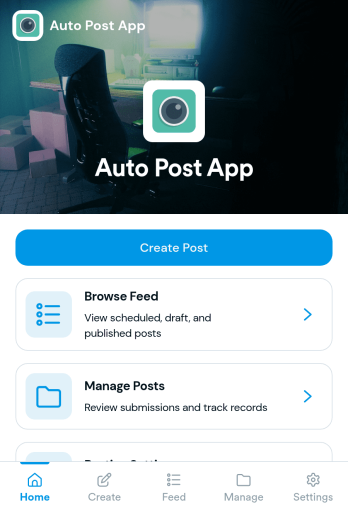
Auto Post App
Auto Post App brings your social content workflow into one place so teams can draft posts, organize what’s coming up, and keep a clear record of what’s already gone out. It’s a practical fit for social media managers, small business owners, creators, and marketing teams who want a simple way to build drafts, move them into a queue, and reference past publishing activity without relying on scattered notes or multiple tools.With Jotform App Templates, you can publish a branded, self-service app experience powered by Jotform’s no-code app builder and drag-and-drop interface. Connect your draft form to collect content details, use lists to review items in your queue and history, and share the app with teammates so everyone follows the same workflow from planning to tracking.
Go to Category:Sales & Marketing Portal Apps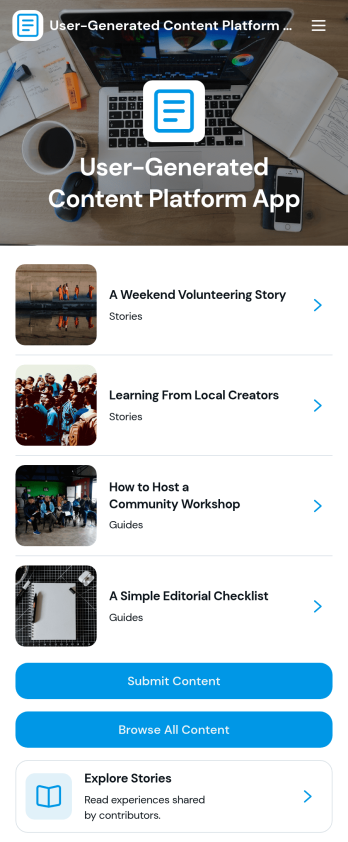
User-Generated Content Platform App
User-Generated Content Platform App brings submissions and discovery into one organized place so communities can publish stories, guides, and other contributed resources without relying on scattered inboxes or multiple tools. It’s a great fit for creator programs, nonprofits, schools, media teams, and brand communities that want a simple way for people to submit content, browse published pieces, and explore by category. With clear paths to submit content and browse all content, this app helps reduce friction for contributors while keeping content easy to find for readers.Built with Jotform App Templates, you can tailor this app to your editorial workflow using a no-code app builder and a drag-and-drop interface. Connect submission forms to the app experience, route entries into tables for organized data collection, and add steps like review or approvals when your workflow needs them. Share the finished app as a self-service destination with a link or QR code, then keep improving it as your content program grows.
Go to Category:Community & Engagement Portal Apps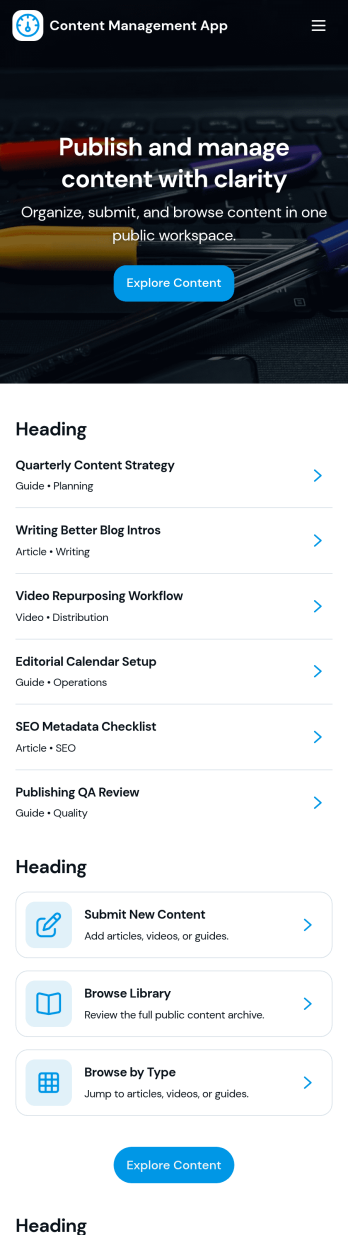
Content Management App
Content Management App helps teams collect, organize, and review content in one place, so publishing doesn’t turn into scattered messages and lost files. Use it to gather new articles, announcements, product updates, knowledge base entries, or internal resources through a simple submission flow, then route items into a review queue before they’re added to your library. It’s a practical fit for marketing teams, internal communications, agencies, and growing businesses that need a consistent way to intake content, browse a shared library, and keep visibility into what’s ready, what needs edits, and what’s in progress.With Jotform, you can turn this app template into a branded, self-service experience using a no-code app builder and a drag-and-drop interface. Connect pages to forms and tables to support ongoing data collection, keep content records centralized, and make workflows easier to follow for contributors and reviewers. Share the app by link or QR code, customize navigation and design, and maintain a single source of truth as your content volume grows.
Go to Category:Management Apps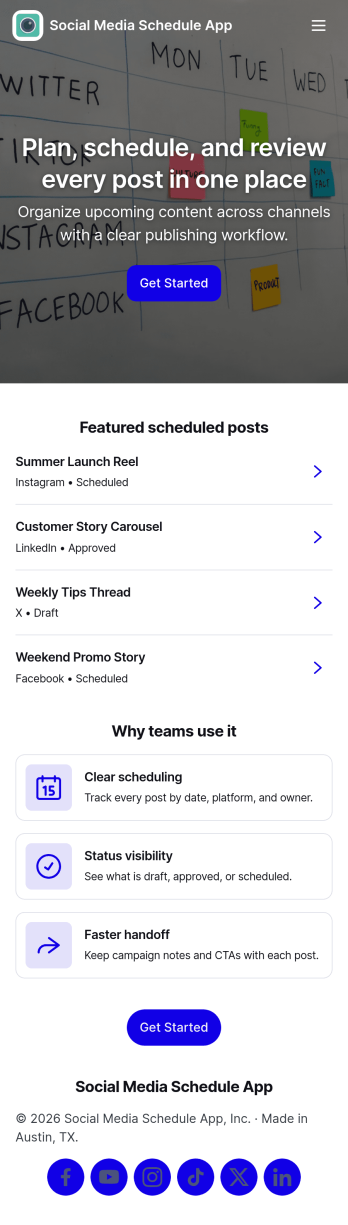
Social Media Schedule App
Social Media Schedule App helps you plan, draft, and organize upcoming social posts in one place so your team always knows what’s going out and when. Use it to add new posts through a simple intake form, keep works-in-progress in My Drafts, and review what’s already queued by opening View Schedule. It’s a practical fit for marketing teams, creators, agencies, and small businesses that need a clear posting rhythm across platforms without losing track of approvals, last-minute edits, or content gaps.With Jotform, you can turn this app template into a shareable self-service workspace using a no-code app builder and a drag-and-drop interface. Connect the app to your post form and table views so updates stay organized, then tailor pages, buttons, and navigation to match your workflow and data collection needs. Publish with a link for quick access, keep content planning consistent, and maintain a smoother workflow from draft to scheduled post.
Go to Category:Sales & Marketing Portal Apps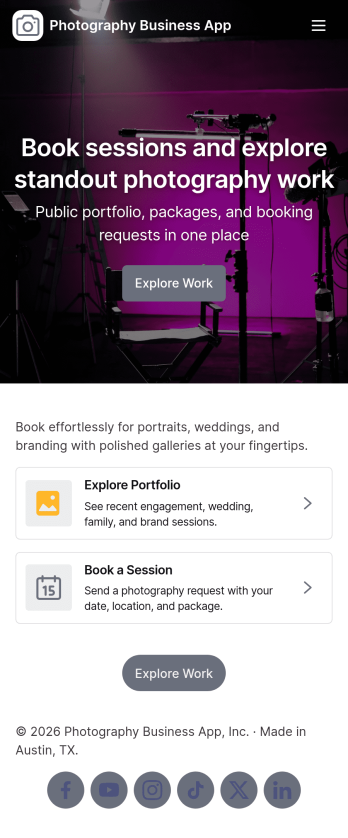
Photography Business App
Photography Business App brings your studio’s client-facing experience into one place so people can browse your portfolio, explore services, and reach out when they’re ready to book. It’s a practical fit for independent photographers, small studios, and creative teams who want an always-on home for inquiries and session requests without relying on scattered links. Visitors can jump from featured work to project views, then take action with clear contact options including email and phone, plus a custom quote request for clients who need something beyond standard packages.With Jotform App Templates, you can publish a polished, branded Photography Business App using a no-code app builder and a drag-and-drop interface that’s easy to update as your work evolves. Connect the app to forms for data collection, route requests into a workflow your team can manage, and keep portfolio and service information organized for self-service browsing. Share your app through a link or QR code, refresh content in minutes, and deliver a consistent booking and inquiry experience across devices.
Go to Category:Booking Apps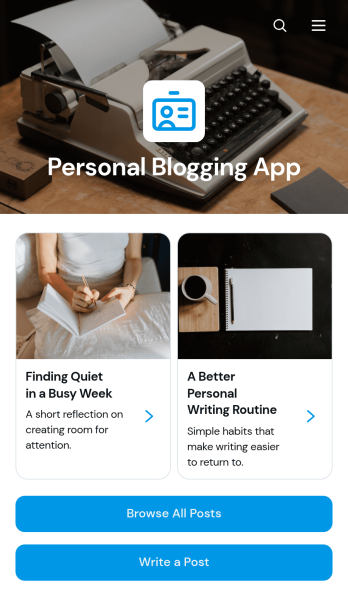
Personal Blogging App
Personal Blogging App is an app template for writers, creators, hobbyists, and independent professionals who want to publish personal stories, creative work, and reflections in an inviting mobile-friendly space. Readers can browse posts, filter articles by category, view publication details, and contact the author by email. A connected form also provides a convenient way to draft or submit a new post. This format helps authors organize a growing body of work, give each article a dedicated reading experience, and make archived content easier to discover without maintaining a complex website.Jotform App Templates make it simple to turn content and data collection into an interactive experience without coding. Customize the Personal Blogging App with the no-code app builder, arrange pages and navigation through a drag-and-drop interface, and apply fonts, colors, images, and branding that reflect your voice. You can connect forms and other workflow resources, update content as your blog develops, and share the finished app using a direct link or QR code. Jotform provides a flexible foundation for managing posts while offering readers convenient self-service access from phones, tablets, or computers.
Go to Category:Journal Apps