Staff Holiday Planner App helps teams organize time-off requests in one place, so managers can see upcoming absences and employees can submit requests without confusion. It fits HR teams, office managers, and department leads who need a clear, shared view of who is out and when, especially for busy periods, shift coverage, and cross-functional projects. With quick navigation to request time off and a team overview, the app supports smoother planning and fewer scheduling surprises.
Built with Jotform, this app template turns your holiday planning workflow into a simple self-service experience you can share in minutes. Use Jotform’s no-code app builder and drag-and-drop interface to tailor pages, update request guidance, and connect data collection to your forms and tables for reliable tracking. As requests come in, your team can keep everything organized with a connected workflow and a centralized view of holiday requests.
Related templates
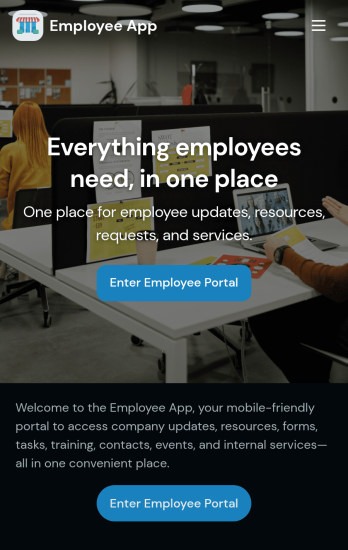
Custom Employee App
An employee app allows employees to access important company information and submit their own data from any device. Create an employee portal for your company with Jotform’s free Employee App. This ready-to-use template includes multiple forms such as employee referral forms, leave request forms, meeting reservation forms, COVID-19 screening forms, expense reimbursement forms, and more. Thanks to the role-based visibility condition, only selected admin users can see certain forms, such as department rotation. Using the app, employees can access and fill out any of the included forms from any smartphone, tablet, laptop, or desktop.Customize your Employee App to match your company in just a few clicks. With our drag-and-drop builder, you can easily add as many forms, links, documents, buttons, pages, and other app elements as you need. Plus, you can update fonts and colors, upload logos, and change the app icon and name to better represent your company. With Jotform’s Role-based feature, you can control access so tutors, admins, and other users see only the parts of the app relevant to them. Share your app with employees to download onto their own devices by sending email invites or the app link. Keep important company forms all in one secure, easily accessible Employee App!
Go to Category:Company Portal Apps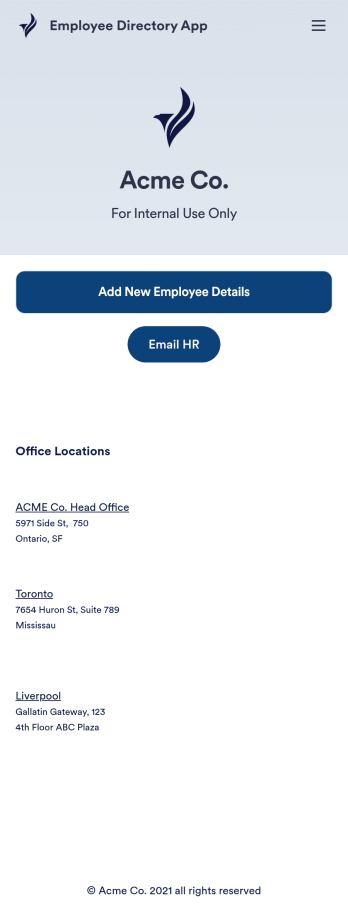
Employee Directory App
An employee directory app is used by businesses to collect information from new employees. Jotform’s Employee Directory App allows new employees to fill out general contact information, position title, manager, days of employment, and start date. If applicable, there is also space to specify an end date for contract workers. Submissions are instantly synced to an Employee Info Sheet in your Jotform account, which you can sort, filter, and search from any device.Customizing this app template to match your business’ branding is a snap. With our drag-and-drop form builder, you can add or change form elements, choose fonts and colors, upload your logo, and more — no coding required. You can also personalize your splash page by adding contact numbers and business address, or any other relevant information that might be useful to new employees. Share your app with a link or embed it in your website and employees can download it on any smartphone, tablet, or desktop. Streamline the onboarding process and keep all your employees’ information in one place with this Employee Directory App.
Go to Category:Human Resources Apps
Custom Employee Onboarding App
An employee onboarding app makes it easier to integrate a new employee into your company by making important internal resources available on any device. Simplify the transitional period and successfully onboard new hires with a fully custom Employee Onboard App powered by Jotform. This ready-to-use mobile app includes a table for tracking onboarding progress, company photos and social links, and a separate page with team contact information. New hires can download the app onto their mobile device or computer for easy access at any time.Customize this Employee Onboarding App for your company in just a few clicks. Without coding, you can use our drag-and-drop builder to add forms and tables, embed links, upload documents and training videos, create new pages, update fonts and colors, and much more. When your app is ready to use, it can be sent directly to new hires via email invites or the app link. Successful employee onboarding can be the key to business success — so get started with an efficient, easy-to-use Employee Onboarding App tailored to your company.
Go to Category:Company Portal Apps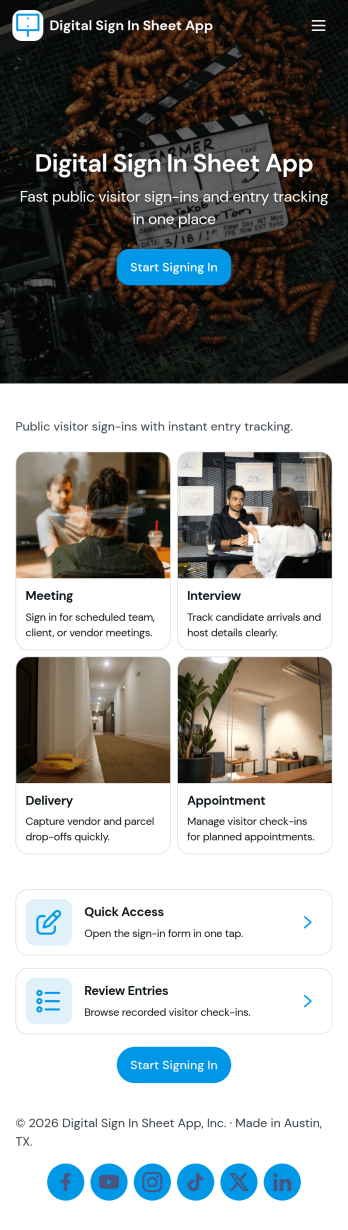
Digital Sign in Sheet App
Digital Sign in Sheet App helps organizations replace paper sign-in sheets with a simple, trackable check-in experience. Use it at a front desk, office, classroom, studio, job site, or event entrance to capture arrivals quickly and keep an accurate record of who is on-site. The app supports fast check-ins through a dedicated Check In page, plus a searchable Roster that helps staff confirm names, reduce manual errors, and handle repeat visitors without rewriting details each time.Built with Jotform, this app template can be tailored with a no-code app builder and a drag-and-drop interface, so you can match the flow to your space and your process. Connect the check-in form to your data collection workflow, keep entries organized in one place, and share the app through a link or QR code for smooth self-service sign-ins. Add branding, adjust navigation cards, and publish updates anytime without slowing down daily operations.
Go to Category:Sign In Apps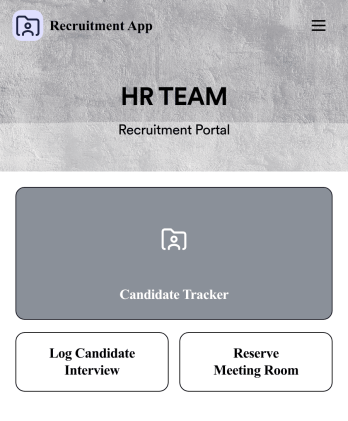
Recruitment App
A recruitment app streamlines the hiring process for HR teams on any device. No matter what roles your team is hiring for, get started with an all-in-one Recruitment App powered by Jotform! This free, ready-to-use app template works hand-in-hand with a Job Application Form and stores submissions in a Candidate Tracker. You and your recruiting team will also be able to schedule and log interviews through the app. All form responses will be securely stored in your Jotform account in a spreadsheet, calendar, or as easy-to-read cards.Customize this app template to match your branding and meet your HR needs. No coding necessary — simply drag and drop to add forms, links, documents, buttons, images, and much more. You can also change the app icon, name, and splash screen to match your branding. When it’s ready to use, share the app link with members of your recruiting team or send email invites. Your Recruitment App can be downloaded onto any smartphone, tablet, laptop, or desktop computer for easy access to your HR team’s tools and resources.
Go to Category:Company Portal Apps
HR Jobs App
An HR jobs app, or human resources jobs app, helps HR departments keep track of every step of the recruitment process. Track new employee onboarding, existing employee information, attendance, and more with this ready-made HR Jobs App. Feel free to use the app as is, or customize it with our no-code builder — then share and download it to fill out easily on any device.Need to make changes to this HR Jobs App? Upload your company logo, add or remove forms, customize the app icon or background, and make other design changes in seconds. You can also connect your forms with automated approval flows, and 100+ free integrations to sync information to other platforms automatically — perfect for speeding up your HR processes and saving your team precious time.
Go to Category:Company Portal Apps