
The Stock And Sales Tracker App is an inventory and sales recording template for retailers, warehouse teams, shop owners, and small businesses that need a clearer view of product activity. Users can record stock movements, log sales, and review item details such as quantities, unit costs, unit prices, payment methods, and notes. By keeping inventory changes and sales information in one accessible place, the app reduces scattered records, supports more accurate stock checks, and helps teams recognize replenishment needs or sales patterns. It is well suited to daily retail operations, storeroom oversight, pop-up shops, and product-based businesses with multiple staff members entering updates.
Jotform Apps makes this app template easy to adapt with a no-code app builder and a flexible drag-and-drop interface. Teams can update pages, navigation, buttons, and branding while connecting forms and tables to support data collection and workflow management. The finished app can be shared through a direct link or QR code, giving authorized staff convenient mobile access wherever stock is stored or sold. With ready-to-use App Templates, businesses can create a practical self-service workspace without programming and adjust it as products, sales processes, or reporting needs change.
Related templates
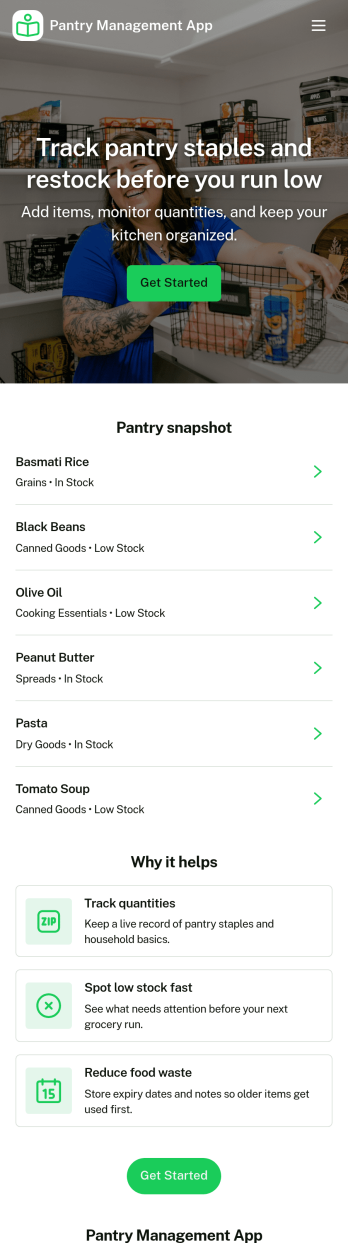
Pantry Management App
Pantry Management App helps households, shared kitchens, and small teams keep track of what’s on hand so restocking is timely and waste is reduced. Use it to review pantry stock at a glance, add new items as they come in, and open a simple review area to double-check what needs attention before the next grocery run. It’s a practical fit for families, roommates, meal-prep enthusiasts, and community kitchens that want one place to browse items and maintain consistency.With Jotform, you can publish this app template and tailor it to your routine using a no-code app builder and a drag-and-drop interface. Connect the app to a form for reliable data collection, keep records organized for quick self-service browsing, and adjust pages and navigation so everyone knows where to view stock, add items, and review updates. Share the app with a link or QR code to make pantry upkeep easier for everyone involved.
Go to Category:Inventory Apps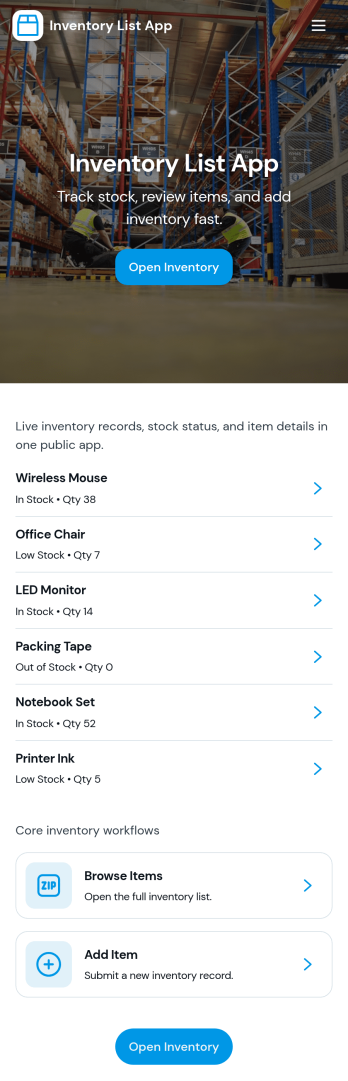
Inventory List App
Inventory List App gives teams a simple way to view what’s in stock, add new items as they come in, and keep a running record of stock movements in one place. It’s a practical fit for retail shops, warehouses, field teams, school departments, studios, and small businesses that need quick visibility into item status without juggling spreadsheets. With an easy Browse Inventory experience and a dedicated Add Item path, staff can keep product records up to date while managers get a clearer picture of what’s available and what needs attention.Built with Jotform App Templates, this app template can be customized in minutes using Jotform’s no-code app builder and drag-and-drop interface. Connect the app to your Jotform form for consistent data collection, then share it as a self-service inventory reference for employees or collaborators. As your workflow evolves, you can adjust pages, navigation, and connected data so inventory updates and stock tracking stay organized across locations and teams.
Go to Category:Inventory Apps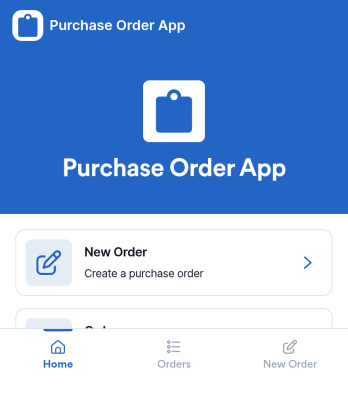
Purchase Order App
Purchase Order App gives teams a simple place to create new purchase orders, review recent orders, and route requests for approval without juggling spreadsheets or scattered email threads. It works well for office managers, operations teams, procurement coordinators, and department leads who need consistent purchasing records and a clear handoff between requesters and approvers. With dedicated areas for starting a new order, browsing recent activity, and checking approvals, the app supports day-to-day purchasing for supplies, services, and internal needs across one or multiple locations.Jotform helps you turn this workflow into a shareable, self-service experience using App Templates and a no-code app builder. Customize the pages with a drag-and-drop interface, connect the app to the included form for data collection, and keep order information organized for quick viewing. You can publish the Purchase Order App as a link for your team, update content as your process evolves, and build a smoother workflow from request to approval using Jotform.
Go to Category:Finance & Accounting Portal Apps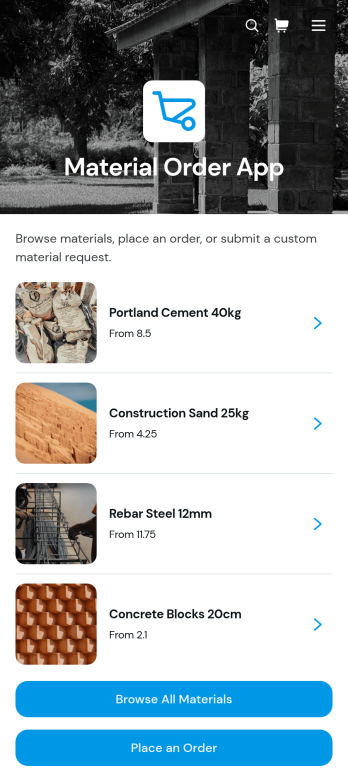
Material Order App
Material Order App is a ready-to-use ordering experience for teams that need a central place to find materials and submit requests. Employees, contractors, construction crews, warehouse staff, purchasing teams, and operations managers can browse a material catalog, review unit prices and availability, and place an order through a connected form. It replaces scattered product lists and informal requests with a consistent self-service process, helping organizations reduce ordering mistakes, give requesters clearer information, and keep material needs easier to review. It is especially useful for job sites, workshops, facilities, warehouses, and businesses that regularly distribute supplies across teams.With Jotform Apps, organizations can adapt this app template without writing code. The no-code app builder and drag-and-drop interface make it easy to update catalog content, adjust navigation, apply company branding, and connect forms, tables, approvals, or other workflow steps. Teams can use the Material Order App to support organized data collection while sharing it through a direct link or QR code for convenient mobile access. Jotform App Templates also provide a practical starting point for expanding the experience as inventory processes, purchasing rules, and operational needs change.
Go to Category:Inventory Management Apps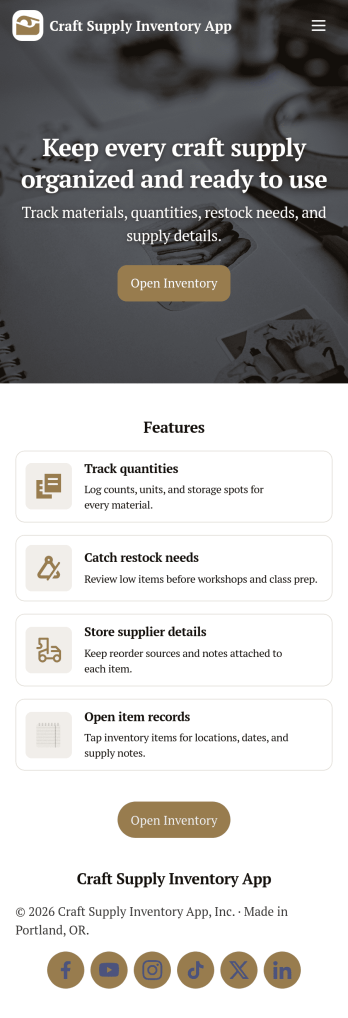
Craft Supply Inventory App
A craft supply inventory app gives you a practical way to organize and monitor the materials that keep your projects moving, from paper, vinyl, and paint to beads, fabric, and tools. This template is useful for small craft businesses, Etsy-style sellers, art classrooms, community studios, and hobby groups that need a clear view of what’s on hand, what’s running low, and what needs to be reordered. With an inventory KPI dashboard and an easy form button to add new supply items, your team can keep records current without digging through spreadsheets or scattered notes.Built with Jotform App Templates, this craft supply inventory app can be tailored with a no-code app builder and a drag-and-drop interface so it fits your workflow. Connect the inventory list to item detail pages for quick lookup, and use restock request forms to collect reorder needs in one place for simple self-service. Jotform helps you centralize data collection, keep inventory and requests organized, and share the app through a link so collaborators can log items and submit restock requests from anywhere.
Go to Category:Inventory Apps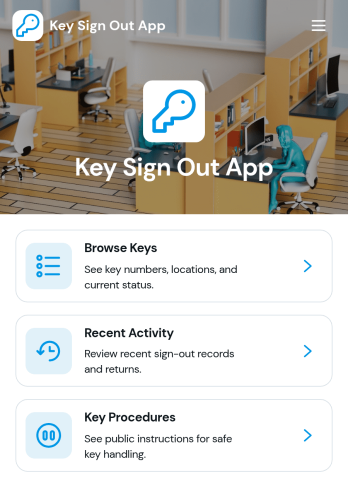
Key Sign Out App
The Key Sign Out App is an app template for recording who has borrowed a key, when it was checked out, and when it was returned. It gives facilities teams, office administrators, property managers, schools, hospitality businesses, warehouses, and service departments a central place to oversee shared keys. Users can browse available keys and review their locations and current status before signing one out. They can also record returns and check recent activity, helping teams maintain clear custody records, resolve questions about missing keys, and replace paper logs or scattered messages. Built-in procedure access can reinforce consistent handoff practices for employees, contractors, and other authorized borrowers.Jotform makes this Key Sign Out App easy to adapt without writing code. Use the no-code app builder and drag-and-drop interface to adjust pages, navigation, colors, fonts, and branding for your organization. You can connect forms and tables to support data collection, organize key records, and create a workflow that fits daily operations. As one of Jotform’s customizable App Templates, it can be shared through a direct link or QR code for convenient mobile access. Teams can publish a polished self-service experience that keeps sign-outs, returns, status checks, procedures, and activity records accessible from one location.
Go to Category:Logbook Apps