
Student Profile Onboarding App gives schools, colleges, tutoring programs, and training providers a central place to welcome students and gather information for their profiles. Students can begin the profile intake process, review guidance before providing details, and browse completed profiles when access is appropriate. The experience helps administrators, educators, advisers, and program coordinators organize essential details such as contact information, year level, interests, and goals. It is especially useful for new-term enrollment, cohort introductions, mentoring programs, student communities, and academic support initiatives where consistent profile data helps staff understand participants and connect them with relevant resources.
With Jotform Apps, teams can adapt this app template through a no-code app builder and an intuitive drag-and-drop interface. Pages, buttons, forms, profile listings, and visual elements can be updated to match an institution’s onboarding workflow and branding. Connected forms support data collection, while organized navigation gives students and staff a convenient self-service experience on phones, tablets, or computers. The finished Student Profile Onboarding App can be shared by a direct link or QR code, making it easier to launch a polished onboarding experience without developing an app from scratch.
Related templates
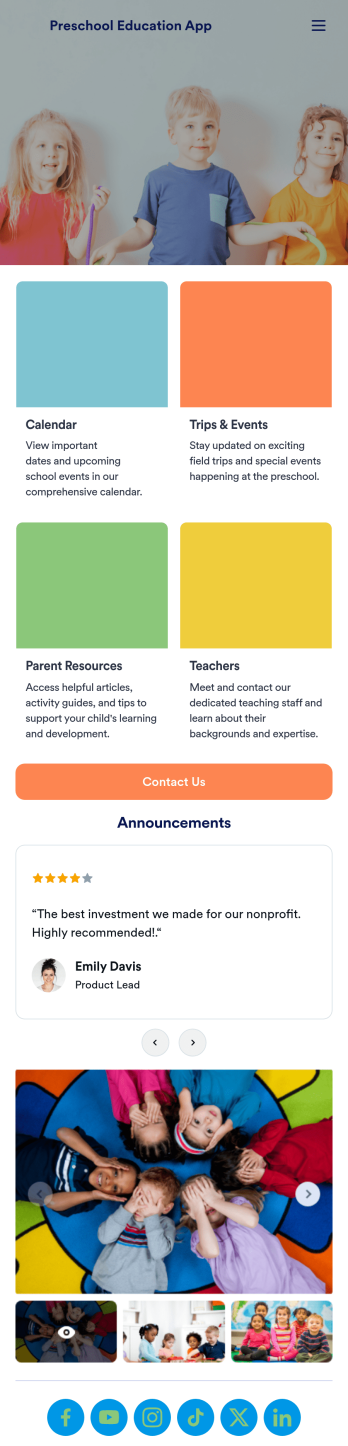
Preschool Education App
A preschool education app is a centralized application used by teachers and administrators to track and manage all things concerning their preschool. Want to build a custom app for your preschool? Use this ready-made Preschool Education App Template to get started. Keep parents updated on your school calendar, upcoming events and field trips, and any other important information. You can even set up a contact form for parents who have questions or concerns.Personalizing this Preschool Education App is simple with Jotform’s drag-and-drop app builder. Add or remove forms, select a custom app icon, switch up colors and fonts, add a slideshow of pictures from previous years, and more. And if you need an easy way to organize your app, try our handy Card element. Keep your parents in the know with this Preschool Education App from Jotform.
Go to Category:Education Apps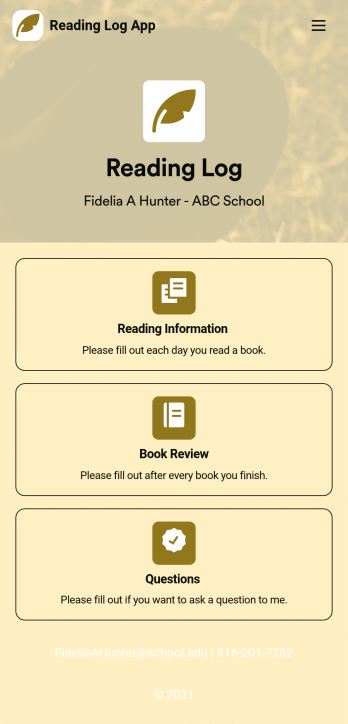
Reading Log App
As a teacher, staying on top of your students’ reading habits can be a headache. So why not create one central place to keep track of it all? With this Reading Log App, teachers can easily track, monitor, and review students’ assigned reading progress. This ready-to-use template also comes with a place for your students to send questions, and a digital signature form for parents to sign off on readings. This app works in tandem with our Reading Log Template, which allows you to easily sort through entries in a searchable spreadsheet.Want to customize this Reading Log App and make it your own? With our simple drag-and-drop interface, you can add or change forms, choose fonts and colors, update the app name or text, and more — all with zero coding. Once you’re satisfied with the look and feel of your app, simply share the link through email and have your students start filling out their assigned readings from any smartphone, tablet, or desktop. Make your job outside of the classroom easier with this customizable Reading Log App!
Go to Category:Classroom Management Apps
Assignment Tracking App
An assignment tracking app is used by teachers as an all-in-one classroom app for keeping track of students’ assignments and assessments. With Jotform’s Assignment Tracking App, teachers can record student information, completed assignments, test scores, and performance evaluations. Form submissions are automatically compiled in a companion spreadsheet, where teachers can sort, filter, and search through grades and test scores in an easy-to-understand format from any device.This app template works right out of the box, but you can easily customize it to meet your classroom’s needs with our intuitive app builder. No coding necessary — just drag and drop to add or swap out form elements, edit individual forms, upload images and documents, choose a custom app icon and splash screen, and more. When you’re done, you can access and download your very own app on any smartphone, tablet, or desktop for ease of use. Ditch the paperwork and manage your classroom from a single app with this fully-customizable Assignment Tracking App from Jotform!
Go to Category:Education Apps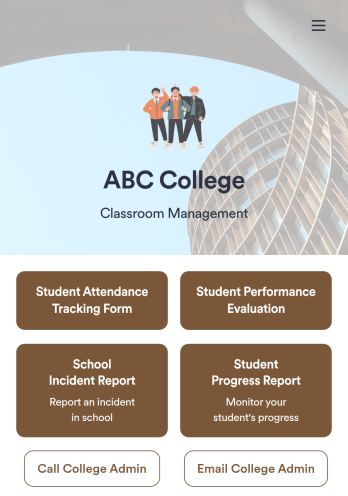
Classroom Management App
A classroom management app is used by schools and educational institutions for recording students’ attendance and progress. This all-in-one Classroom Management App contains four useful forms: teachers can mark attendance with a Student Attendance Tracking Form, record student progress with a Student Progress Report Form, keep track of student evaluations with a Student Performance Evaluation Form, and report incidents with a School Incident Report Form.This app template can be easily customized to suit your school or classroom’s particular needs. Using our drag-and-drop interface, you can add or swap out form elements, change text, choose fonts and colors, upload images, and more — all without any coding. After you’re done, you can share your app with a link or embed it in an internal website for teachers to access and download on any device. Stay on top of your students’ progress and performance with this free Classroom Management App from Jotform.
Go to Category:Classroom Management Apps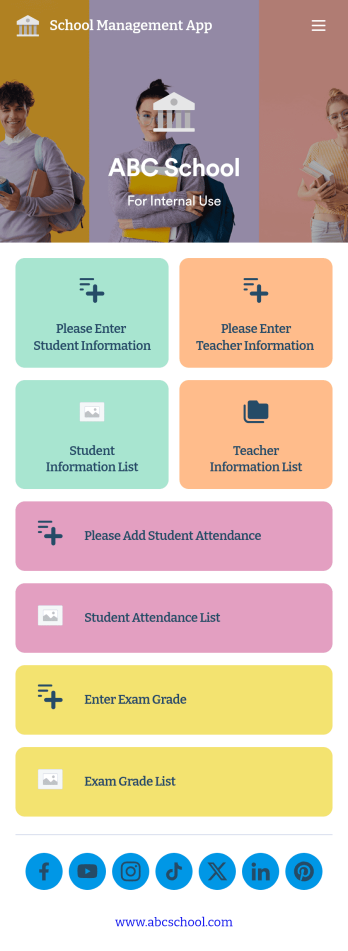
School Management App
A school management app is used by schools and educational institutions to record and compile student information. Our School Management App bundles together four useful forms, allowing school administrators and teachers to easily add school and teacher contact information, log attendance, and record exam scores from any device. Each form automatically feeds data into an easy-to-understand companion spreadsheet, which you can sort, filter, and search from your secure Jotform account.Make this School Management App template your own in seconds with Jotform’s no-code app builder. Just drag and drop to add or change form elements, edit form text and fields, change the color scheme to match your school’s colors, upload your ensignia, attach documents and external links, and more. When you’re finished customizing, you can share your app by sending the app link, attaching it to an email invitation, or embedding it in an internal-use school website. Teachers and staff can then download it onto any smartphone, tablet, or desktop and begin using it right away. Create an all-in-one app for managing student data with just a few clicks with this free School Management App from Jotform.
Go to Category:Education Apps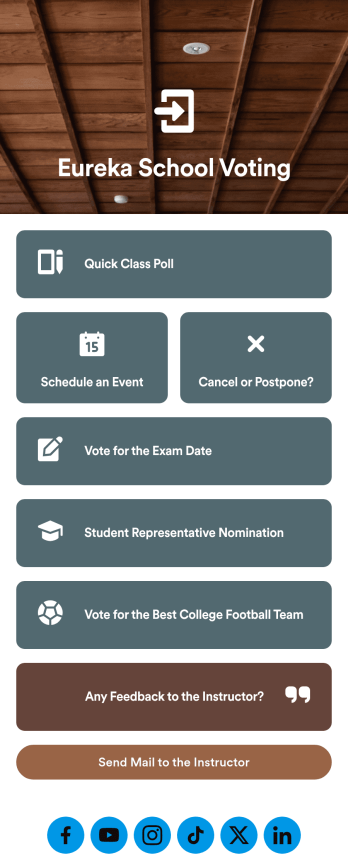
Customizable Voting App
Looking for an easier way to manage your classroom? Try organizing your students by using our intuitive, easy to set up Voting App. With this app you’ll be able to assign daily tasks, keep track of events and exams, and conduct quick polls with your students. This app can be downloaded on any Android or iOS smartphone or tablet — accessible anywhere, anytime. Every form submission from your students will be stored in your Jotform account for on-the-go access — great for at school and on fieldtrips.Let your creative side shine and customize your app the way you want it. Try using our drag-and-drop customizing tools to change your app’s design — no coding required. Upload your classroom’s school year, update student forms, pick a fresh app icon and background image, and make other changes you need. After you’re finished, you can instantly share your app with your students by sending a direct link, emailing them, or setting up scannable QR codes in your classroom. Go paperless and try out Jotform’s free Voting App.
Go to Category:Education Apps