
Superannuation Choice Form App gives employees a central place to submit a preferred fund choice while helping HR and payroll teams organize the information needed for contribution setup. Employers, workforce administrators, financial service teams, and contractors can use this app template during onboarding, after an employee changes funds, or when existing choice details need updating. Users can submit fund information, review recorded choices, and browse or compare fund references without relying on disconnected documents and email threads. This supports clearer data collection, easier record review, and a more convenient self-service experience for employees.
Jotform Apps helps organizations turn processes like fund choice collection into accessible digital experiences without writing code. Start with this template from Jotform App Templates, then use the no-code app builder and drag-and-drop interface to adjust pages, navigation, colors, and branding. Forms, tables, notifications, approvals, and other workflow resources can be connected to keep information moving between employees and internal teams. Once the Superannuation Choice Form App is ready, publish it through a direct link or QR code so users can open it from a phone, tablet, or computer.
Related templates

Custom Time Tracker App
A time tracker app is used to keep track of employees’ hours and tasks. With Jotform’s free Time Tracker App, managers can keep a complete record of the times employees punch in or out, task details and the amount of time employees spend on them, and view all the information in a professional spreadsheet. All submissions are stored securely in your Jotform account and ready to access on any device.Need to make changes to this app template? Be sure to add your logo, change the background image, and choose new fonts and colors for a personalized touch. You can also customize the spreadsheet layouts and make changes to the app’s forms to collect other types of information — then share the app for your employees to download onto their devices. Better manage employee information with a free Time Tracker App from Jotform.
Go to Category:Management Apps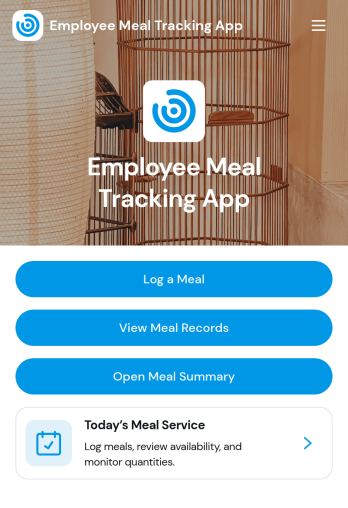
Employee Meal Tracking App
Employee Meal Tracking App helps workplaces log and review employee meals in one organized place. Staff can quickly record a meal, browse meal records, and review meal reports, making it easier to keep daily meal activity consistent across teams and locations. This works well for offices with meal programs, hospitality teams, and organizations that reimburse meals or want clearer visibility into what’s being purchased, when it’s happening, and where meals are being claimed.With Jotform, you can turn this app template into a branded self-service experience using a no-code app builder and a drag-and-drop interface. Connect the app to your meal record form for fast data collection, then route entries into tables and reports for easier tracking over time. Share the app link with employees, keep records centralized, and build simple workflow steps around meal logging and internal review without needing any coding.
Go to Category:Food and Nutrition Tracking Apps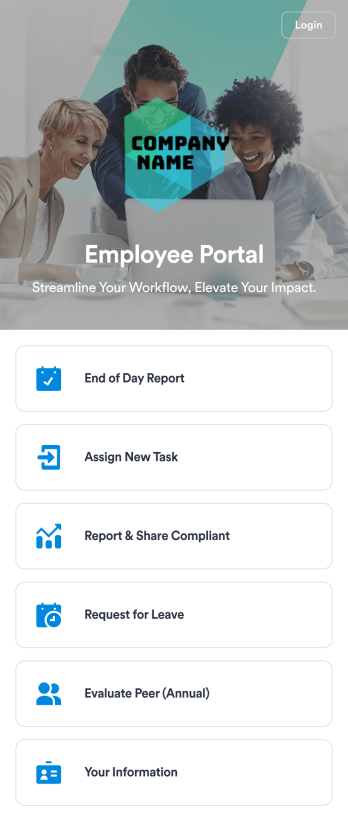
Employee Portal App
An employee portal app allows employees to access all internal company documents and links from any mobile device or computer. Create your own company portal in just a few clicks with Jotform’s free Employee Portal App. This customizable template includes a report form, task form, complaint form, leave request form, evaluation form, and employee information form all in one app. Employees will be able to fill out these forms from any smartphone, tablet, or computer, and submissions will be stored in your secure Jotform account.Customize this Employee Portal App to better meet your company’s needs. Without any coding, you can add forms, documents, links, images, buttons, videos, and much more to the template. You can also change the app icon and name and include your company branding in just a few clicks. When it’s ready to use, send email invites to employees directly or share the app link. With a fully-custom Employee Portal App for your company, your employees will enjoy more organized team collaboration and communication, no matter which device they prefer!
Go to Category:Company Portal Apps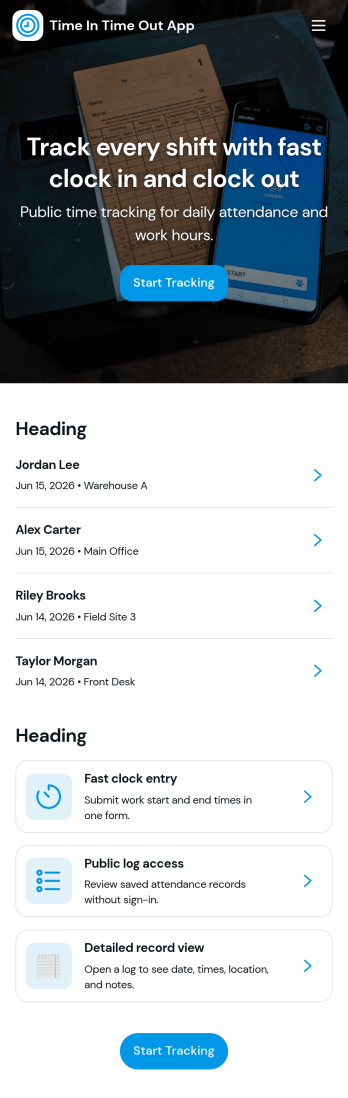
Time In Time Out App
Time In Time Out App helps teams record work hours with a simple clock entry flow and a clear history view. It fits hourly workplaces that need consistent time tracking across shifts, including retail, hospitality, field services, clinics, and small offices. Employees can add new clock entries when they start or finish work, then review their own entries and time records later. Supervisors can use the app to encourage accurate habits, reduce missed punches, and keep day-to-day attendance details organized without relying on scattered messages or paper logs.Built with Jotform, this app template works with a no-code app builder and a drag-and-drop interface, so you can tailor the pages, labels, and navigation to match your workflow. Connect the app to a form for data collection, store records in connected tables, and keep self-service access straightforward for staff who just need to clock in, clock out, and confirm what was recorded. Share the app by link or QR code, update it anytime, and keep everyone using the same source of truth for time entries.
Go to Category:Activity Tracking Apps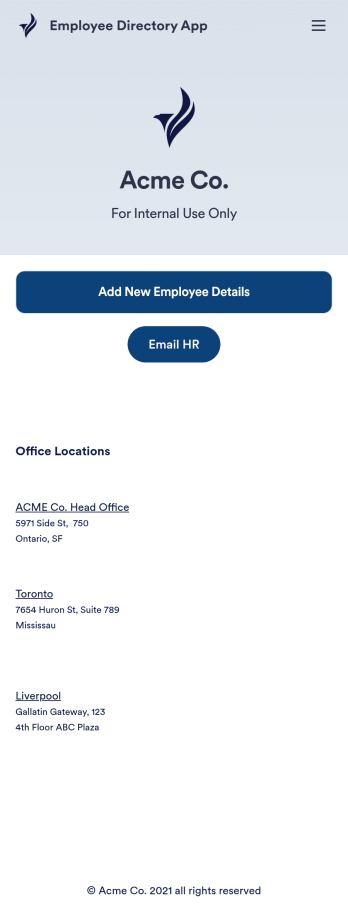
Employee Directory App
An employee directory app is used by businesses to collect information from new employees. Jotform’s Employee Directory App allows new employees to fill out general contact information, position title, manager, days of employment, and start date. If applicable, there is also space to specify an end date for contract workers. Submissions are instantly synced to an Employee Info Sheet in your Jotform account, which you can sort, filter, and search from any device.Customizing this app template to match your business’ branding is a snap. With our drag-and-drop form builder, you can add or change form elements, choose fonts and colors, upload your logo, and more — no coding required. You can also personalize your splash page by adding contact numbers and business address, or any other relevant information that might be useful to new employees. Share your app with a link or embed it in your website and employees can download it on any smartphone, tablet, or desktop. Streamline the onboarding process and keep all your employees’ information in one place with this Employee Directory App.
Go to Category:Human Resources Apps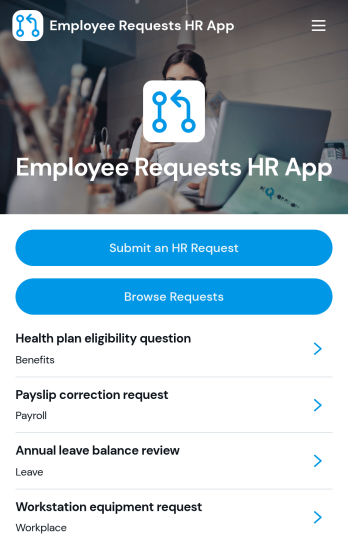
Employee Requests HR App
Employee Requests HR App gives employees a clear place to submit HR requests and follow up without confusion. Use it to centralize common needs like policy questions, workplace concerns, benefits support, or employment verification so HR teams can keep requests organized and easy to review. With quick navigation to submit a new request, browse existing requests, and open a request record to see key details like employee name, email, and preferred response method, it helps reduce missed messages and keeps communication consistent across the organization.Built with Jotform, this app template can be tailored to match your internal workflow and the types of requests you handle most often. Using Jotform’s no-code app builder and drag-and-drop interface, you can adjust pages, connect the app to your form and data collection, and keep request activity in one workflow that’s simple to share with staff. Publish it as a mobile-friendly self-service experience so employees can submit and review requests from anywhere while HR maintains one reliable source of truth.
Go to Category:Employee Self Service Apps