
The Tattoo Artist Invoice Tracker App is an app template for independent tattoo artists, studio managers, and small creative teams that need one place to monitor client invoices and business expenses. Artists can add invoices, review amounts and payment statuses, record expense categories and dates, attach receipts, and open reports for a clearer view of studio finances. It supports everyday data collection after appointments, supply purchases, equipment costs, and other operating activities. By keeping income and spending records organized, this tracker reduces scattered paperwork, makes unpaid invoices easier to identify, and helps users maintain a dependable financial history for routine reviews.
Jotform makes this App Template easy to adapt with a no-code app builder and a flexible drag-and-drop interface. Users can adjust pages, buttons, colors, fonts, and branding, then connect forms, tables, notifications, and other workflow steps as their process develops. The finished app offers convenient self-service access from phones, tablets, or computers and can be shared through a direct link, a personalized URL, or a QR code. Start with the premade layout, tailor it to individual or studio needs, and publish a polished finance tracker without writing code.
Related templates
Invoice Approval App
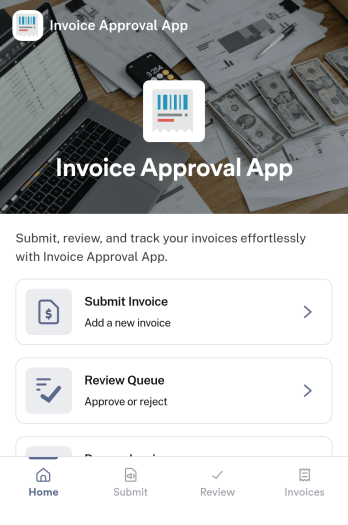
An invoice approval app helps teams submit invoices for review, route them to the right approvers, and keep a clear record of what was approved and when. This template supports day-to-day accounts payable work with a simple flow for invoice submission, an approval area for reviewers, and a personal records section so requesters can revisit their own invoice history. It’s a strong fit for finance teams, operations managers, department heads, and small businesses that need more control than email-based approvals, especially when multiple people submit invoices and approvals must be tracked consistently.Jotform makes it easy to launch and adapt invoice workflows with App Templates that you can tailor to your process. Using Jotform’s no-code app builder and drag-and-drop interface, you can connect forms and tables to centralize data collection, reduce manual follow-ups, and keep approvals moving through a clear workflow. Share the app with your organization, collect invoices from any device, and manage approvals and records in one place.
Go to Category:Finance & Accounting Portal Apps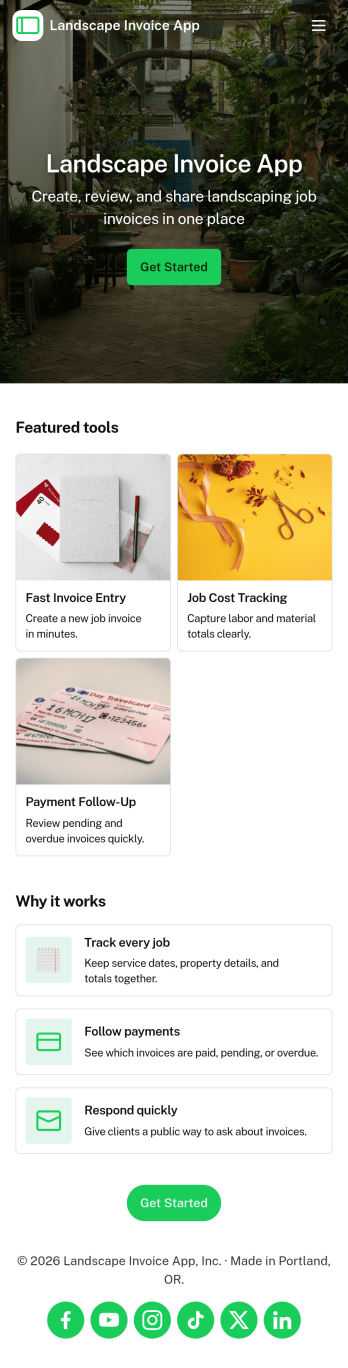
Landscape Invoice App
Landscape Invoice App helps landscaping businesses create invoices, keep a clear list of open invoices, and maintain a payment log in one place. Whether you run a solo lawn care service or manage a crew handling recurring maintenance and one-time installs, this app supports day-to-day billing without scattered paperwork. Use it after a job is completed, at the end of a weekly route, or whenever you need to send a professional invoice for mowing, edging, mulch, cleanups, irrigation checks, or seasonal services. With quick navigation to create new invoices and review invoice details, teams can stay on top of what is billed, what is still outstanding, and what has been paid.Jotform makes it easy to turn this Landscape Invoice App into a branded self-service experience using a no-code app builder and a drag-and-drop interface. Connect the app to your forms and data collection workflow so invoices and payment records stay organized as your volume grows. Share the app link with office staff or crew leads, update pages as your pricing and services change, and keep your billing process consistent across jobs, customers, and seasons with Jotform App Templates.
Go to Category:Finance & Accounting Portal Apps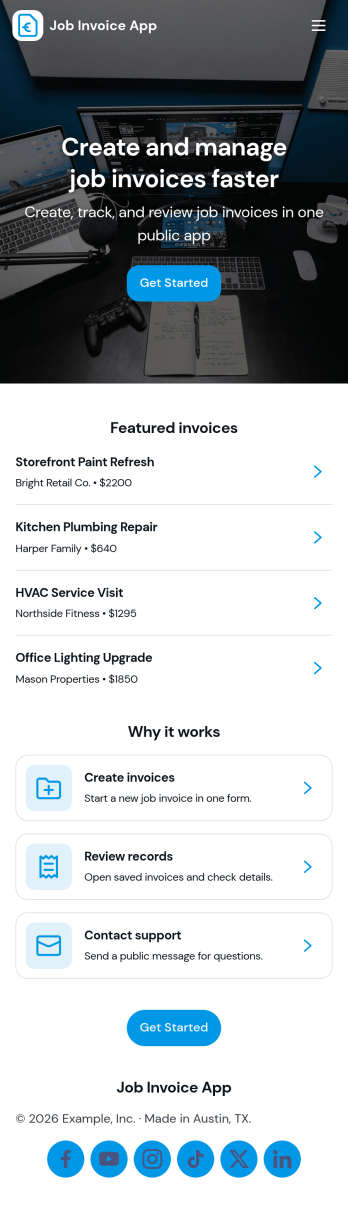
Job Invoice App
Job Invoice App helps service teams turn completed work into clear, consistent invoices while keeping job details organized in one place. It’s a practical fit for contractors, field service providers, repair businesses, and freelancers who need a simple way to add jobs, monitor job progress, and create invoices tied to specific job numbers without juggling scattered notes.Built with Jotform, this app template supports self-service data collection through connected forms and organized records, so your team can capture job information, generate new invoices, and review invoice history from an easy-to-navigate interface. Customize the pages with Jotform’s no-code app builder and drag-and-drop interface, then share the app with your staff to keep invoicing workflows consistent and easier to manage as work orders grow.
Go to Category:Finance Apps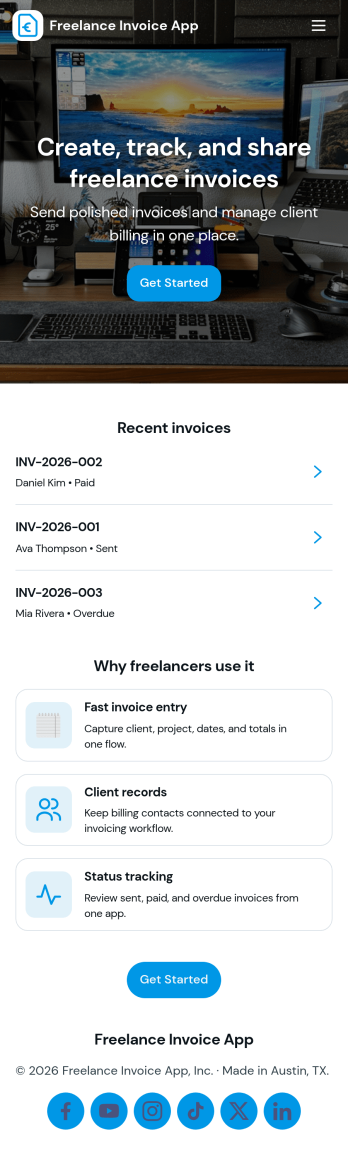
Freelance Invoice App
Freelance Invoice App helps independent professionals create invoices, keep client details organized, and review past invoices from one place. It fits freelancers, consultants, and small service providers who need a simple way to move from client work to getting paid without juggling scattered notes and documents. With pages for creating a new invoice and browsing an invoice list, it supports day-to-day billing tasks, quick lookups, and cleaner recordkeeping when you’re managing multiple clients at once.Built with Jotform, this app template can be tailored to match your billing workflow and the way you work with clients. Use the no-code app builder and drag-and-drop interface to adjust the layout, connect your invoice form, and centralize data collection so invoices and client info stay easy to access. Once published, you can share your self-service invoice experience with a link, helping you stay consistent, organized, and ready to send the next invoice faster.
Go to Category:Finance & Accounting Portal Apps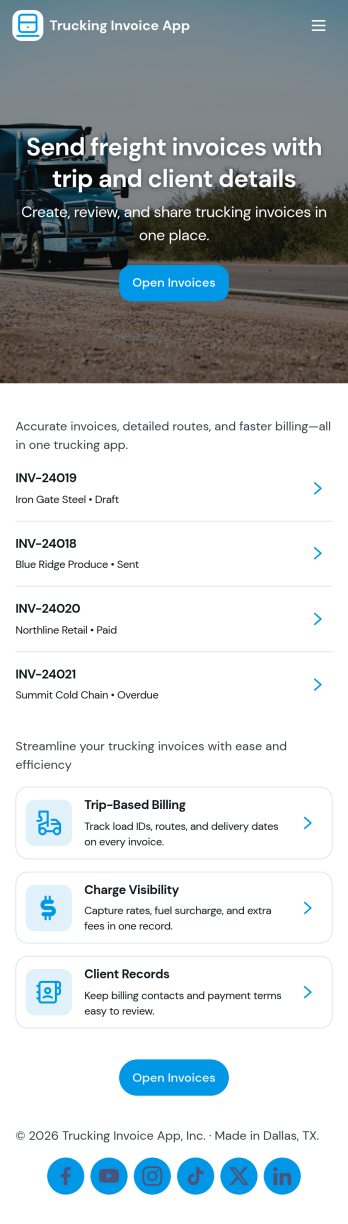
Trucking Invoice App
Trucking Invoice App helps carriers and owner-operators create invoices, review invoice records, and track payments in one place. Use it to bill shippers and brokers, document routes tied to each load, and keep billing details consistent across jobs. It’s a practical fit for dispatchers, back-office teams, and small fleets that need a clear workflow from creating an invoice to checking what’s still open and what’s been paid.With Jotform, you can turn this app template into a branded, mobile-friendly invoicing hub using a no-code app builder and a drag-and-drop interface. Connect the Create Invoice form to your workflow, organize invoice records for quick self-service access, and keep a reliable payment log for day-to-day operations. As your process evolves, you can customize pages, add approval steps, and route collected data into connected tools and tables without complicating how drivers and staff use the app.
Go to Category:Finance Apps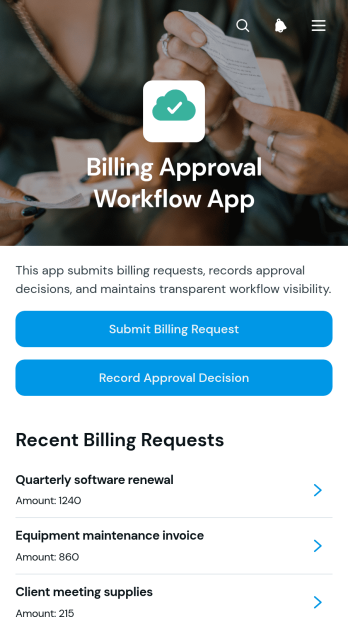
Billing Approval Workflow App
The Billing Approval Workflow App is a centralized app template for submitting billing requests, reviewing supporting information, and recording approval decisions. Finance teams, accounts payable staff, department managers, project leads, and small to medium-sized businesses can use it to keep billing reviews organized. Users can submit a request, examine essential details and attached receipts, and document an approver’s decision from one accessible location. This approach helps teams maintain clearer records, reduce missed review steps, and connect each decision with the relevant billing request. It is well suited to invoice reviews, departmental spending checks, contractor billing, project expenses, and cost center oversight.Jotform Apps makes it easy to customize this Billing Approval Workflow App without writing code. Its drag-and-drop interface lets teams adjust pages, navigation, branding, and connected forms to match an existing workflow. Request data can be organized with Jotform Tables, while approval steps and notifications can support faster follow-up. Teams can publish the app with a shareable link or QR code, giving submitters and reviewers mobile-friendly access. Explore Jotform App Templates to create a practical self-service experience that brings data collection, review activity, and decision records together.
Go to Category:Invoice Apps