
Tea Brewing Timer App is an app template for timing tea preparation, following reliable brewing guidance, and recording results for future reference. It suits tea enthusiasts, cafés, tasting rooms, hospitality teams, culinary educators, and specialty beverage retailers that want a consistent way to prepare different varieties. Users can start a timed brew, explore tea presets, review recommended water temperature, steep time, leaf amount, and flavor profile, then log each brew. This makes it easier to repeat successful methods, compare tasting experiences, train staff, and help customers learn better brewing habits without relying on scattered notes or guesswork.
Jotform Apps helps turn this Tea Brewing Timer App into a customized, mobile-friendly brewing companion without coding. Its drag-and-drop interface lets creators adjust pages, cards, buttons, colors, typography, and navigation to match personal or business needs. Presets and brew records can connect with forms and organized data collection workflows, bringing guidance and tracking into one place. Start with this ready-made option from Jotform App Templates, personalize the experience with the no-code app builder, and share it through a direct link or QR code for convenient self-service access.
Related templates
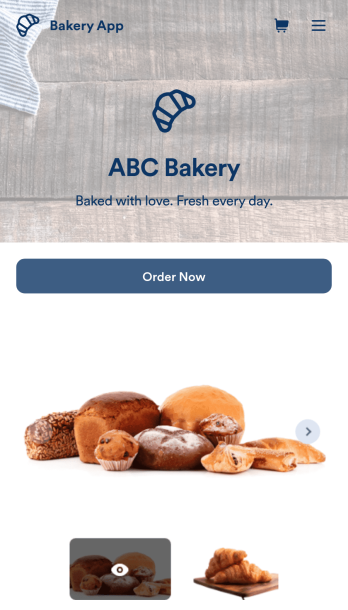
Bakery App
Need to sell pastries online, sell cakes online, or sell bread online? No matter what your bakery specializes in, create a custom online app for your business with our free Bakery App. This ready-to-use template makes it easy to share all your order forms, customer feedback surveys, and reviews in one place. All you have to do is customize the app template to match your bakery and share the link on your website or social media. Customers can then open and download your Bakery App on any smartphone, tablet, or desktop.Want to decorate our Bakery App to match your bakery’s branding? Using our drag-and-drop interface, it only takes a few clicks to add forms, surveys, images, text, logos, links, and more. You’ll even be able to customize your app’s settings, icon, name, and splash screen. Sell bakery products online and make it more convenient for customers to place orders with a professional and fully-customized Bakery App!
Go to Category:Delivery Apps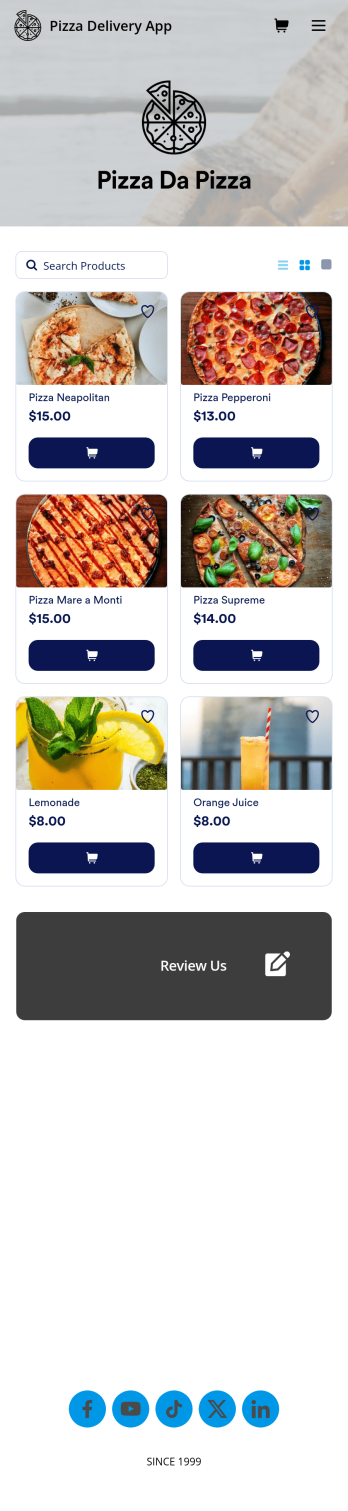
Custom Pizza Delivery App
Need to know how to sell pizza online to take your business to next level? Give your customers an easier way to order pizzas for delivery with this free Pizza Delivery App from Jotform. Start by adding your pizza and topping options to the app using our drag-and-drop builder, then connect the app with your preferred payment gateway to gather payments online — all while paying no extra transaction fees to Jotform! All orders are stored in your Jotform account, ready to be viewed, prepared, and delivered by you and your team.Need to make other changes to this Pizza Delivery App template? Drag and drop to add your company logo, change fonts and colors, and make other design updates with no coding. Not only does the app’s order form integrate with 30+ gateways like PayPal, Stripe, and Square, but it also connects with 100+ apps so you can track orders in other accounts too. Ditch time-consuming phone calls and enjoy a more efficient way to sell pizza online with a Pizza Delivery App.
Go to Category:Delivery Apps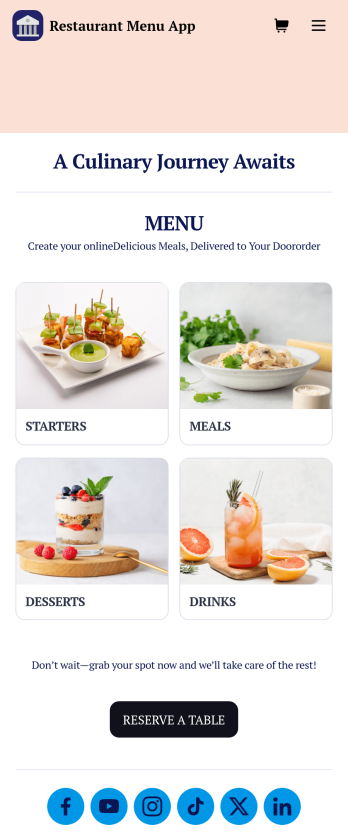
Restaurant Menu App
Need to know how to sell restaurant food online? A restaurant menu app is used by restaurants, cafes, and diners for managing table reservations and taking food and drink orders. This Restaurant Menu App contains three forms which allow customers to reserve tables and order from separate food and drink menus. Customers can place orders before they get to the restaurant, or specify orders for pick-up or delivery. Submissions are instantly synced to your Jotform account, which you and your staff can access from any device.Customize this app template to match your restaurant’s branding using Jotform’s no-code form builder. Just drag and drop to add or change form elements, choose fonts and colors, upload your logo, create a custom app icon, and more. You can also include thumbnail images for menu items and showcase popular dishes on your app’s splash screen. After you’re done, simply share a link on your website or social media, and customers can access and download your app on any smartphone, tablet, desktop. Manage reservations and sell restaurant food online from one convenient app with this Restaurant Menu App.
Go to Category:Food & Beverage Apps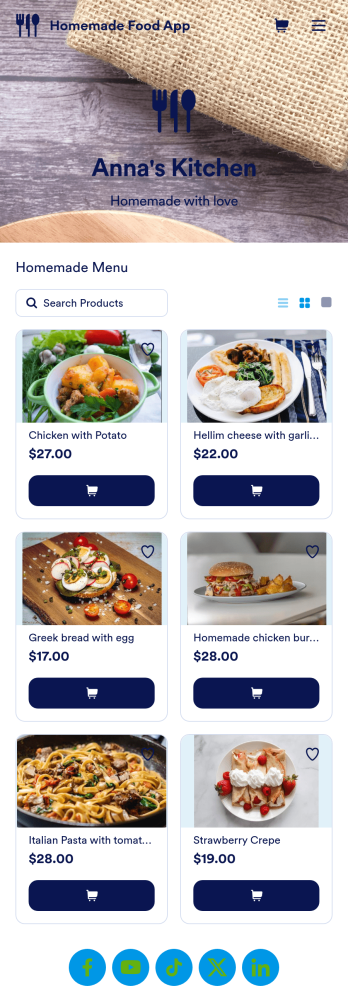
Homemade Food App
Need an easy way to sell your delicious homemade food? With Jotform’s Homemade Food App, you can make your own personalized homemade marketplace in minutes. Begin your app creating journey by starting from scratch or by choosing one of our ready-made app templates to get things cooking. List all the products you have for sale and update as products change. You can even customize your listings with personal product images and descriptions.Customize your Homemade Food App to your liking by using Jotform’s app builder. Our intuitive drag-and-drop store builder allows you to create a store you’re proud of. Integrate with different types of useful widgets and pick from our 25+ payment processors to make checkout a positive experience for you and your patrons. Share your custom app with your customers via link, scannable QR code, or by directly embedding it in your restaurant or bakery’s website. Feed your community and create your own Homemade Food App today.
Go to Category:Delivery Apps
Customizable Coffee Shop App
Wondering how to sell coffee online? A coffee shop app is used by coffee shops as a way to collect orders from customers. With this app template, you can create an online menu with product thumbnails, descriptions, and prices, and customers can place to-go and delivery orders from their favorite device. You can also easily include item discounts, customer testimonials, location, and contact number, as well as social media links. Orders are immediately synced to your secure Jotform account, which baristas can access from a tablet or desktop at the counter.Want to make changes to this app template? Jotform's intuitive app builder makes it easy for anyone to customize the look and feel of their app with just a few clicks. No coding required — just drag and drop to add or change form elements, choose custom color schemes to match your branding, upload your logo, add payment integrations, and more. Once you’re satisfied with the look and feel of your online menu, you can share your app with customers by embedding it in your website or generating a custom QR code to hang in the window of your coffee shop. Give your customers the option to order ahead from any device and sell coffee online with this Coffee Shop App from Jotform.
Go to Category:Food & Beverage Apps
QR Code Menu App
Want to learn how to sell menu items online? A QR menu app is used by restaurants, cafes, and diners who wish to replace a traditional menu with a QR code menu. With this app template, customers can scan a QR code with their smartphones to access your online menu. Once scanned, diners will be presented with your app’s splash screen, where they can navigate between drink and food menus and place no-contact orders for dine-in, pick-up, or delivery. Orders received through your app are automatically synced to your online account, which can be accessed by servers and kitchen staff from any device.Customize this app template to fit your needs using Jotform’s intuitive form builder. No coding required — simply drag and drop to add or change form elements, upload your logo, choose fonts and colors, attach thumbnail images to menu items, and more. You can even create a custom splash screen to run promotions or showcase popular dishes. Once you’re finished, connect your app to a unique QR code, and customers can then scan and access your menu from any smartphone or tablet. Build a custom no-contact online menu in minutes and sell item items online with this free QR Menu App from Jotform.
Go to Category:Food & Beverage Apps