
The Technical Clarification Request App gives engineering teams, contractors, consultants, project managers, and technical reviewers a central place to raise and resolve questions about specifications, drawings, requirements, or project references. Users can submit a request, browse all recorded requests, open individual request details, and review the response provided by the appropriate specialist. It helps organizations preserve context, reduce scattered email exchanges, clarify responsibilities, and maintain a searchable record of technical decisions throughout planning, delivery, inspection, and maintenance work.
With Jotform Apps, teams can adapt this app template to match their internal workflow without writing code. The drag-and-drop app builder makes it easy to update pages, navigation, colors, fonts, and branding while connecting forms and tables for organized data collection. Teams can also add approval steps, notifications, reference resources, or other supporting processes as their needs evolve. Once published, the app can be shared through a direct link or QR code, giving office and field personnel convenient mobile access to technical questions and reviewer responses.
Related templates
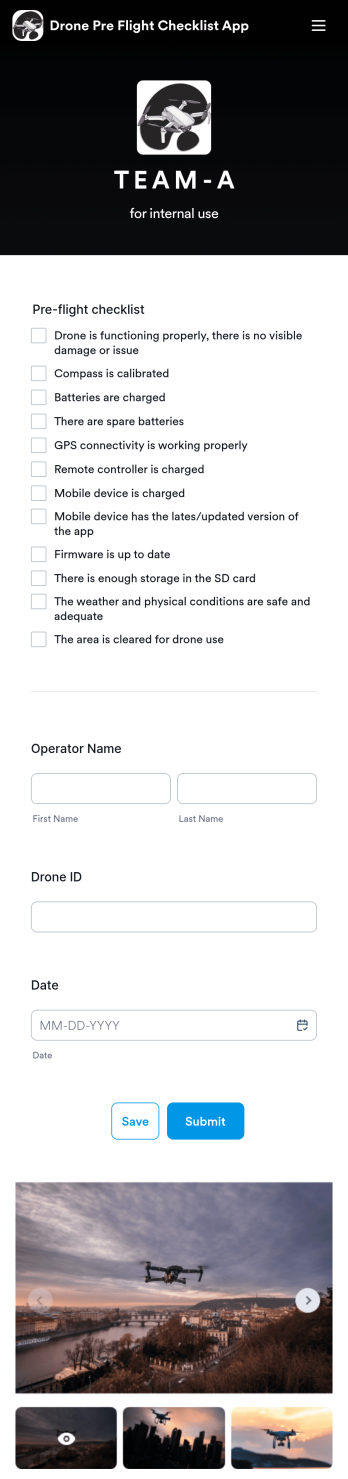
Drone Pre Flight Checklist App
A drone pre-flight checklist app ensures that drone pilots properly follow the right steps to ensure a safe and controlled flight. If you’re a drone inspector or pilot, prepare for your next flight with Jotforms’ free Drone Pre-Flight Checklist App. This prebuilt app includes a comprehensive checklist form that also requires operator name, drone ID, and flight date. You can download the app to fill out the form from any smartphone, tablet, laptop or computer before your drone takes flight. Submissions are securely stored in your Jotfrom account for your records.This Drone Pre-Flight Checklist App is ready to be used as is — but if you’re looking for even more, customize the template in just a few clicks with Jotform’s drag-and-drop builder. You can add more items to the checklist, include new forms and tables, change the fonts and colors, and even update the app name, icon, and splash screen for a more personalized design. When you’re happy with the way it looks and feels, download the app onto your preferred device to open at any time. Check weather conditions, record flight details, and prevent damage to your drone with an easily-accessible Drone Pre-Flight Checklist App on hand.
Go to Category:Checklist Apps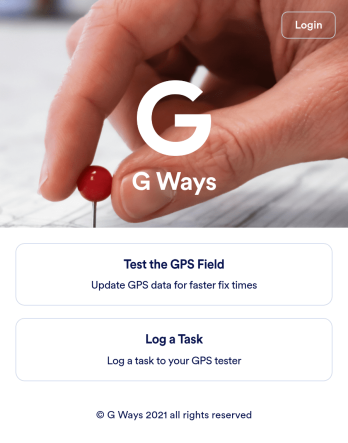
Gps Field Testing App
A GPS field testing app is used by GPS businesses for adjusting and servicing location data. Our GPS Field Testing App is a convenient way for field employees to create on-site GPS testing reports using a Field Testing Form and a Task Log Form. Employees can document device configuration, weather conditions, and note any obstructions. There is also space to record additional notes and upload photos of the sites. Reports are synced and stored in your secure Jotform account so you can keep them organized in one centralized location.Want to make this app template your own? No problem — just use our drag-and-drop app builder to customize the perfect app in seconds. Without any coding, you can add or change form elements, edit text fields and checklist items, choose fonts and colors, upload your branding, and more. Sharing your app by sending email invites or the app link, and employees can start filling out forms right away on any device. Ditch the paperwork and go digital with this free GPS Field Testing App from Jotform.
Go to Category:Engineering Apps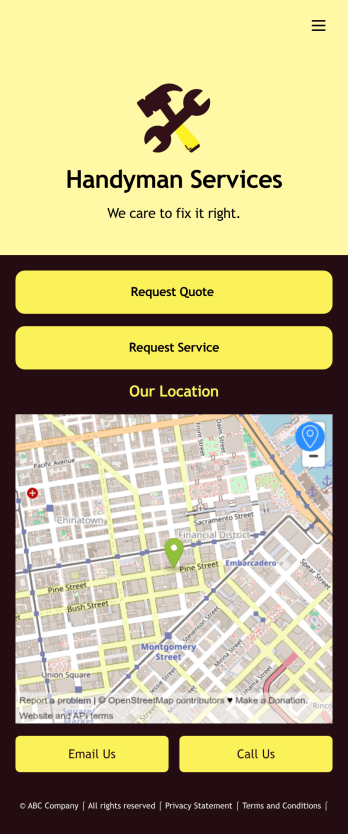
Job Bidding App
A job bidding app is used by handyman businesses to have their customers request job quotes and services. With this free Job Bidding App, customers can fill out general contact information, describe the work they need done, and upload any relevant photos. Once submitted, a PDF of the customer’s job request is auto-generated with this Handyman Proposal Template. Customers can then use the request service form to schedule a project.This Job Bidding App can be fully customized to match the branding of your business. No coding required — just use our drag-and-drop form builder to add or change forms, upload your logo, choose colors, customize your splash screen, and more. You can then have your customers access and download your app on any smartphone, tablet, or computer with a shareable link. Start receiving job quotes and service requests from your very own app with this Job Bidding App from Jotform!
Go to Category:Construction Apps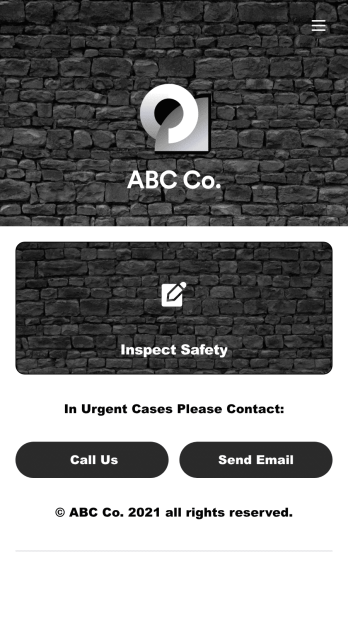
Safety Audit App
A safety audit app is used by safety auditors to perform safety inspections from their mobile devices. Have members of your inspection team perform audits without any messy paperwork using this free Safety Audit App. The app can be downloaded onto any computer, tablet, or smartphone to gather important data in the field — such as checks for fire prevention, equipment, first aid, and more.Customize this app template’s design without coding using our drag-and-drop app builder. Update items on your inspection checklist, include your company logo, change the app icon or background, and make other changes in seconds. You can then share the app via link or email to be downloaded onto iOS or Android devices. Save time and paper performing safety checks with a free Safety Audit App from Jotform.
Go to Category:Construction Apps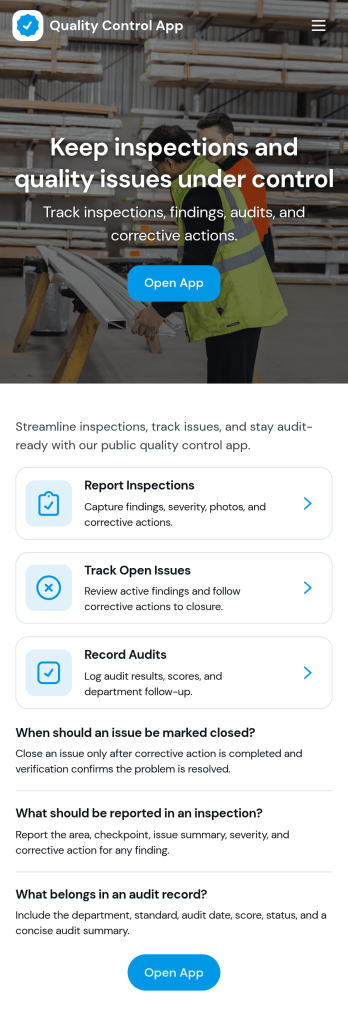
Quality Control App
Quality Control App helps teams run inspections, log issues as they’re found, and review past records in one place. Use it on the production floor, in warehouses, at job sites, or in field operations to capture consistent checks and keep defects from slipping through. With quick navigation to start an inspection, report a problem, and browse inspection and issue lists, it supports supervisors, QA staff, line leads, and contractors who need clear visibility into what was inspected, what failed, and what needs follow-up.Built with Jotform App Templates, this app template can be tailored to your process without coding. Customize pages, update the layout with a drag-and-drop interface, and connect the app to your Jotform forms and data collection workflows so records stay organized and easy to access. Share the app through a link or QR code for self-service reporting, and keep quality documentation centralized as your operation scales.
Go to Category:Engineering Apps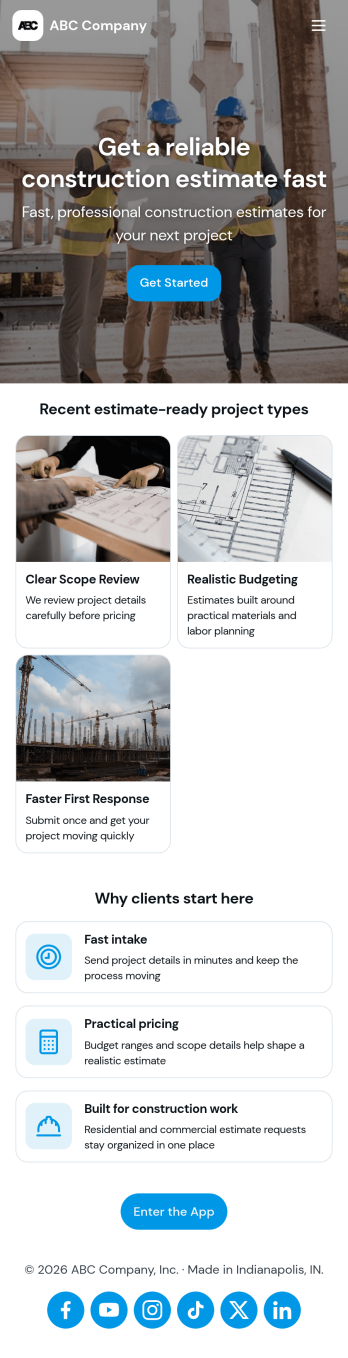
Construction Estimate App
A construction estimate app allows you to calculate the estimated cost of construction projects from any device. Make construction estimates from any smartphone, tablet, or desktop with Jotform’s free Construction Estimate App. This ready-to-use template is easy to customize for your construction business, so you can use your favorite device to collect project requests and calculate costs through a fully-custom mobile app. All entries are stored in your secure Jotform account, where you can view them in a table or turn them into PDFs.In just a few clicks, you can make this Construction Estimate App your own. Simply drag and drop to add forms, documents, links, buttons, and much more. You can also change the app name, icon, and splash screen for a more personalized design. When it’s ready to use, you can download your app onto any device, or share it with others by copying and pasting the app link on your website or sending it via message. Make construction estimates easy anytime, anywhere with a Construction Estimate App for your company.
Go to Category:Construction Apps