Therapy Notes App helps mental health professionals capture session notes, review past sessions, and keep client context close at hand during day-to-day practice. Use it to create a new note right after an appointment, browse a sessions view for quick recall, and open a client-focused page to see key details tied to each interaction. It fits private practices, group practices, and counselors who want a consistent way to document sessions and spot patterns over time without digging through scattered files.
Built with Jotform App Templates, this app template can be tailored with Jotform’s no-code app builder and a drag-and-drop interface so your team can match the layout to your workflow. Connect the app to forms and tables for ongoing data collection, organize information into easy navigation pages, and share a self-service experience with the right people using a simple link. As your workflow evolves, you can update fields, views, and connected processes without rebuilding from scratch.
Related templates
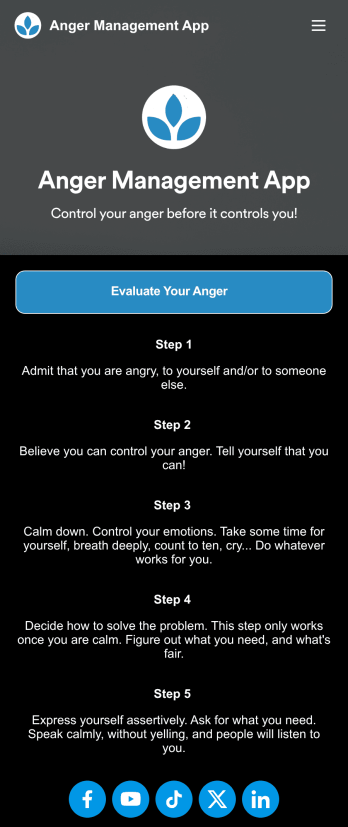
Anger Management App
Anger can be one of the more difficult emotions to regulate — but with our free Anger Management App, you or your patients can easily track your feelings from any device and get your anger under control. This ready-to-use app comes with an online anger evaluation form, an Anger Management Sheet, and tips for addressing your anger when it arises. You can use this yourself if you’re struggling with your anger, or you can easily share the app with your patients if you’re a therapist or counselor.Managing emotions looks different for everyone, so be sure to customize your Anger Management App to work best for you. No coding necessary — simply drag and drop to add more forms or text, upload a different background image, and change your app’s name, icon, and splash page. When you’re done, you can open and download it from any device and share it with others via link. Control your anger before it controls you with an Anger Management App that’s easy to use and tailored just for you.
Go to Category:Healthcare Apps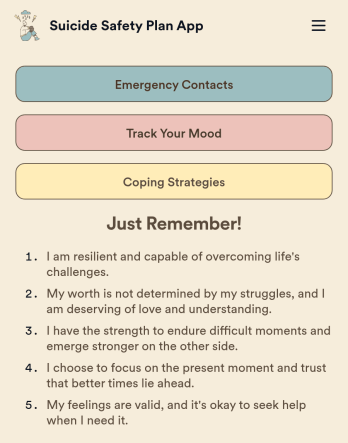
Suicide Safety Plan App
A suicide safety plan app is a preventative app made for those who have had or might have suicidal ideations in the future. This type of app allows individuals, their care practitioners, or their loved ones to create a cohesive safety plan for situations that require de-escalation or a step-by-step plan of action. Build a Suicide Safety Plan App with Jotform and include crisis hotline information, lists of personal reminders, step-by-step action plans, and more.Want to make changes to how your app looks? No problem. Use our no-code app builder to make any design or content changes. Drag and drop to change fonts and colors, upload images, integrate with trusted platforms, and more. Use Jotform Apps to build your Suicide Safety Plan App with care today.
Go to Category:Log Apps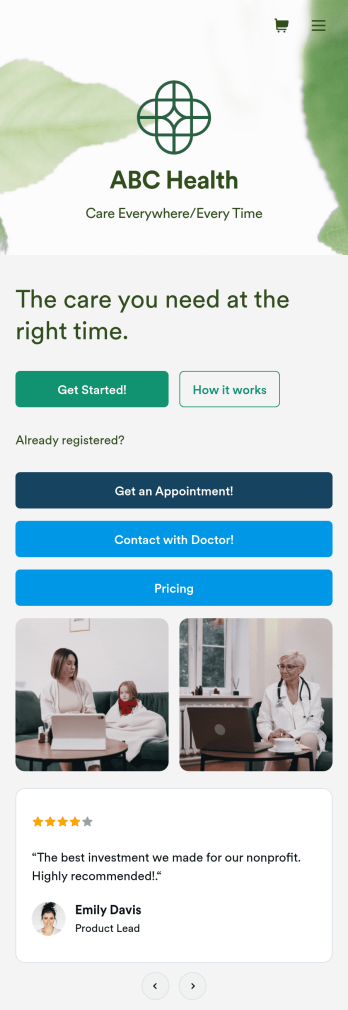
Telehealth App
Gather appointment bookings and patient information with ease using this Telehealth App from Jotform. Simple customize the app to match your needs, share it with patients using a link, and have them download it onto their computer, tablet, or smartphone for easy access. The app includes a Zoom Scheduler that lets patients select a time slot that works for them and generates a new Zoom meeting for each new booking.Need to customize this Telehealth App template? Drag and drop to rearrange the design, add your logo and branding, update existing forms, or connect them to 100+ popular app integrations. Jotform protects form data with a 256-bit SSL connection, GDPR and CCPA friendly features, but you can also optionally upgrade your forms to be HIPAA friendly. Save time with a free Telehealth App that your patients can use on any device.
Go to Category:Appointment & Booking Apps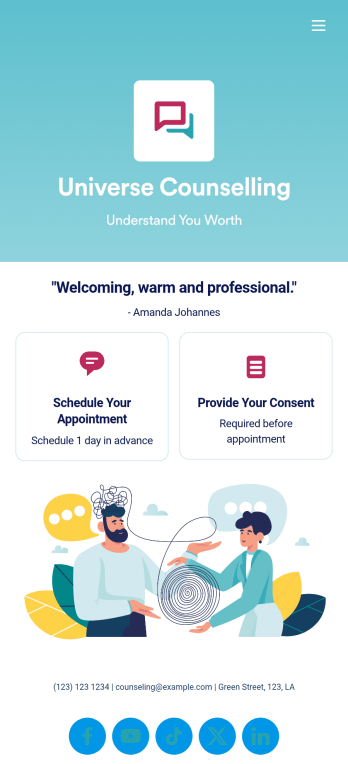
Custom Counseling App
A counseling app provides easier access to mental health resources and tools. Whether you’re a school counselor, family therapist, or life coach, build a fully-custom app for your counseling services with our free Counseling App Template. This ready-to-use app template comes with multiple forms — including a client information form, COVID-19 consent form, and appointment booking form — so clients can access and fill out your forms all from one place.Make this Counseling App your own by customizing it in just a few clicks. Without any coding, you can create and add new forms, embed links to other sites, update the provided text, upload different images, and change app settings. Once you’re satisfied with the app design, embed the app link in your website or send it directly to clients to download on their preferred devices. Make it easier for clients to get the help they need with a professional Counseling App for your services.
Go to Category:Consulting Apps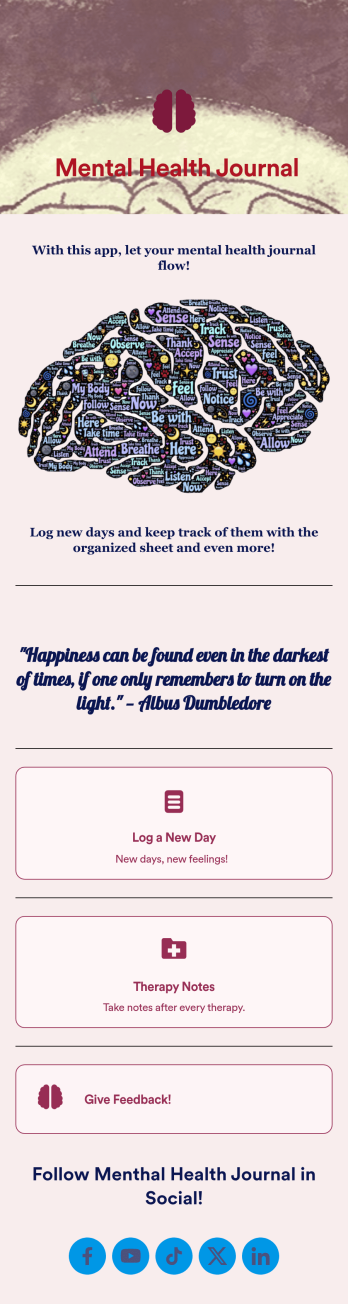
Mental Health Journal App
Need an efficient and less intrusive way to oversee your patients’ mental health? Jotform’s got you covered with our own custom Mental Health Journal App — no coding knowledge required. This app is great for psychologists or psychiatrists alike. Build a thoughtful app that lets your patients express themselves in a variety of ways. Upload daily or weekly check in forms, provide a list of resources and exercises, add appointment scheduling forms, and collect payments from your very own app.Need to make some changes to your app? Simply utilize our easy-to-use online app builder to give your Mental Health Journal App your own signature touch. Pick fonts and colors you like, upload images, integrate with helpful scheduling widgets, and more depending on you and your patients’ needs. Then simply share with your patients via QR code, email, or by linking to it in your patient portal.
Go to Category:Healthcare Apps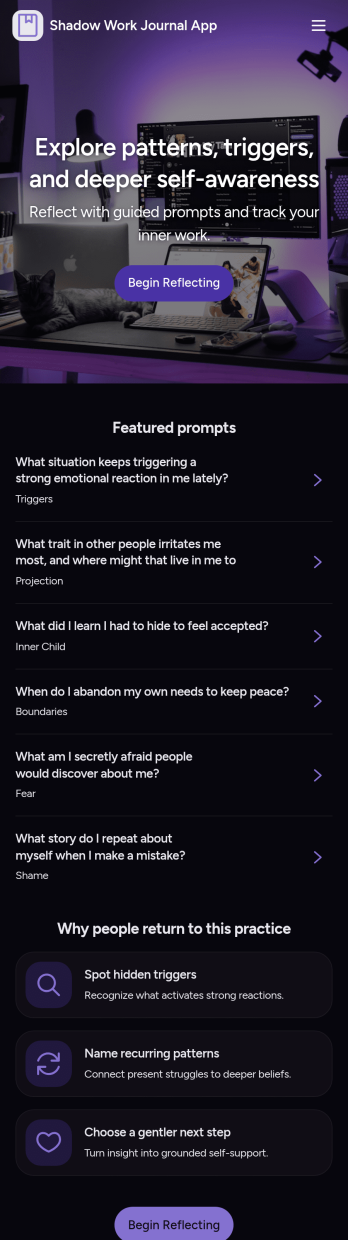
Shadow Work Journal App
A Shadow Work Journal App gives you a guided space to explore reflection prompts, capture private journal entries, and log quick mood check-ins in one place. Use it to build a steady journaling habit, work through recurring patterns, or support personal growth between coaching sessions. It’s a great fit for individuals who want structure while writing, as well as wellness practitioners who want to share a consistent prompt flow with clients or groups without turning the process into a complicated system.Jotform makes it easy to turn this Shadow Work Journal App into a personalized experience with App Templates and a no-code app builder. With a drag-and-drop interface, you can tailor the pages, organize prompts into browsable lists, and connect journal entry and check-in forms to a workflow that fits your routine. Share the app with a simple link, keep your data collection organized, and update content anytime as your self-service journaling practice evolves.
Go to Category:Mental Health Apps