Therapy Scheduling App helps counseling practices and mental health teams organize the full appointment experience in one place, from therapist selection to session booking and follow-up. Visitors can browse a therapist list, book a session, complete an intake form before their appointment, and share feedback afterward, making it easier to keep requests organized and reduce missed details. It’s a practical fit for private practices, group clinics, university counseling centers, and community organizations that need a clear, client-friendly way to manage scheduling and client communication.
With Jotform, you can customize this app template using a no-code app builder and a drag-and-drop interface, then connect the app to forms and workflows that support your day-to-day operations. Share the app through a link or QR code, guide clients to the right actions with simple navigation buttons, and keep data collection consistent across booking, intake, and feedback. As your process evolves, you can update pages, branding, and connected forms without rebuilding your system from scratch.
Related templates
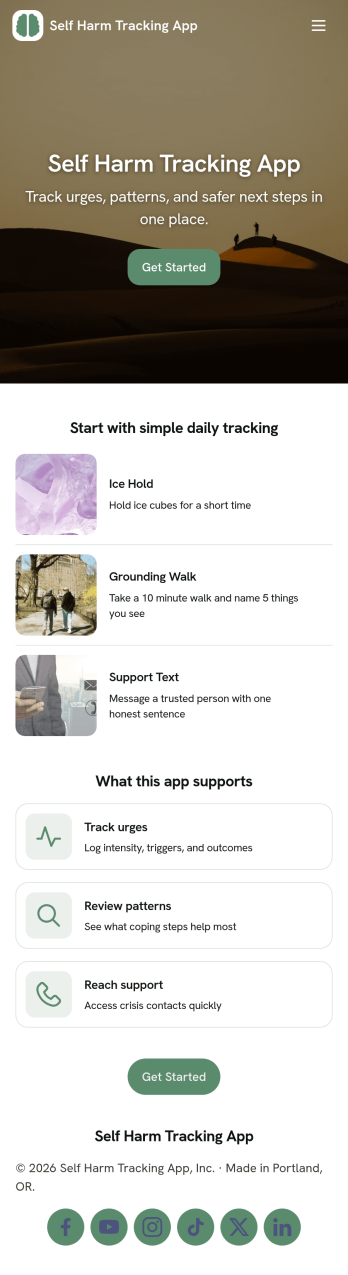
Self Harm Tracking App
Self Harm Tracking App helps you record incidents and patterns in a private, structured way so you can better understand what’s happening over time. With quick links to log an entry, review history, and access support information, this app works well for personal self-monitoring, check-ins during recovery, or guided reflection alongside a counselor or care team. It’s useful for individuals who want a consistent routine, as well as organizations running wellness programs that need a simple, user-friendly way to encourage journaling-like tracking without overwhelming screens.Jotform App Templates make it easy to publish a focused, mobile-friendly experience that connects navigation buttons to forms and organized history lists. Using Jotform’s no-code app builder and drag-and-drop interface, you can tailor prompts, add pages for resources, and route data collection into connected workflows for follow-ups and internal review. Share the app with a link or QR code, update content anytime, and keep everything in one place with Jotform.
Go to Category:Mental Health Apps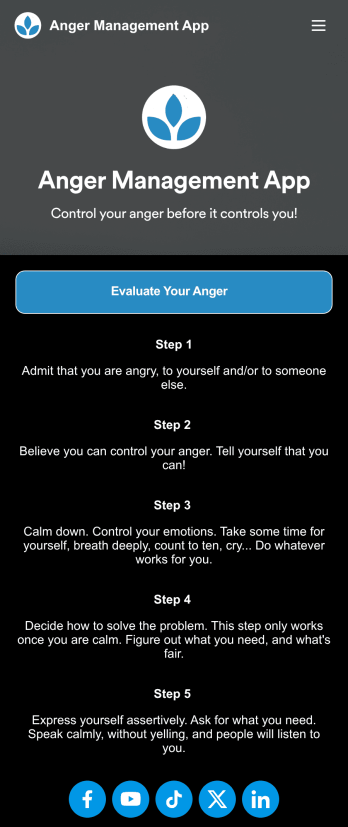
Anger Management App
Anger can be one of the more difficult emotions to regulate — but with our free Anger Management App, you or your patients can easily track your feelings from any device and get your anger under control. This ready-to-use app comes with an online anger evaluation form, an Anger Management Sheet, and tips for addressing your anger when it arises. You can use this yourself if you’re struggling with your anger, or you can easily share the app with your patients if you’re a therapist or counselor.Managing emotions looks different for everyone, so be sure to customize your Anger Management App to work best for you. No coding necessary — simply drag and drop to add more forms or text, upload a different background image, and change your app’s name, icon, and splash page. When you’re done, you can open and download it from any device and share it with others via link. Control your anger before it controls you with an Anger Management App that’s easy to use and tailored just for you.
Go to Category:Healthcare Apps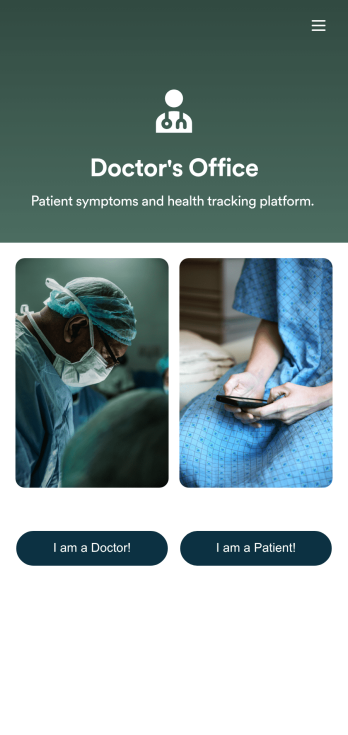
Symptom Tracker App
Provide your doctors and patients with an easier way to track symptoms and keep medical records updated with this free Symptom Tracker App. Both doctors and patients can download this app on any Android or iOS device to fill out their respective forms. Keep track of medical history, important medical forms, payments, and much more. All your practice’s important data stays together in your Jotform account — making information easily accessible to all.Need to update the look and feel of your custom app? Jotform’s got you covered. Use our simple drag-and-drop app builder to change your Symptom Tracker App’s design without coding. Upload your practice’s logo, update important forms, pick an app icon and background image, and make other changes to your very own app for free. You can instantly share your custom app with your patients via direct link, email, or scannable QR code. Make medical checkups a breeze Jotform’s Symptom Tracker App.
Go to Category:Healthcare Apps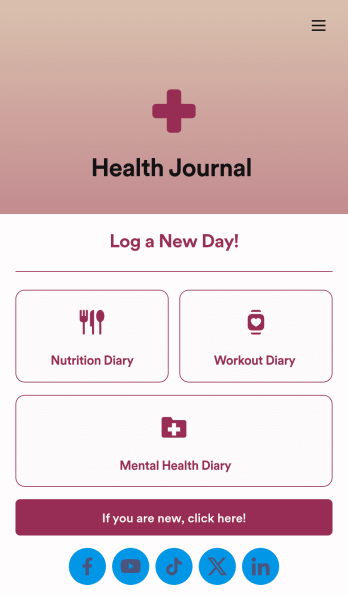
Health Journal App
Does your health services organization need an interactive and thoughtful way to track client data and progress? Give Jotform’s Health Journal App a shot. Have your patients log their moods, exercise goals, nutrition concerns, and health records. You can even receive payments and schedule appointments through your app.Use this Health Journal App ready-made, or use our drag-and-drop app builder to add your own personal flair. Make it your own by uploading images or videos, choosing colors and fonts you like, integrating with payment or scheduling widgets, including branding assets, and more. Get your clients on track to be their healthiest selves with Jotform Apps.
Go to Category:Healthcare Apps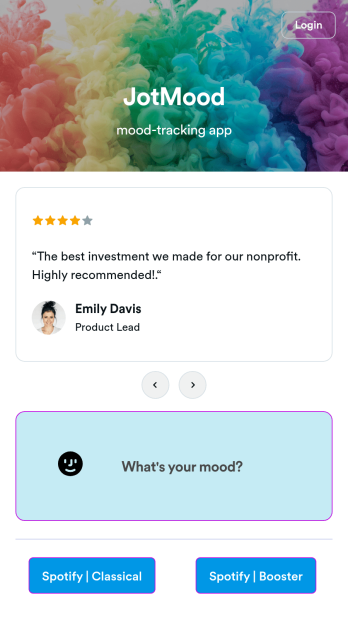
Mood Tracker App
Tracking your mood is a great way to learn how to manage your emotions and understand triggers. Start tracking your moods or help patients track theirs with our free Mood Tracker App you can customize in just a few clicks! This ready-to-use app provides a single place for users to add their moods through a form and view all their submissions at once in order to see any recurring patterns. You can use this app yourself, or share it with patients to help them monitor their progress in therapy.Want to customize your Mood Tracker App? With our drag-and-drop interface, you can create and add more forms to your app and even change its icon, name, splash screen, and background. Feel free to upload images, include links, update the text, and more. You’ll be able to access and download your app from any smartphone, tablet, or desktop. Make it easier to keep track of how you’re feeling with a custom Mood Tracker App you can easily use from any device.
Go to Category:Entertainment Apps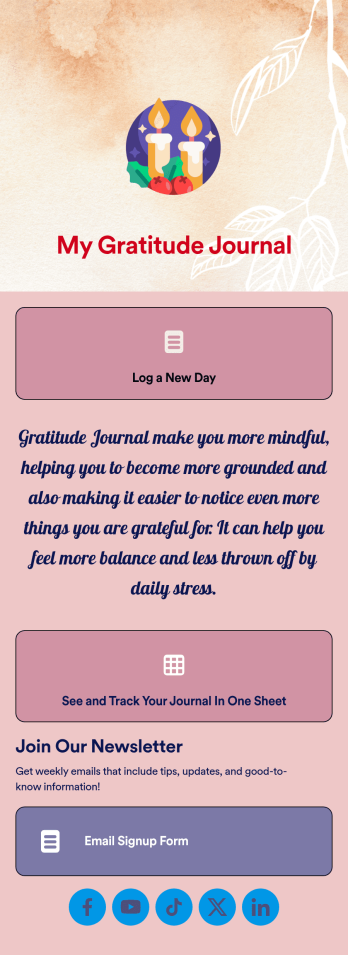
Gratitude Journal App
Whether you’re a life coach looking for an easy way to track your clients’ progress or an individual on a self-help journey, this Gratitude Journal App from Jotform is a great way to log things you’re grateful for. Create forms for daily or weekly entries, add spaces to upload video journals, or integrate with scheduling or payment widgets.Want to change up the look and feel of your Gratitude Journal App? No problem! Simply use our drag-and-drop app builder to make changes to fonts and colors, pick backsplashes, upload images or videos, and more. Then all you have to do is send your app to your clients or begin using it for personal projects. Show more gratitude in your life with this free app from Jotform.
Go to Category:Log Apps