
Training Video Library App is a centralized learning resource for organizations that need to make instructional videos easy to find, review, and improve. It helps human resources teams, training managers, educators, consultants, and operations leaders organize video-based guidance for employees, students, clients, or volunteers. Users can browse the video library, open individual training details, review information such as duration and topic summaries, submit video feedback, and request future training topics. This app template supports onboarding, professional development, process education, safety instruction, and recurring skills training while reducing scattered links and repeated questions.
Jotform App Templates make it simple to turn learning materials and connected forms into a mobile-friendly resource center. Customize the Training Video Library App with the no-code app builder and drag-and-drop interface, then adjust its pages, visual style, navigation, and content to match your organization. Feedback and topic request forms can support data collection and related workflows, helping teams identify useful content and plan new resources. Publish the app with a shareable link or QR code so learners can access training and self-service resources from nearly any device without downloading software.
Related templates

Career Coaching App
Need an easy way to schedule your career coaching sessions? Jotform has you covered with our Career Coaching App. It doesn’t matter if you already have a successful online career coaching business or if you’re just starting out — Jotform offers flexible app customization and templates to get you started. List your schedule for coaching appointments, add session descriptions, and integrate with 25+ easy-to-manage payment gateways to collect and manage appointment bookings.Use our drag-and-drop builder to customize your Career Coaching App! Add or swap out scheduling and payment forms, upload your coaching business logo, change colors and fonts, and integrate with hundreds of useful widgets to make your job easier. After you’re done designing your app to match your branding, share your app’s link via direct message, scannable QR code, or by embedding it directly into your website. You can also link your app on your social media pages to increase engagement and orders. Create your own Career Coaching App today with Jotform.
Go to Category:Consulting Apps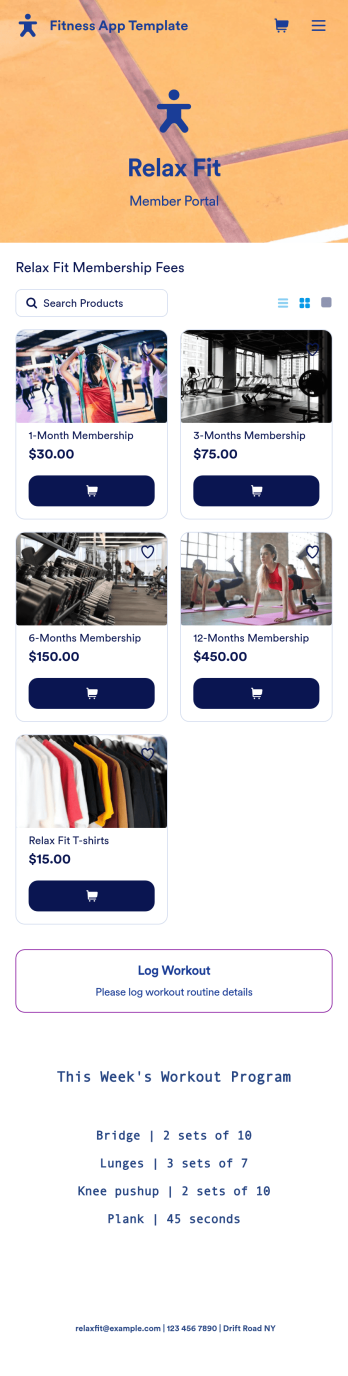
Fitness App Template
Recording your workouts is a great way to measure progress and achieve fitness goals. This Fitness App is designed for gyms to distribute to customers and includes an intake form for general information and medical history, a consent form with a digital signature box, and a workout routine log. Entries are compiled and stored in a Workout Log in your online account, where you can easily sort, group, and filter your workouts to track your daily and weekly progress.Your Fitness App can be fully customized to your liking with no coding. Just use our drag-and-drop interface to add and change forms, choose fonts and colors, upload your logo, update the app name, text and splash page, and more. After you’re done customizing, your app can be shared with a link and opened on any device. Help your customers keep track of their progress with this free Fitness App!
Go to Category:Sports Apps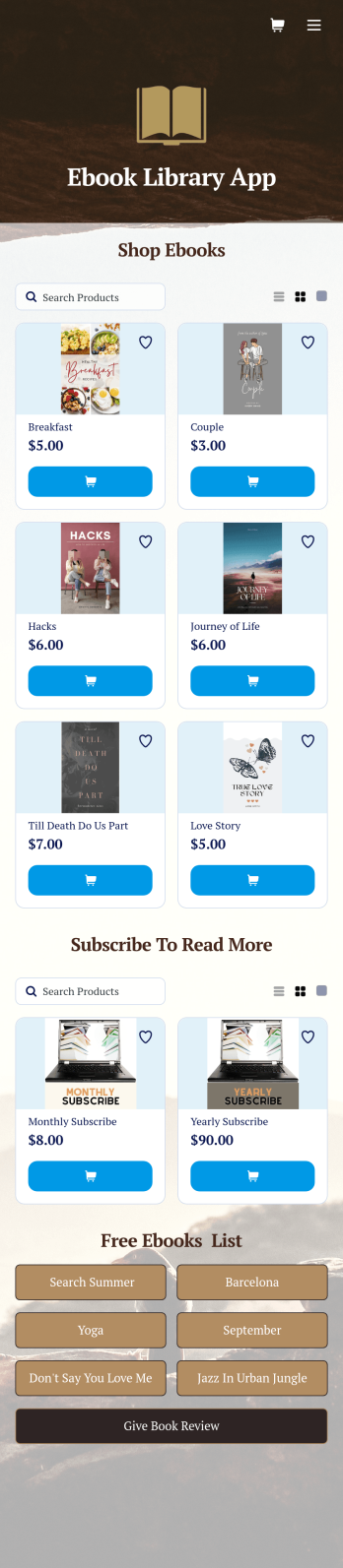
Ebook Library App
An e-book library app is used by teachers, schools, and small libraries for sharing free e-books with others. Need to know how to sell e-books online? With Jotform’s E-book Library App, you can upload multiple e-books as PDF documents to the app, and display them in a list of available titles on the main page. Users can browse and read e-books directly through the app’s interface, or download them onto their device with the tap of a button. This app template can also be used by individuals who wish to create a private library for storing their e-books in one convenient location.Want to make changes to this app template? Jotform's intuitive app builder makes it easy for anyone to customize the look and feel of their app with just a few clicks. No coding required — just drag and drop to add or change form elements, choose custom color schemes and backgrounds, add widgets, upload images, and more. Once you’re satisfied, share your app with others by sending email invites or the app link, and they can then access and download your app on any smartphone, tablet, or computer right away. Create a digital library of downloadable e-books with Jotform’s E-book Library App that works anywhere.
Go to Category:Education Apps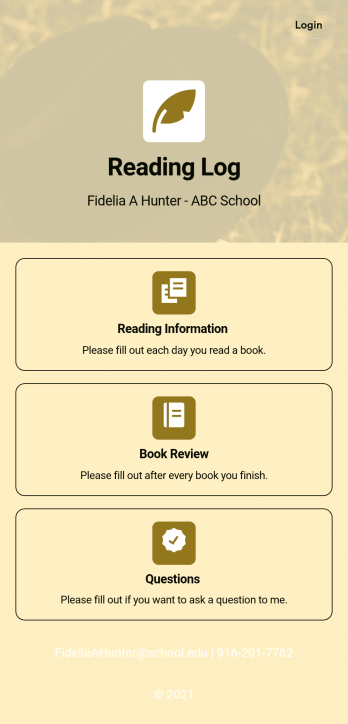
Reading Log App
As a teacher, staying on top of your students’ reading habits can be a headache. So why not create one central place to keep track of it all? With this Reading Log App, teachers can easily track, monitor, and review students’ assigned reading progress. This ready-to-use template also comes with a place for your students to send questions, and a digital signature form for parents to sign off on readings. This app works in tandem with our Reading Log Template, which allows you to easily sort through entries in a searchable spreadsheet.Want to customize this Reading Log App and make it your own? With our simple drag-and-drop interface, you can add or change forms, choose fonts and colors, update the app name or text, and more — all with zero coding. Once you’re satisfied with the look and feel of your app, simply share the link through email and have your students start filling out their assigned readings from any smartphone, tablet, or desktop. Make your job outside of the classroom easier with this customizable Reading Log App!
Go to Category:Classroom Management Apps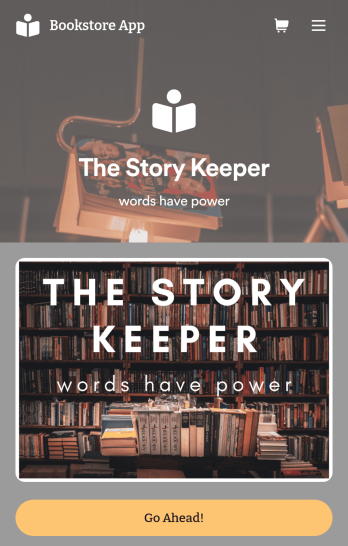
Bookstore Management App
Manage your bookstore from a single location with this free Bookstore Management App from Jotform. Ready to learn about how to sell your books online? Customers can download this app onto any device to order and request books, fill out book evaluations and surveys, submit feedback, and contact your store directly. Book orders and form responses are instantly synced and stored in your secure Jotform account for ease of access.Need to make changes to this Bookstore Management App? With Jotform’s no-code app builder, simply drag and drop to edit form fields and checklist items, install helpful widgets and integrations, choose fonts and colors, upload your bookstore’s branding, and much more. Once you’ve got your app just the way you want it, share it with customers by embedding it in your store’s website or by including the app link in newsletter emails. You can also generate a unique QR code to place in the window or add to the bottom of your receipts. Create a one-stop shop for all things related to your bookstore with this ready-made Bookstore Management App that works on any device.
Go to Category:Education Apps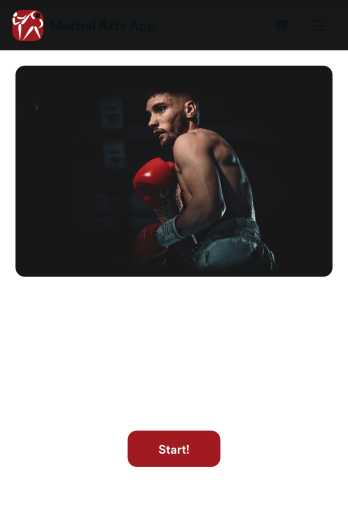
Martial Arts App
Need a way to manage all your dojo signups and communications? Wondering how to sell martial arts class bookings online? Look no further with Jotform’s free Martial Arts App. This app allows you to collect registrations for your studio and send out information about scheduling. Your students can access this app on any iOS or Android device for easy on-the-go access. Every submission from your students will be stored in your Jotform account so you’ll never lose any info again.Kick your app into high gear and customize it how you want it. Use our no-code drag-and-drop customizing tools to change your app’s design — add your dojo’s special logo, update outgoing communications, choose an app icon, and more. Once your app is ready to go you’ll be able to embed the link directly in your website, send it out via direct messaging, or link it in a scannable QR code to sell martial arts class bookings online. Get your black belt in app design – try Jotform’s Martial Arts App today.
Go to Category:Course & Training Registration Apps