
The Uniform Logo Placement Approval App gives apparel teams a central place to submit and assess proposals for placing logos on uniforms. It supports proposal submission, review status tracking, and clear feedback through reviewer notes and recorded outcomes. Apparel suppliers, uniform coordinators, operations teams, brand managers, schools, clubs, and organizations with standardized clothing can use it to evaluate placement before garments move into production. Logo references, garment details, applicant information, and approval decisions stay connected, reducing misplaced files, unclear feedback, and delays caused by scattered email conversations.
With Jotform, this app template can be adapted to match an organization’s review process without writing code. The no-code app builder and drag-and-drop interface make it easy to adjust pages, branding, navigation, and connected forms. Teams can organize data collection, link approval steps to a wider workflow, and provide convenient self-service access for applicants and reviewers. Start with one of Jotform’s App Templates, personalize the Uniform Logo Placement Approval App, and share it by direct link or QR code for access on phones, tablets, and computers.
Related templates
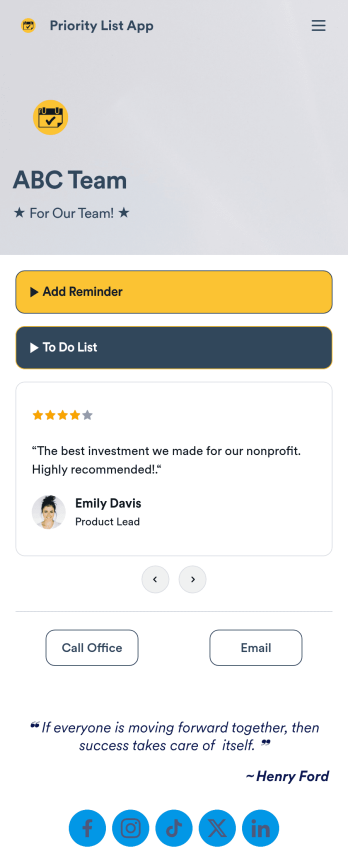
Priority List App
A priority list app is used by employees who work in a team to prioritize tasks. With Jotform’s free Priority List App, team members can easily add tasks with priority levels and deadlines, as well as set reminders. Tasks are compiled in a searchable and easy-to-understand task list table, which can be accessed by team members on any device.Customizing this Priority List App is easy. With our drag-and-drop form builder, you can add new forms, upload images, change fonts and colors, and more — all with no coding. After you’re done, you can share your app with other team members via link, or even embed it in an internal website. Your app can be downloaded on any smartphone, tablet, or desktop for future use. Keep your team on track with this fully customizable Priority List App!
Go to Category:Management Apps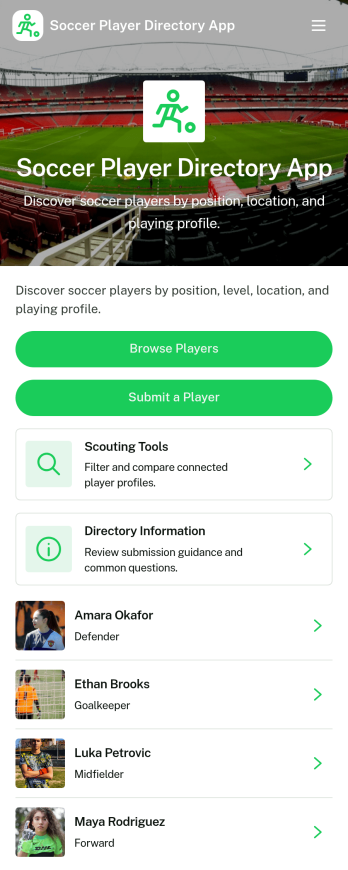
Soccer Player Directory App
Soccer Player Directory App helps coaches, scouts, clubs, and academies organize player profiles in one place so it’s easy to browse talent, review key details, and make faster outreach decisions. Use it to showcase rosters, maintain a scouting shortlist, or publish a searchable directory for tryouts and recruitment pipelines. With a browseable player list, individual profile views, and a built-in way to submit a player for inclusion, teams can keep information current without relying on scattered spreadsheets or long message threads.Jotform makes it simple to turn this directory into a polished self-service experience using a no-code app builder and a drag-and-drop interface. Connect the app to your data collection form to capture new players, update records over time, and keep your workflow organized as your directory grows. Share your Soccer Player Directory App as a link or QR code, customize branding and navigation, and give staff an easy way to explore players and contact them from a single place.
Go to Category:Sports Apps
Multiplayer Drawing Game App
The Multiplayer Drawing Game App is an interactive app template for hosting creative drawing and guessing rounds among friends, students, coworkers, event attendees, or online communities. Participants can view open rounds, submit artwork in response to a prompt, and enter guesses for drawings shared by other players. Organizers can also create new rounds and review drawing and guess records from one place. It works well for classroom activities, team socials, community challenges, virtual gatherings, icebreakers, and casual competitions, giving groups a simple way to encourage participation without scattering game activity across multiple channels.Jotform App Templates make it easy to adapt this experience to different groups and occasions. Using Jotform’s no-code app builder and drag-and-drop interface, organizers can update pages, instructions, colors, buttons, and navigation without programming. Connected forms and tables support data collection and keep each gameplay workflow organized, while mobile-friendly access helps players join from nearly any device. The finished app can be shared through a direct link or QR code, creating a convenient self-service destination for rounds, drawings, guesses, and game information.
Go to Category:Entertainment Apps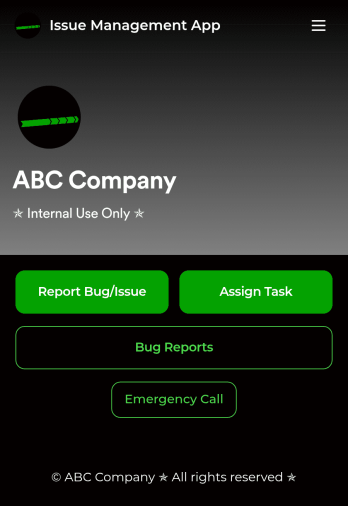
Issue Management App
An issue management app is used by IT professionals to report bugs or issues, track them in a spreadsheet, and assign tasks to teammates. Track and manage issues more efficiently with Jotform’s free Issue Management App! It saves onto any device — whether it be a smartphone, tablet, or computer — so you can quickly access the forms you need to do your job efficiently.Update this free app with no coding using our drag-and-drop interface. Add or remove forms, upload your logo, change fonts and colors, and make other changes to make this app work perfectly for your needs. You can then share the app with a link for teammates to download instantly. Streamline your IT workflow and save time with this powerful Issue Management App!
Go to Category:Event Planner Apps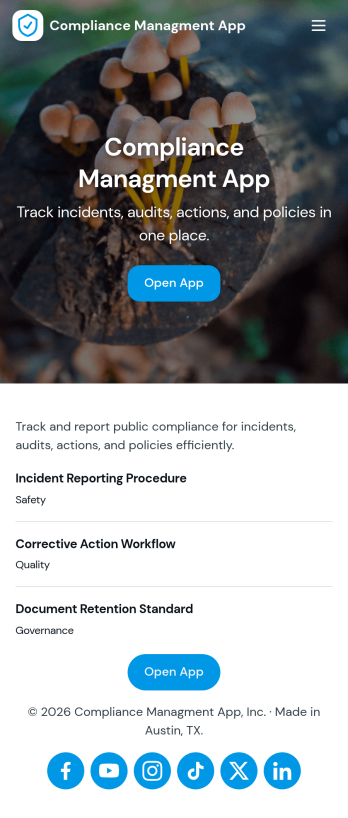
Compliance Managment App
Compliance Managment App brings your day-to-day compliance work into one place so teams can keep controls visible, document what happened, and stay ready for reviews. It’s built for operations leaders, IT and security teams, HR, and managers who need a practical way to organize controls, report incidents as they occur, log audits, and maintain supporting documents without hunting across folders or email threads.With Jotform you can turn this app template into a branded self-service workspace using a drag-and-drop interface and a no-code app builder. Connect the app to forms and tables to support ongoing data collection, route key steps through a workflow, and keep updates consistent across controls, incidents, audits, and documents. Share it with internal stakeholders through a link, tailor pages to your process, and keep information easy to access on any device.
Go to Category:Information Technology Apps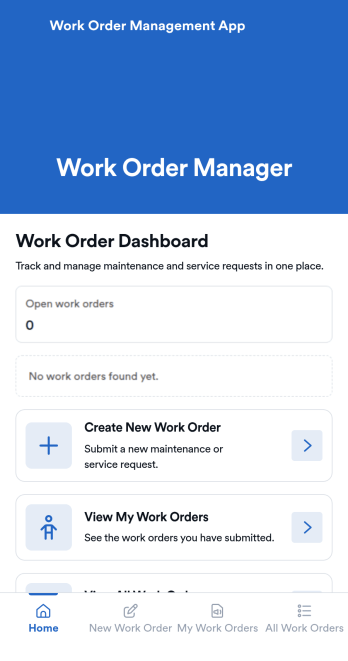
Work Order Management App
Work Order Management App is an app template designed to streamline the process of creating, assigning, and tracking work orders. Designed for maintenance teams, operations managers, service providers, and organizations, this ready-to-use template facilitates efficient task management, timely task completion, and improved operational visibility. This app template aids in the collection of essential data related to work orders, such as task details, assigned personnel, expected completion time, and status updates, providing a comprehensive overview of all ongoing tasks. It's an invaluable aid for service providers and organizations that require a centralized system for managing service requests and tasks.With Jotform's intuitive interface, customizing the Work Order Management App is a breeze. You can modify the template to suit your organization's specific needs, all without writing a single line of code. The drag-and-drop feature allows for easy adjustments and additions, ensuring that your work order management system is tailored just for you. One standout feature is the capability to collect electronic signatures, making it easier to authorize work orders digitally. This combined with the ease of use, allows for a more streamlined and efficient workflow. The data collected can be conveniently converted into sheets and reports, providing a tangible snapshot of ongoing tasks and their statuses. Harness the full potential of Jotform’s Work Order Management App to optimize your work order management process.
Go to Category:Management Apps