
Vehicle Installation Record App is an app template for documenting equipment, accessories, or system installations completed on vehicles. It gives automotive service businesses, fleet teams, field technicians, contractors, and installation managers one place to record completed work, browse installation histories, and add follow-up details. Teams can connect each record with a vehicle identifier, customer, installer, installation date, status, and relevant notes without relying on scattered files. This creates a clearer service history, supports handoffs between office and field staff, and makes outstanding follow-up work easier to identify.
With Jotform, this App Template can be adapted to match different installation services and operating procedures. The no-code app builder and drag-and-drop interface make it easy to update pages, navigation, branding, and connected forms without programming. Records can support data collection and related workflows while giving authorized users convenient self-service access from phones, tablets, or computers. Share the finished app through a direct link or QR code, organize installation information for quick browsing, and connect other Jotform tools as your process develops.
Related templates
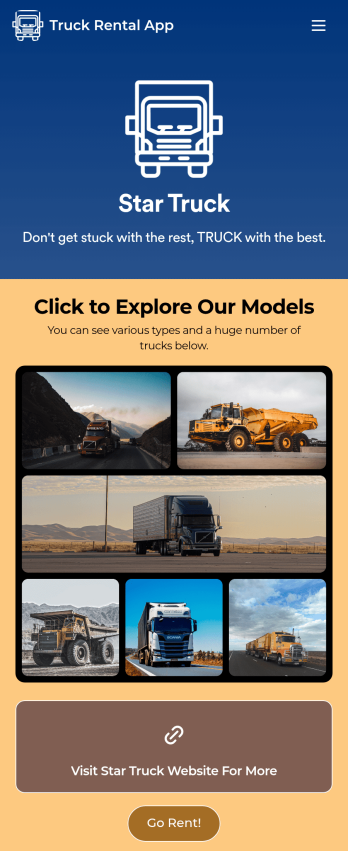
Truck Rental App
Give your customers an easy way to rent your trucks with this free Truck Rental App! Want to learn how to rent out your trucks online? The app is fully-customizable with Jotform’s drag-and-drop app builder, so you won’t need any coding knowledge to make it match your branding. Once you’ve got your app looking how you want it to, share it with your customers with a link or via email for them to download onto any iOS device, Android device, or computer for easy access.Need to make changes to this Truck Rental App template? Drag and drop to get the look you want by adding your logo, including more forms, and adding images of the trucks you have available. All submissions you receive through your custom Truck Rental App are stored securely in your Jotform account and ready to view instantly on any device — so you and your team can respond to customers right away.
Go to Category:Automotive Apps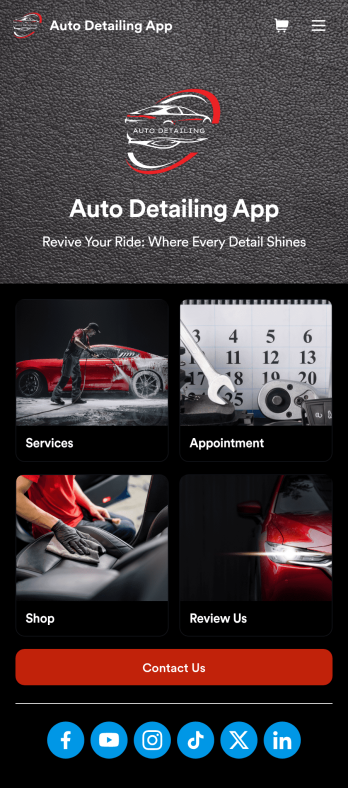
Auto Detailing App
An auto detailing app is a mobile application used by auto detailing businesses to list their services, book appointments, collect feedback, and more. Need an app for your business? This free Auto Detailing App is the perfect place to start. Use the app as-is or customize it in seconds with our drag-and-drop app builder — then share the app with your customers via social media or email so they can access or download it seamlessly on any device.Drag and drop elements to get the design you want with no coding required. Add your company logo, upload photos, include your auto services and pricing, and integrate with one of 30+ payment processors to accept payments through your custom Auto Detailing App while paying no extra transaction fees to Jotform.
Go to Category:Appointment & Booking Apps
Customizable Auto Repair Shop App
Want to create an easy way for customers to book repair services at your auto repair shop? With Jotform’s Auto Repair Shop App, you can build your very own app in minutes without any coding knowledge. Start from scratch or customize one of our ready-made app templates to make an app that matches your branding. Add repair services, a contact form, an interactive map, customer reviews, and much more. Customers can then download and use your app from any device.Make this Auto Repair Shop App your own in seconds with Jotform’s easy-to-use app builder. Simply drag and drop to get the look you want. You can include powerful app elements, install helpful widgets, choose fonts and colors, upload your own logo, and collect payments with one of our 25+ payment processors, including PayPal, Stripe, and Square. Share your app with customers via email, by including the link in your social media bios, or by embedding it directly into your website with a simple copy-paste code. Give your customers a quick and convenient way to reschedule repairs with this free Auto Repair Shop App.
Go to Category:Automotive Apps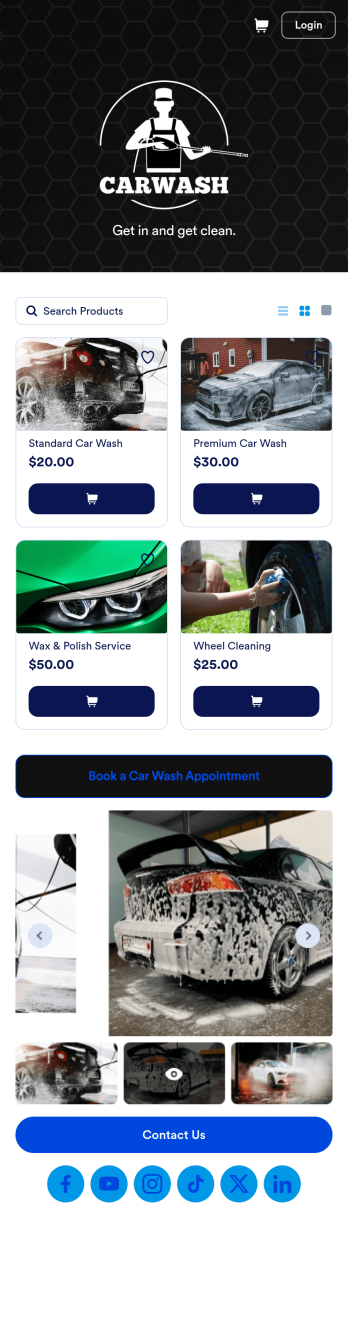
Custom Mobile Car Wash App
Wondering how to sell car washes online? Create a downloadable app for your mobile car wash customers with a free Mobile Car Wash App from Jotform. This app includes a Car Wash Appointment Form so customers can select their preferred date from a calendar and provide other booking details like name, phone number, and their car’s make and model. Also it includes a product list that customers choose a car wash service and make payments. All submissions are sent to your company Jotform account, ready to view instantly on any device.Add your logo, include other forms to collect additional info like e-signatures or payments, and make other design changes by dragging and dropping elements in our intuitive no-code app builder. Once your app is ready to be shared, copy and paste the link or invite people via email so they can download it onto their devices. Stop spending time on phone or email bookings and enjoy a more efficient booking process with this Mobile Car Wash App.
Go to Category:Appointment & Booking Apps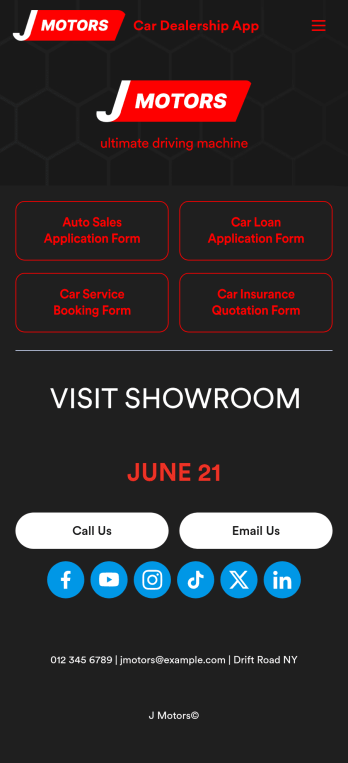
Car Dealership App
A car dealership app makes it easier to sell new or used cars from any device. Increase sales at your dealership with our free Car Dealership App. This ready-made app template bundles a car loan application form, car insurance quotation form, and car service booking form all in one place. Clients can open or download the app onto their smartphone, tablet, or computer and fill out your forms with ease.Customize your Car Dealership App without any coding. Just drag and drop to create more forms, embed links to other websites, change the provided text, upload your branding, and more. When it’s ready, post the app link on your website or send it to clients to start accepting submissions. Boost sales and keep your dealership running smoothly with a fully-custom Car Dealership App for your business.
Go to Category:Automotive Apps
Custom Logistics Management App
A logistics management app is used by logistic companies to log important company information. With this Logistics Management App from Jotform, managers can keep track of vehicles, drivers, and driver availability information. Drivers can download this app on their mobile devices to record trip information such as truck number, departure date, and total mileage using a Drivers Log Sheet. You can also manage driver job applicants from an easy-to-understand Driver Application Tracking Log.Making changes to this Logistics Management App is easy with Jotform’s no-code app builder. Simply drag and drop to add or change form elements, edit text fields and checklist items, choose fonts and colors, upload your company’s branding, and much more. Share your custom app with management and other drivers by sending email invites or the app link, where they can then download it on any device. Ditch the paperwork and use this Logistics Management App to keep digital records of all your vehicle and driver information.
Go to Category:Automotive Apps