
The Vehicle Recovery Job App is an app template for recovery operators, dispatch teams, roadside service providers, and transport businesses that need a clear way to manage vehicle recovery work. Staff can create recovery jobs, view active assignments, and browse job records identified by vehicle registration from one accessible location. This setup helps dispatchers maintain visibility over current work while giving field personnel quick access to relevant job information. It is well suited to day-to-day recovery operations, incident response, roadside collections, and vehicle transport coordination where organized data collection and timely job updates are essential.
Jotform App Templates make it easy to adapt this workflow without writing code. Using Jotform’s no-code app builder and drag-and-drop interface, teams can customize pages, navigation, colors, fonts, and branding to match their operation. Forms and connected data can bring job creation, active job viewing, and record management into one mobile-friendly experience. The finished app can be shared by direct link or QR code, helping office and field teams access the same operational resource. Businesses can also expand the app with notifications, approvals, and other workflow steps as their recovery process develops.
Related templates
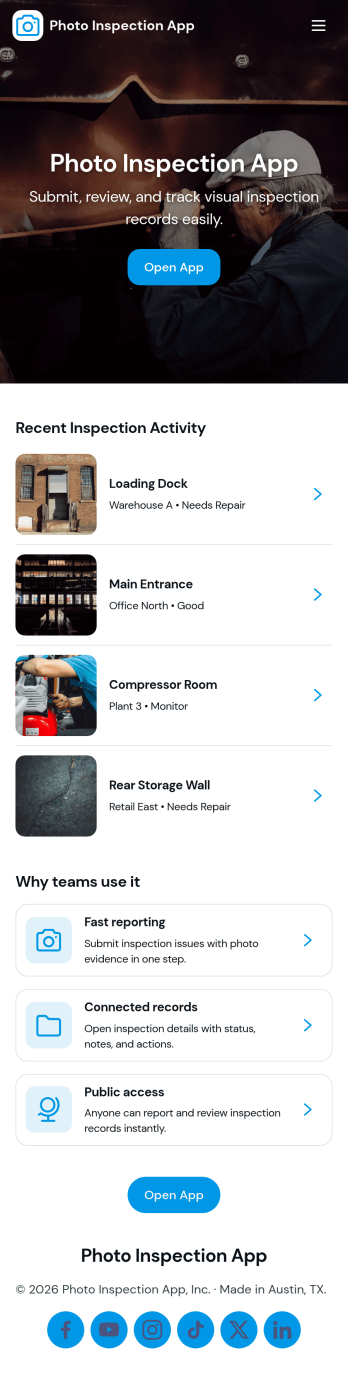
Photo Inspection App
Photo Inspection App helps teams collect visual proof, review requests, and keep a searchable history of inspections in one place. It’s a practical fit for field services, property managers, construction crews, and operations teams who need consistent photo-based documentation for sites, equipment, rooms, or deliveries. With simple navigation and dedicated detail views, staff can quickly open a request, verify images, and record outcomes without digging through emails or scattered folders.Built with Jotform App Templates, this app template can be tailored in a no-code app builder and published fast for internal or customer-facing self-service. Use Jotform’s drag-and-drop interface to adjust pages, connect your existing forms for data collection, and keep your workflow organized from intake to review to archived records. Share by link or QR code so the right people can submit and check inspection details from anywhere.
Go to Category:Inspection Apps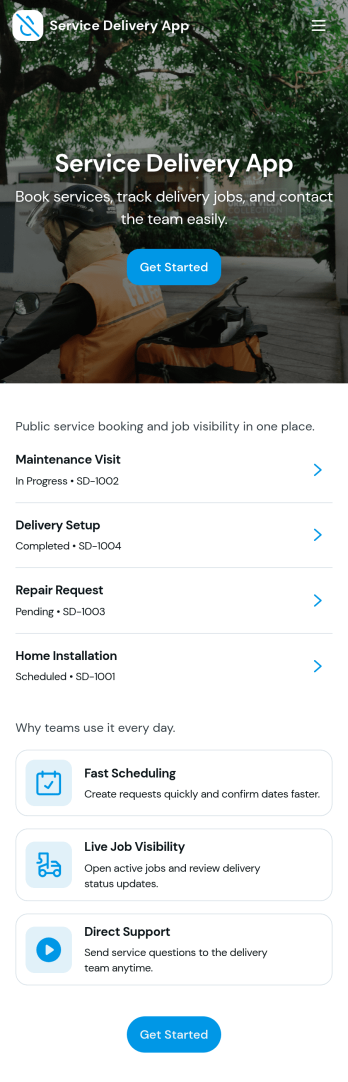
Service Delivery App
Service Delivery App helps service teams capture new requests, keep active jobs organized, and close out completed work without losing track of details. It fits field service providers, internal operations teams, and managed service groups that need one place to collect incoming work and monitor progress from start to finish. With quick navigation to a new request flow and clear sections for active and completed jobs, it supports everyday service delivery when volume is high and turnaround time matters.Jotform makes it easy to turn service workflows into a mobile-friendly self-service experience using App Templates and a no-code app builder. With a drag-and-drop interface, you can tailor pages, buttons, and lists to match how your team works, then connect the app to Jotform forms and tables for consistent data collection and smoother workflow handoffs. Share the app with a link or QR code so customers or staff can submit requests and review updates in one streamlined space.
Go to Category:Online Service Apps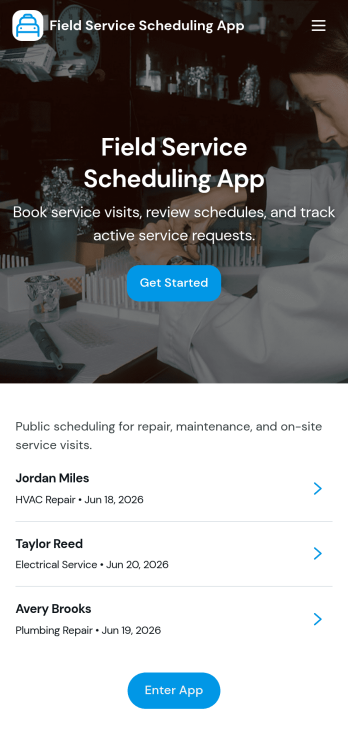
Field Service Scheduling App
Field Service Scheduling App helps service teams coordinate customer requests, schedule appointments, and keep job details organized in one place. It supports fast booking and request intake, job browsing for dispatch and technicians, and quick customer follow-up with a tap-to-call action. Use it for home services, equipment repair, maintenance visits, inspections, and any on-site work where timing and assignment changes happen often. Operations managers, dispatchers, and field technicians can rely on it to reduce missed appointments, standardize job information, and keep everyone aligned from the initial request through the daily schedule.Built with Jotform App Templates, this app template is easy to tailor to your workflow using Jotform’s no-code app builder and drag-and-drop interface. Connect your request form and job lists to keep data collection consistent, route updates through a shared dispatch table, and publish a mobile-friendly self-service experience for customers and staff. With Jotform, you can customize pages, branding, and navigation, then share the app by link or QR code so your team can access schedules and job info wherever they work.
Go to Category:Home Services Apps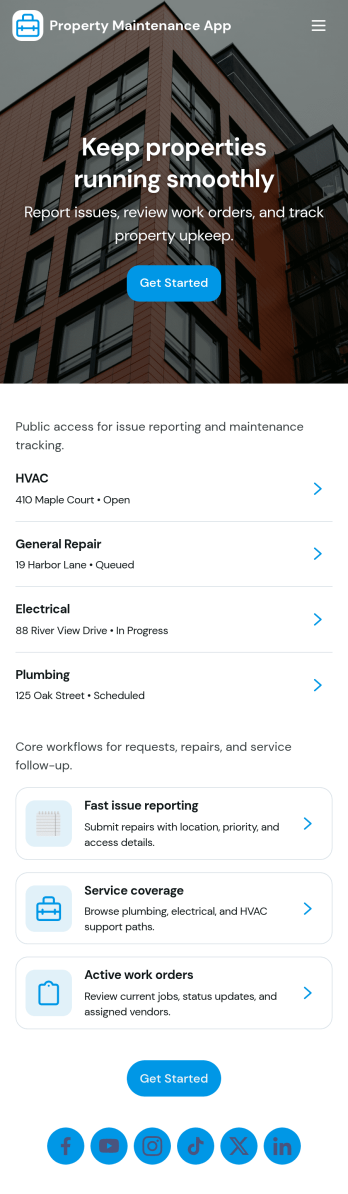
Property Maintenance App
Property Maintenance App gives teams a clear place to log maintenance issues, route them to the right property, and keep work moving without losing context. It’s a practical fit for property managers, landlords, HOAs, and service coordinators who handle recurring repairs across multiple locations and need an easy way to capture new requests, review properties, and follow what’s already been reported.Built with Jotform, this app template brings together self-service request intake and ongoing request visibility in one mobile-friendly experience. Using Jotform’s no-code app builder and drag-and-drop interface, you can tailor pages for your process, connect requests to your data collection, and centralize updates so your maintenance workflow stays organized as volume grows.
Go to Category:Equipment Maintenance Software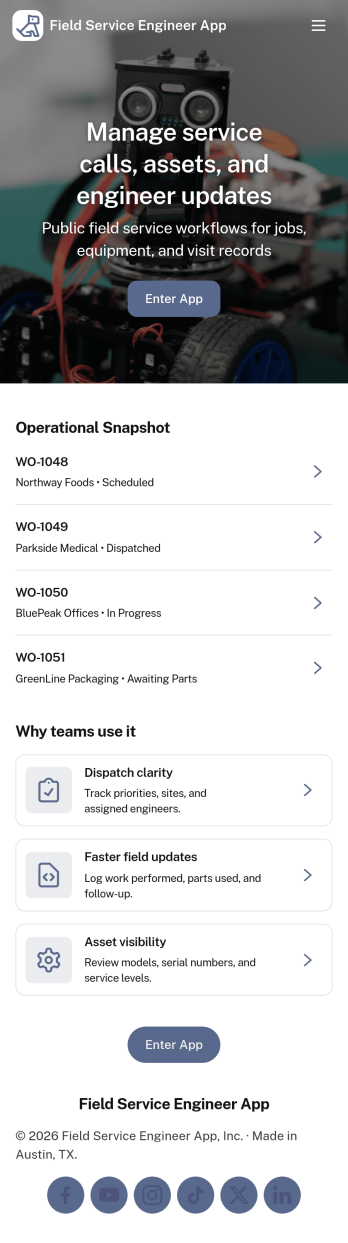
Field Service Engineer App
Field Service Engineer App helps field engineers manage daily site work by organizing today’s jobs, keeping work orders easy to browse, and providing a clear path to close out completed jobs. It’s a practical fit for service and maintenance teams, engineering contractors, and operations groups that need a simple way for technicians to check what’s next, open a job to review details, and finish work in the field without digging through messages or paperwork.With Jotform, you can turn this app template into a branded, self-service experience for your team using a no-code app builder and a drag-and-drop interface. Connect job closeout to a form for consistent data collection, keep work order records organized, and refine the workflow as your processes evolve, then share the app with a link or QR code so engineers can access it on any device.
Go to Category:Engineering Apps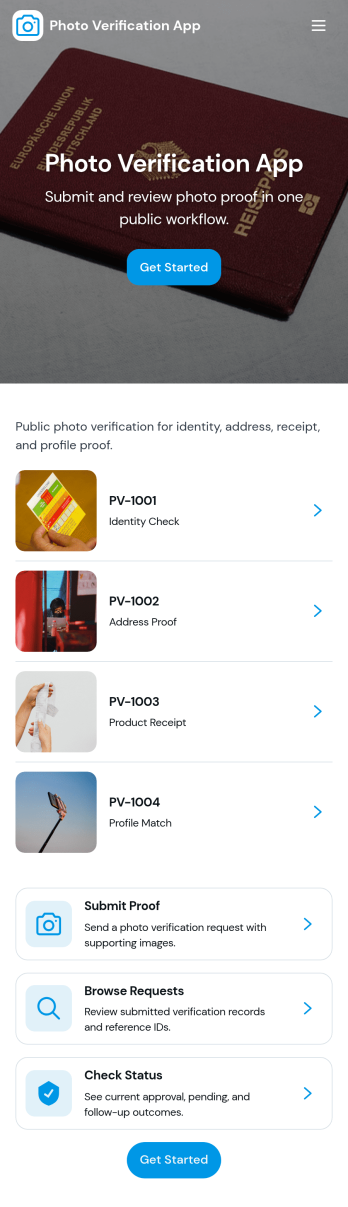
Photo Verification App
Photo Verification App helps teams collect photo-based proof and review it in one organized flow, making it easier to confirm identity, condition, or completion before moving work forward. It fits field service companies validating completed jobs, property managers confirming move-in or move-out conditions, event teams checking credential photos, and operations groups that need quick visual confirmation without relying on scattered messages. With a clear start verification entry point and a dedicated review queue, reviewers can sort what needs attention, open individual records, and keep photo checks consistent across staff.Jotform makes it simple to publish this app template and adapt it to your process using a no-code app builder and a drag-and-drop interface. Connect your verification form to a central list for tracking, route entries to the right reviewers, and keep data collection structured as volume grows. Share the app through a link or QR code so submitters can send photos from mobile, while your team stays focused on approvals, follow-ups, and keeping the workflow moving.
Go to Category:Inspection Apps