
Working Hours Opt-Out App gives employees a clear self-service channel for requesting working hours outside the schedule defined by their organization. The app template helps HR teams, managers, operations departments, and growing businesses collect each employee’s requested hours and reason while keeping review status visible in one accessible location. It is useful when organizations need a consistent internal process for recording voluntary schedule requests, reducing scattered emails, and helping reviewers compare defined hours with requested changes. Employees can submit their information, review request details, and follow progress without relying on repeated manual updates.
Jotform App Templates make it easy to adapt this experience to an organization’s policies and workflow. Using Jotform’s no-code App Builder and drag-and-drop interface, teams can update pages, branding, navigation, and connected forms without programming. Requests can connect with tables, notifications, approvals, and other data collection processes to support organized follow-up. Once customized, the app can be shared through a direct link or QR code, giving employees mobile-friendly access and providing HR teams with a practical way to manage working hours opt-out requests.
Related templates
Security Workforce ERP App
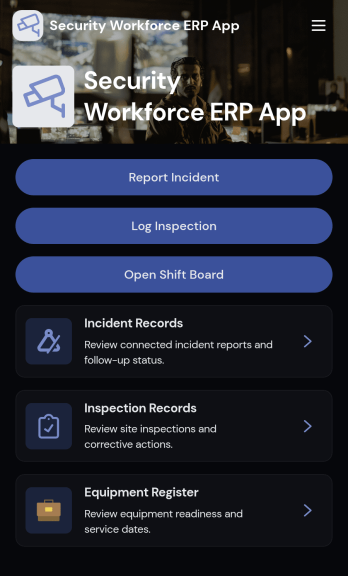
Security Workforce ERP App brings your guard force and site operations into one place so supervisors can add workforce records, set up security sites, record shift coverage, and capture incident reports without juggling spreadsheets or scattered messages. It’s built for security companies, contract guarding teams, and in-house security departments that need a dependable way to keep rosters current, track who covered which shift, and document incidents with clear details for follow-up and review.Jotform makes it easy to turn these everyday workflows into a polished, shareable experience with App Templates you can customize in minutes. Using Jotform’s no-code app builder and drag-and-drop interface, you can organize pages for workforce, coverage, sites, and incidents, connect forms for data collection, and keep your workflow moving with a self-service hub that works on any device. As records grow, you can continue adapting the app to match how your team schedules, responds, and reports in the field.
Go to Category:Operations & Logistics Portal Apps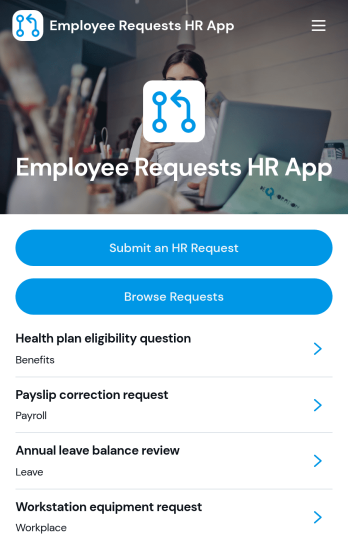
Employee Requests HR App
Employee Requests HR App gives employees a clear place to submit HR requests and follow up without confusion. Use it to centralize common needs like policy questions, workplace concerns, benefits support, or employment verification so HR teams can keep requests organized and easy to review. With quick navigation to submit a new request, browse existing requests, and open a request record to see key details like employee name, email, and preferred response method, it helps reduce missed messages and keeps communication consistent across the organization.Built with Jotform, this app template can be tailored to match your internal workflow and the types of requests you handle most often. Using Jotform’s no-code app builder and drag-and-drop interface, you can adjust pages, connect the app to your form and data collection, and keep request activity in one workflow that’s simple to share with staff. Publish it as a mobile-friendly self-service experience so employees can submit and review requests from anywhere while HR maintains one reliable source of truth.
Go to Category:Employee Self Service Apps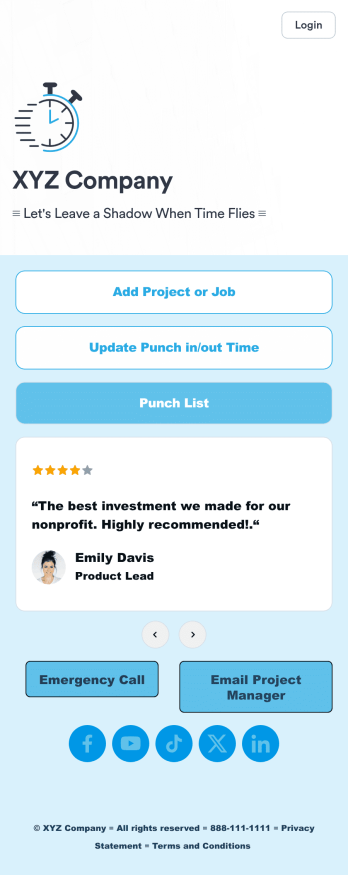
Customizable Punch In Out Timesheet App
Ditch paper timesheets with our free Punch In/Out Timesheet App! Employees can clock in or out for their shifts using the app on a company tablet or computer. As account owner, you’ll receive instant notifications for each new form submission, so you’ll know if any employee is late or leaving before their scheduled time. You can see all entries in spreadsheet, calendar, or card view using the attached Punch List Template for Jotform Tables.Customize your Punch In/Out Timesheet App in just a few minutes. Without any coding, you can use our drag-and-drop interface to add new forms, include a link to your timesheet, update the app text and design, embed links, and more. When your app is ready to use, keep it open on a company device for employees to use as they start their shift. Make employee management a breeze with a Punch In/Out Timesheet App for your company.
Go to Category:Company Portal Apps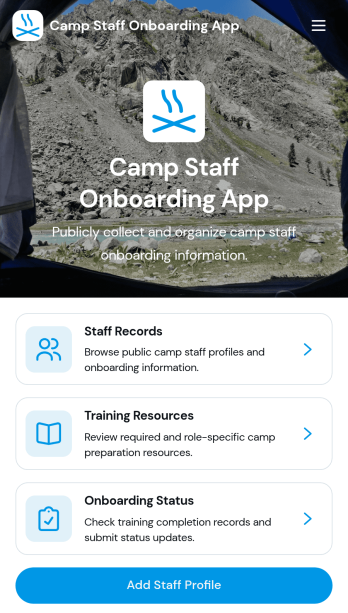
Camp Staff Onboarding App
Camp Staff Onboarding App helps camp directors, human resources teams, and program coordinators prepare seasonal employees and volunteers for their roles from one organized location. Staff profiles and records keep essential personnel information accessible, while training resources and onboarding status updates help administrators see who is ready to begin work. This app template is suitable for day camps, overnight camps, recreation programs, youth organizations, and multi-location camp operators. By replacing scattered documents and disconnected updates, it gives teams clearer visibility into staff preparation, reduces missed steps, and creates a more consistent onboarding experience before the season starts.Jotform Apps turns this Camp Staff Onboarding App into a customizable digital workspace without requiring coding knowledge. Start with one of Jotform’s App Templates, then use the no-code app builder and drag-and-drop interface to update pages, branding, navigation, and content. Connected forms support data collection, while tables and workflows help teams organize records and follow-up tasks. Once ready, the app can be shared through a direct link, QR code, or embedded experience, giving administrators and camp staff convenient mobile access to training and self-service resources.
Go to Category:HR Portal Apps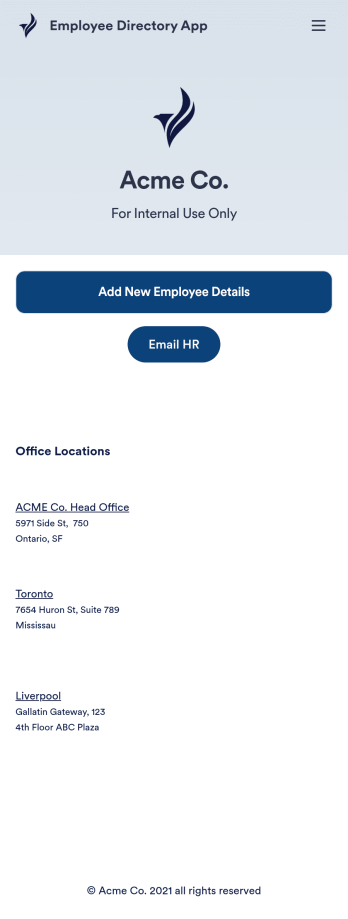
Employee Directory App
An employee directory app is used by businesses to collect information from new employees. Jotform’s Employee Directory App allows new employees to fill out general contact information, position title, manager, days of employment, and start date. If applicable, there is also space to specify an end date for contract workers. Submissions are instantly synced to an Employee Info Sheet in your Jotform account, which you can sort, filter, and search from any device.Customizing this app template to match your business’ branding is a snap. With our drag-and-drop form builder, you can add or change form elements, choose fonts and colors, upload your logo, and more — no coding required. You can also personalize your splash page by adding contact numbers and business address, or any other relevant information that might be useful to new employees. Share your app with a link or embed it in your website and employees can download it on any smartphone, tablet, or desktop. Streamline the onboarding process and keep all your employees’ information in one place with this Employee Directory App.
Go to Category:Human Resources Apps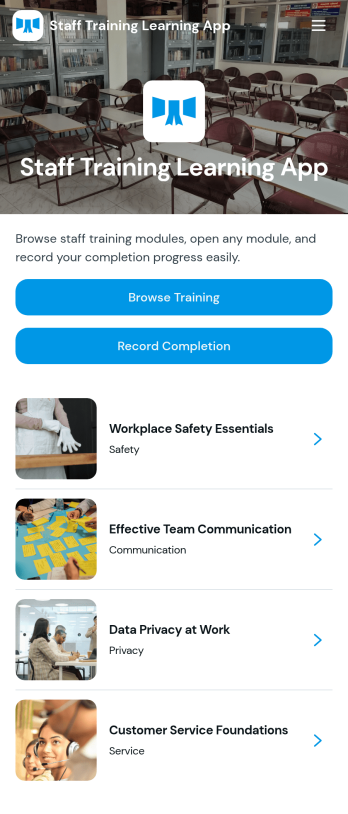
Staff Training Learning App
Staff Training Learning App helps teams share internal training in one place so employees can browse available courses, open a course page to review key details, and request enrollment when they’re ready. It’s a practical fit for HR teams, operations managers, and department leads who need a clear way to roll out onboarding lessons, role-based training, or refresher learning across locations without relying on scattered documents and links.Built with Jotform, this app template can be customized with a no-code app builder and a drag-and-drop interface, so you can organize course information and connect the enrollment request form to your workflow. Publish a branded self-service experience, share it by link or QR code, and keep data collection consistent as training offerings change over time.
Go to Category:Employee Self Service Apps