
Analysts are saying that by 2029, enterprises will be creating 17 petabytes of data per second. (One petabyte is equal to about 13 billion emails.)
Leaner teams will likely produce far less data, but still, they’ll need the right data management tools to keep up with how much information they’ll be processing. The trouble is, data management’s a broad category, so the “right” tool depends on how you collect data, who on your team handles it, and how you want to act on it.
If you’re shopping for a tool but not sure which one to go with, keep reading. I spent three weeks testing tools and reading up on those I couldn’t get my hands on, and these are the eight I’d recommend in 2026.
| Tool | Best for | Standout feature | Pricing |
|---|---|---|---|
 Informatica IDMC |
Merging duplicate records from many systems into one accurate version |
CLAIRE: a built-in AI tool that’s metadata driven |
Usage based |
 Microsoft Purview |
Protecting sensitive data across Microsoft 365 and Azure |
Sensitivity labels, an easy way to label data that needs protecting |
Starts at $51.45/user/month |
 Jotform AI Data Assistant |
Organizing and acting on form responses |
Plain-language automation that lets you describe what you want done with your form submissions; AI will sort, analyze, update, or follow up on them for you |
Free plan available, with paid plans starting at $34/month |
 Collibra |
Defining company data with a shared dictionary and clear owners |
Workflow Designer: a BPMN 2.0 engine (a standard notation that business analysts and IT teams use to turn flowcharts into working processes) that can handle highly complex automation |
Custom |
 Airtable |
Managing internal team projects and workflows |
Views: multiple ways to look at and organize data, including kanban boards and Gantt charts |
Free plan available, with paid plans starting at $20/user/month |
 Talend Data Fabric |
Cleaning up data as it moves between systems |
Talend Trust Score: a score that rates how trustworthy each dataset is based on five quality measures |
Custom |
 Alation |
Helping nontechnical employees find and understand data |
Chat With Your Data: an AI chat that turns cryptic database jargon into conversational responses |
Custom |
 Snowflake |
Storing and analyzing large datasets |
Independent compute clusters: dedicated engines that let multiple teams run big jobs at the same time |
Usage based |
Note: The prices throughout this article are calculated based on the cost of annual billing.
1. Informatica IDMC
Why it made the list: Built for big data management at large companies, so teams have one accurate version of their data across dozens of systems
Key strengths:
- Replaces several tools with one
- Connects to almost any software
- Has built-in AI that auto-flags sensitive data
Key drawback: Built for technical data teams
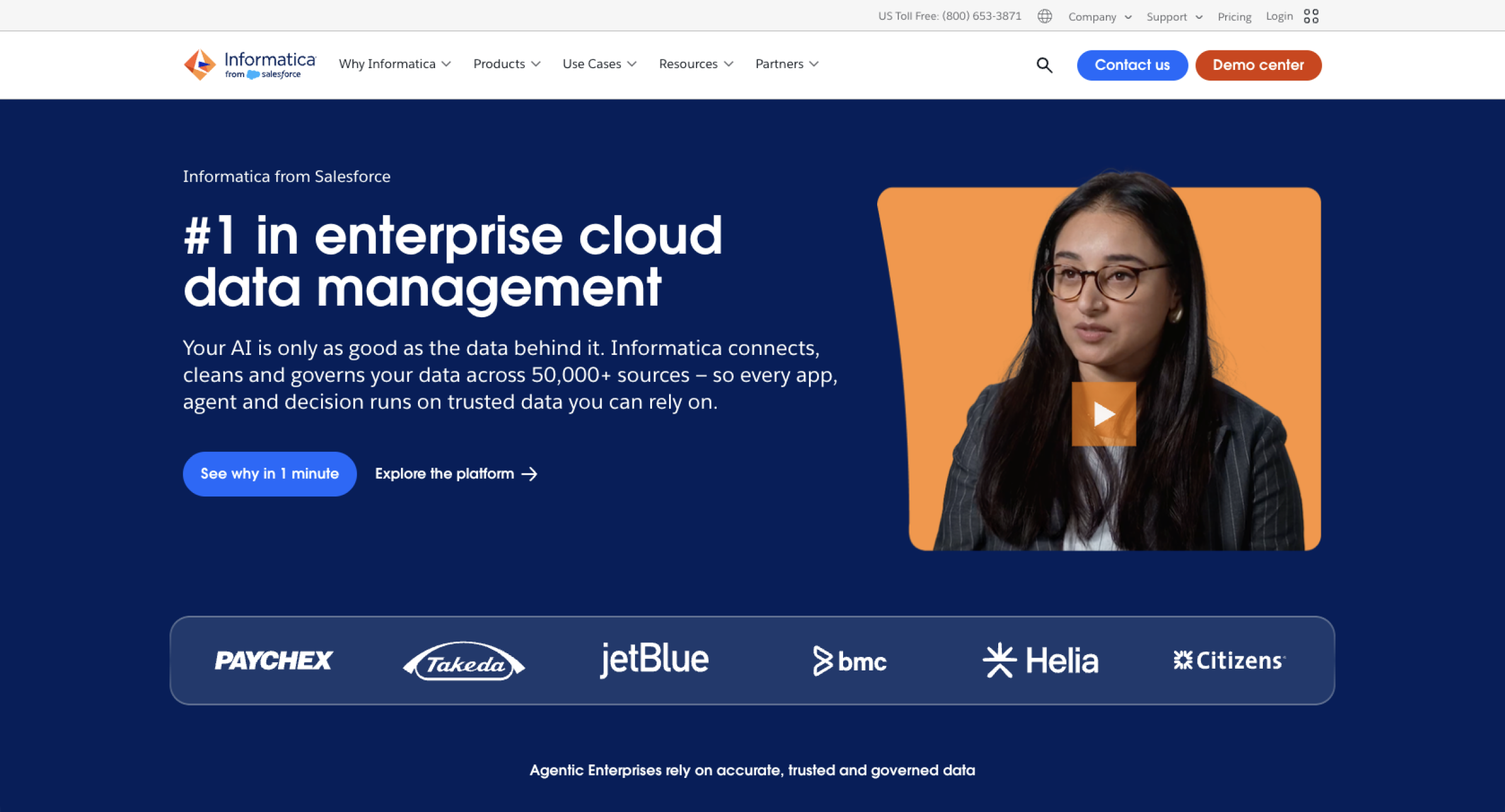
Informatica IDMC (short for Intelligent Data Management Cloud) is a platform for large organizations that have data spread across many apps and databases. It’s a great fit for, say, a retailer that has customer data scattered across an online store, in-store checkout system, and loyalty program but needs one profile per shopper that pulls from all three.
Informatica moves data between apps, cleans it up, and merges duplicate records into one accurate version. Because it’s been around for more than 30 years, Informatica connects to almost anything, including older systems, like mainframes and onsite servers, that newer tools tend to skip.
Its biggest strength is CLAIRE, Informatica’s built-in AI. CLAIRE learns from your metadata (details like who owns a file and where it came from), then uses that context to handle tedious work. So if you wanted to flag every file containing Social Security numbers, CLAIRE could do that for you.
Informatica IDMC is technical, though. It’s built for dedicated data teams that can set up connections, write cleanup rules, and maintain them over time.
Informatica IDMC pricing: Usage based
2. Microsoft Purview
Why it made the list: Locks confidential files so only approved people can open them, even if a file gets forwarded, downloaded, or emailed outside your company
Key strengths:
- Labels sensitive data, protecting it even after it’s shared or downloaded
- Stops AI assistants from revealing confidential files
- Flags risky employee behavior, like mass downloads
Key drawback: Works best inside the Microsoft system
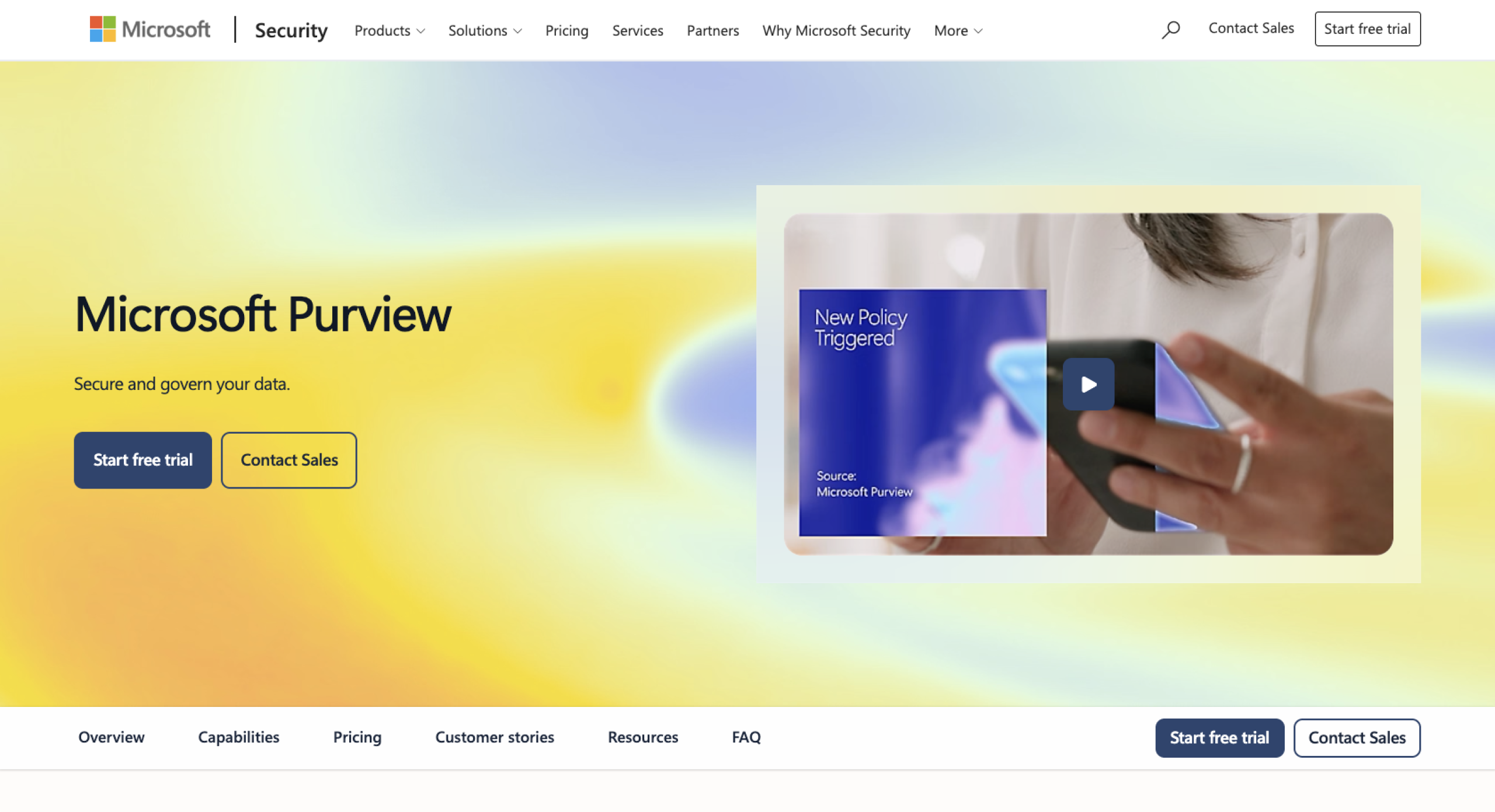
Microsoft Purview is a security and compliance platform for companies that run on Microsoft tools, like Outlook, Teams, and SharePoint. It protects sensitive info, such as salaries, health records, and the like, and flags risky activity. For example, if an employee downloaded hundreds of files before they quit, Purview would flag it.
One of Purview’s big perks is sensitivity labels. A label works like a stamp. It can mark a file “confidential,” then lock that file, limit who can edit it, or even add a watermark so that anyone who sees it knows it’s sensitive. Microsoft 365 Copilot respects labels, too, so it won’t share confidential details with people who shouldn’t see them.
If you’re a smaller team or don’t use Microsoft, Purview may not be worth it. Connecting it to non-Microsoft apps takes add-ons and extra setup, and there are other enterprise-grade tools on this list you could turn to instead.
Microsoft Purview pricing:
- With Teams: $60 per user, per month
- Without Teams: $51.45 per user, per month
3. Jotform AI Data Assistant
Why it made the list: Provides the easiest way for everyday teams to act on their form data
Did you know?
Learn all the ways Jotform can manage your data, like auto-deleting submissions or routing data through conditional logic.
Key strengths:
- Has an AI layer that analyzes, acts on, and organizes responses
- Works across Jotform’s full suite, including Form Builder, Tables, Inbox, and Workflows
- Requires no technical skills
Key drawback: Doesn’t come with all the features data governance tools do
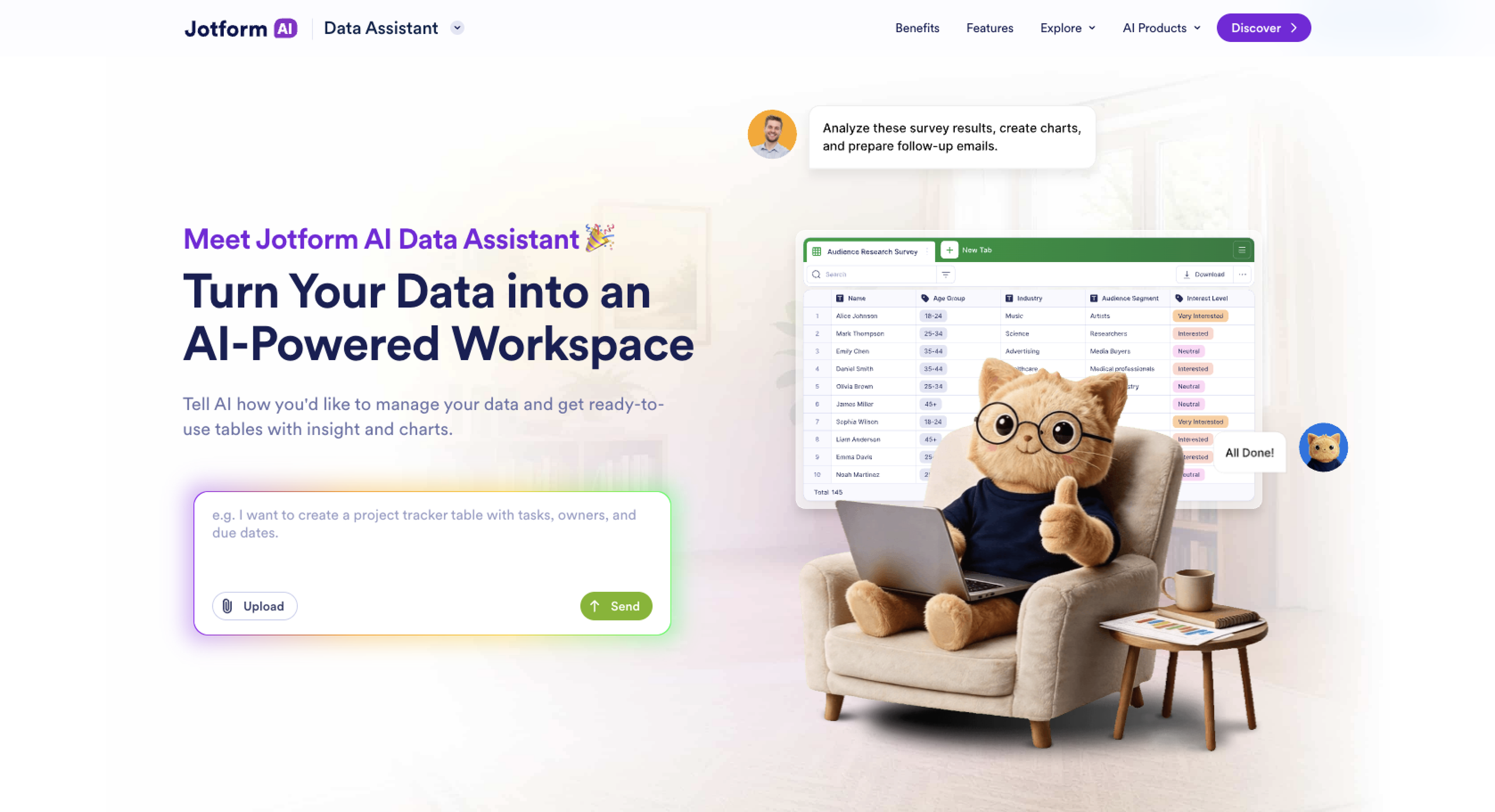
First, a little background on Jotform: It’s data collection software that lets you take in data through forms, such as registrations, applications, and orders. All submissions flow into Jotform Tables, spreadsheet-style workspaces that come with AI columns, charts, and export and sharing features. You can also work through submissions in Jotform Inbox, an organized space where you can assign each submission to a teammate and reply by email to the person who filled out the form. And with more than 200 Jotform integrations, you can send submissions straight to apps you already use.
The Jotform AI Data Assistant is the AI layer underneath all of that. You type (or say) what you want in plain language, and it carries out your command. Data Assistant features cover everything from building tables to drafting emails. For example, you could ask it to create a table to track job applicants, with columns for names, roles, and interview dates. Or you could say, “Write a reminder email to every applicant whose status is still pending.” It can turn your submissions into charts and visual summaries, which comes in handy for presenting data effectively in a meeting or report.
Jotform AI Data Assistant has the security most teams need: SSL encryption; two-factor authentication; CAPTCHA; and compliance with PCI DSS, GDPR, and SOC 2. But for bigger jobs, like tracing data across dozens of company systems, the enterprise tools on this list might be a better pick.
Jotform AI Data Assistant pricing:
- Starter: Free. You can have up to 100 conversations every month with the AI Data Assistant. Includes storage for 500 submissions and 100 MB of space.
- Bronze: $34 per month. Monthly conversation limit increases to 1,000. Storage limits increase to 10,000 submissions and 1 GB of space.
- Silver: $39 per month. Monthly conversation limit increases to 2,500. Storage limits increase to 25,000 submissions and 10 GB of space.
- Gold: $99 per month. Monthly conversation limit increases to 10,000. Storage limits increase to 100,000 submissions and 100 GB of space.
- Enterprise: Custom pricing. Unlimited monthly conversations, submissions, and storage space.
4. Collibra
Why it made the list: Aligns everyone at a company on one set of definitions, so a term like “customer” means the same thing in every report it appears in
Key strengths:
- Creates a shared dictionary of business terms
- Assigns a clear owner to every dataset
- Automates approvals and requests with visual workflows
Key drawback: Custom code required for complex workflows
Collibra is a data governance platform for large companies where departments can’t agree on what their data means. If sales and finance define “active customer” differently, their reports will never match. Collibra fixes that with a shared company dictionary and a searchable data catalog, giving every term an official definition and a clear owner. Features like these are a big deal for productivity.
What sets Collibra apart is Workflow Designer, a visual tool for automating data processes. This runs on BPMN 2.0. (If you don’t know what that is, it’s a standard notation that business analysts and IT teams use to turn flowcharts into working processes.) Every step of your workflow gets logged, too, which simplifies auditing.
Simple workflows are easy to build visually. For instance, when someone proposes a new dictionary term, you can make sure the request goes to the right owner for approval, with little effort. But once a workflow needs custom logic or has to talk to other apps, you’ll probably need to lean on someone who knows how to code.
Collibra pricing: Custom
5. Airtable
Why it made the list: Provides an easy-to-use database tool for teams that have outgrown spreadsheets, with flexible views that make it handy for functions like content production
Key strengths:
- Can show you one set of data as a grid, calendar, kanban board, or some other view
- Links related records across tables
- Requires no coding skills
Key drawback: Priced per seat, so costs can add up quickly
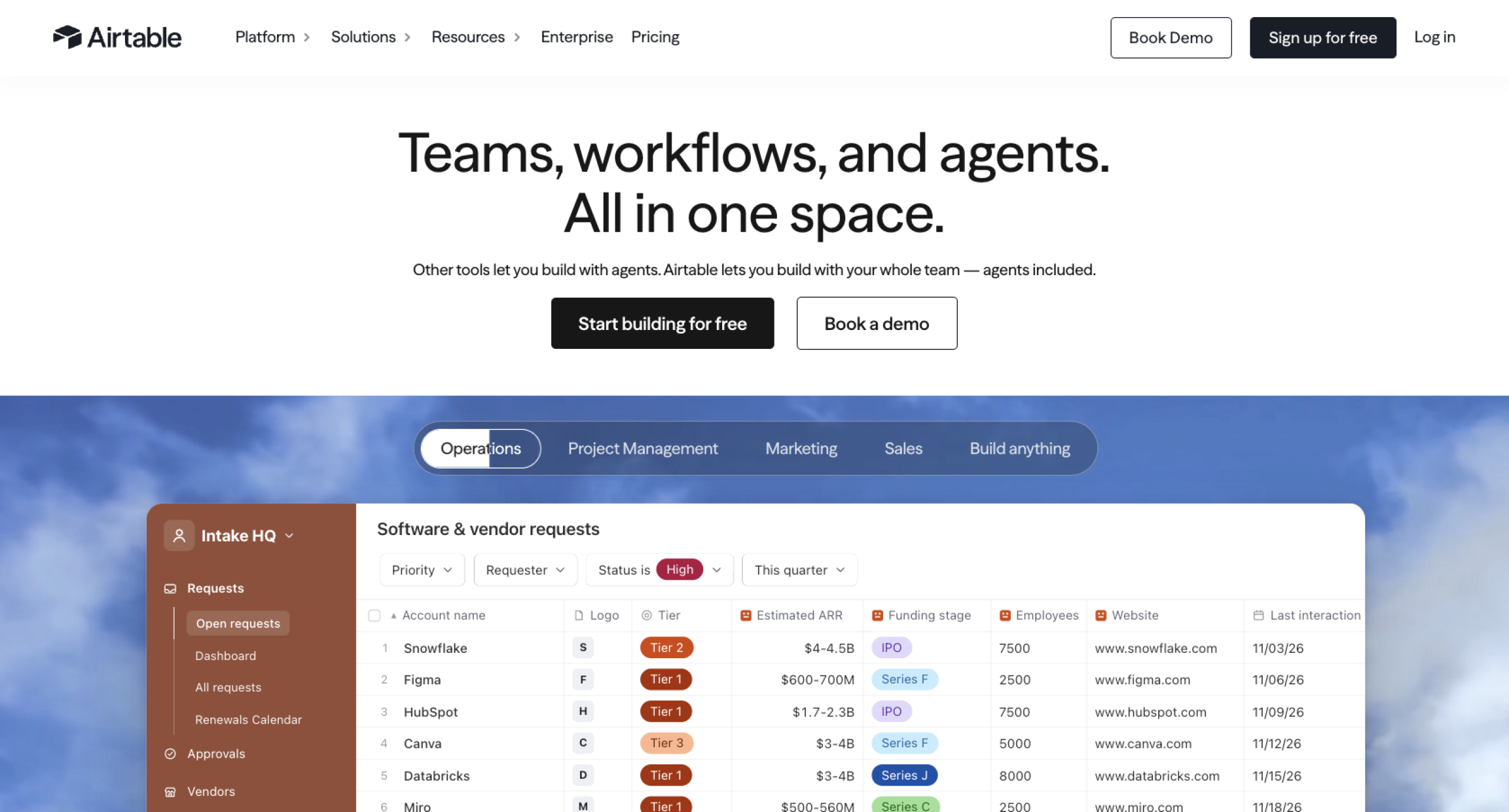
Airtable looks like a spreadsheet but works like a lightweight database. Marketing, operations, and product teams use it to manage projects, content calendars, and inventories. Its linked records let you connect related information across tables. For example, an editorial team can link its articles table to its writers table. It comes with an AI assistant called Omni that can build tables, analyze data, and update records from plain-language requests.
Airtable’s biggest strength is all the different ways it gives you to look at the same dataset. Beyond the standard grid, you can switch to a kanban board, calendar, gallery, timeline, Gantt chart, or form. Each view has its own filters, sorting, and color-coding.
However, you might run into scaling problems. Every plan caps how many records each base can hold. Even on higher plans with bigger limits, large datasets can cause it to lag. So it’s not ideal for holding an entire company’s data. Watch out for per-seat costs, too, which can creep up on you if you dole out seats across your team.
Airtable pricing:
- Free: Includes 500 AI credits per month per editor and unlimited bases, plus up to 1,000 records and 1 GB of attachments per base.
- Team: $20 per user, per month. Limits increase to 15,000 AI credits, 50,000 records, and 20 GB of attachments per base.
- Business: $45 per user, per month. Limits increase to 20,000 AI credits, 125,000 records, and 100 GB of attachments per base.
- Enterprise Scale: Custom pricing. Limits increase to 25,000 AI credits, 500,000 records, and 1 TB of attachments per base.
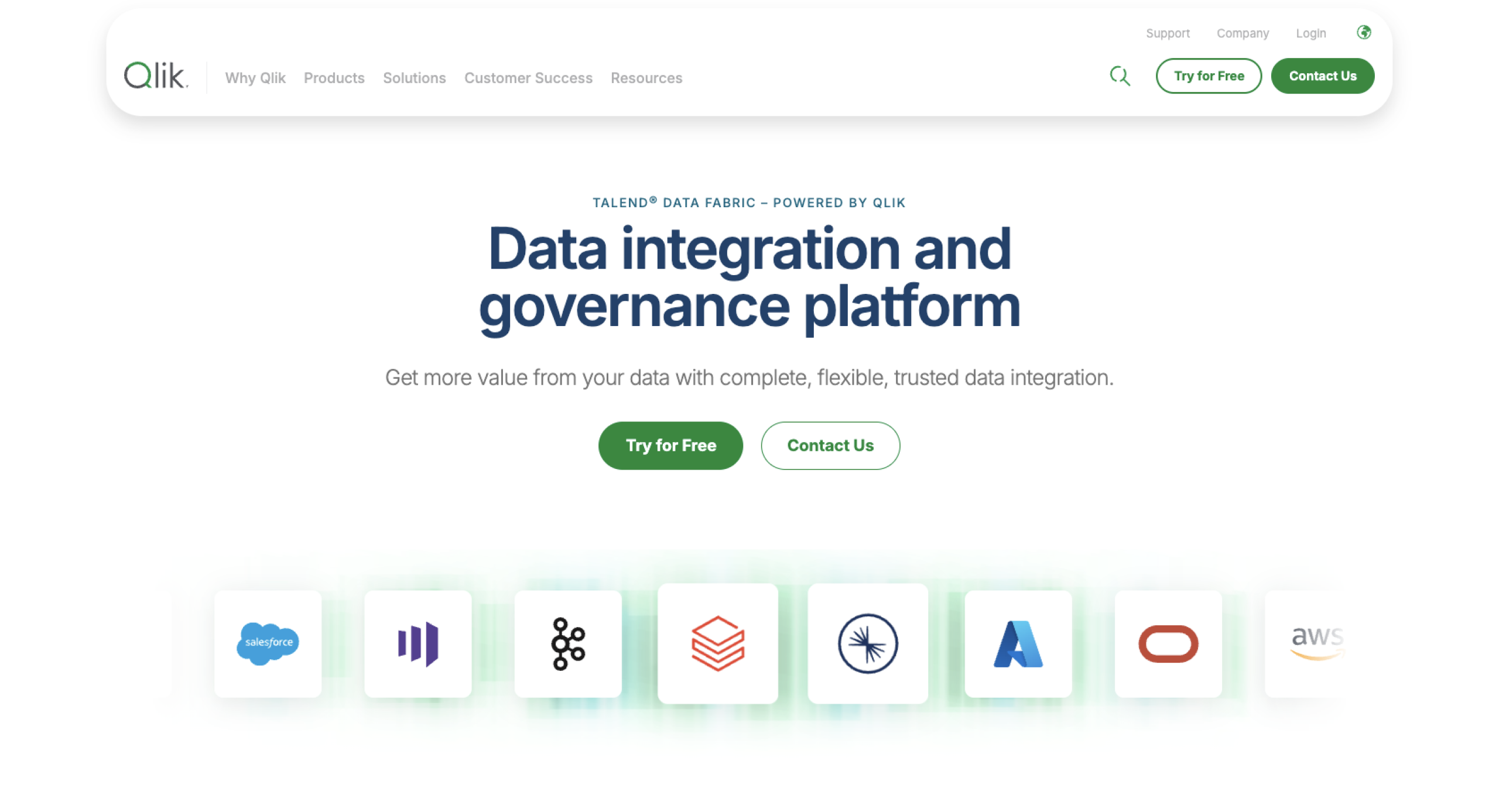
6. Talend Data Fabric by Qlik
Why it made the list: Excels at moving data from one app to another and fixing errors along the way, like duplicates, typos, and blank fields
Key strengths:
- Builds pipelines that carry data from one app to another
- Fixes errors like duplicates and missing values
- Scores how “trustworthy” each dataset is at a glance
Key drawback: Requires data engineering skills to build pipelines
Talend Data Fabric helps data teams clean up and move their information between tools. Let’s say data from your CRM, online store, and accounting software all populate one report. Talend carries that data from the three apps into the report and corrects any problems in transit, like missing zip codes or duplicate customers.
Supported datasets get a Talend Trust Score, giving you a sense of how much you can trust that data. It calculates the score based on five factors: validity, completeness, popularity, discoverability, and usage. In plain terms, that refers to correct values, no empty fields, positive ratings from coworkers, clear documentation, and regular use by other teams. Along with the score, you can see exactly what’s dragging it down and how to fix it.
This tool was built for data engineers, so if you plan to build pipelines, you’ll need to be able to set up database connections, map data from one format to another, and write SQL or Java code (or enlist the help of someone who can).
Talend Data Fabric pricing: Custom
7. Alation
Why it made the list: Gives nontechnical employees a simple way to get answers from company data without waiting on an analyst

Key strengths:
- Answers plain-language questions about company data
- Shows the supporting context for its answers
- Shows people only the data they’re allowed to see
Key drawback: Works well only after your data is documented
Alation is a data catalog, kind of like a library catalog for your company’s info. It’s built for bigger organizations in which employees need data but don’t know where to find it. Or they don’t know what it means once they do track it down.
Database columns often get cryptic names like “cust_acq_dt_v2” because engineers abbreviate them to keep them short. Alation can translate that into something anyone can understand, like “customer acquisition date.”
Alation’s AI, aptly named Chat With Your Data, lets you ask simple questions like, “How did Northeast revenue compare to last quarter?” It’ll find the right information, write the database code, and return the answer. Alation allows your finance team to record exactly what counts as “revenue,” and the chat will use that official definition to pull numbers. A generic AI tool would have to guess what “revenue” means, and could potentially get it wrong.
The chat is only as smart as the catalog behind it, though. Someone has to put in the hard work of documenting your data, which usually takes a dedicated data team.
Alation pricing: Custom
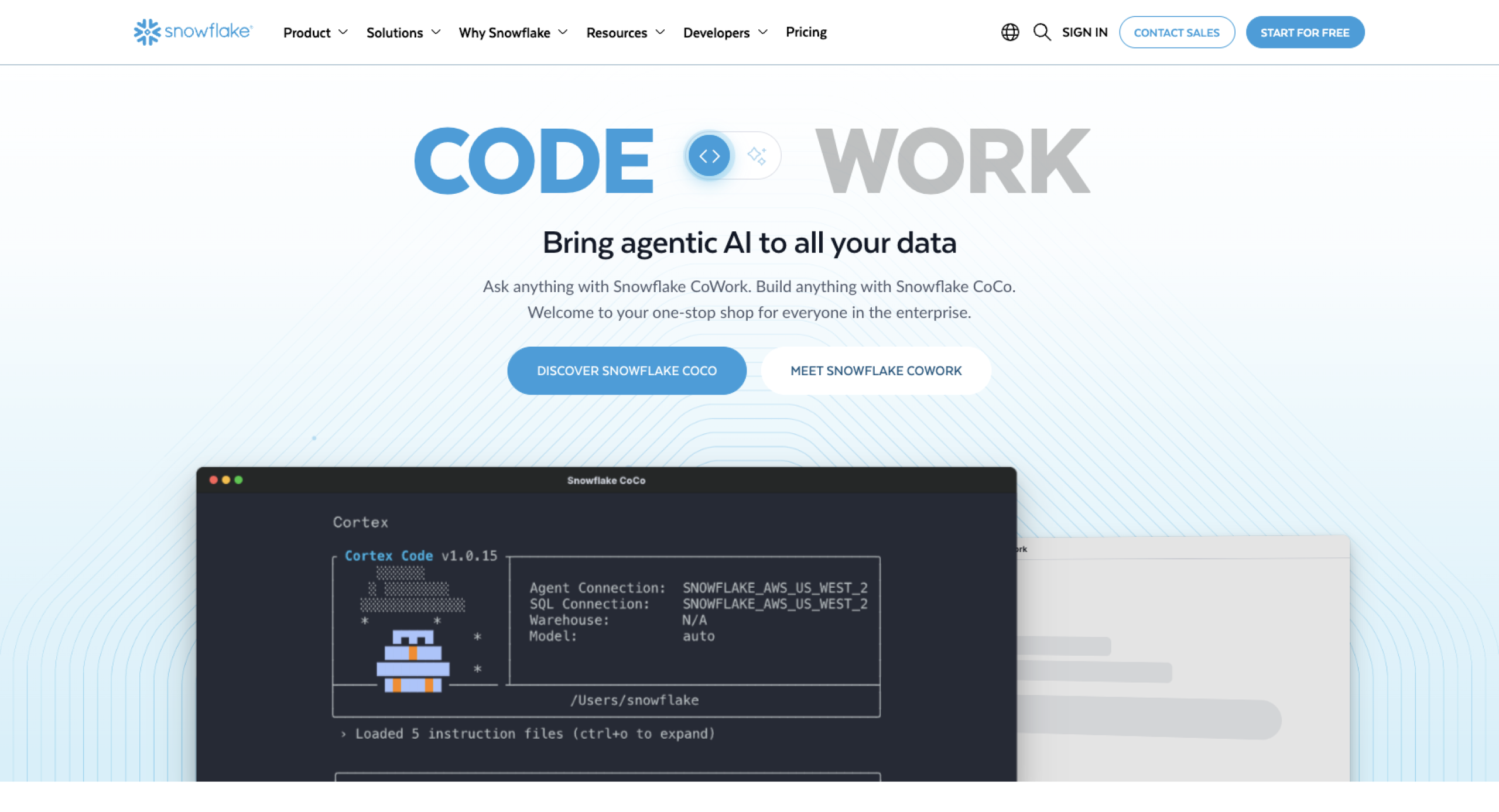
8. Snowflake
Why it made the list: Provides a powerful place to store and analyze whopping amounts of data at once, though it’s technically a data warehouse (a type of database) rather than an all-in-one data management platform
Key strengths:
- Gives each team its own processing power, so one team’s work never slows another team down
- Requires no hardware to buy or maintain
- Scales up or down as your needs change
Key drawback: Requires SQL or coding skills
Snowflake is a cloud data warehouse. It gives you one central place to store and analyze huge swaths of business data. We’re talking billions of rows for years’ worth of sales, website, and customer records. It runs on Amazon Web Services, Microsoft Azure, and Google Cloud, so there’s no hardware to buy or maintain.
If you’ve outgrown spreadsheets, this is a powerful tool. Its standout feature is independent compute clusters, which Snowflake calls “virtual warehouses.” In most systems, one team’s massive report might slow things down for everyone else using the same tool. But because Snowflake lets you give teams their own “engines,” each team can run work independently. Finance can close out the quarter’s books while marketing analyzes a campaign’s performance, and neither will affect the other.
The catch? Most of this work requires SQL, the language people use to pull information out of a database. If no one on your team knows it, you’ll need to hire someone who does.
Snowflake pricing: Usage based
How to choose the right data management software
Before you pick a tool, figure out your data management strategy. That means knowing your goals, how much oversight your data needs, and which data matters the most to you. Once you’ve done that, choosing a tool is the easy part.
The tools on this list fall into five groups, based on the job each one does best.
- Choose Jotform AI Data Assistant or Airtable if you need a code-free way to collect, organize, and act on everyday business data. These tools are the best fit for small businesses and nontechnical teams.
- Choose Microsoft Purview if you need to protect sensitive information (like financial, health, or customer data) and meet compliance rules, especially if your company already works in the Microsoft system.
- Choose Collibra or Alation if you need everyone at your company to speak about your data in similar terms, and if people need to find data quickly without relying on an analyst.
- Choose Informatica IDMC or Talend Data Fabric if your data is moving between many systems and needs to be cleaned along the way, so everyone can work from the same version.
- Choose Snowflake if you need heavy-duty storage and analysis more than help with collecting, cleaning, or setting rules for your data.
You may even benefit from more than one. For example, you might gather customer requests in Jotform while your data team feeds that information into Snowflake for bigger-picture analysis.
FAQs about data management software
If you’re on a smaller team or need a tool that’s easy to learn, go with the Jotform AI Data Assistant or Airtable. If you have more complex needs or a dedicated data team, check out Informatica IDMC, Snowflake, Microsoft Purview, Collibra, Talend Data Fabric, and Alation.
The main types of data management software are data integration, data governance, master data management, database management, data quality, data analytics, and data security. Most data management tools are especially good at one of these while covering all or most of the others to some degree.
Not really. Excel can store and organize data, but it isn’t built to clean up errors, combine information from different apps, or move data between them automatically, which are common capabilities of data management tools. It also lacks strong security features and can get slow if you lean heavily on formulas and pivot tables.
Data management software helps you work with your data. It fixes errors, combines information from different apps, and moves data wherever it needs to go.
A database primarily stores data. It can handle tasks that happen inside the database without involving other apps, like adding up a column of numbers or running a saved set of instructions on your records.
Your small business should look for a data management tool with features that let you collect and organize data easily, with built-in analysis, automation, and basic security. It doesn’t need to replace your accounting software. It might not build your small business balance sheet, but it should keep orders, invoices, and other records organized and easy to find.
AI is good at extracting, sorting, summarizing, and analyzing information, which can help you act on your data faster. For example, you can ask the Jotform AI Data Assistant, through simple requests, to uncover insights from your data. You can have it highlight trends, totals, common answers, and patterns in your submissions, without any copying and pasting or manual math.
This article is for SMB owners, operations teams, marketers, HR teams, and data-adjacent managers who need a practical way to collect, organize, analyze, and act on business data. Secondary audience: IT and data teams comparing heavier enterprise tools for governance, pipelines, warehouses, and analytics.








Send Comment:
1 Comment:
August 25, 2022
This list of software is very helpful there are many companies like cocolevio which are providing the best data management solutions