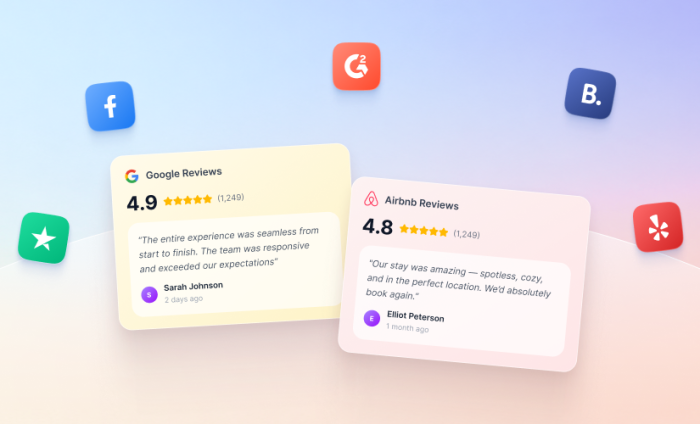
Before booking a service, making a reservation, or completing a purchase, most customers look for one thing: proof that others have had a great experience.
Online reviews can make or break a purchasing decision. In fact, Northwestern University’s Medill Spiegel Research Center found that displaying reviews increased conversion rates by up to 190 percent for lower-priced products and up to 380 percent for higher-priced products.
The challenge is that those reviews are created on external review sites, so visitors have to leave your website to find them. Every extra click away from your site gives uncertainty about a purchase a chance to creep in.
Now, with Jotform Website Widgets, you can bring those reviews directly to your website, without writing a single line of code.
Showcase your reputation where it matters most
Jotform Website Widgets make it easy to collect, customize, and embed review widgets on your website.
Choose from a growing collection of review widgets for popular platforms like Google Reviews, Airbnb, Yelp, and Facebook Reviews. Once you’ve selected a widget, simply copy the provided embed code and add it to your website.
These widgets create a more engaging experience, reinforce credibility at every stage of the customer journey, and inspire visitors to take action. They’re easy to use, free, and come with no usage limits. What’s not to love?
How and where to implement reviews
Google, Yelp, and Airbnb are among the most recognizable review platforms, with millions of people turning to them for guidance every day. Here’s how Jotform Website Widgets can bring these familiar feedback tools directly to your website.
Highlight your Google Reviews
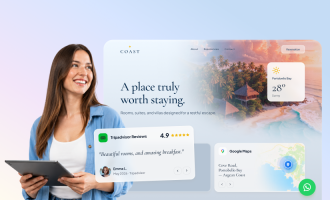
You worked hard for that shiny 4.9-star Google rating. Don’t make visitors go looking for it.
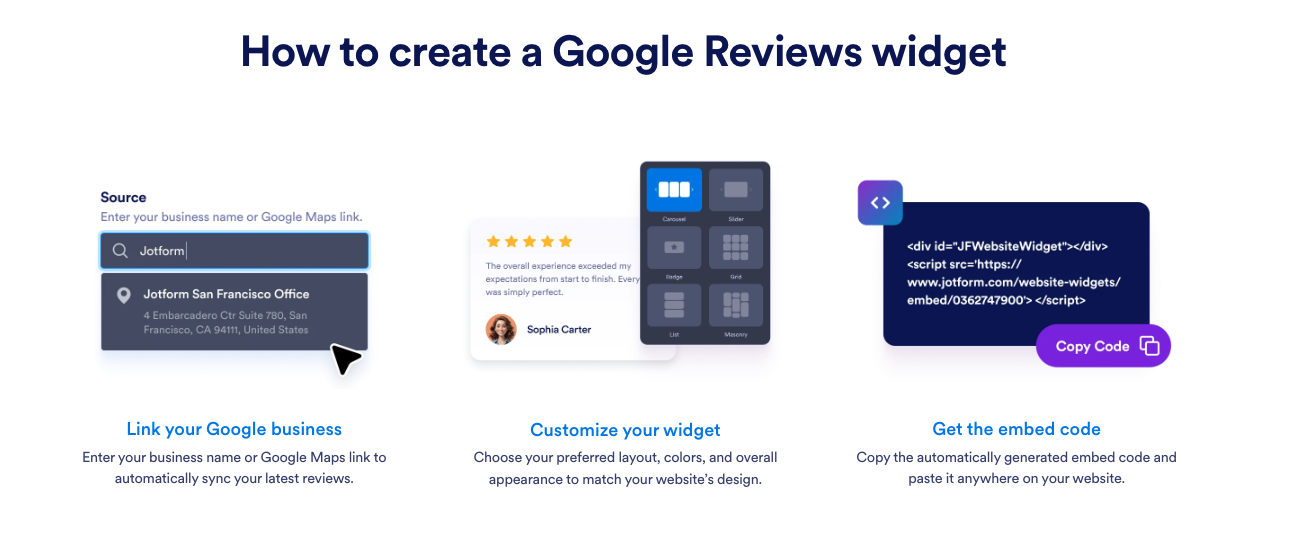
Jotform’s Google Reviews Widget syncs with your Google Business profile and displays your latest customer feedback directly on your homepage, product pages, or contact page. As new reviews come in, your website updates automatically. This keeps your social proof fresh and gives happy customers the chance to help you win over new ones.
Give Airbnb guests the green light
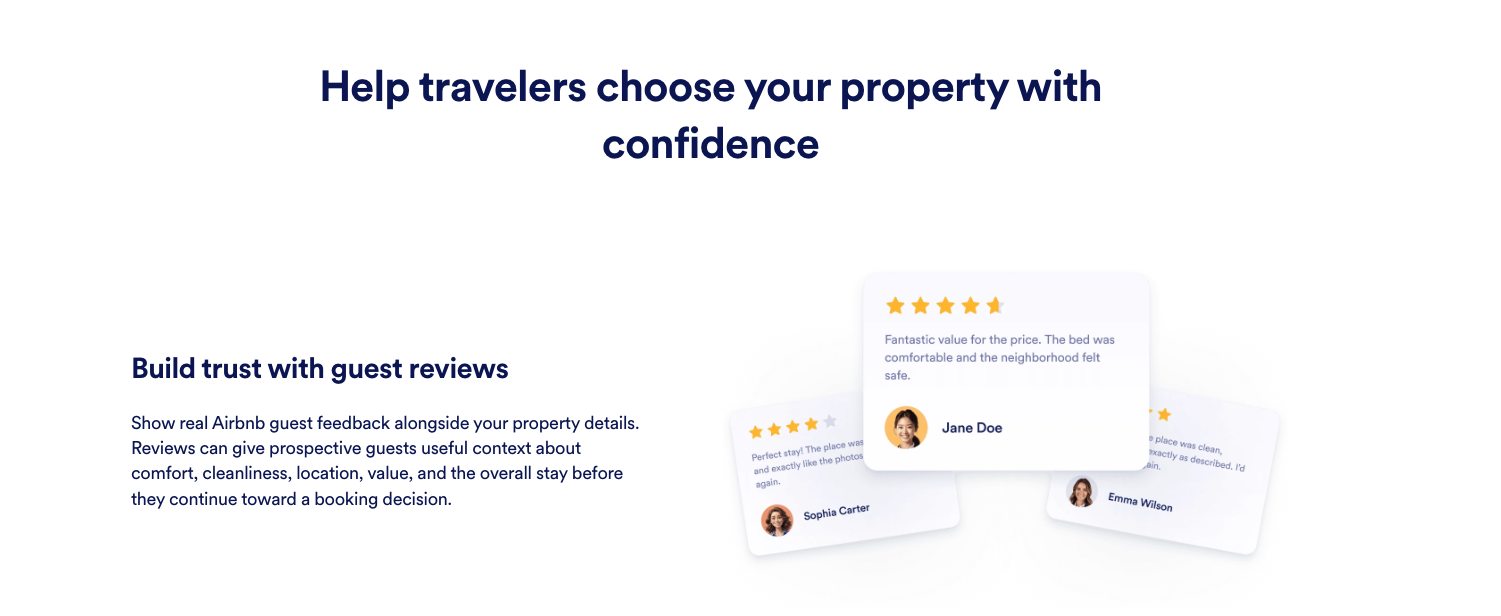
Bring glowing guest feedback from your public Airbnb listing directly to your property website. Display reviews alongside your photos, amenities, property details, and booking links to give travelers helpful context about the comfort, cleanliness, location, and overall experience.
Choose from carousels, sliders, badges, grids, lists, and masonry layouts, and then customize the widget to match your website’s design.
Serve up five-star reviews on Yelp
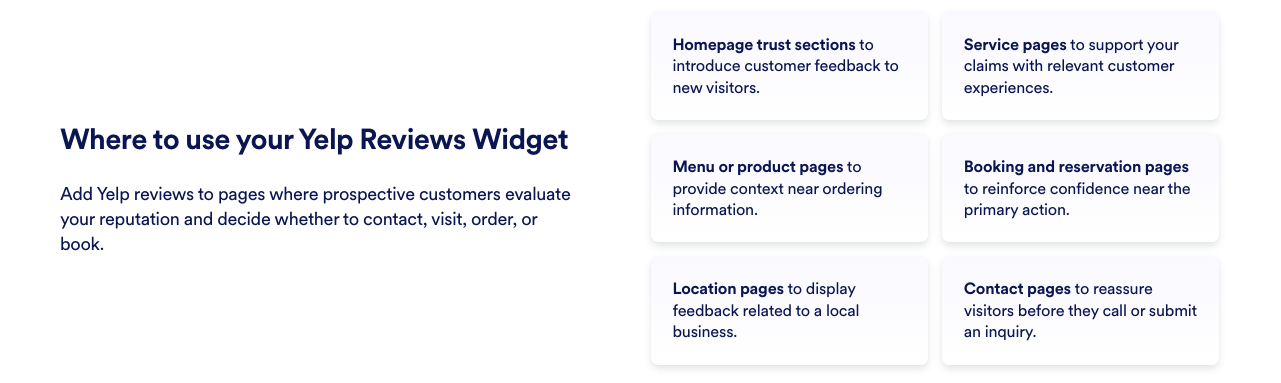
Bring ratings and customer feedback from your Yelp business page directly to your website. Display reviews near menus, service details, booking buttons, or contact information to give visitors helpful context before they call, visit, order, or make a reservation.
More than review widgets
Review widgets are just one part of the new Jotform Website Widgets experience. The platform includes a growing library of more than 150 no-code widgets, designed to help businesses create more interactive, engaging websites.
Choose from utility widgets like live visitor counters, social widgets to showcase your feeds, e-commerce widgets to level up your storefront, and more. Every widget follows the same simple workflow: customize, embed, and publish.
Start building for free
With more than 7,000 review widgets already created and implemented by Jotform users, it’s clear that businesses have grasped the power of putting customer experiences front and center.
So go ahead and give those glowing Airbnb reviews, your shiny 4.9-star Google rating, and other customer praise the visibility they deserve on your website.




Send Comment:
2 Comments:
August 17, 2026
Great
August 3, 2026
What a great content!