

Top employee onboarding software
- Jotform Presentation Agents: Best for AI-powered interactive orientation and training
- Donut: Best for remote culture onboarding
- BambooHR: Best all-in-one HR suite
- WorkBright: Best for mobile-first, high-volume hiring
- Collage: Best for an affordable BambooHR alternative
- Gusto: Best for payroll onboarding
- ClearCompany: Best ATS with onboarding
- SuitePeople: Best for NetSuite ERP users
- Rippling: Best for IT and admin automation
- Trainual: Best for SOPs and training manuals
An effective onboarding process is the difference between a new hire feeling lost and overwhelmed — or feeling excited and like a valued part of the team from day one.
For HR professionals and business owners, the administrative burden can be a lot. It means paperwork, training schedules, and equipment provisioning to create that ready-to-hit-the-ground-running feeling for a new employee.
That’s where employee onboarding software comes in.
The right platform simplifies the chaos, automates the busywork, and creates a consistent, welcoming experience for every new hire. Whether you need to automate I-9 verification, schedule virtual coffee dates for remote teams, or turn dry policy documents into interactive training, there’s a tool that helps.
Below, you’ll find a curated list of the best employee onboarding software solutions for 2026, covering options for everyone from startups and growing small businesses to large enterprises.
How these tools were chosen
To find the top digital onboarding solutions, I looked beyond feature lists and focused on real-world utility. I selected these 10 platforms based on specific criteria relevant to modern human resources and ops teams:
- User-friendliness: Onboarding tools that aren’t intuitive and user-friendly won’t get used, full stop. So I looked for software that’s easy to use on both the admin and new hire side of things.
- Automation capabilities: I prioritized onboarding automation tools that reduce manual data entry and admin work, like auto-populating forms or triggering IT provisioning workflows.
- Scalability: A lot can go into building your ideal onboarding tool — the last thing you need is to start from scratch with a new tool as your team grows. I looked for platforms flexible enough to scale with you — those that work as well for a 10-person startup as for 500-plus employee organizations.
- Integrations: The best onboarding platforms play nicely with your existing tech stack, from Slack and Google Workspace to payroll systems like ADP or QuickBooks.
- Specialization: I deliberately chose a mix of all-in-one HR suites and specialized tools (like culture builders and SOP managers) to accommodate for different business needs.
Best employee onboarding software: A quick comparison table
If you’re looking for the TL;DR, you can find the quick breakdown here — or read on below the table for a more in-depth look at each tool.
| Tool | Best for | Key features | Pricing |
|---|---|---|---|
 Jotform Presentation Agents |
AI-powered interactive orientation and training |
|
Free plan available; paid plans from $34/mo |
 Donut |
Remote culture onboarding |
|
Free plan available; paid plans start at $59/mo |
 BambooHR |
All-in-one HR suite |
|
From $10/employee/mo |
 WorkBright |
Mobile-first, high-volume hiring |
|
Custom (based on hiring volume) |
 Collage |
Affordable BambooHR alternative |
|
Starts at $12/employee/mo |
 Gusto |
Payroll onboarding |
|
Starts at $49/mo base + $6/employee/mo |
 ClearCompany |
ATS with onboarding |
|
Custom (based on features and company size) |
 SuitePeople |
NetSuite ERP users |
Unified ERP & HR dataPayroll automation |
Custom (NetSuite license + SuitePeople add-on) |
 Rippling |
IT and admin automation |
|
Custom (per employee per month) |
 Trainual |
SOPs and training manuals |
|
Starts at $249/mo (for up to 10 seats) + one-time implementation fee |
1. Jotform Presentation Agents: Best for AI-powered interactive orientation and training
Pros:
- Interactive Q&A: New hires can ask questions anytime during the presentation and get instant, accurate answers
- Consistent delivery: Every employee gets the same high-quality orientation experience, regardless of who’s running the session
- Integrated data collection: You can embed forms directly into the flow to collect feedback, quizzes, or signatures without switching tabs
Cons:
- It’s a specialized tool built for training and orientation — not a full HRIS for payroll or benefits administration
Platforms: Web, mobile (iOS & Android compatible via browser)
Jotform Presentation Agents is a powerful no-code tool that helps HR teams generate custom onboarding presentations with embedded forms, media, and logic. It’s perfect for small and midsize teams who want to personalize onboarding without investing in a full HR suite.
Instead of sending a static PDF handbook or forcing a manager to deliver the same “Welcome to the company” slide deck every Monday, you can use an AI agent to deliver the presentation interactively and asynchronously, making it perfect for remote and hybrid onboarding and async workflows.
During testing, I typed a prompt — “create an onboarding deck for remote designers” — and got an instant, editable presentation. Alternatively, you can simply upload your existing training documents or slides (PDF or PPTX), and the AI agent will turn it into an interactive, voice-narrated experience.
From there, I edited the script, changed the voice or language, and tweaked the interactive elements.
Speaking of which, interactivity is a big standout feature here. One feature I particularly loved: New hires can stop the presentation to ask questions via voice or text, and the AI answers them in real time based on your uploaded knowledge base.
On the back end, you can view questions asked, answers provided, and associated slides, making it easy to anticipate common new hire questions and fine-tune your onboarding presentation.
Presentations can also pause automatically to collect information through embedded online onboarding forms — perfect for gathering T-shirt sizes for swag or signing policy acknowledgments mid-presentation. It turns a passive reading assignment into an engaging, two-way conversation.
Plans/Pricing:
- Free plan available for unlimited presentations, up to five agents, and 100 conversations per month
- Paid plans start at $34 per month for up to 25 agents and 1,000 monthly conversations
2. Donut: Best for remote culture onboarding
Pros:
- It lives where your team does, leading to higher adoption
- “Watercooler” and “Intros” features automate the awkward process of meeting new people
- You have the option to create specific tracks for different departments (e.g., engineering onboarding vs sales onboarding)
Cons:
- It’s a specialized culture tool, not you won’t find paperwork or compliance features here
- The price can be high for larger teams
Platforms: Web, Slack, Microsoft Teams, Zoom, FigJam
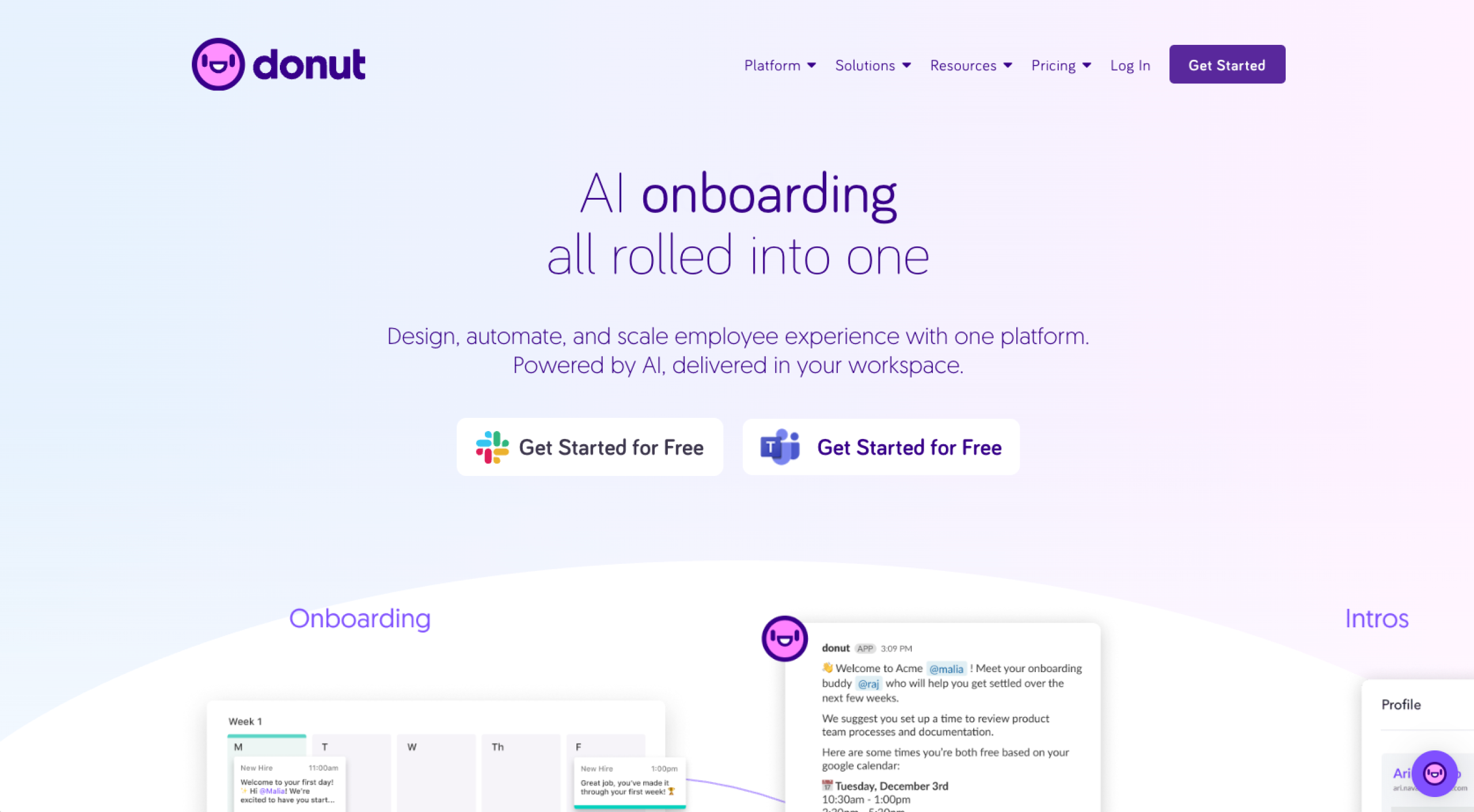
Donut is an extension built to work with Slack, Microsoft Teams, Zoom, and FigJam — and designed to solve the isolation problem of remote onboarding.
While other tools handle the paperwork, Donut handles the relationships. It automatically pairs new hires with “onboarding buddies” or random teammates for virtual coffee chats, helping them build a social network within the company right away.
One of my favorite features in testing was Donut’s “Journeys.” These are automated workflows that drip-feed information to new hires over their first few weeks. You can schedule a “Welcome to the team!” message on day one, a “Check in with your manager” prompt on day three, and a “Lunch is on us” reminder on Friday. It operates entirely where your team already lives and works, removing the friction of logging into a separate portal.
Plans/Pricing: Free plan available; paid plans start at $59 per month for the Standard plan; custom enterprise plans also available
3. BambooHR: Best all-in-one HR suite
Pros:
- It lets you complete paperwork before day one — so the first day is about culture, not forms
- It features a built-in e-signature
- The excellent mobile app allows employees to request time off and view benefits easily
Cons:
- Custom reporting can be tricky for complex data needs
- It may require paid add-ons or connectors for niche software integrations
Platforms: Web, mobile (iOS, Android)
BambooHR is often the first name that comes up when people ask for onboarding software for small businesses. It’s a comprehensive human resources information system (HRIS) that centralizes employee data, payroll, and benefits.
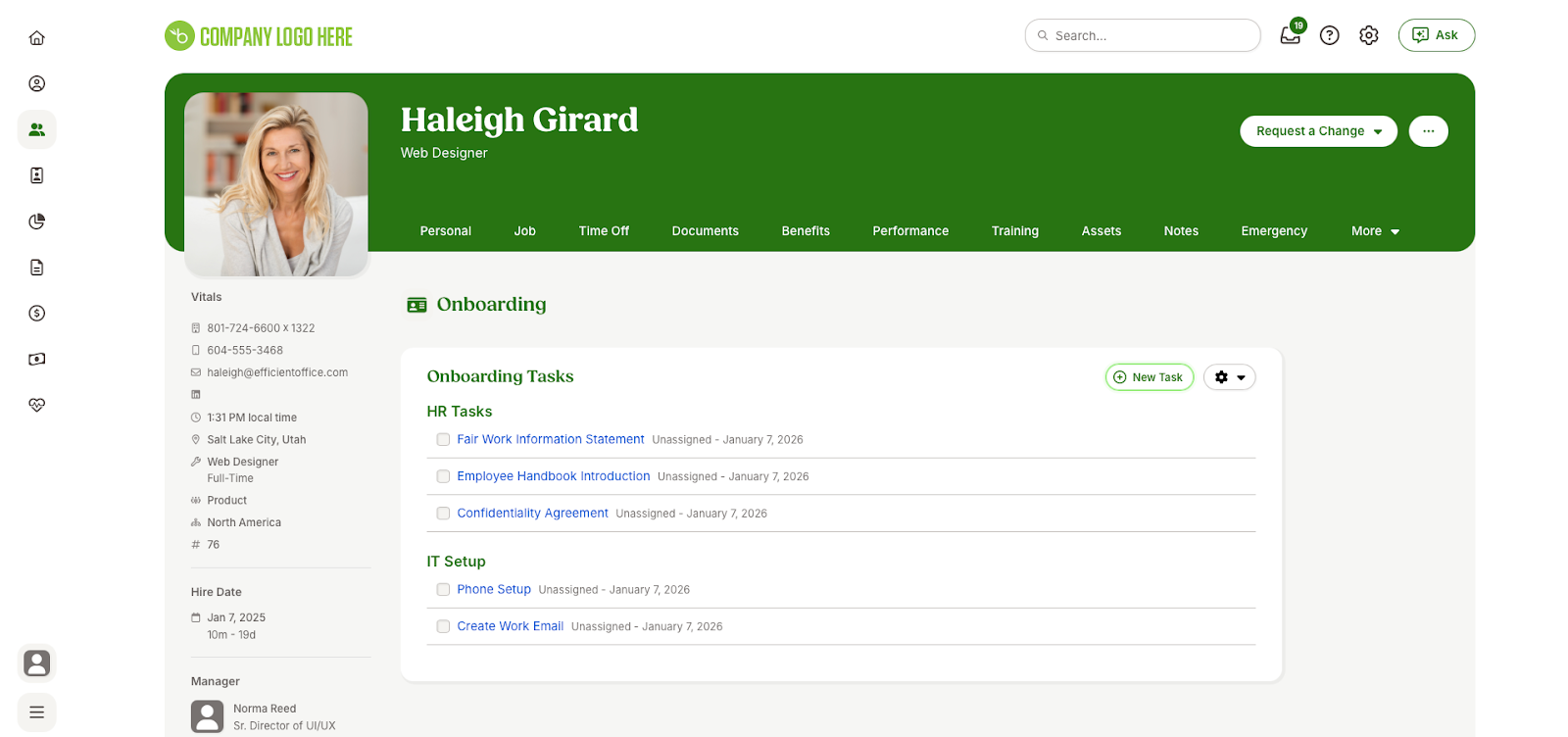
I found the onboarding module, in particular, stood out with the option to send “new hire packets” before an employee’s first day. New hires receive an email with a link to a self-service portal where they can electronically sign documents, enter their direct deposit info, and meet team members through “get to know you” emails.
From the HR manager’s side, I found a clear checklist of tasks (like “order laptop” or “set up email”), ensuring nothing falls through the cracks. In my testing, I appreciated how BambooHR balances structure with a friendly, approachable user interface and ensures both you and your new hire are ready to hit the ground running on day one.
Plans/Pricing: Starts at $10 per employee per month for the Core plan; payroll, benefits administration, time tracking, and employer of record (EoR) add-ons available for an additional cost
4. WorkBright: Best for mobile-first, high-volume hiring
Pros:
- New hires can finish all paperwork in minutes from their phone, without downloading an app
- Automated error checking and scanning for compliance documents reduces audit risk
- Designed for speed and volume, making it perfect for staffing agencies or seasonal employers
Cons:
- The backend interface for admins is less modern than some competitors
- Heavily focused on forms and compliance, it lacks broader culture and training features
Platforms: Web, mobile
If you hire seasonal staff, field workers, or high-volume hourly employees, WorkBright is one of the best digital onboarding solutions available.
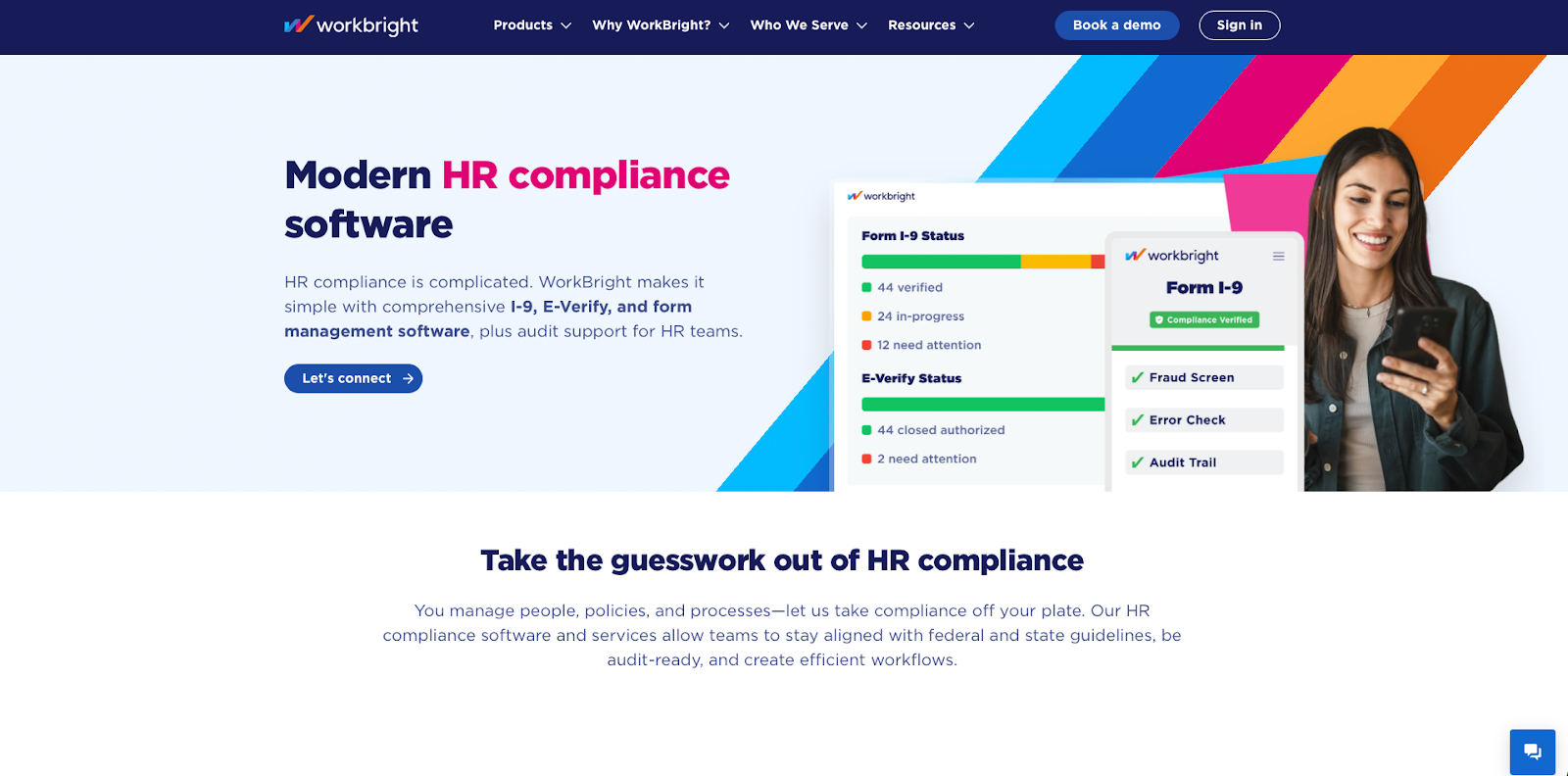
It’s built with a mobile-first philosophy, so unlike other platforms that shrink a desktop site down to fit on a phone screen, WorkBright was designed from the ground up to let applicants complete their entire I-9 and onboarding process on a smartphone and use their finger to sign. When I tested the mobile experience, it was seamless on my iPhone.
Its standout feature is the remote I-9 verification. It uses smart error-checking to scan documents uploaded by new hires, ensuring they’re legible and valid before an admin ever has to look at them. This drastically reduces the back-and-forth typically required to get a clear photo of a driver’s license.
Plans/Pricing: Custom pricing based on hiring volume
5. Collage: Best for an affordable BambooHR alternative
Pros:
- It seamlessly handles group benefits-enrollment during onboarding
- It’s generally more affordable than BambooHR or Rippling for similar core features
- The extremely simple interface requires almost no training for new admins
Cons:
- Some features — like specific benefits integrations — are stronger in Canada than the United States
- It has fewer native third-party integrations compared to larger market leaders
Platform: Web
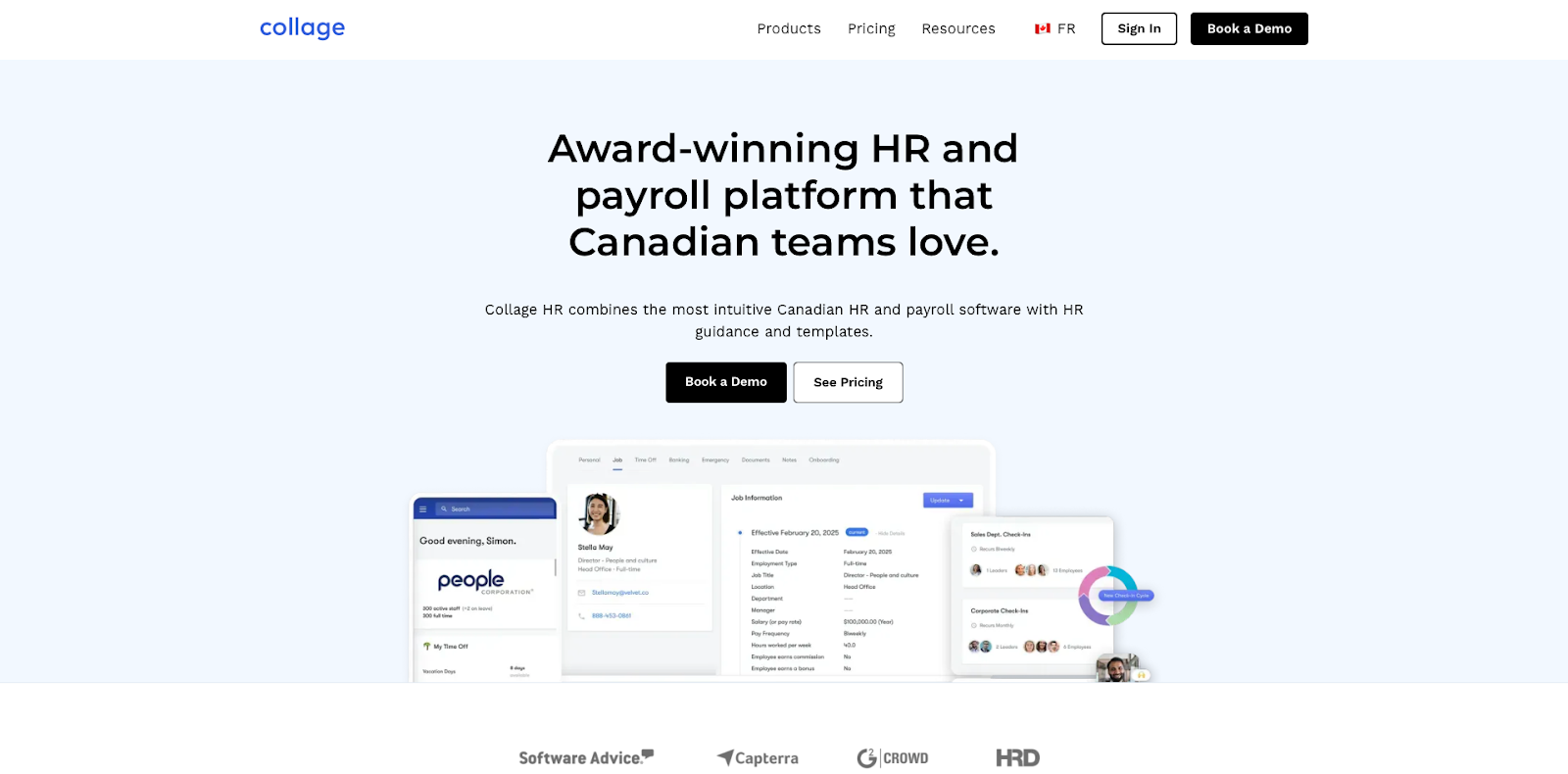
Collage is a Canadian-founded HR platform that has gained traction as a cost-effective alternative to the bigger players. It offers a clean, modern interface that handles onboarding, along with benefits administration and time-off tracking.
For HR onboarding software, Collage excels at digitizing the benefits-enrollment process. Instead of receiving a stack of insurance brochures and paper forms, new hires can browse plans online and make selections that sync directly with the providers. Testing from the employee side, I found this super easy to do.
The onboarding checklist is easy to customize — I was able to assign tasks to departments automatically when adding a new hire. The IT department got a task to set up a new email address, for example, and the office manager got a task to assign a desk.
Plans/Pricing:
- Plans start at $12 per employee per month, for the HR Essentials package
- Plans scale up to $18 per employee per month, based on included features
6. Gusto: Best for payroll onboarding
Pros:
- Onboarding data flows instantly into payroll, eliminating double data entry
- It automatically handles state new hire reporting and tax form generation
- It’s widely considered the most user-friendly, well-designed interface in the payroll space
Cons:
- Beyond payroll and basic benefits, it lacks advanced performance management or deep learning management features
- It gets expensive as you add features, such as for time tracking and HR advisory
Platforms: Web, mobile
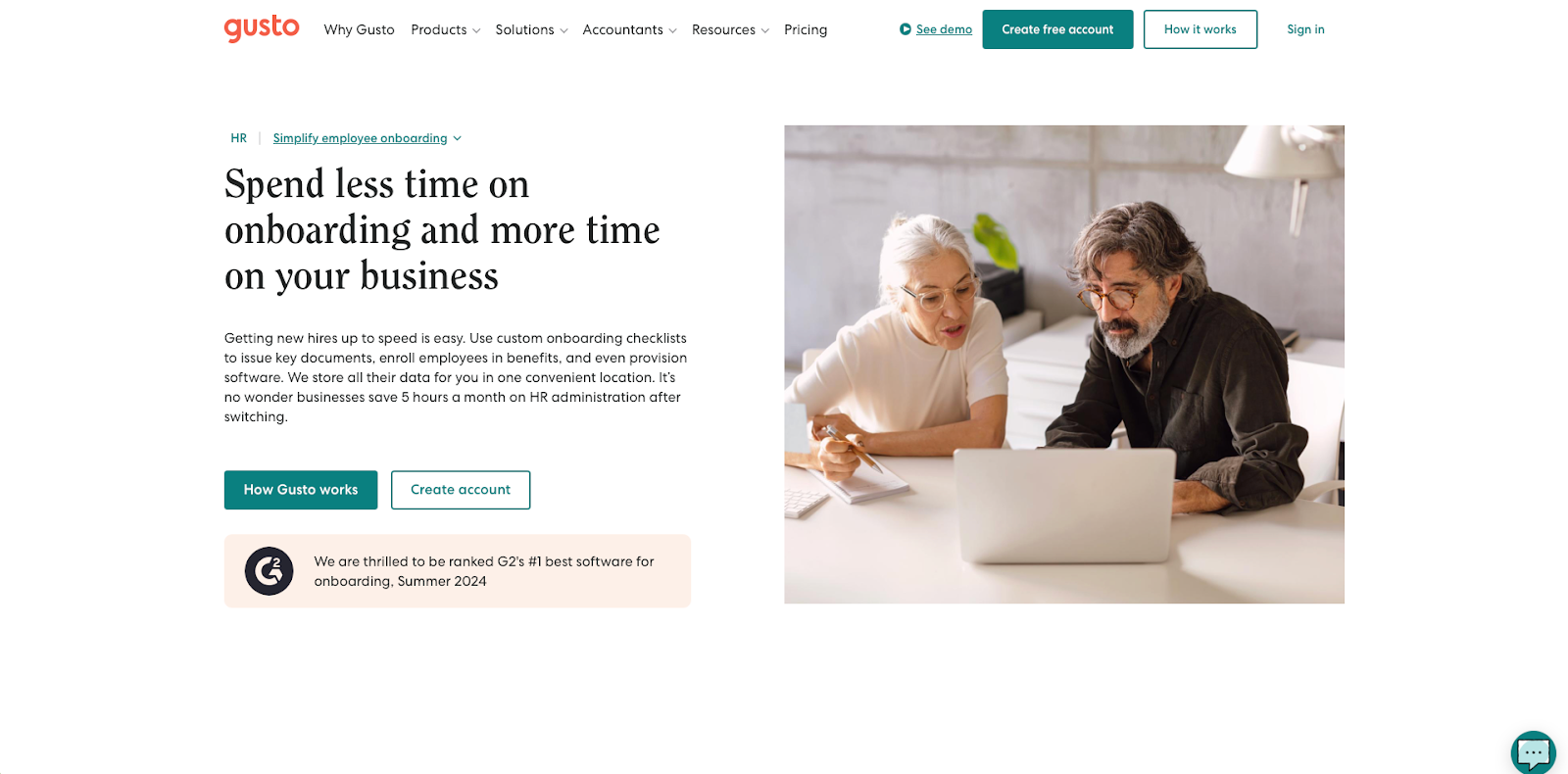
Gusto is primarily a payroll platform, but its onboarding capabilities make it a favorite among small businesses. Because it already handles the money side of things, it’s incredibly quick and easy to set up direct deposit, tax forms (W-4s), and benefits enrollment, too.
When I “hired” someone in Gusto, the system automatically generated a customized offer letter. Once signed, it creates the employee record, sets up their payroll profile, and even reports the new hire to the state as required by law.
And it provides a checklist experience for the new employee — modern and friendly, complete with fun animations (like the famous piggy bank celebration).
Plans/Pricing:
- Starts at $49 per month base plus $6 per month per person for the Simple plan
- Various add-ons available for expanded benefits administration, EoR service, background checks, and more
7. ClearCompany: Best ATS with onboarding
Pros:
- Applicant data converts to employee data without retyping, maintaining a single record of truth
- It connects onboarding tasks directly to long-term performance goals and reviews
- It includes features to track equipment provisioning and bulk onboarding
Cons:
- The UI can feel a bit dated or complex compared to more modern startups like Donut or Rippling
- Administrators may need more training to master the full suite of features
Platform: Web, mobile
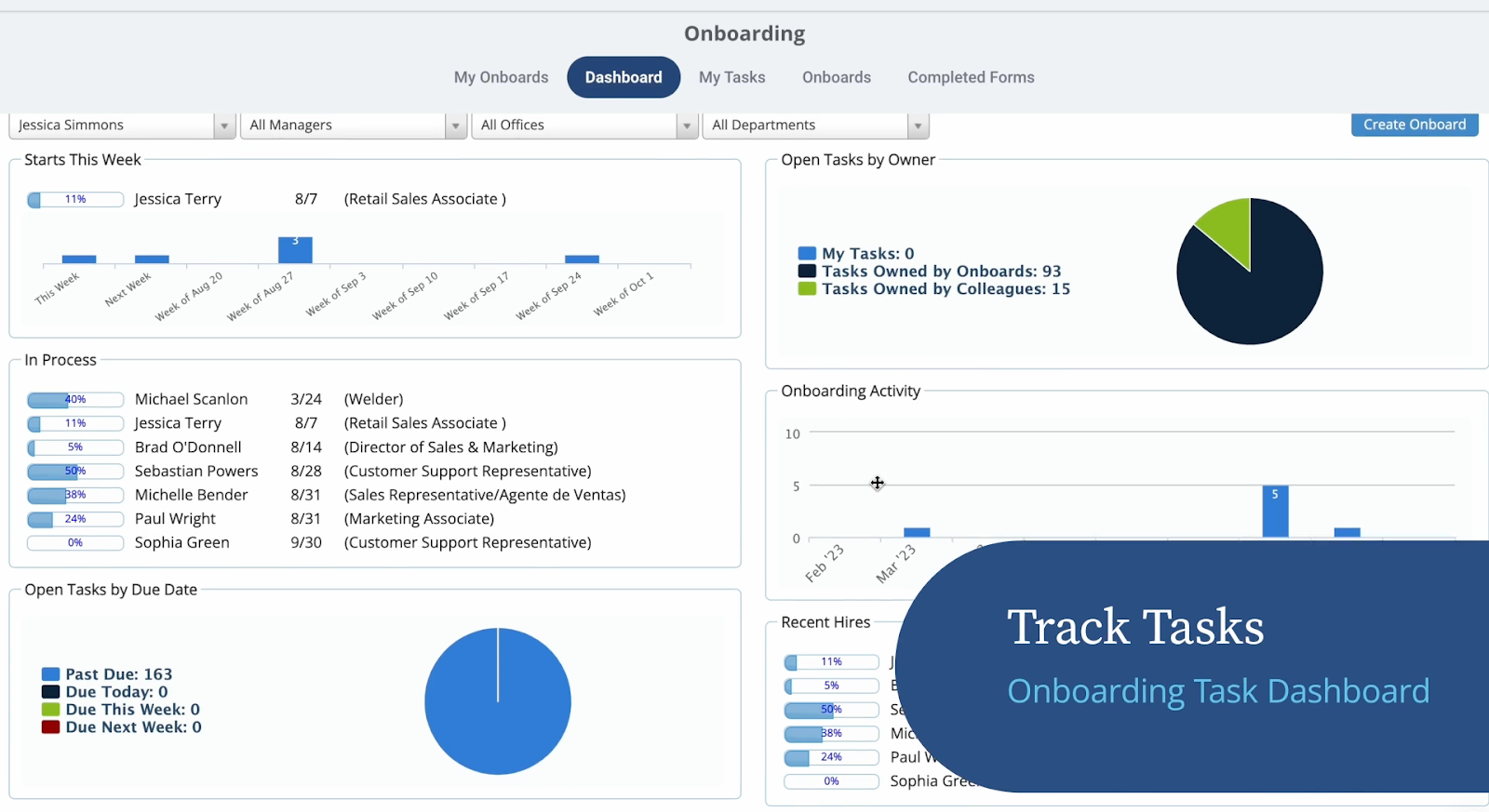
ClearCompany is a talent management platform that bridges the gap between recruiting and onboarding. If you’re looking for a system that carries candidate data from the job application directly into the employee record, this is a strong contender.
The onboarding module is device-aware and handles complex compliance needs well.
One standout feature I found is the ability to connect onboarding goals to performance management immediately. I set 30-60-90 day performance goals during the onboarding setup, so my new hires will know exactly what success looks like from day one.
A more corporate tool than some on this list, it’s well-suited for midsize companies needing a bit more structure.
Plans/Pricing:
- Custom pricing based on features and company size
- Various add-ons available for background checks, advanced I-9 and E-Verify, and learning management system (LMS) features
8. SuitePeople: Best for NetSuite ERP users
Pros:
- It offers total unification of HR and business data (finance, inventory, projects)
- It uses NetSuite’s powerful permission engine to precisely control the data new hires can see
- It provides deep insights into how onboarding speed affects time-to-productivity and revenue
Cons:
- It’s an enterprise-grade tool, so setup is heavy and requires NetSuite expertise
- There’s a high cost of entry, so it really only makes sense if you’re already a NetSuite shop
Platforms: Web, mobile
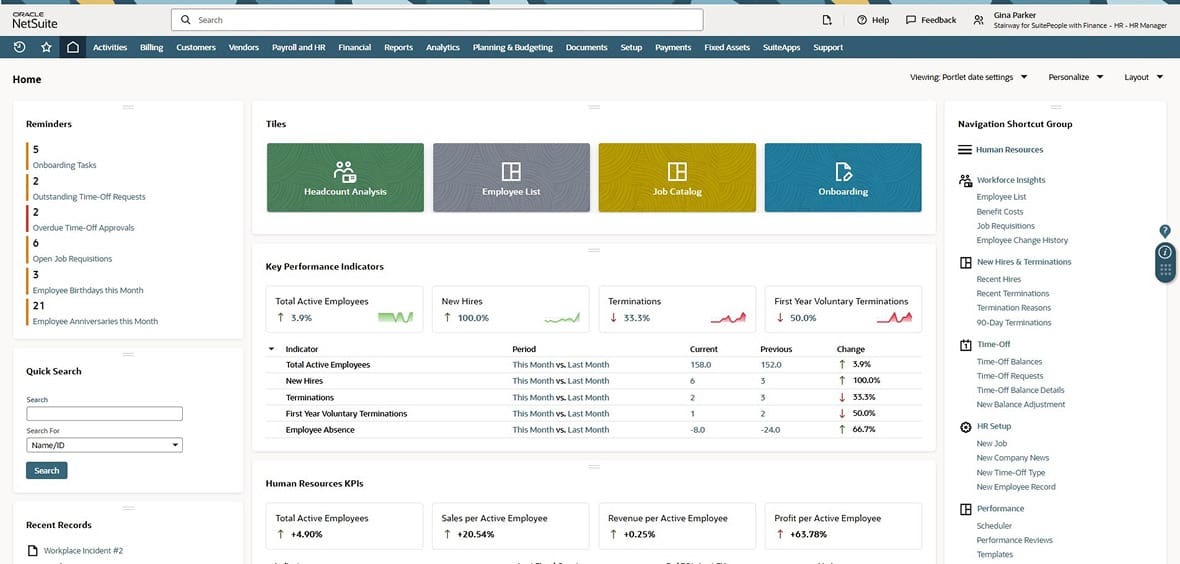
For organizations already running their business on Oracle NetSuite, SuitePeople is the logical choice for HR onboarding software. It’s an add-on module that lives natively within the NetSuite ERP, meaning your HR data is unified with financial, project, and operational data.
SuitePeople automates the business side of onboarding better than standalone tools — because it sees the whole picture of the company’s operations.
When you onboard a sales rep in SuitePeople, for example, their commission structure can automatically link to the finance module. When you onboard a warehouse manager, their shift location links to inventory planning.
Plans/Pricing:
- Custom pricing
- Requires annual NetSuite license plus SuitePeople add-on fee
9. Rippling: Best for IT and admin automation
Pros:
- It provisions apps (like Slack, Zoom, and GitHub) and manages devices (i.e., laptops) automatically
- It automatically updates payroll codes, email signatures, and app permissions instantly when an employee’s department is updated
- It easily handles international contractors and employees in a single system
Cons:
- It can be intimidating and overwhelming for non-technical HR people
- Some users report that support can be slow or hard to reach for complex issues
Platforms: Web, mobile
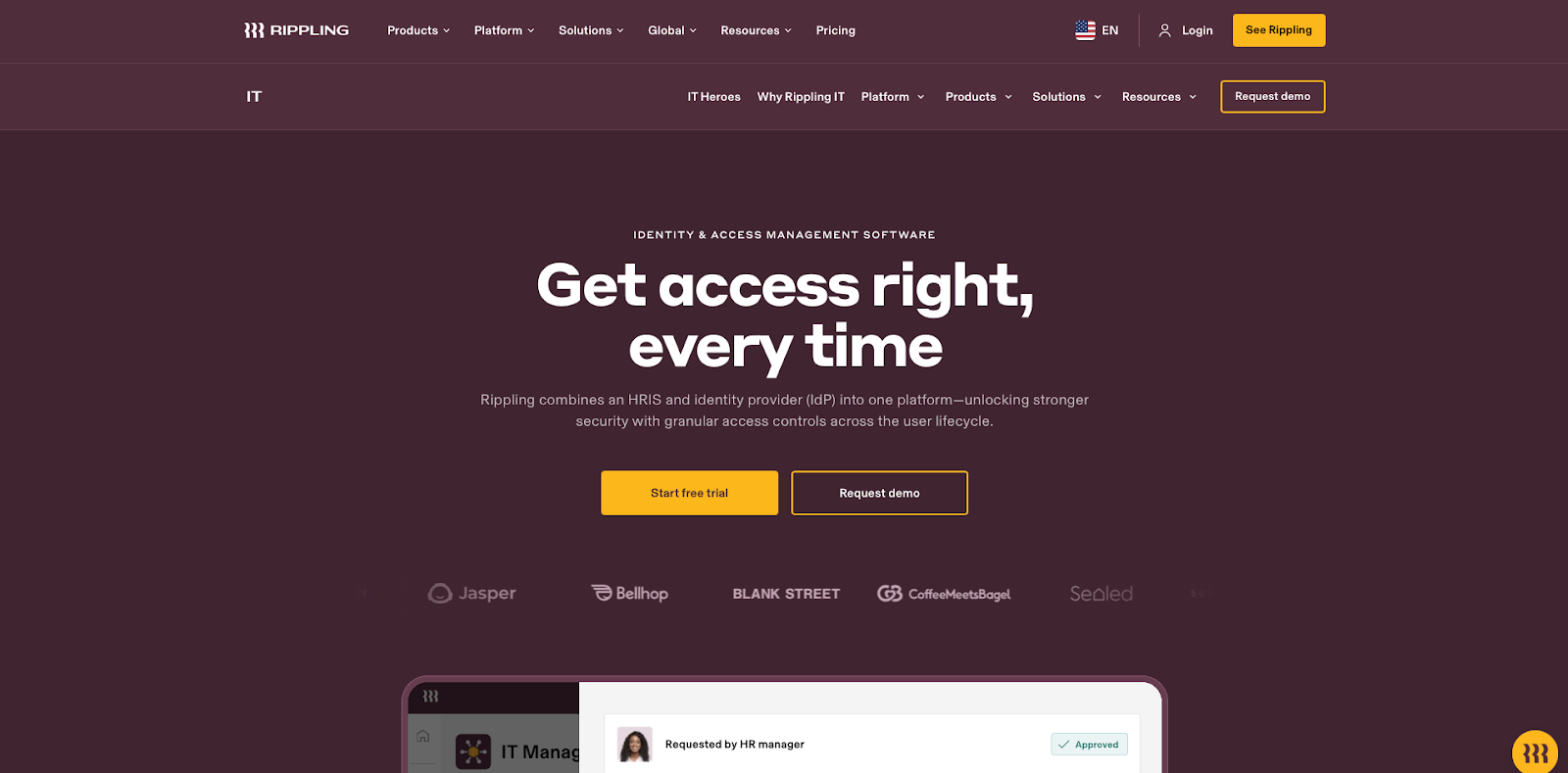
Rippling markets itself as the “employee management platform,” and it lives up to the hype — it handles things no other HR tool can. Beyond onboarding the employees themselves, Rippling onboards their computers and software, too.
With Rippling, you can click a button to “hire” someone, and the system will automatically ship a configured laptop to their address, create their Google Workspace email, add them to the correct Slack channels, set up their Jira account, and grant them access to the office smart lock — all in just 90 seconds. It’s the ultimate onboarding automation tool for tech-forward companies looking to streamline the IT ticket queue.
Plans/Pricing:
- Custom pricing per employee per month
- Various add-ons available, including for device management and identity and access management
- Some products incur a monthly base fee
10. Trainual: Best for SOPs and training manuals
Pros:
- It forces you to document your business processes, adding value beyond just onboarding
- It tracks exactly what a new hire has read and tests their knowledge with quizzes
- It assigns content by role, so a marketing manager sees only marketing SOPs
Cons:
- There’s a gig upfront time investment
- There’s added cost on top of your payroll/HRIS system
Platforms: Web, mobile (iOS/Android)
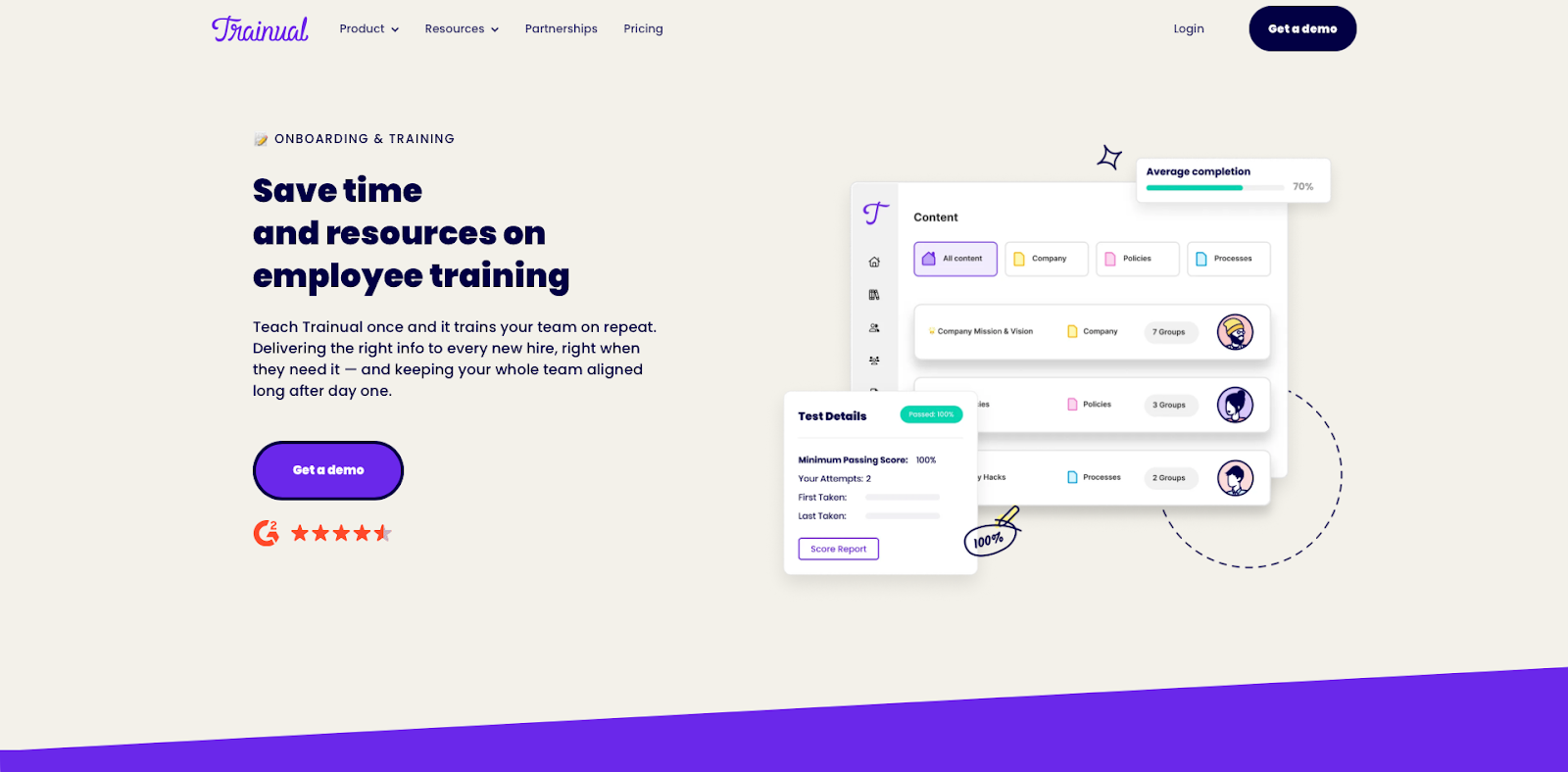
Trainual isn’t a traditional HRIS — instead of focusing on paperwork, background checks, or payroll, Trainual handles the standard operating procedures (SOPs). In other words: It answers the specific question “How do I do my job?”
It allows you to document every process in your business — from how to open the store to how to file a bug report — and assigns them to new hires as a training curriculum. You can embed videos, GIFs, and even quizzes to verify employees learn the material.
For small businesses trying to scale out of the founder’s head, this is the best employee onboarding software for knowledge transfer.
Plans/Pricing:
- Plans start at $249 per month for up to 10 seats (billed annually)
- One-time implementation fee required
- Custom enterprise plans also available
Set your team up for success
The goal is simple: Spend less time managing paperwork and more time managing people.
But choosing the right HR onboarding software isn’t about finding the tool with the most features. It’s about finding the one with the right features — features targeting the specific bottlenecks that slow your team down.
If your struggle is paperwork and compliance, mobile-first tools like WorkBright or payroll-integrated options like Gusto are your best bet.
If your challenge is getting new hires up to speed on complex tasks, Trainual or Jotform Presentation Agents offer the training focus you need.
And for those drowning in IT tickets and app provisioning, Rippling offers automation that pays for itself in saved admin hours.
By automating the boring and time-consuming parts of onboarding, you give new hires the valuable gift of your attention and energy. You focus on helping them feel confident, prepared, and welcome from the moment they sign their offer letter — and that means better retention and better culture.
HR professionals, team leads, operations managers, and small business owners looking for efficient, scalable onboarding tools that streamline admin tasks and improve the new hire experience.






















Send Comment: