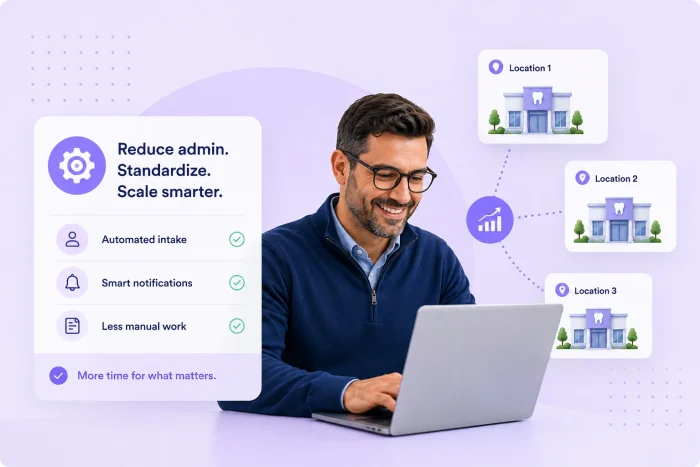
On a spreadsheet, the math on how to grow your dental services organization (DSO) looks clear. Add locations, add revenue, keep overhead from growing at the same rate.
The reality is messier. Each acquired practice comes with its own front desk team, its own workflows, and its own approach to administrative tasks. Without a deliberate plan to standardize and automate those tasks, admin overhead doesn’t just grow — it compounds. By the time a DSO reaches 30 or 50 locations, the administrative burden of running the network can start to eat into the margin that justified the acquisitions in the first place.
The answer isn’t cutting staff. It’s eliminating the manual, repetitive work that makes each location feel like it needs more headcount than it does — and replacing it with automated workflows that run without intervention.
Where admin time actually goes
Before you can reduce administrative burden, you have to understand where it’s concentrated. In most dental practices, the front desk team spends a disproportionate amount of time on a small number of tasks: collecting patient intake information, chasing missing forms before appointments, manually entering data from paper into the practice management system, sending reminders, and fielding calls that could be handled digitally.
None of these tasks require clinical judgment. They require process. And processes, once defined, can be automated.
The intake bottleneck
Patient intake is the highest-volume administrative task in any dental practice. Across a DSO network, it’s also the most at risk for inconsistency. When each location handles intake differently — some on paper, some via emailed PDFs, some with a form on a tablet in the waiting room — you get variable data quality, variable staff burden, and no meaningful visibility into what’s happening across the network.
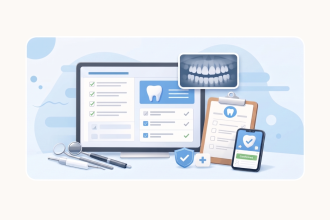
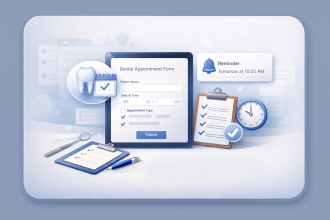
Digitizing and standardizing intake with automated pre-appointment workflows is the one of the most valuable administrative improvements most DSOs can make. When a patient receives their intake forms before they arrive and completes them at home, the front desk team’s role at check-in shifts from data collection to patient welcome. Staff aren’t chasing clipboards. They’re not manually entering information. They’re not resolving incomplete forms while patients wait.
The time savings per appointment are modest — a few minutes each. But with hundreds of appointments per week across a multi-location network, the cumulative impact on staff’s workload is significant.
Automated notifications and routing
Beyond intake, workflow automation can eliminate a long tail of smaller administrative tasks that quietly consume front desk time: notifying the right staff member when a new submission arrives, routing consent forms to the appropriate provider, flagging incomplete submissions before they create a problem.
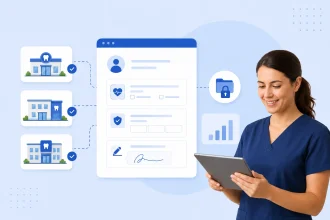
A form platform with conditional logic and automated notifications handles all of this without manual triage. Submissions route to the right person automatically. Staff get notified when action is required and only when action is required. The coordination effort that typically falls to a practice manager or front desk lead shrinks considerably.
What this means for your staffing model
The goal of administrative automation isn’t to run a location with fewer people than it needs. It’s to ensure that the people you have are spending their time on work that actually requires a human — patient relationships, scheduling decisions, complex insurance questions — rather than data entry and paperwork management.
For a DSO, this distinction matters at the portfolio level. A network where each location runs lean because its administrative workflows are well-designed is a fundamentally different business than one where each location carries excess admin overhead because no one has ever systematized the work.
The former scales. The latter doesn’t.
Get started
Jotform Enterprise gives DSO operations teams the tools to automate patient intake, standardize form workflows across every location, and eliminate the manual data entry that drives unnecessary administrative burden. Create a free account and see what you can achieve when you save valuable time for your network’s front desk staff.














Send Comment: