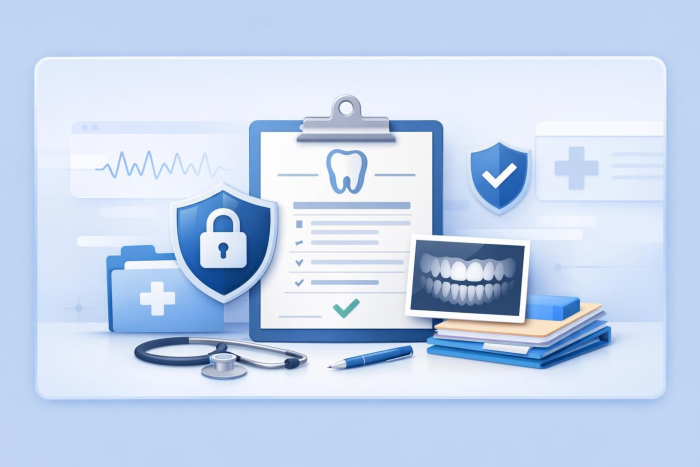
Dental records don’t stay in one place. Patients relocate, specialists get involved, insurance providers request documentation. And suddenly, your team is chasing signatures, scanning paperwork, and emailing sensitive documents back and forth.
When dental records aren’t easy to release, workflows slow down. So how do you create a dental records release form that makes it easier for your practice to manage record-sharing?

Start with a clear dental records release form template
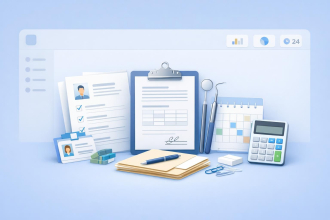
A dental records release form isn’t just paperwork — it provides legal authorization. So it needs to collect clear and complete information.
Your form should include fields for
- Patient identification details
- The provider releasing the records
- The recipient of the records
- A clear description of what’s being shared
- Authorization and signature
Using a structured template ensures nothing is missed and helps your practice stay compliant with regulations.
Make it easy for patients to complete
A common bottleneck in dental records requests is the release form itself.
If patients have to print, scan, or email documents, delays are inevitable.
Instead, your form should allow patients to
- Fill it out on any device (including mobile)
- Sign electronically
- Complete it in minutes
A fully digital experience eliminates friction and speeds up turnaround time.
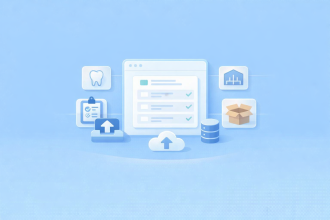
Automate the records release workflow
Many practices digitize their forms but still perform the rest of the release process manually.
That’s where inefficiencies persist.
With Jotform Enterprise, when someone submits a dental records release form
- Your team is notified instantly
- Requests are routed to the right staff automatically
- Records are securely shared or stored according to your specifications
These automations transform your workflow from scattered and reactive to centralized and trackable.
Ensure HIPAA-enabled security
When handling dental records, security is essential. Your forms and workflows should include
- Data encryption
- User access controls
- Full audit trails
These features ensure sensitive patient information is protected and give you complete visibility into who accessed records and when.
Turn records management into a system
The goal isn’t just to release dental records.
It’s to do it quickly, securely, and without adding more work for your team.
By combining digital forms, e-signatures, and workflow automation, you can turn a manual process into a streamlined system.
Get started
Stop managing dental records manually.
Start managing them like a system.
Get started with a dental records release form template.
Explore how Jotform Enterprise can streamline your entire records release workflow.



















Send Comment: