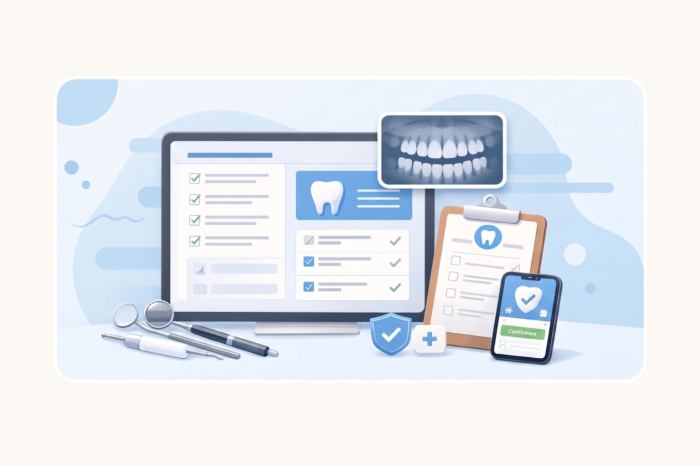
In a dental practice, forms aren’t just paperwork. They’re the front door of your business. They shape patients’ first impression of your practice, set the tone for their visit, and determine whether your day runs smoothly.
Because when dental forms are confusing or hard to fill out, it can lead to
- Longer wait times
- Missing patient information
- More back and forth at the front desk
So the question isn’t just what goes in your form — it’s whether your form actually does what it needs to.


Start with the essentials (and skip the clutter)
Most dental forms collect too much — or unnecessary — information.
A high-performing intake form focuses on three core areas:
- Patient demographics
- Insurance details
- Medical and dental history
That’s your foundation.
Design for speed, not just completeness
A form can be “complete” and still be painful to fill out.
That’s where structure makes the difference.
Instead of using one long, single-page form, break it into simple steps:
- Personal information
- Health history
- Consent and signatures
Short sections make the form-filling process feel faster. And that means patients are more likely to complete it, especially on mobile devices.
Fix the real problem: What happens after form submission
Here’s where most practices get stuck:
They go digital, —but processes stay manual.
For example, patients submit digital forms, but then
- Staff downloads PDFs of completed submissions
- Re-enters data in different systems
- Emails files internally
That’s not a digital workflow. That’s just digital paperwork.
With Jotform Enterprise, your dental forms trigger action:
- Submissions flow directly into your EHR system.
- Data is stored securely and automatically.
- Team members get access instantly based on their role.
No bottlenecks. No duplicate work.
Build in security from the start
Patient intake is one of the most sensitive points in your workflow.
Your dental forms should protect patient data by default — not as an afterthought.
That means
- Encryption at every step
- Role- based access control
- Audit trails for full visibility
So you’re not just collecting information, you’re protecting it.
Turn intake into a competitive advantage
Most practices treat forms like a requirement.
But the best-run practices treat them like infrastructure.
Because when your intake process works:
- Patients are seen more quickly
- Staff spends less time on admin
- Your entire operation runs smoother
Get started
Stop letting forms slow you down.
Build dental forms that actually move your practice forward.
—-
Start with a dental form template below.
See how Jotform Enterprise transforms your entire intake process.

























Send Comment: