

Best 20 software for your startup
When you’re bootstrapping your startup, you want to get a positive return on every dollar you spend to help grow your company. The challenge is selecting the best startup tools so each aspect of your business operates at peak efficiency.
Consider this list of 20 tools — both for the web and for mobile devices — that you can put to work for your startup.
20 of the best startup tools in 2026
For automation and workflows
1. Jotform
Jotform continues to stand out in 2026 as a powerful no-code form builder that helps startups collect leads, process payments, run surveys, and automate workflows. Its drag-and-drop builder, 20,000+ templates, and integrations with over 100 apps make it easy to set up data collection pipelines without custom development. It’s particularly well suited for teams that need to move fast without hiring developers.
- Best for: Startups that need no-code forms for lead generation, payments, surveys, and automation.
- Key features
- Drag-and-drop form builder with 20,000+ templates across industries
- Payment integrations (Stripe, PayPal, Square) and e-signature collection
- Workflow automation and integration with tools like Google Sheets, Salesforce, and Slack
- Jotform AI Agents: Creating forms is now quicker and easier than ever, thanks to the advanced AI tools Jotform rolled out in 2026. Jotform AI Agents are conversational AI assistants that collect data through chat-based interactions instead of traditional forms
- AI form builder that generates complete forms from a text prompt in seconds
- Pros
- Extremely easy to set up with no coding required, and the template library covers nearly any use case a startup might need.
- Broad integration ecosystem allows teams to automate lead capture, data collection, and approvals without custom development.
- Cons
- Every plan below Enterprise is single-user only, meaning team members each need their own paid account, which can add up quickly as you grow.
- Submission and storage limits on lower-tier plans can interrupt workflows mid-cycle if you hit a cap.
- Pricing
- Starter, free: Up to 5 forms, 100 monthly submissions, 100 MB storage, includes Jotform branding
- Bronze, $34/month (billed annually): 25 forms, 1,000 monthly submissions, 1 GB storage, no Jotform branding
- Silver, $39/month (billed annually): 50 forms, 2,500 monthly submissions, 10 GB storage
- Gold, $99/month (billed annually): 100 forms, 50,000 monthly submissions, HIPAA compliance features available
- Enterprise: Custom pricing with multi-user access, unlimited features, and dedicated support
2. Zapier
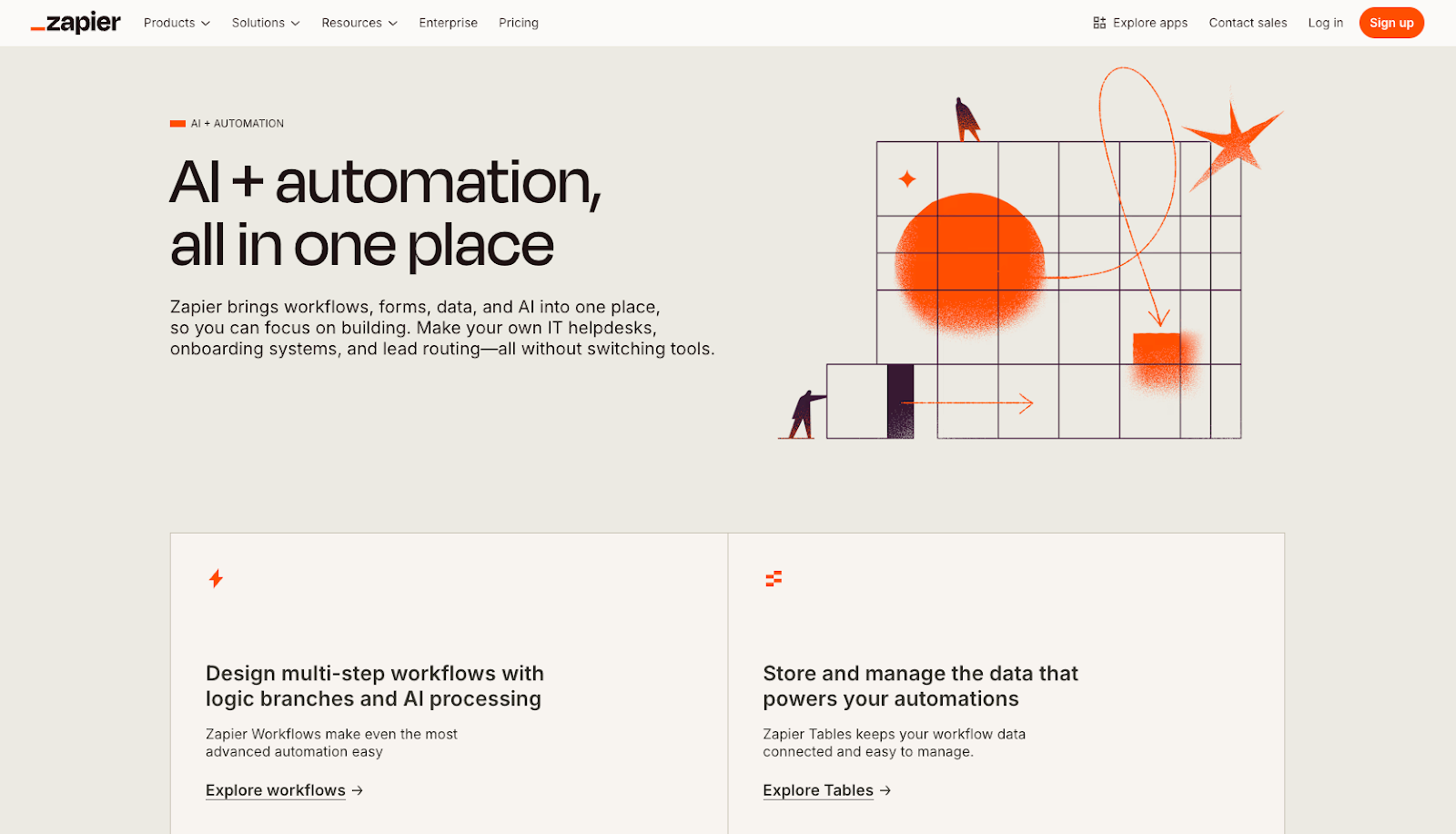
Zapier remains a leading no-code workflow automation platform in 2026, connecting over 8,000 apps and enabling startups to automate repetitive tasks without writing a single line of code. It uses trigger-and-action logic (called “Zaps”) to move data between tools automatically. Zapier now bundles Tables, Forms, and its AI orchestration features across all paid plans, making it a central hub for building end-to-end workflows.
- Best for: Startups automating workflows across multiple tools without code.
- Key features
- 8,000+ app integrations with unlimited Zaps on all plans
- Multi-step Zaps with filters, paths, and formatting tools (these don’t count toward task usage)
- AI-powered Copilot assistant for building and troubleshooting automations
- Pros
- The largest integration library in the automation space means you can connect virtually any tool your startup already uses.
- Built-in logic tools like filters and paths don’t consume task credits, so you can build sophisticated automations without runaway costs.
- Cons
- Task-based pricing scales quickly — each action in a multi-step Zap counts as a separate task, so complex workflows can exhaust your monthly allowance fast.
- Compared to alternatives like Make, Zapier offers fewer tasks per dollar at higher volumes, which can become a significant cost as you scale.
- Pricing
- Free: 100 tasks/month, two-step Zaps only
- Professional, $19.99/month (billed annually): 750 tasks/month, multi-step Zaps, premium apps, AI Copilot
- Team, $69/month (billed annually): 2,000 tasks/month, shared folders, user roles, SAML SSO
- Enterprise: Custom pricing with advanced governance, annual task limits, and a dedicated technical account manager
- Trials: 14-day free trial on Professional and Team plans
Pro Tip
Evaluating alternatives to Zapier? Our Zapier alternatives guide helps you compare options side by side.
For marketing, content and growth
3. Google Search Console
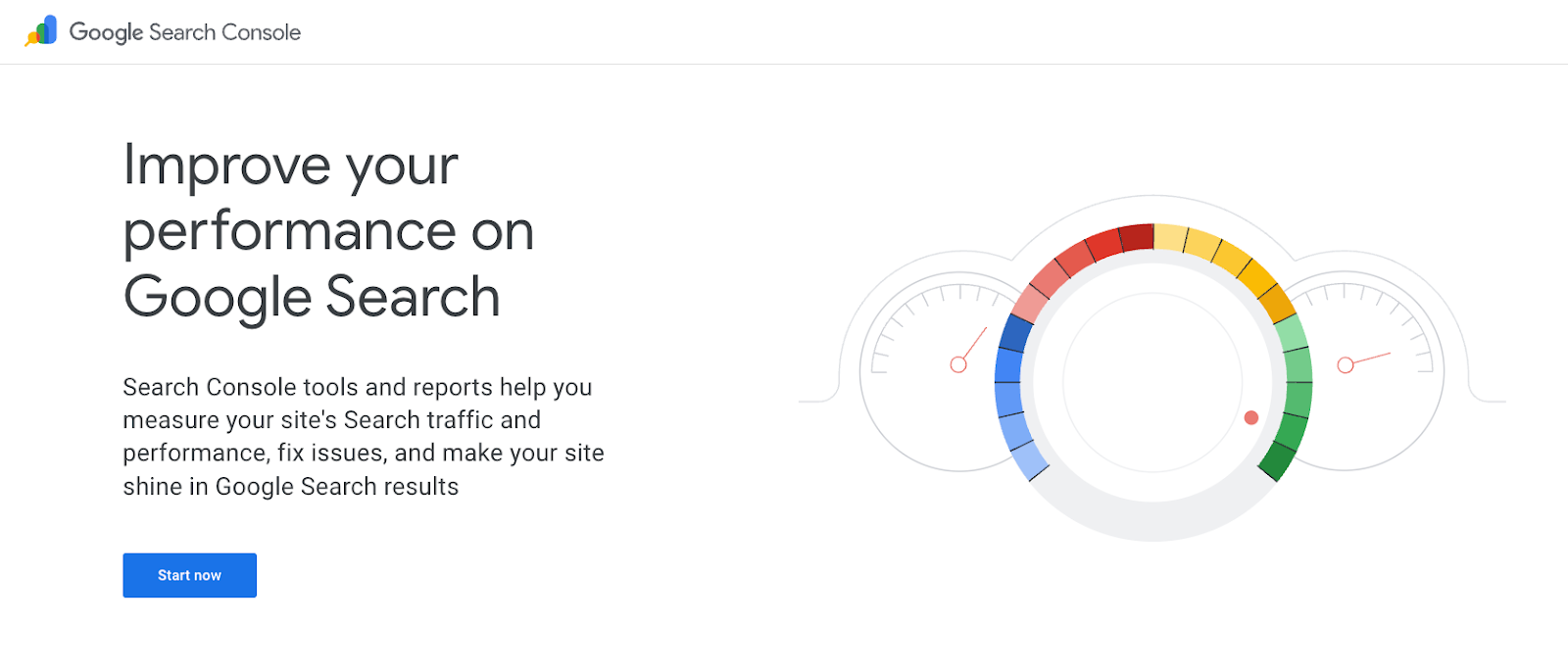
Google Search Console remains a must-have platform in 2026 for startups that want full visibility into their performance in Google Search. It tracks clicks, impressions, keyword rankings, and site health, while flagging indexing issues and manual penalties. Paired with Google Analytics and Google Business Profile, it forms a powerful free SEO and analytics stack that requires no budget.
- Best for: Startups that need free or low-cost tools for analytics, SEO performance tracking, and site health monitoring.
- Key features
- Click, impression, and ranking data for search queries
- Indexing status reports and crawl error alerts
- Integration with Google Analytics, Google Ads, and Google Business Profile
- Pros
- Completely free and backed by Google’s own data, making it the most reliable source for understanding how your site performs in search.
- The broader Google ecosystem (Analytics, Business Profile, Ads) integrates seamlessly, giving startups centralized visibility without additional software costs.
- Cons
- Data in Search Console is delayed by a few days and limited to Google only, meaning you won’t get insights into Bing, DuckDuckGo, or other search engines.
- The tool shows what’s happening but doesn’t offer competitive keyword research or backlink analysis — for deeper SEO strategy, you’ll need a paid tool.
- Pricing
- Google Search Console: Free
- Google Analytics: Free (Google Analytics 360 is enterprise-priced for very high-traffic sites)
- Google Business Profile: Free
4. Mailchimp
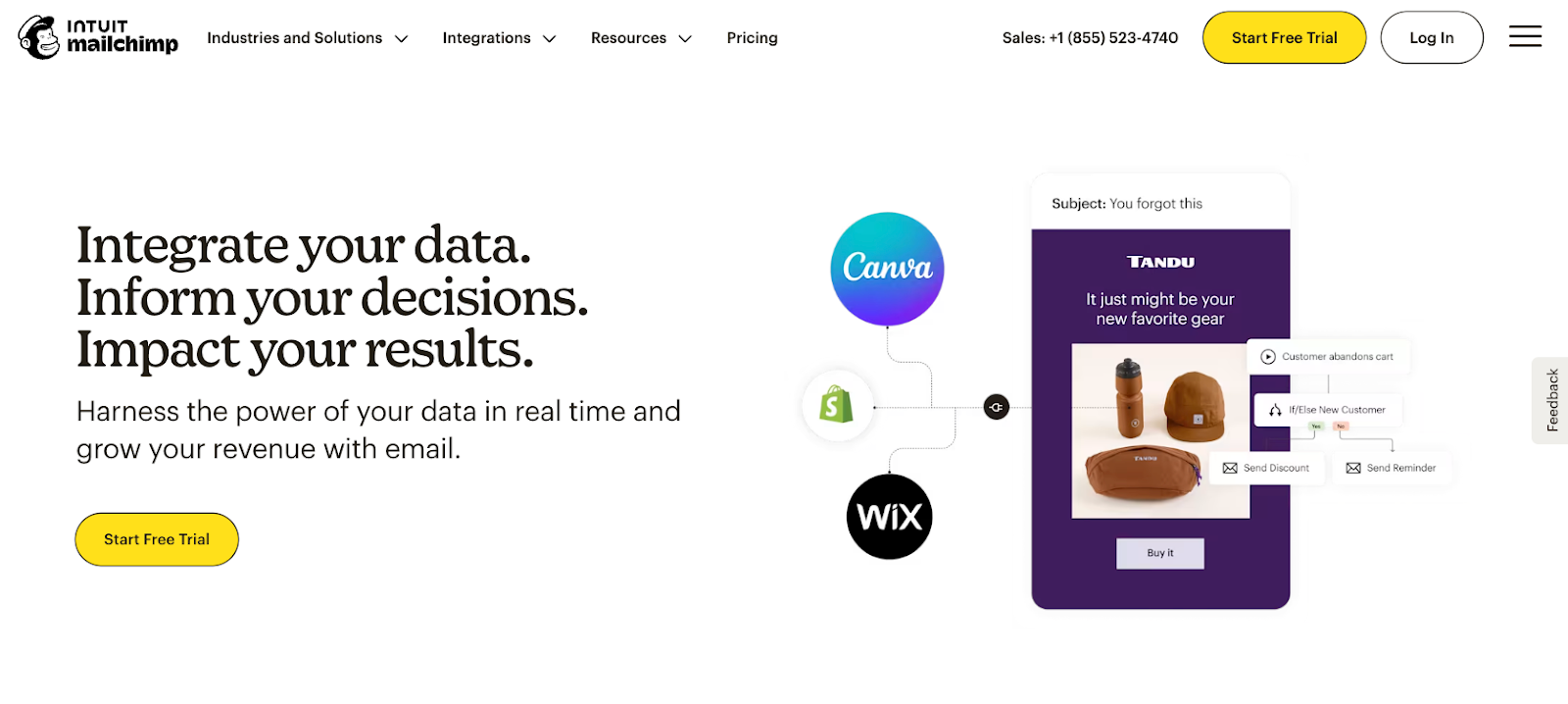
Mailchimp remains one of the most recognized email marketing platforms in 2026, offering ready-to-use templates, audience segmentation, campaign analytics, and entry-level automation. It’s a strong starting point for startups that need to launch email newsletters or lead nurture sequences quickly. Its contact-based pricing model makes it accessible at low volumes but can become expensive as your list grows.
- Best for: Startups launching email marketing campaigns with small lists and limited budgets.
- Key features
- Drag-and-drop email builder with templates and audience segmentation
- A/B testing, send-time optimization, and campaign analytics
- Automations for welcome sequences, abandoned carts, and behavioral triggers (paid plans)
- Pros
- The free plan is a genuine entry point for early-stage startups with small lists, and the interface is easy to learn without a dedicated marketer.
- Mailchimp’s all-in-one approach, combining email, landing pages, and basic CRM, reduces the number of tools a startup needs at the beginning.
- Cons
- Pricing scales sharply with contact count, and unsubscribed or inactive contacts still count toward your limit on some plans, creating surprise cost increases.
- Marketing automation and A/B testing are locked to paid tiers, so the free plan is limited for teams trying to build real nurture sequences.
- Pricing
- Free: Up to 500 contacts, 1,000 email sends/month, Mailchimp branding included
- Essentials, from $13/month: Up to 50,000 contacts, 10x monthly send limit, 24/7 support, A/B testing, basic automations
- Standard, from $20/month: Up to 100,000 contacts, 12x monthly send limit, multi-step automations, dynamic content, predictive segmentation
- Premium, from $350/month: Up to 200,000 contacts, advanced segmentation, multivariate testing, unlimited users, phone support
- Trial: 14-day free trial available on Essentials and Standard plans
5. Hootsuite
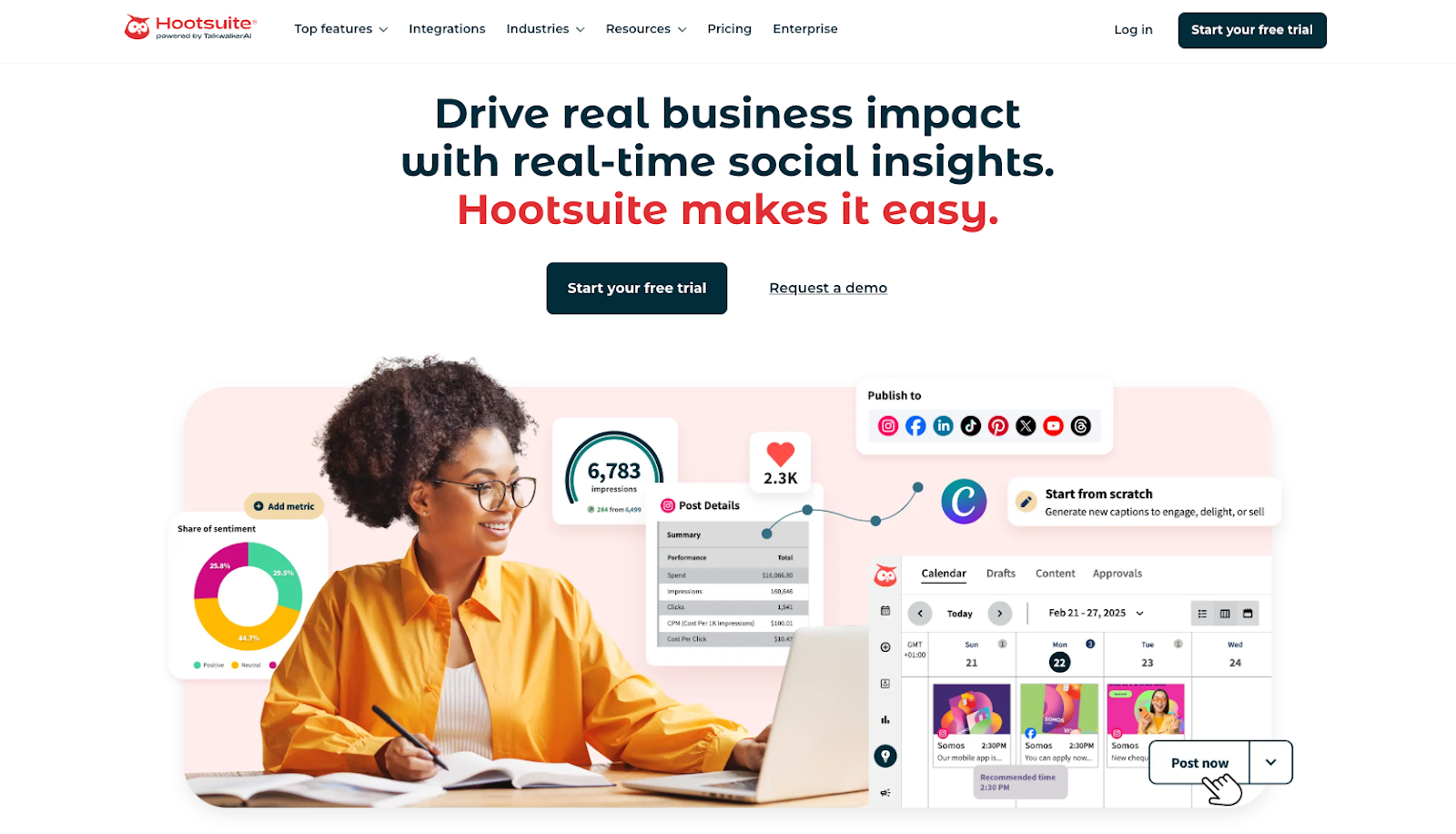
Hootsuite is widely recognized in 2026 as a full-featured social media management platform for organizations overseeing multiple channels. It covers scheduling, publishing, social listening, analytics, and ad campaign management from a single dashboard. While robust, its pricing is positioned at the higher end of the market, making it better suited to growing teams than solo founders.
- Best for: Startups managing multiple social media accounts across platforms.
- Key features
- Bulk scheduling and publishing across Instagram, Facebook, LinkedIn, X, TikTok, YouTube, and Pinterest
- Social listening for brand mentions, competitor tracking, and trend monitoring
- Analytics and reporting with best-time-to-post recommendations
- Pros
- Hootsuite’s analytics and social listening capabilities are among the most comprehensive available, giving data-driven teams a real edge in optimizing social strategy.
- The platform integrates with 150+ apps including Canva, Asana, and Salesforce, centralizing the social media workflow alongside the rest of your stack.
- Cons
- Pricing starts at $199/month per user, which is steep for early-stage startups compared to leaner alternatives like Buffer.
- The interface has a learning curve, and the sheer number of features can feel overwhelming for small teams that only need basic scheduling and analytics.
- Pricing
- Standard: From $199 per user/month, up to 10 social accounts, unlimited scheduling, AI assistant, basic analytics, and social listening for the past 7 days. Includes a 30-day free trial.
- Advanced: From $399 per user/month, unlimited social accounts, customizable analytics reports, bulk scheduling up to 350 posts, advanced inbox tools, and 30-day social listening. Includes a 30-day free trial.
- Enterprise: Custom pricing — fully customized plan, unlimited users, SSO, employee advocacy, Talkwalker-powered listening, generative AI chatbot, Salesforce integration, and more.
- Trial: 30-day free trial available on Standard and Advanced plans. A 10% discount is offered if you skip the trial and pay annually upfront.
Pro Tip
Check out these Hootsuite alternatives to compare social media tools for scheduling, publishing, and reporting.
6. Buffer
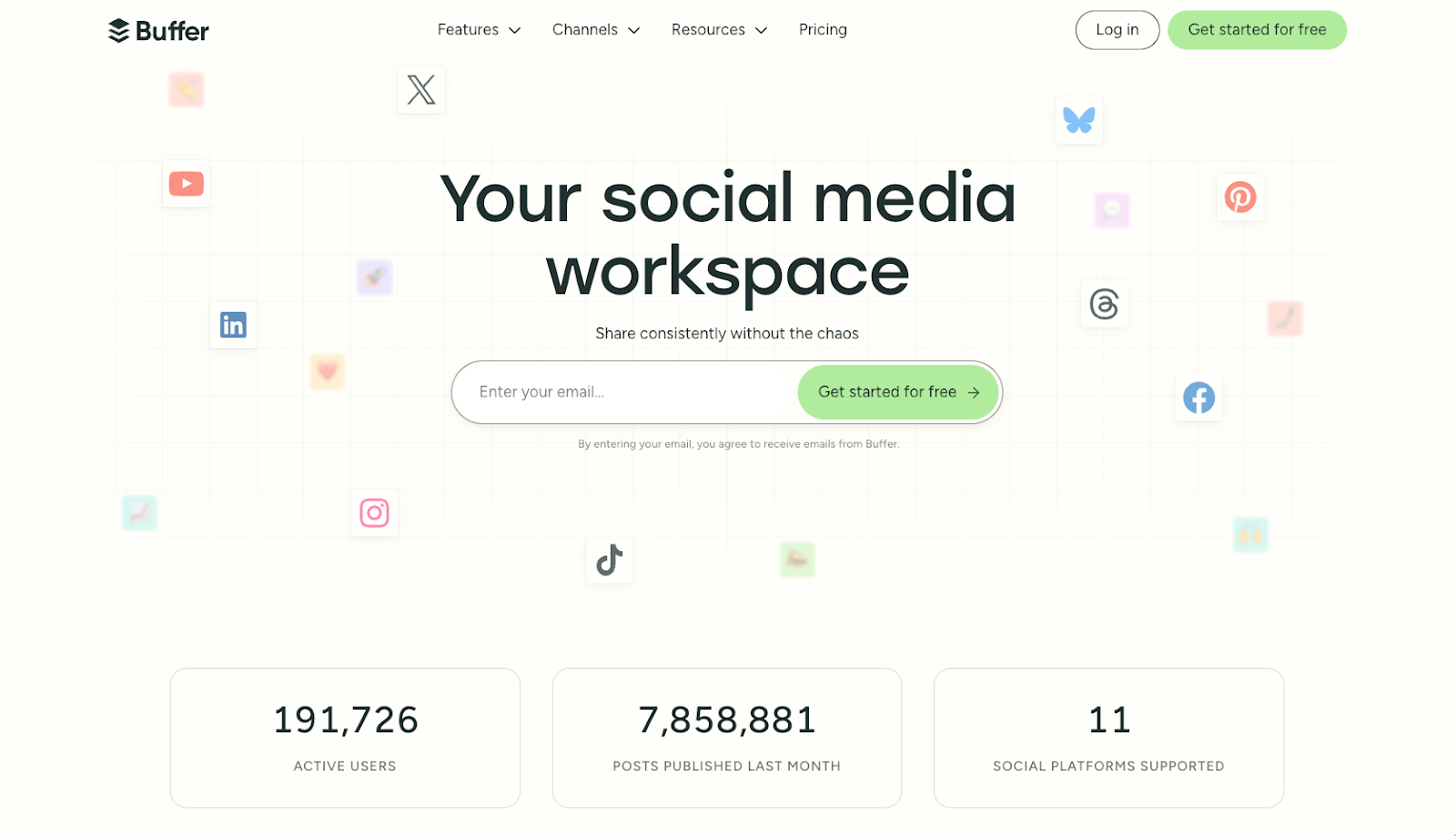
Buffer continues to serve as a lightweight social media management platform in 2026, prioritizing usability over complexity. It lets small teams and solo founders schedule posts across major networks, access basic analytics, and manage a content calendar without the complexity or cost of enterprise tools. Its per-channel pricing model is transparent and budget-friendly for early-stage teams.
- Best for: Small startups that want lightweight social media scheduling without complexity.
- Key features
- Simple scheduling and publishing queue across Instagram, Facebook, LinkedIn, X, TikTok, and Pinterest
- Basic analytics for post performance and audience engagement
- Start Page (link-in-bio tool) included on all plans, including free
- Pros
- Buffer’s clean interface means almost no learning curve — you can connect accounts and start scheduling within minutes of signing up.
- The free plan with three channels is genuinely usable for early-stage startups that don’t yet need advanced analytics or team collaboration.
- Cons
- Analytics are fairly basic compared to Hootsuite and other enterprise tools, which can limit strategic decision-making as your social presence grows.
- There are no built-in social listening or paid post management features, so teams that need those capabilities will need to look elsewhere.
- Pricing
- Free: 3 social channels, 10 scheduled posts per channel, basic analytics
- Essentials, $5/month per channel (billed annually): Unlimited scheduled posts, engagement inbox, analytics
- Team, $10/month per channel (billed annually): Unlimited users, draft collaboration, approval workflows
7. WordPress
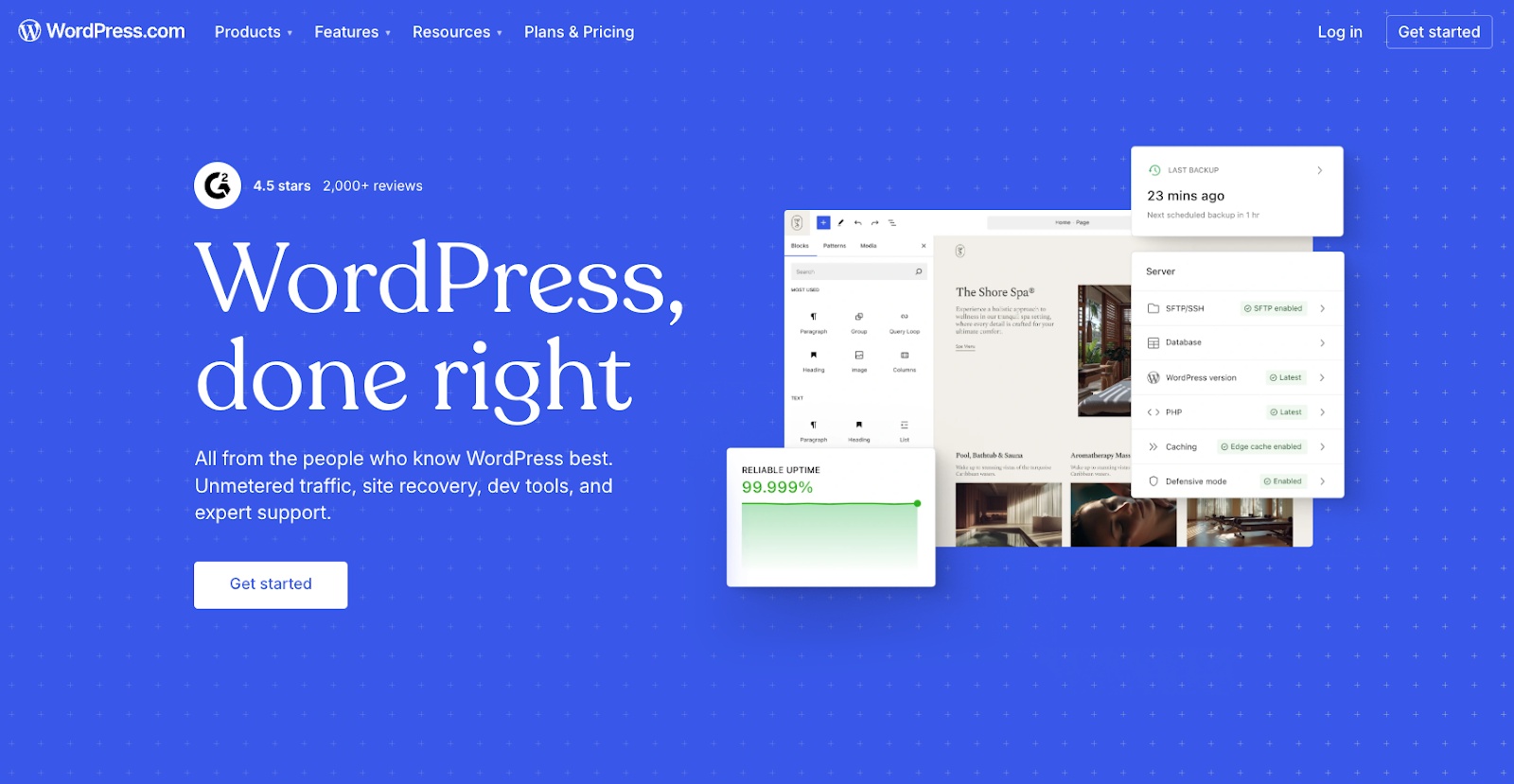
WordPress remains the world’s most widely used content management system in 2026, powering a significant portion of the web. It gives startups a flexible, SEO-friendly foundation for websites, blogs, and landing pages, with thousands of themes and plugins available to extend functionality. The open-source self-hosted version is free; WordPress.com offers managed hosting plans.
- Best for: Startups building content-driven websites, blogs, or SEO-focused landing pages.
- Key features
- Flexible CMS with thousands of themes and plugins including Yoast for SEO
- Built-in blogging, page building, and media management tools
- Massive plugin ecosystem for e-commerce (WooCommerce), CRM, analytics, and more
- Pros
- WordPress is the most extensible platform available — virtually any feature or integration a startup needs can be added via plugins without custom development.
- The open-source self-hosted version costs nothing beyond hosting fees, making it extremely cost-effective for budget-conscious founders.
- Cons
- Managing a self-hosted WordPress site requires some technical comfort — security patches, plugin updates, and backups must be handled manually or through paid services.
- The plugin-heavy approach can slow site performance and introduce compatibility conflicts that take time to troubleshoot.
- Pricing(WordPress.com managed plans)
- Free: Basic site with WordPress.com subdomain and branding
- Personal, $4/month (billed annually): Custom domain, no ads
- Premium, $8/month (billed annually): Advanced design tools, premium themes
- Business, $25/month (billed annually): Plugin and theme uploads, advanced SEO tools
- Commerce, $45/month (billed annually): Full e-commerce features
- Self-hosted (wordpress.org): Free software; hosting costs vary by provider (typically $3–$30/month)
8. Wix
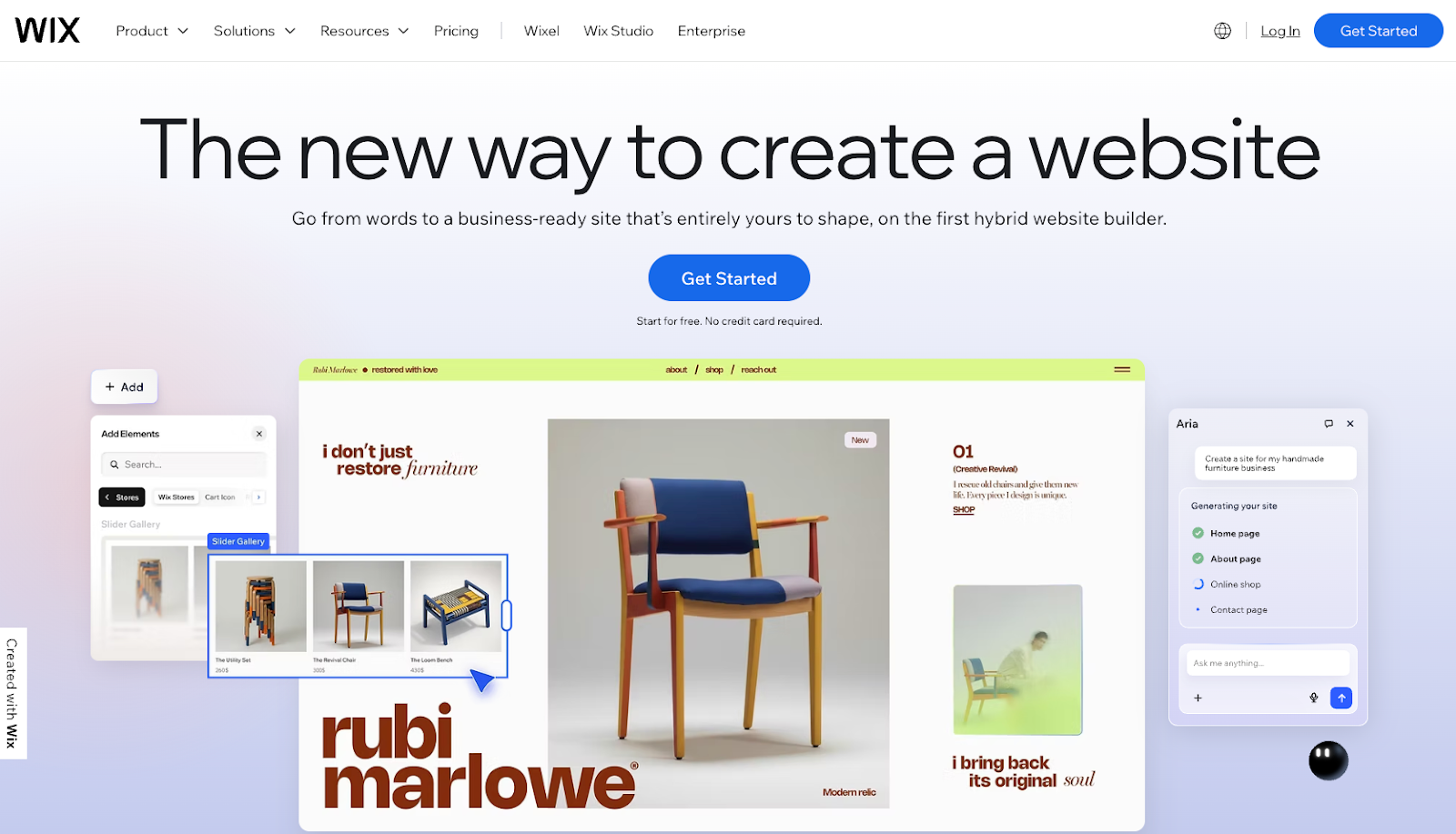
Wix stands out in 2026 as an all-in-one website creation platform for founders who want flexibility without technical complexity. It offers a wide selection of templates, a visual editor, and built-in tools for e-commerce, bookings, and marketing. The free plan is available for testing, while paid plans unlock custom domains, e-commerce, and analytics.
- Best for: Startups that need to launch websites quickly without developers.
- Key features
- Visual drag-and-drop editor with 900+ designer-made templates
- Built-in tools for e-commerce, event booking, and scheduling
- SEO tools, analytics, and marketing integrations
- Pros
- Wix gives non-technical founders the ability to launch a polished, functional website without hiring a designer or developer, significantly reducing upfront costs.
- All paid plans include a free custom domain for the first year and unlimited bandwidth, removing the hidden costs common with other website builders.
- Cons
- Once you publish your site on a Wix template, you can’t switch to a different template without rebuilding from scratch, which limits flexibility as your brand evolves.
- Wix is a strong all-rounder but can feel limited for large or high-volume e-commerce stores, where platforms like Shopify offer more specialized functionality.
- Pricing
- Free: Wix subdomain, Wix branding, limited features
- Light, $17/month (billed annually): Custom domain, no Wix ads, 2 GB storage, basic marketing tools
- Core, $29/month (billed annually): 50 GB storage, e-commerce tools, full marketing features — best value for most startups
- Business, $36/month (billed annually): 100 GB storage, full e-commerce, advanced marketing
- Business Elite, $159/month (billed annually): Unlimited storage, priority support
- Enterprise: Custom pricing
Pro Tip
Try these Wix alternatives to compare website builders based on flexibility and setup effort.
9. Canva
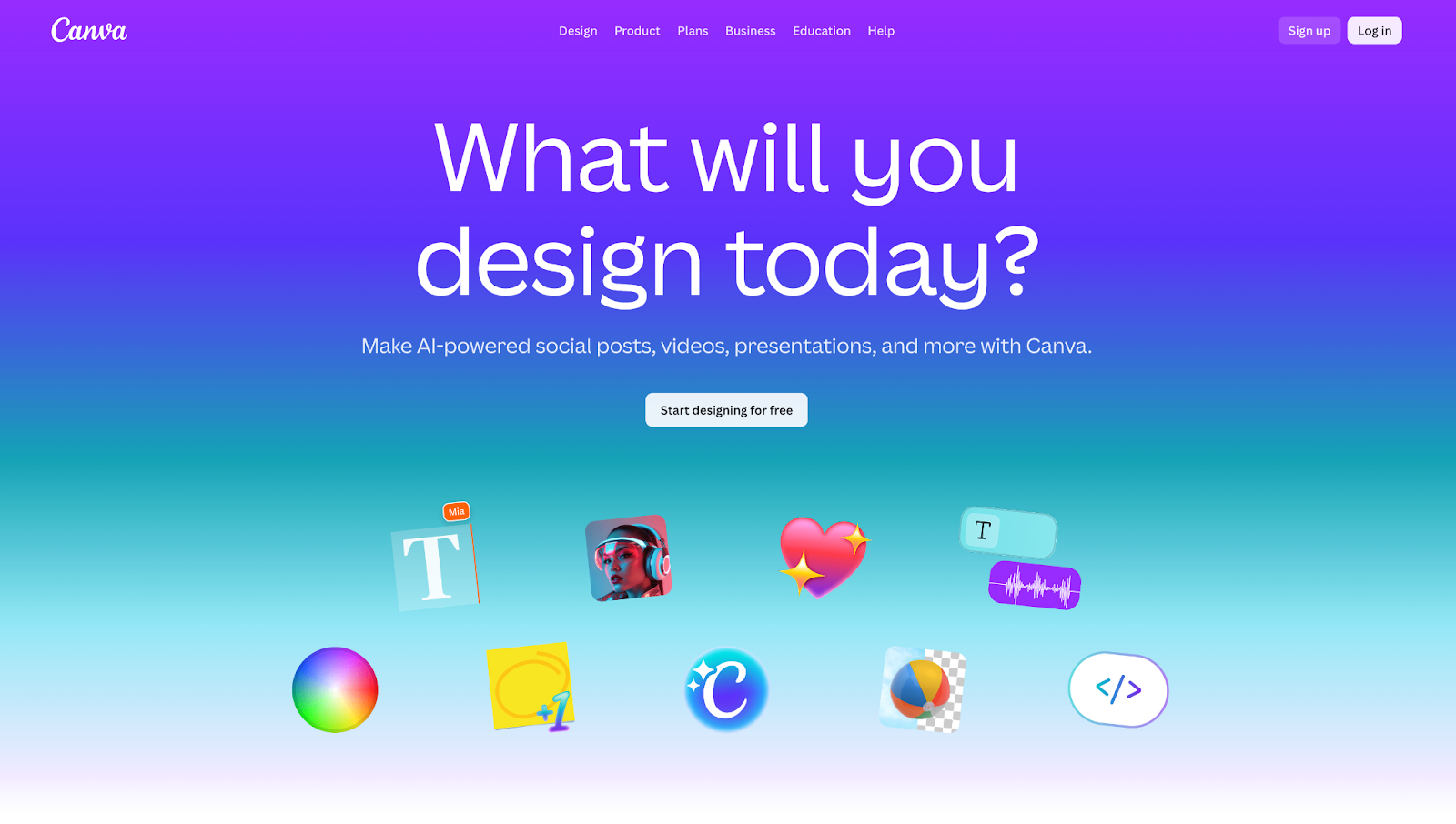
Canva remains a leading browser-based graphic design platform in 2026, allowing startups to create marketing visuals, presentations, social media graphics, and brand assets without design experience. Its massive template library spans everything from pitch decks to social posts, and its Pro tier adds brand management tools, a background remover, and AI-powered design features.
- Best for: Startups creating marketing visuals without a dedicated design team.
- Key features
- Drag-and-drop design editor with millions of templates, stock photos, and elements
- Brand Kit for storing logos, fonts, and color palettes for consistent design output
- AI-powered tools including background remover, Magic Resize, and image generation
- Pros
- Canva’s free plan is genuinely powerful — startups can create professional-looking assets at no cost, making it one of the most accessible tools on this list.
- The Pro plan’s brand kit and batch resize features are significant time-savers for small marketing teams that need to produce consistent content across multiple formats.
- Cons
- Design flexibility has limits compared to professional tools like Adobe Illustrator — highly customized or complex designs may require a more advanced platform.
- The Teams plan pricing increased significantly in late 2024, making it less budget-friendly for larger groups who need collaborative features.
- Pricing
- Free: Access to basic templates, elements, and 5 GB storage
- Pro, $15/month (or $120/year) per individual: Premium templates, brand kit, background remover, AI tools, 1 TB storage
- Business, $20/month (or $200/year) per user: All Pro features plus admin controls, advanced collaboration, template locking
- Enterprise: Custom pricing with SSO, IP indemnity, and dedicated support
- Trial: 30-day free trial on Pro and Teams plans
- Free for verified nonprofits and educational institutions
10. Semrush
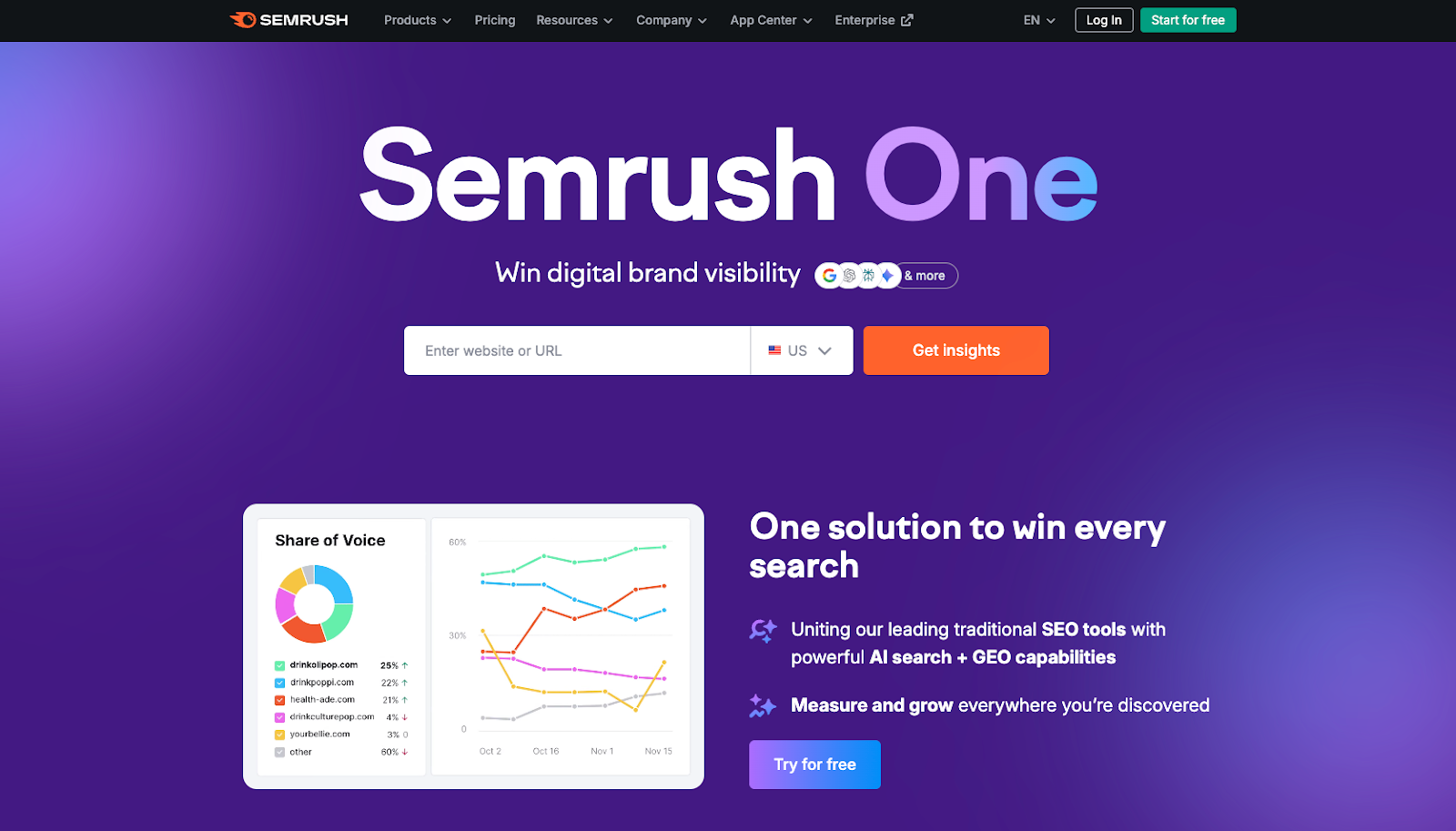
Semrush continues to stand out in 2026 as an all-in-one digital marketing platform recognized for its strength in SEO and competitive intelligence. It gives startups the tools to research keywords, analyze competitors, audit site health, and track rankings — all from a single dashboard. In 2025, Semrush introduced Semrush One, a new plan bundle that combines core SEO with AI-powered search visibility tracking across platforms like ChatGPT and Perplexity.
- Best for: Startups investing in SEO, content marketing, and competitor research.
- Key features
- Keyword research, backlink analysis, and domain competitor analysis
- Site audit tools and position tracking for up to 500–1,500+ keywords depending on plan
- Semrush One bundle: AI visibility tracking across ChatGPT, Google AI Overviews, and Gemini
- Pros
- Semrush is one of the most comprehensive SEO suites available — it replaces several standalone tools (keyword tracker, backlink checker, content optimizer) in one subscription.
- The new Semrush One plans offer forward-looking AI visibility tracking, which is increasingly important as AI-driven search results become more prominent.
- Cons
- Pricing starts at $117.33/month (when billed annually) for the SEO Classic Pro plan, making it one of the more expensive tools on this list and potentially out of reach for bootstrapped startups.
- Each plan is single-user by default; adding team members costs extra ($45–$100/seat/month), which can significantly increase the total bill for growing teams.
- Pricing
- SEO Classic plans (traditional SEO only):
- Free: 10 requests/day, 1 project, 10 keywords tracked
- Pro, $139.95/month ($117.33/month billed annually): 5 projects, 500 keywords tracked
- Guru, $249.95/month ($208.33/month billed annually): 15 projects, 1,500 keywords, content marketing tools, historical data
- Business, $499.95/month ($416.66/month billed annually): 40 projects, 5,000 keywords, API access
- Enterprise: Custom pricing
- Semrush One plans (SEO + AI visibility bundle — introductory pricing):
- Starter, $199/month ($165.17/month billed annually): Up to 5 websites, 500 keywords daily tracking, AI Visibility Toolkit, Google + AI visibility tracking, MCP access
- Pro+, $299/month ($248.17/month billed annually): Up to 15 websites, 1,500 keywords, adds historical SEO data, content optimization, multi-location/device tracking
- Advanced, $549/month ($455.67/month billed annually): Up to 40 websites, 5,000 keywords, adds Share of Voice, API data integration, migration from third-party tools
- Custom plan also available
- Trial: 7-day free trial on all paid plans; free trials available on Semrush One Starter and Pro+
- SEO Classic plans (traditional SEO only):
11. LinkedIn
In 2026, LinkedIn continues to lead as the world’s largest professional network, helping startups hire talent, build brand authority, generate B2B leads, and connect with investors. The free plan supports basic networking and company page creation, while Premium plans unlock InMail messaging, profile view insights, and advanced applicant data. Sales Navigator is designed specifically for B2B prospecting at scale.
- Best for: Founders building professional networks, hiring talent, and generating B2B leads.
- Key features
- Professional networking, job posting, and talent acquisition tools
- Company pages with follower analytics, content publishing, and lead generation forms
- Premium InMail credits for direct outreach to anyone on the platform
- Pros
- LinkedIn’s scale — over 1 billion users — makes it unmatched for B2B lead generation and professional networking, especially for founders targeting enterprise buyers.
- The free tier is highly functional for basic networking and content publishing, allowing startups to build brand presence without a paid subscription.
- Cons
- Premium plans can be expensive relative to value for passive users — the jump from free to Premium Career ($29.99/month) or Business ($59.99/month) is hard to justify without active outreach or job searching.
- Organic reach on company pages has declined over time, meaning startups may need to invest in LinkedIn Ads or personal content from founders to achieve meaningful visibility.
- Pricing
- Free: Basic profile, connections, company page, content publishing
- Premium Career, $29.99/month ($19.99/month billed annually): 5 InMails/month, profile viewer history (90 days), Top Applicant badge, LinkedIn Learning access
- Premium Business, $59.99/month ($47.99/month billed annually): 15 InMails/month, unlimited profile browsing, business insights, LinkedIn Learning access
- Sales Navigator Core, $99.99/month ($79.99/month billed annually): Advanced lead and company search, CRM integration, 50 InMails/month, real-time sales insights
- Sales Navigator Advanced, $149.99/month: All Core features plus team collaboration tools, advanced reporting, and AI-powered search
- Sales Navigator Advanced Plus: Custom pricing — full CRM sync, unlimited InMails, enterprise features
- Trial: 1-month free trial available on most Premium plans
12. HubSpot
As of 2026, HubSpot continues to position itself as a comprehensive CRM platform unifying marketing, sales, customer service, and content management tools in one ecosystem. It’s one of the most popular choices for growth-stage startups because it offers a genuinely useful free CRM tier, and its paid plans scale as teams mature. HubSpot charges per hub (Marketing, Sales, Service, etc.), which gives flexibility but can make pricing complex.
- Best for: Startups that want an all-in-one platform for marketing, sales, and customer support.
- Key features
- Free CRM with unlimited users, contact management, deal pipelines, and 2,000 email sends/month
- Marketing Hub for email automation, landing pages, forms, and campaign analytics
- Sales Hub for pipeline management, meeting scheduling, email tracking, and sequences
- Pros
- HubSpot’s free CRM is one of the most generous in the market — startups can manage contacts, deals, and basic email marketing without paying anything initially.
- The all-in-one architecture eliminates data silos between marketing, sales, and service, giving growing teams a unified view of the customer journey from first touch to renewal.
- Cons
- Costs escalate quickly once you need automation, lead scoring, or advanced reporting.
- Mandatory onboarding fees apply to Professional and Enterprise plans, adding significant upfront cost that catches many buyers off guard.
- Pricing
- Free, $0/month: No credit card required — foundational customer platform tools to get started
- Starter, from $15/seat/month: Essential customer platform tools designed for growing businesses
- Professional, from $1,450/month (5 seats included): Comprehensive customer platform tools for organizations looking to automate and scale
- Enterprise, from $4,700/month (7 seats included): Most powerful customer platform tools for organizations seeking advanced control and flexibility
- Note: Pricing shown is for Marketing Hub. HubSpot also offers Sales Hub, Service Hub, Content Hub, Operations Hub, Commerce Hub, and Breeze — each with their own pricing tiers.
Sales, payments and business operations
13. Salesforce
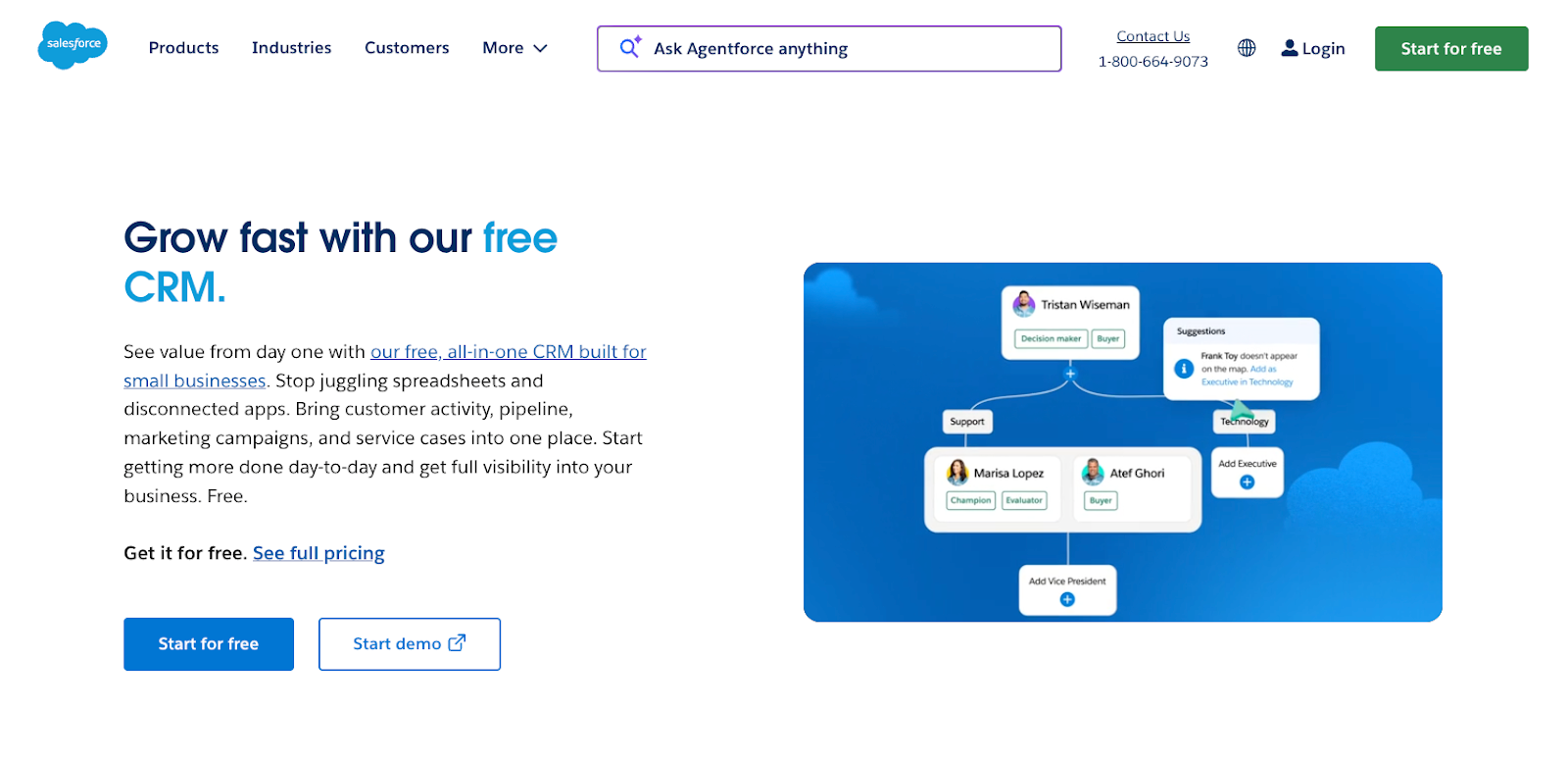
Salesforce remains one of the leading CRM platforms in 2026, built for managing complex sales processes, customer relationships, and pipeline visibility at scale. It offers deep customization, a massive ecosystem of integrations, and powerful analytics — but comes at a significant price and complexity cost that makes it better suited to later-stage startups and enterprises than to founding teams just getting started.
- Best for: Startups with growing sales teams that need advanced CRM capabilities.
- Key features
- Full-featured sales pipeline management with leads, contacts, opportunities, and forecasting
- Customizable objects, workflows, and reports for complex sales processes
- Massive AppExchange ecosystem with thousands of third-party integrations
- Pros
- Salesforce is the gold standard for enterprise CRM, with the depth of customization and integration needed to support complex, multi-team sales operations as a company scales.
- Its reporting and analytics capabilities are among the most powerful available, giving revenue leaders clear, real-time visibility into pipeline health and team performance.
- Cons
- Salesforce is significantly more expensive than most alternatives, both in license fees and implementation costs.
- The platform has a steep learning curve and typically requires a dedicated Salesforce admin to maintain, adding to the total cost of ownership.
- Pricing
- Starter Suite, $25/user/month (billed annually): Basic CRM for sales, marketing, and service — limited to 325 users, ideal for testing the platform
- Pro Suite, $100/user/month: Sales forecasting, territory management, AppExchange access
- Enterprise, $175/user/month: Advanced automation, custom development, deep reporting
- Unlimited, $350/user/month: Full Einstein AI, unlimited sandboxes, 24/7 premium support
- Agentforce 1 Sales, $550/user/month: AI-first tier with Einstein Copilot and Data Cloud integration
- Free: Limited free plan available for basic sales and service functionality; 30-day trial for advanced plans
14. PayPal
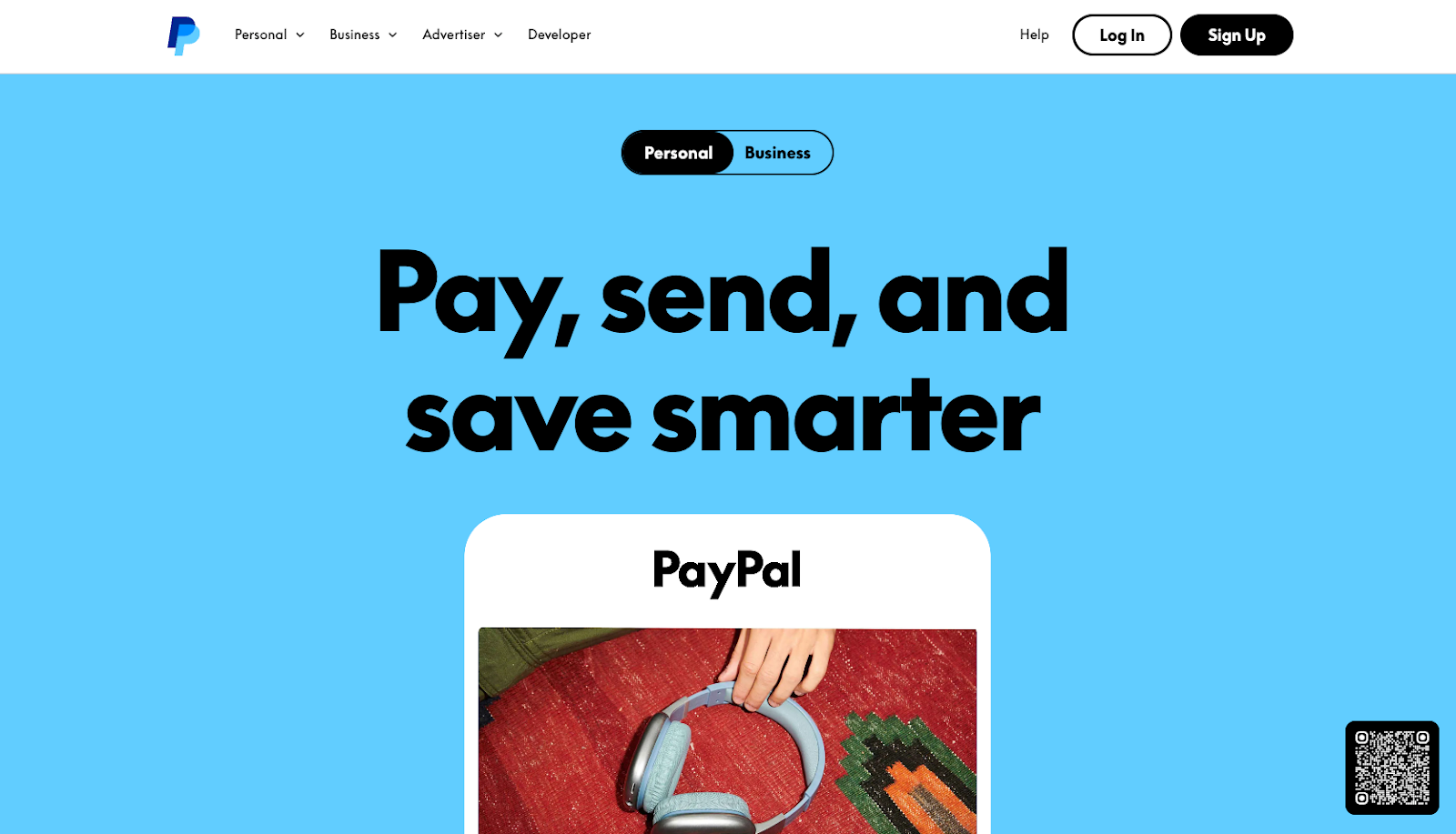
As of 2026, PayPal remains one of the most widely recognized payment platforms for online businesses, freelancers, and e-commerce brands. It allows startups to accept payments via cards, bank transfers, PayPal balances, and buy-now-pay-later options with no monthly subscription fee — you only pay transaction fees when you get paid. It also offers invoicing, small business loans, and a business debit card.
- Best for: Startups accepting online payments, invoices, and international transactions.
- Key features
- Online payment acceptance via credit/debit cards, bank transfers, and PayPal balances
- Invoicing tools, recurring payments, and subscription billing
- International payment support in 200+ countries and 25 currencies
- Pros
- PayPal requires no monthly fee to get started — transaction-based pricing means there’s virtually no upfront cost for startups just beginning to accept payments.
- Brand recognition is high among consumers, which can reduce checkout friction and increase conversion rates for new e-commerce businesses.
- Cons
- Transaction fees add up quickly at scale — standard rates of 2.29–3.49% + fixed fees can be more expensive than alternatives like Stripe or Square for high-volume sellers.
- PayPal’s account holds and dispute resolution processes can be frustrating, with funds sometimes frozen for days while issues are investigated.
- Pricing
- Account setup: No monthly fees or subscription costs
- PayPal Checkout / Guest Checkout / Pay with Venmo: 3.49% + $0.49 per transaction
- Standard Credit and Debit Card Payments: 2.99% + $0.49 per transaction
- Send/Receive Money for Goods and Services: 2.99% (no fixed fee)
- QR code transactions: 2.29% + $0.09 per transaction
- Card-present transactions (PoS): 2.29% + $0.09 per transaction
- PayPal Invoicing (via PayPal Checkout/Venmo): 3.49% + $0.49; via credit/debit card: 2.99% + $0.49; via Pay by Bank (ACH): 1% (capped at $10.00)
- International transactions: Additional 1.50% cross-border fee on top of the applicable domestic rate
- Dispute fee: $15.00 per standard dispute; $30.00 for high-volume disputes
15. Gusto
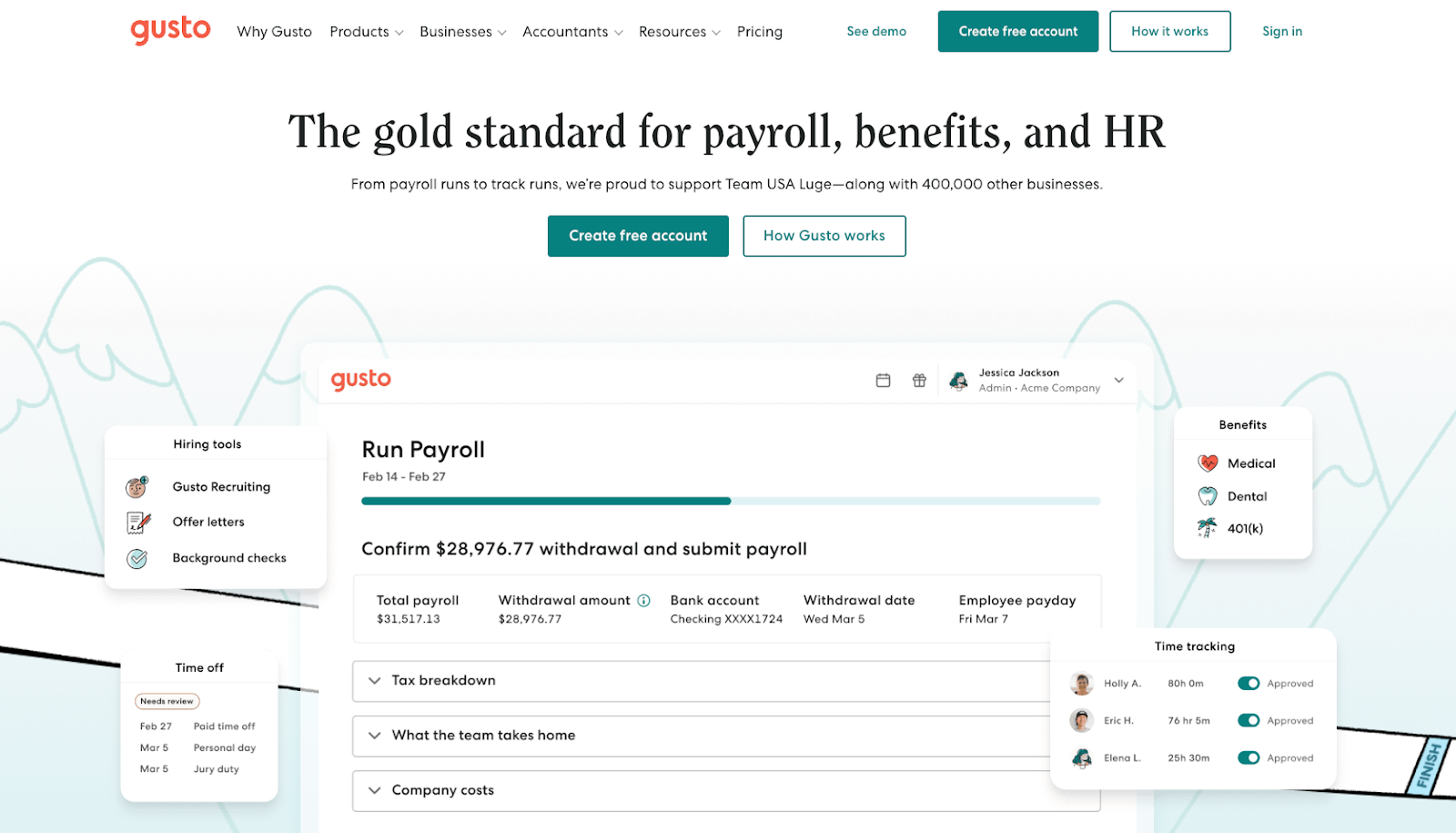
Gusto remains a trusted payroll and HR solution in 2026, designed specifically for small and medium-sized businesses. It automates payroll calculations, tax filings, direct deposits, and W-2 generation while also providing tools for onboarding, time tracking, and benefits administration. For startups navigating the complexity of running their first payroll, Gusto significantly reduces administrative burden.
- Best for: Startups handling payroll, benefits, and HR for small teams.
- Key features
- Full-service payroll with automated tax calculations, filings, and direct deposit
- Employee self-service portal for pay stubs, benefits, and time-off management
- Benefits administration including health insurance, 401(k), and commuter benefits
- Pros
- Gusto’s interface is widely praised for being intuitive and easy to navigate — most small business owners can run payroll without dedicated HR expertise.
- The integrated HR tools (onboarding, applicant tracking, e-signatures) make Gusto more than just a payroll processor, reducing the need for multiple separate HR tools.
- Cons
- Pricing scales with employee count, so costs can rise quickly as you hire — a team of 20 on the Plus plan would cost over $400/month in per-employee fees alone.
- Gusto lacks international payroll functionality natively, relying on a partnership with Remote.com for global hiring, which can create friction for teams with distributed workforces.
- Pricing
- Simple, $49/month + $6/employee/month: Single-state payroll, W-2s, basic hiring tools, employee self-service
- Plus, $80/month + $12/employee/month: Multi-state payroll, time tracking, next-day direct deposit, applicant tracking
- Premium, $180/month + $22/employee/month: Dedicated HR advisors, compliance alerts, priority support
- Contractor Only, $35/month + $6/contractor/month: For businesses paying only 1099 contractors
16. Dropbox
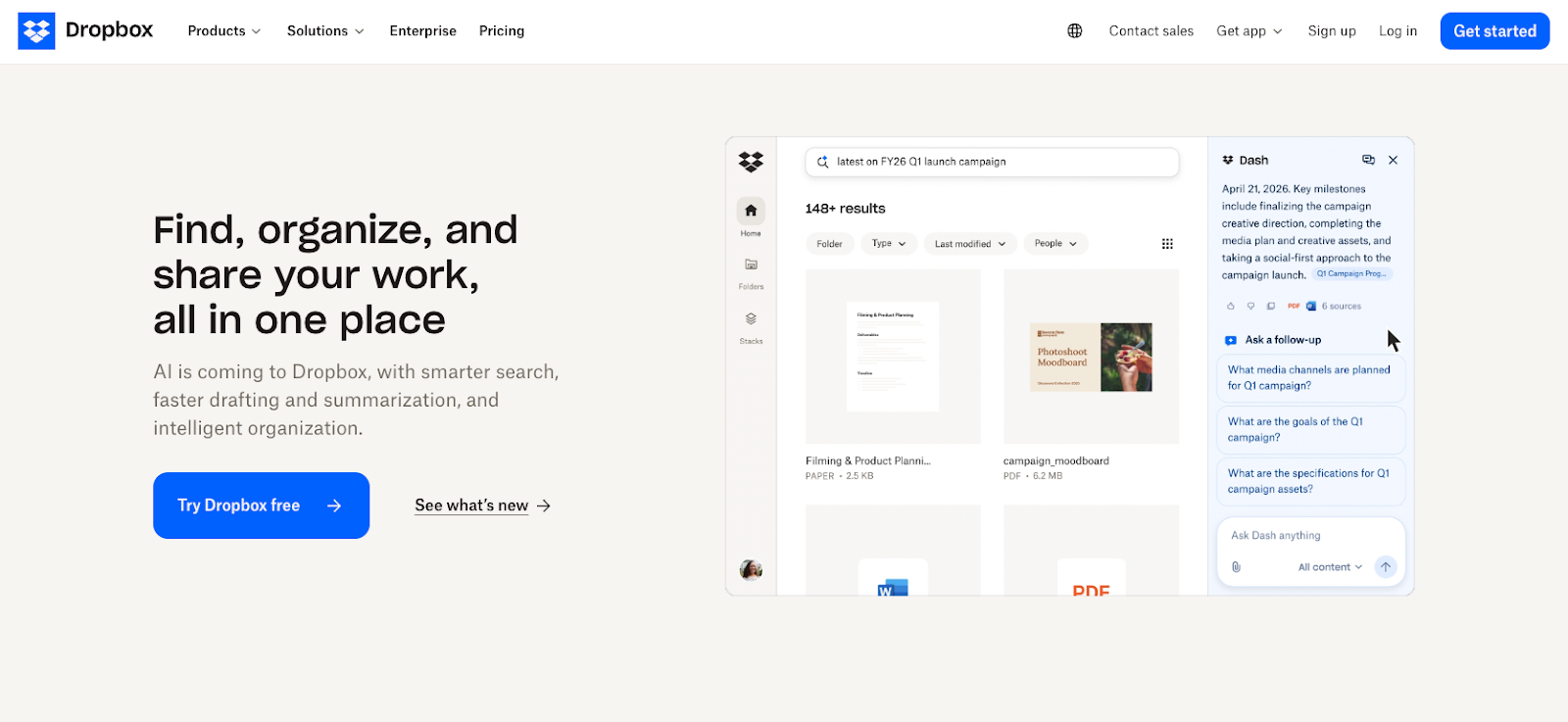
In 2026, Dropbox continues to support remote collaboration through its cloud storage and file-sharing platform. In addition to secure file access across devices, it now offers e-signature capabilities, video feedback tools, AI-powered search, and workflow automation features that extend its role beyond simple storage.
- Best for: Remote teams that need secure file storage and sharing.
- Key features
- Cloud storage with block-level sync for fast, efficient file updates
- Dropbox Sign for e-signatures (3 signature requests/month included on paid plans)
- Dropbox Dash for AI-powered search across connected apps (Gmail, Slack, Notion)
- Pros
- Dropbox’s block-level sync technology means only changed portions of files are re-uploaded, making it significantly faster than competitors for large files like videos or design assets.
- The platform integrates deeply with tools like Slack, Zoom, Asana, Trello, and Adobe, making it a natural fit within most startup tool stacks.
- Cons
- The free plan offers only 2 GB of storage, which is minimal compared to the 15 GB Google Drive or 5 GB OneDrive provides free — making it a less compelling entry point.
- Dropbox is subscription-only with no lifetime plan option, and pricing can feel high compared to Google Drive for teams already in the Google Workspace ecosystem.
- Pricing
- Basic, free: 2 GB storage, basic sharing
- Plus, $9.99/month (billed annually): 2 TB storage, 30-day version history, up to 3 devices (individual)
- Professional, $16.58/month (billed annually): 3 TB storage, 180-day version history, 3 signature requests/month (individual)
- Standard, $15/user/month (billed annually): 5 TB pooled storage, team management, 180-day version history (3-user minimum)
- Advanced, $24/user/month (billed annually): 15+ TB, SSO, compliance tracking, advanced admin controls
- Trial: 30-day free trial available
Collaboration and project delivery
17. Trello
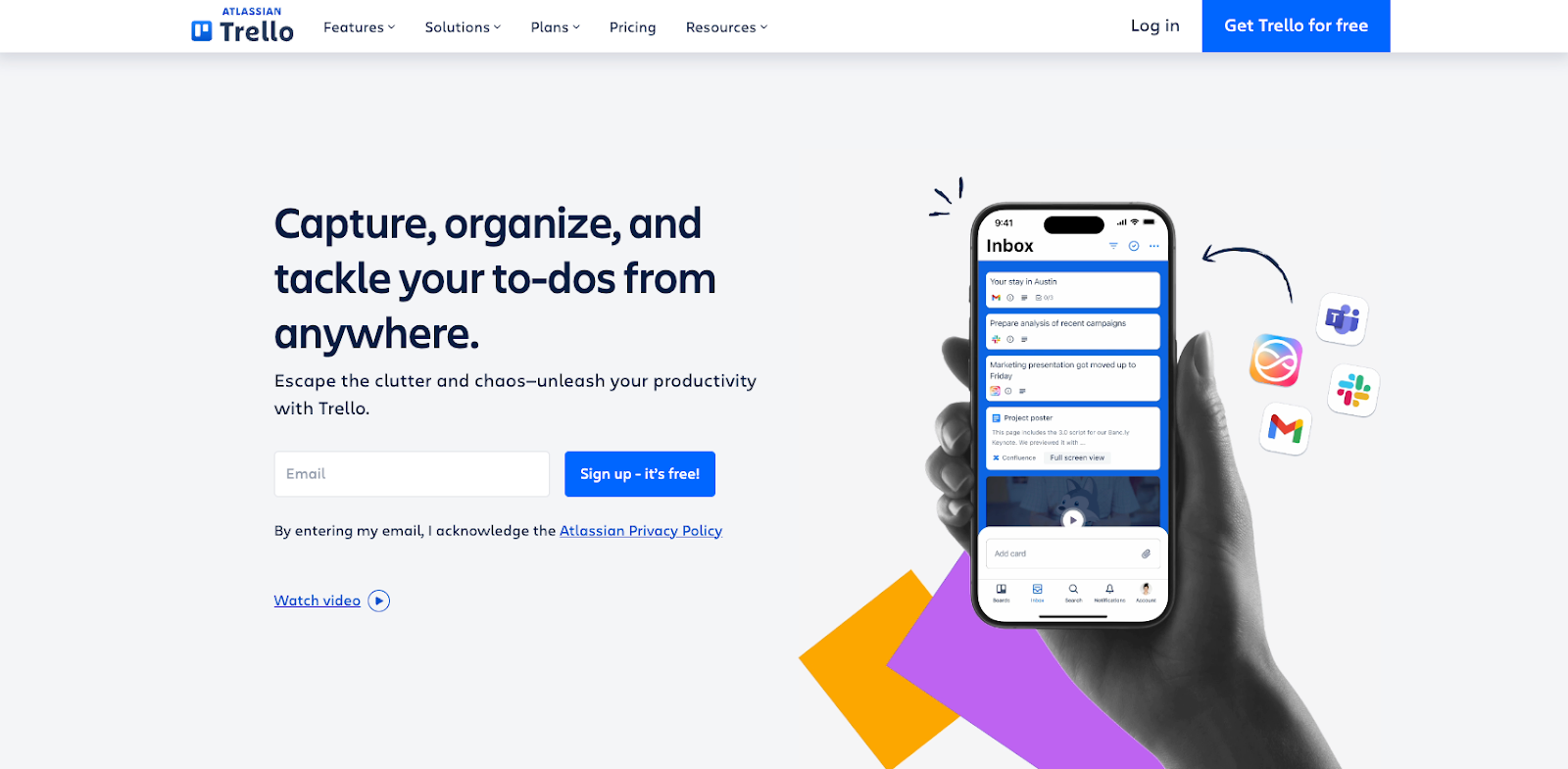
Trello stands as a widely used visual project management platform in 2026, helping teams structure tasks and workflows through boards, lists, and Kanban-style cards. It’s one of the easiest project management tools to pick up, making it a popular first choice for small teams that want structure without complexity. Its free plan is genuinely useful, and paid tiers add timeline views, dashboards, and automation.
- Best for: Small teams that want simple, visual tasks and project management.
- Key features
- Drag-and-drop Kanban boards with unlimited cards on all plans
- Butler automation engine for rules, triggers, and scheduled commands
- Power-Up integrations with Slack, Google Drive, Dropbox, GitHub, and more
- Pros
- Trello’s free plan is one of the most generous in the project management space — teams get unlimited cards, unlimited Power-Ups, and 250 automation runs per month at no cost.
- The Kanban interface is immediately intuitive, with virtually no learning curve — new team members can understand and use Trello within minutes.
- Cons
- Trello lacks native task dependencies, time tracking, workload management, and portfolio views, which means growing teams frequently outgrow it and must migrate to more robust tools.
- Complex projects with many interconnected tasks quickly become unwieldy in Trello’s card-based format, and its JSON-only data export makes migration difficult later.
- Pricing
- Free: Up to 10 boards per workspace, unlimited cards, 250 Butler runs/month, unlimited Power-Ups
- Standard, $5/user/month (billed annually): Unlimited boards, custom fields, advanced checklists, 1,000 command runs/month
- Premium, $10/user/month (billed annually): Timeline, Calendar, Dashboard, Map, and Table views, priority support
- Enterprise, from $17.50/user/month (minimum 25 users, billed annually): Organization-wide controls, SSO, advanced permissions
Pro Tip
For a quick way to compare Trello-style platforms, browse our Trello alternatives roundup and shortlist tools that match how your team works.
18. Slack
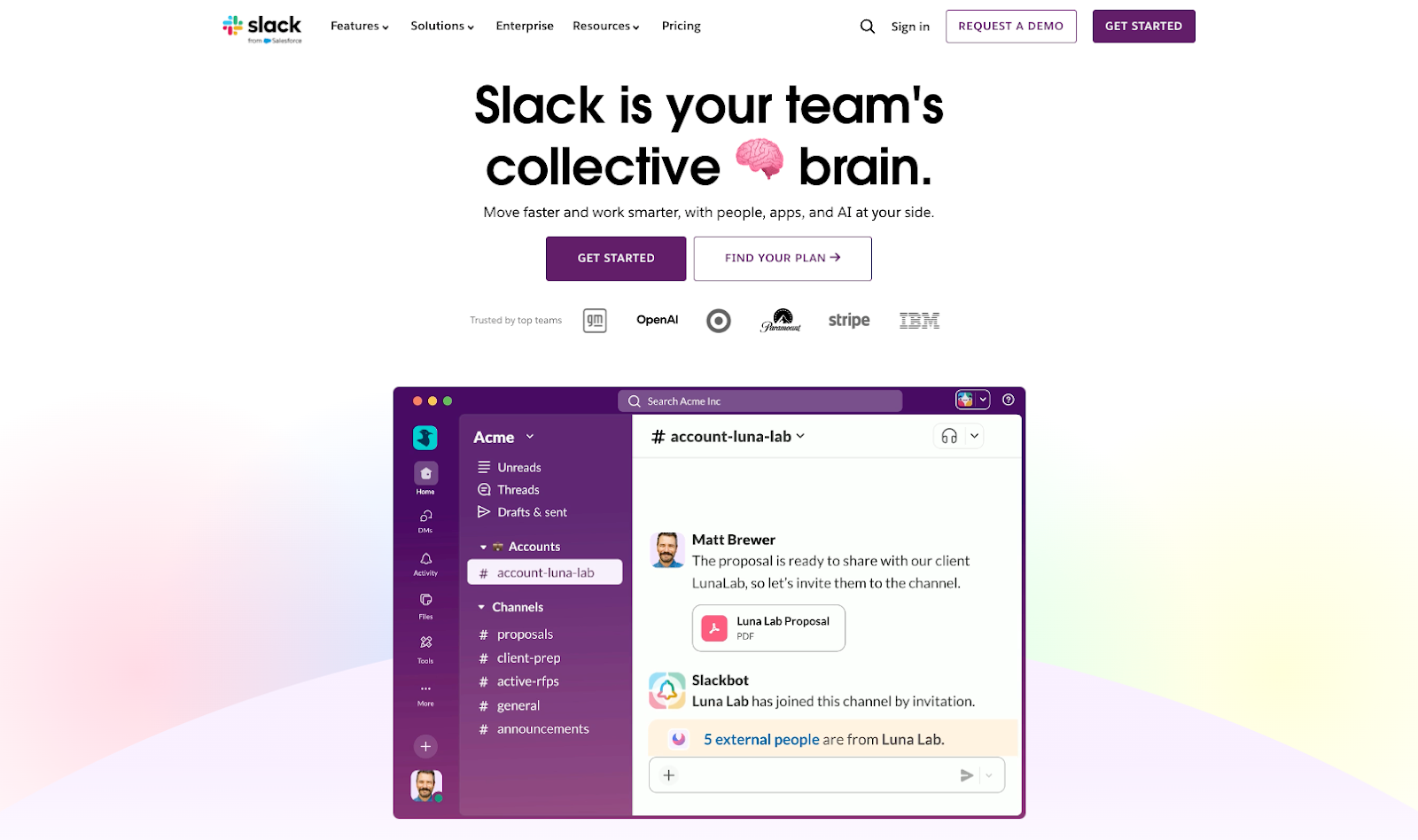
Slack continues to function as a centralized communication hub in 2026, combining messaging, file collaboration, audio and video meetings, and automation tools within one platform. It’s organized around channels, making it easy to keep conversations structured by project, team, or topic. Slack’s integration library connects it to nearly every other tool in a startup’s stack, making it a communication hub rather than just a chat app.
- Best for: Remote or hybrid teams that need fast, centralized communication.
- Key features
- Organized channel-based messaging with threaded conversations and direct messages
- 2,600+ integrations including Google Workspace, Salesforce, Zoom, GitHub, and Asana
- Built-in audio/video huddles and AI-powered conversation summaries (paid plans)
- Pros
- Slack’s integration depth means your team can receive notifications, updates, and approvals from across your entire tool stack directly in one place, reducing context switching.
- AI features — including conversation summaries and automated huddle notes — are now bundled into paid plans rather than charged as a separate add-on.
- Cons
- The free plan hides messages older than 90 days, which can be disorienting and forces teams to upgrade sooner than they might like just to maintain access to conversation history.
- The 3-user minimum on paid plans means even a 2-person startup pays for 3 seats — a small but noteworthy quirk.
- Pricing
- Free: Unlimited users, 90-day message history, 10 app integrations, 1:1 video calls
- Pro, $8.75/user/month Full message history, unlimited integrations, group video calls — minimum 3 users
- Business+, $18/user/month: SSO, compliance exports, AI features bundled
- Enterprise Grid: Custom pricing for large organizations with complex governance needs
Pro Tip
Comparing a few Slack-style team chat tools? Our Slack alternatives guide helps you narrow the list.
19. Asana
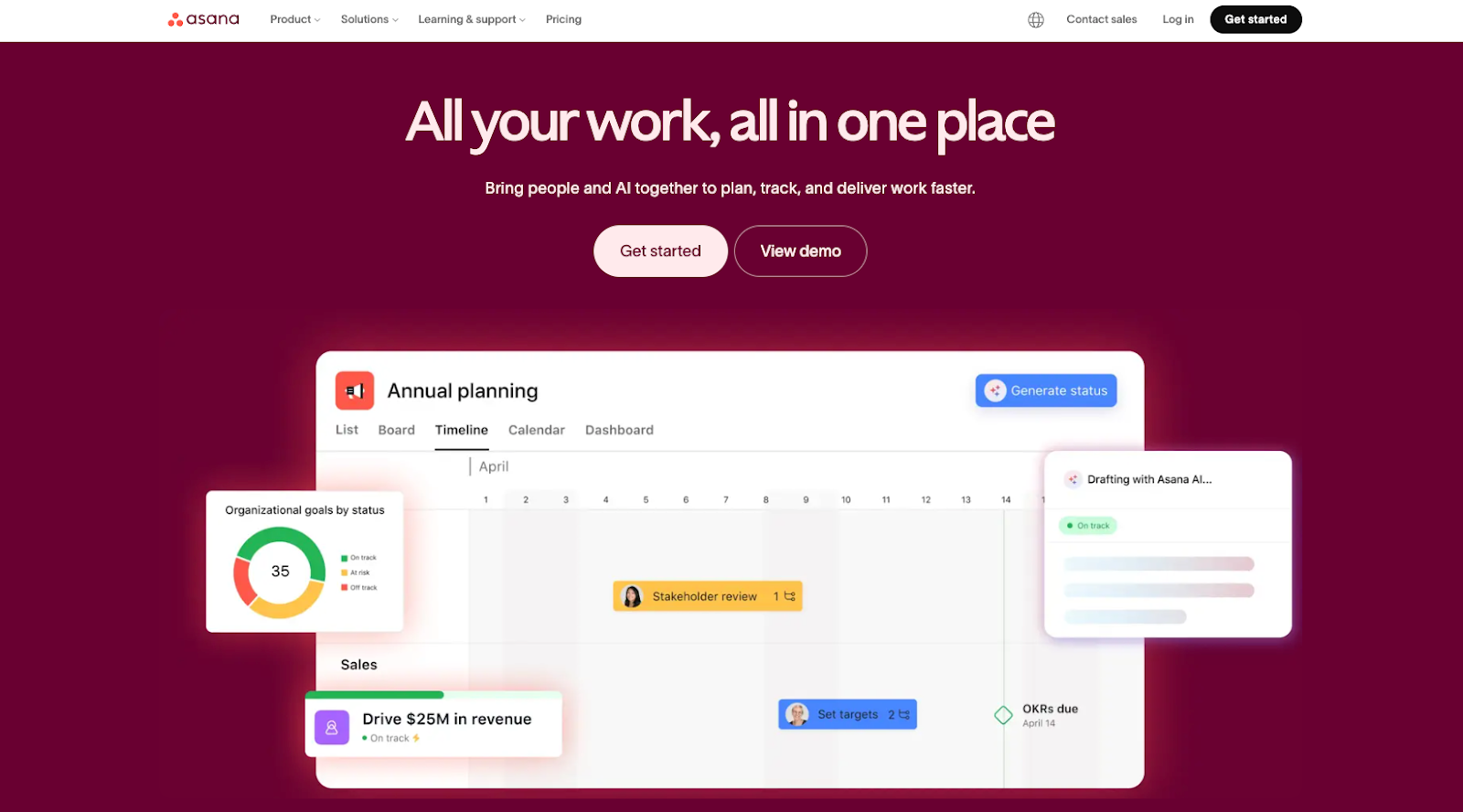
Asana is a project management platform built for teams that need to manage work with dependencies, timelines, portfolios, and cross-functional visibility in 2026. It goes well beyond basic task lists, offering multiple project views (list, board, timeline, calendar), goal tracking, and powerful automation. Asana is particularly strong for teams coordinating complex, multi-stakeholder projects.
- Best for: Startups managing complex projects, dependencies, and team goals.
- Key features
- Multiple project views: list, board, timeline (Gantt), calendar, and portfolio
- Task dependencies, milestones, and workload management for resource planning
- Workflow automation, custom fields, and AI-powered features on higher tiers
- Pros
- Asana’s portfolio and goal-tracking features give managers a high-level view across multiple projects simultaneously — eliminating the need to check into each project individually.
- The Workflow Builder makes it easy for non-technical team members to set up automation for routine processes, reducing manual status updates and handoffs.
- Cons
- Costs can scale quickly as your team grows — because Asana charges per user with seats added in increments (1, 5, 10, 25, or 50 depending on team size), smaller teams may end up paying for more seats than they actually need, making it less cost-efficient for teams in between tier sizes.
- SSO and SCIM are Enterprise-only features, which can force IT-policy-compliant teams into costly Enterprise pricing even when they don’t need other enterprise features.
- Pricing
- Personal (Free): Unlimited tasks and projects, up to 15 members, list/board/calendar views, basic integrations
- Starter, $10.99/user/month (billed annually): Timeline view, task dependencies, automation, 500 automations/month
- Advanced, $24.99/user/month (billed annually): Portfolios, goals, workload management, advanced reporting, unlimited automations
- Enterprise/Enterprise+: Custom pricing.
20. Calendar
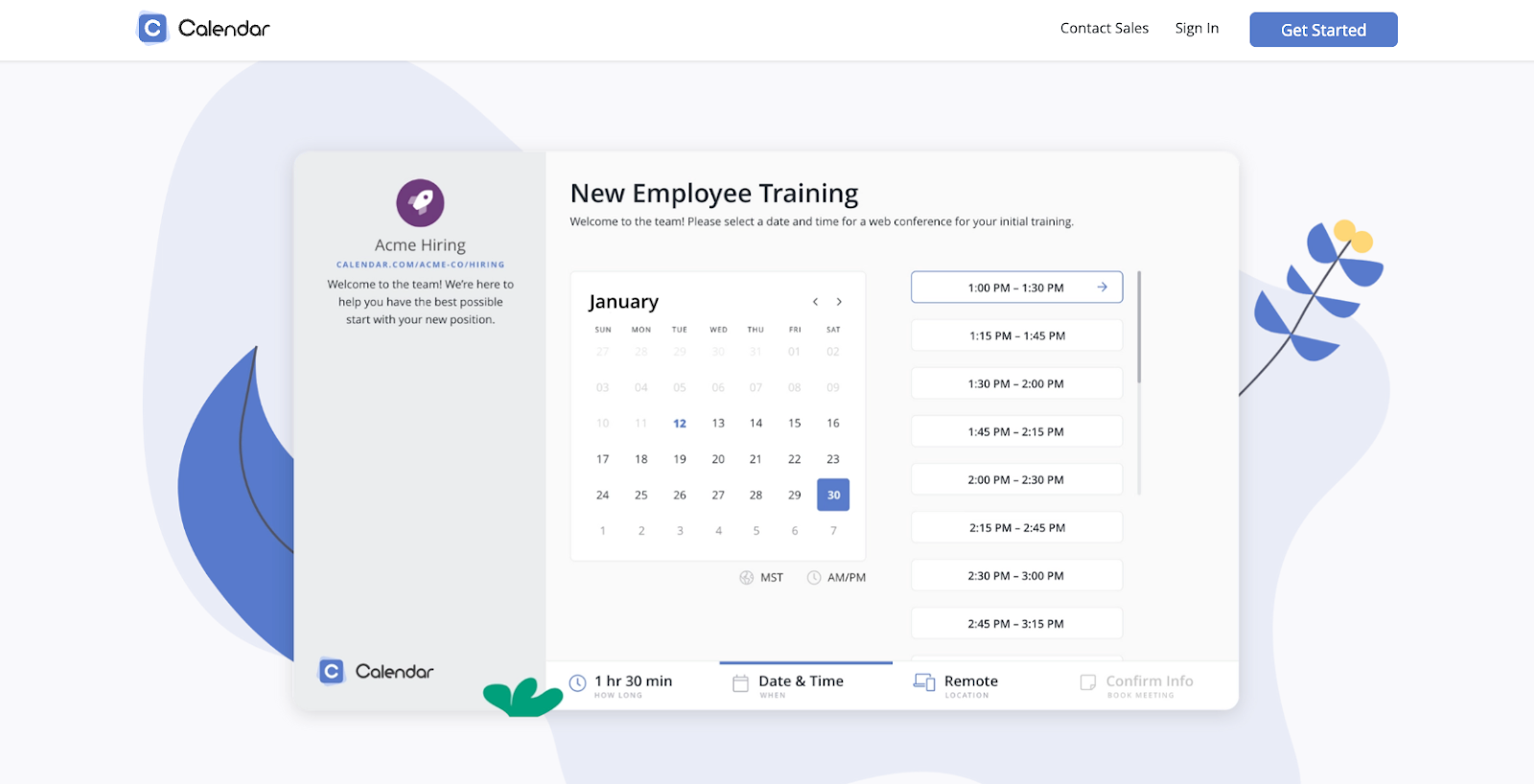
As of 2026, Calendar is a time management and scheduling tool that consolidates multiple calendars into a single, unified interface. Beyond basic calendar syncing, it uses machine learning to surface scheduling patterns and provide analytics on how your time is actually being spent. For founders juggling multiple stakeholders and meeting types in 2026, it offers a clearer picture of where the workday goes.
- Best for: Founders and teams managing meetings across multiple calendars.
- Key features
- Unified calendar view that syncs Google, Apple, and Microsoft calendars in one interface
- Meeting scheduling with shareable availability links and embedded calendar booking
- Analytics on meeting frequency, duration, and patterns to optimize time use
- Pros
- The meeting analytics feature is a genuine differentiator — most calendar tools show you what’s scheduled, but Calendar.com shows you patterns in how your time is actually being spent.
- The free plan includes core functionality and support for up to 5 workspace members, making it one of the few scheduling tools with meaningful collaboration features at no cost.
- Cons
- Calendar.com is a newer entrant and lacks some of the polish and integration depth of more established tools like Calendly or Google Calendar’s native features.
- Advanced features like multi-calendar syncing and Zoom integration are locked behind paid tiers, which can feel limiting for teams that need them from the start.
- Pricing
- Standard, $8/month per user: Connect 3 calendars per user, 5 customizable scheduling events, 15 meeting polls, unlimited workspace members, find a time to meet with up to 15 guests, calendar analytics, Zapier and 2,000+ app integrations, SMS reminders, automated workflows, live phone support
- Pro, $12/month per user: All Standard features plus connect 10 calendars per user, unlimited scheduling events, unlimited meeting polls, find a time to meet with up to 50 guests, white labeling on personal scheduling pages, 50 workspace teams
- Enterprise, Custom pricing: For teams of 30+, all Pro features plus connect 20 calendars per user, SSO, SCIM user provisioning, domain control, dedicated account partner and onboarding specialist
- Trial: 14-day free trial available on all plans
Choosing the best tools for startups
The best startup tools help founders save time, reduce costs, and scale efficiently with small teams. High-ROI startup tools support core functions such as marketing, project management, customer communication, payments, and automation.
When selecting tools, startups should prioritize ease of setup, integration with existing systems, and clear impact on daily operations. Tools like project management platforms, no-code form builders, communication apps, and automation software allow teams to move faster without adding headcount.
Startups that choose tools designed to grow with them avoid costly migrations later and maintain operational consistency as they scale. By building a lean, well-integrated tool stack early, founders can focus less on administration and more on product, customers, and revenue growth.
Frequently asked questions about startup tools
The 4 P’s of a startup are Product, Price, Place, and Promotion.
They represent the core elements of a go-to-market strategy: what you sell (Product), how much you charge (Price), where customers find you (Place), and how you reach them (Promotion). Startups use the 4 P’s to align product development with marketing and sales decisions
Yes, the 90% figure is widely cited and broadly accurate, particularly for early-stage and high-growth startups, with lack of product-market fit, running out of cash, and team issues being the most common causes according to Failory. The exact rate varies depending on how “startup” and “failure” are defined, but the lesson remains consistent: validate customer demand early and manage cash flow carefully.
Every startup needs a validated problem, a clear value proposition, and tools that support execution and growth.
In practice, this includes a product or service customers want, a way to reach and communicate with customers, systems to manage work and payments, and data to measure performance and improve decisions.
This article is for startup founders, early-stage teams, and small business operators, and anyone who wants to choose high-ROI tools to run marketing, operations, collaboration, and growth efficiently on a limited startup budget.



















Send Comment:
1 Comment:
July 5, 2021
Thanks for sharing this valuable tool.