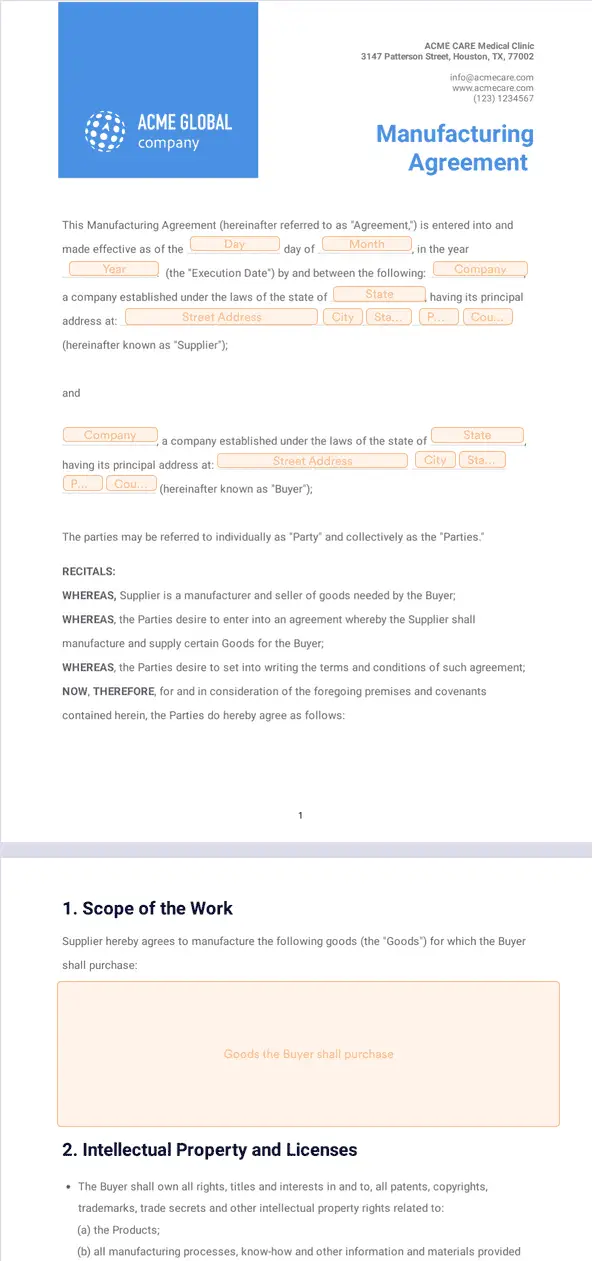
Jotform’s electronic signature for manufacturing is an e-signature solution for taking signature processes online and digitizing manufacturing documents with Jotform Sign. Use it to send and collect signatures for contracts, internal agreements, departmental documents, and supplier contracts in one place. Oversee contract management workflows from start to finish to keep approvals moving.
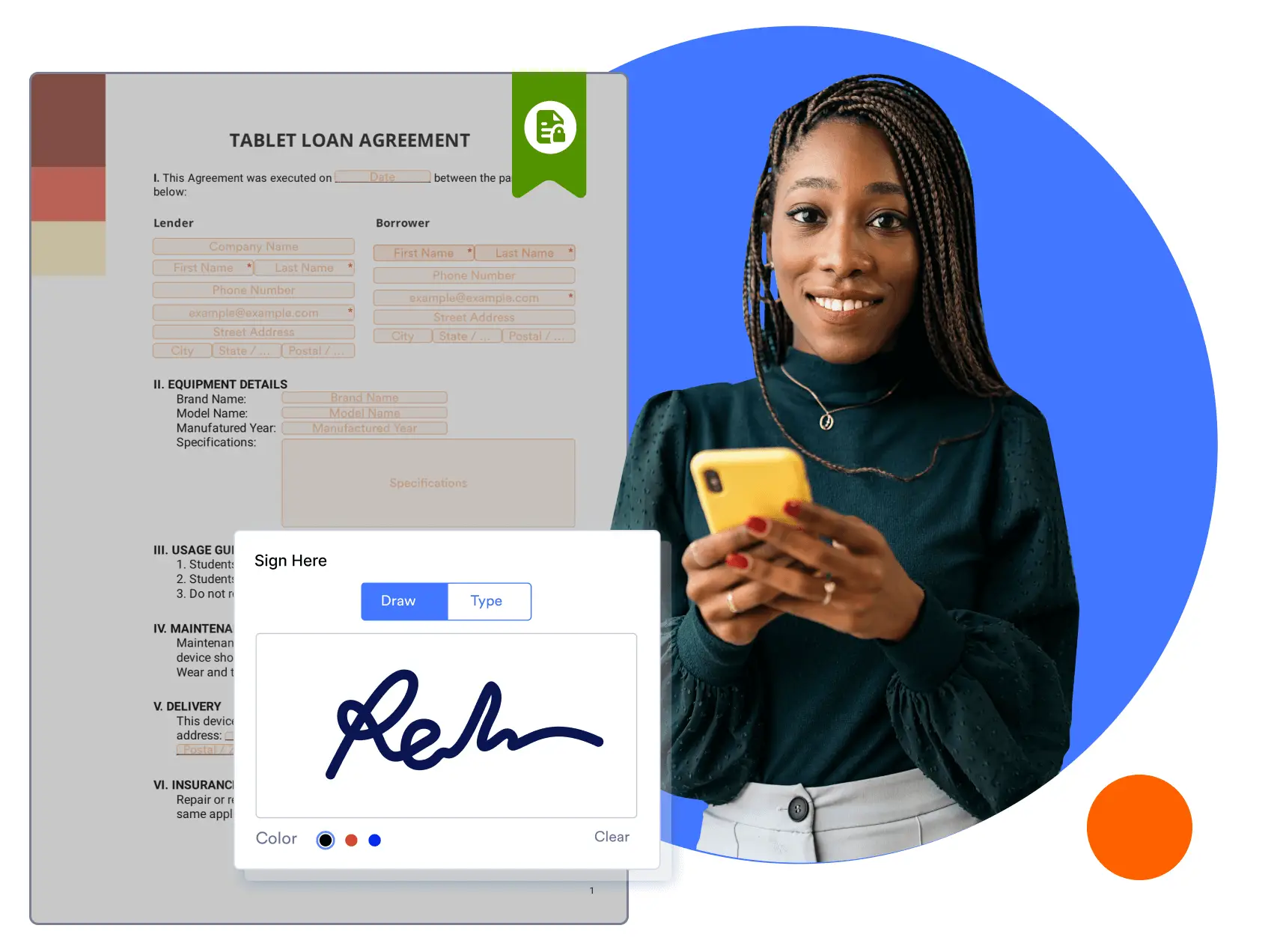
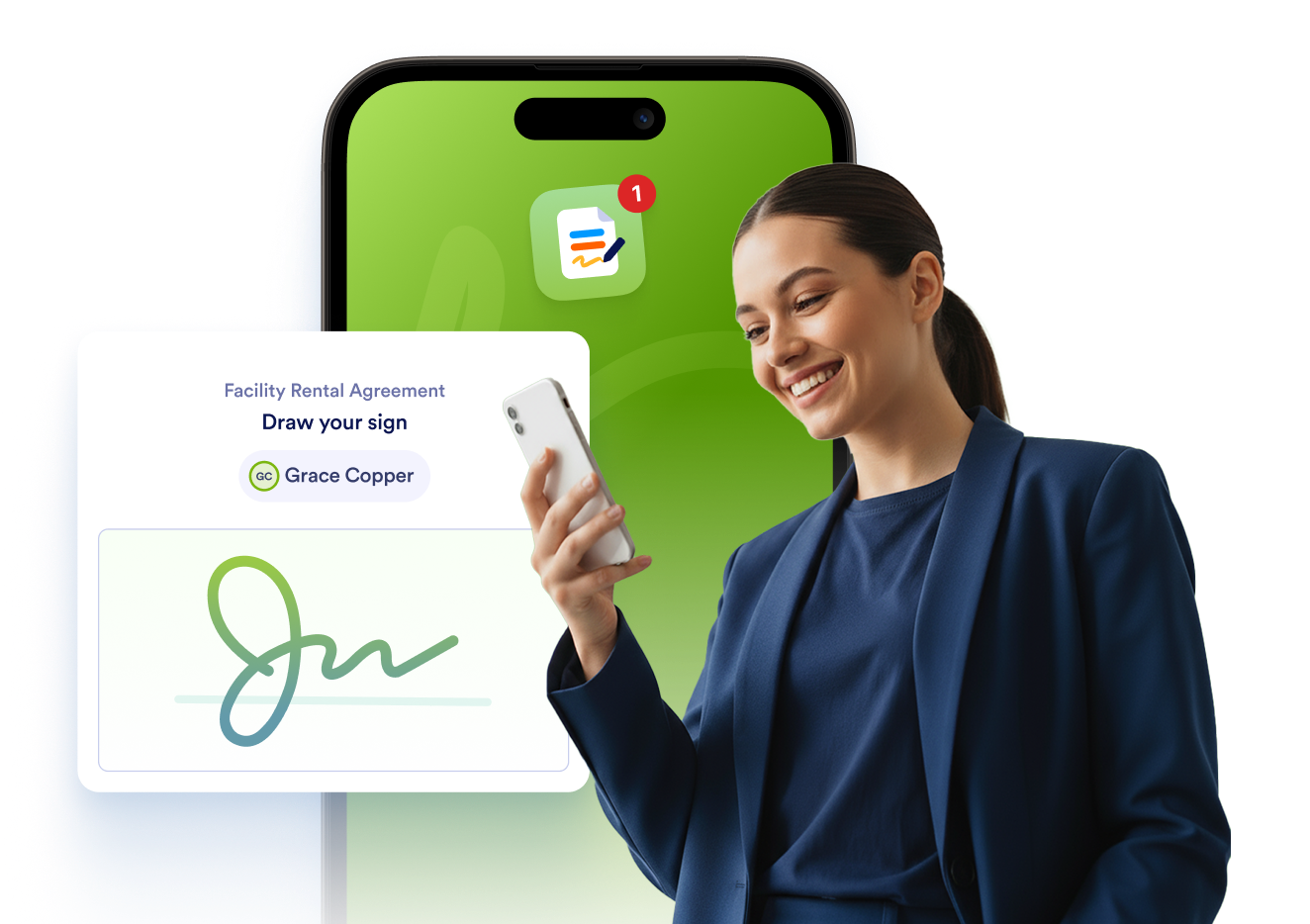
Jotform Sign Mobile is the simplest way to sign, send, and track documents from your phone.


Templates
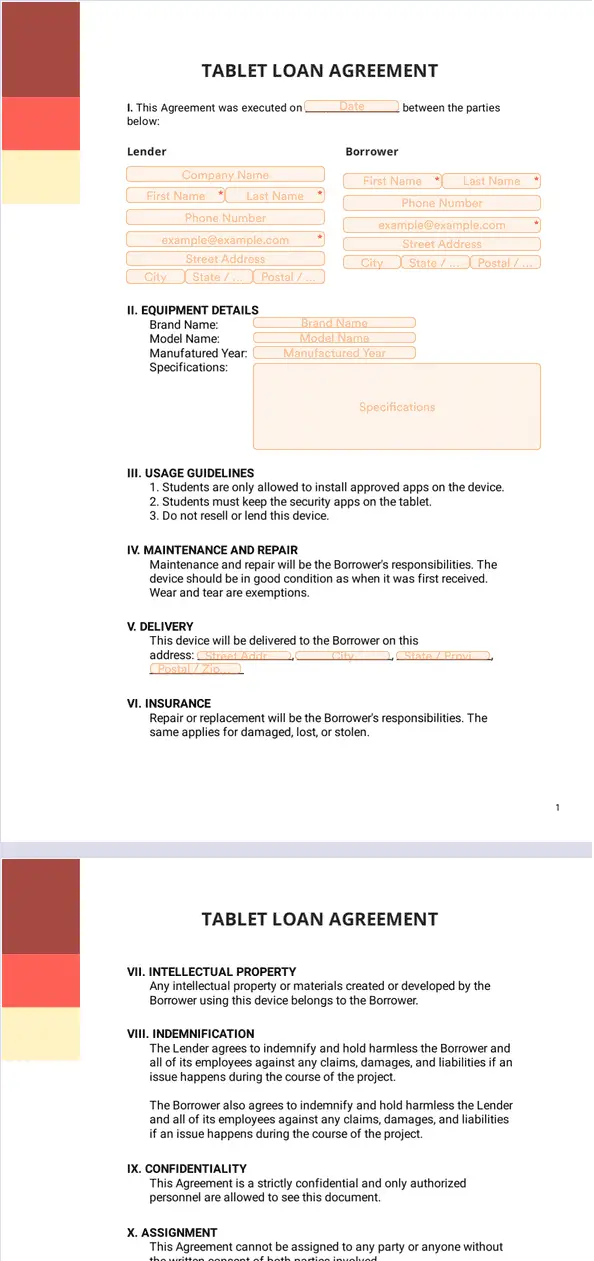
Unsure how to start building your e-sign documents? No problem. Simply choose one of our ready-made manufacturing e-sign templates and start customizing. Add signature fields, personalize the look and feel, and send to your signers.
Benefits
Use Jotform Sign as an electronic signature for manufacturing to turn contracts and agreements into signable online documents. Jotform Sign supports uploading documents, adding fillable fields, and customizing the document layout. Auto field detection can speed up setup by detecting fields that may need to be filled or signed.
Add multiple signers and assign roles so vendors, employees, and suppliers can sign the right fields. Signing Order lets manufacturing teams request signatures in a specific sequence when approvals need to happen step by step. This keeps collaboration in one place instead of splitting signatures across separate files and email threads.
Reduce printing, scanning, and manual follow-ups by sending signable documents online. Jotform Sign works across desktop, tablet, and mobile, so signers can complete documents from the device they already use. Workflow features like reminders can also reduce delays when someone forgets to sign.
Store signed documents and signature data in a Jotform account so records stay centralized. Jotform Sign lists security options such as SSL encryption and audit trails, which helps support secure handling and accountability for signed documents. Digital certificates can also be attached to signed documents to help confirm identity and prevent modifications.
Use Jotform Sign to onboard contractors and suppliers, manage customer service requests, and more.
Once you sign on with a new supplier, make sure that everyone’s on the same page. Your supplier might not be located in the same area as you, but all you have to do is send their onboarding documents via email to get them started.
No more keeping track of messy paperwork. Store and manage your digital agreements from your secure Jotform Sign dashboard. From there, you can also share agreements with participants via email.
Curate your employee onboarding, and make it as convenient and educational as possible. Send out onboarding forms, collect signatures, and get to work!
Need help running your customer service department? Jotform’s got you covered. Have your customers submit help tickets, sign documents, and more.
Disclaimer: The information provided in this guide is for general informational purposes only and is not intended to constitute legal advice. While we strive to keep the information accurate and up-to-date, laws and regulations vary by jurisdiction and can change frequently. Should you have specific legal questions about any of the information on this site, you should consult with a licensed attorney in your area.