Blogger is Google’s free blogging platform that makes it easy to create and manage your blog or website. Whether you’re sharing updates, writing articles, or building an online presence, Blogger provides a simple and beginner-friendly way to publish content without upfront costs.
Since Blogger supports custom HTML, you can easily embed Jotform forms into your blog posts or pages. This allows you to collect contact information, feedback, registrations, payments, and more, directly from your Blogger website, creating a smoother and more interactive experience for your visitors.
Getting the Blogger Embed Code
If you already have your form created, you can now get its Blogger embed code and add it directly to your website. It’s easier than you think:
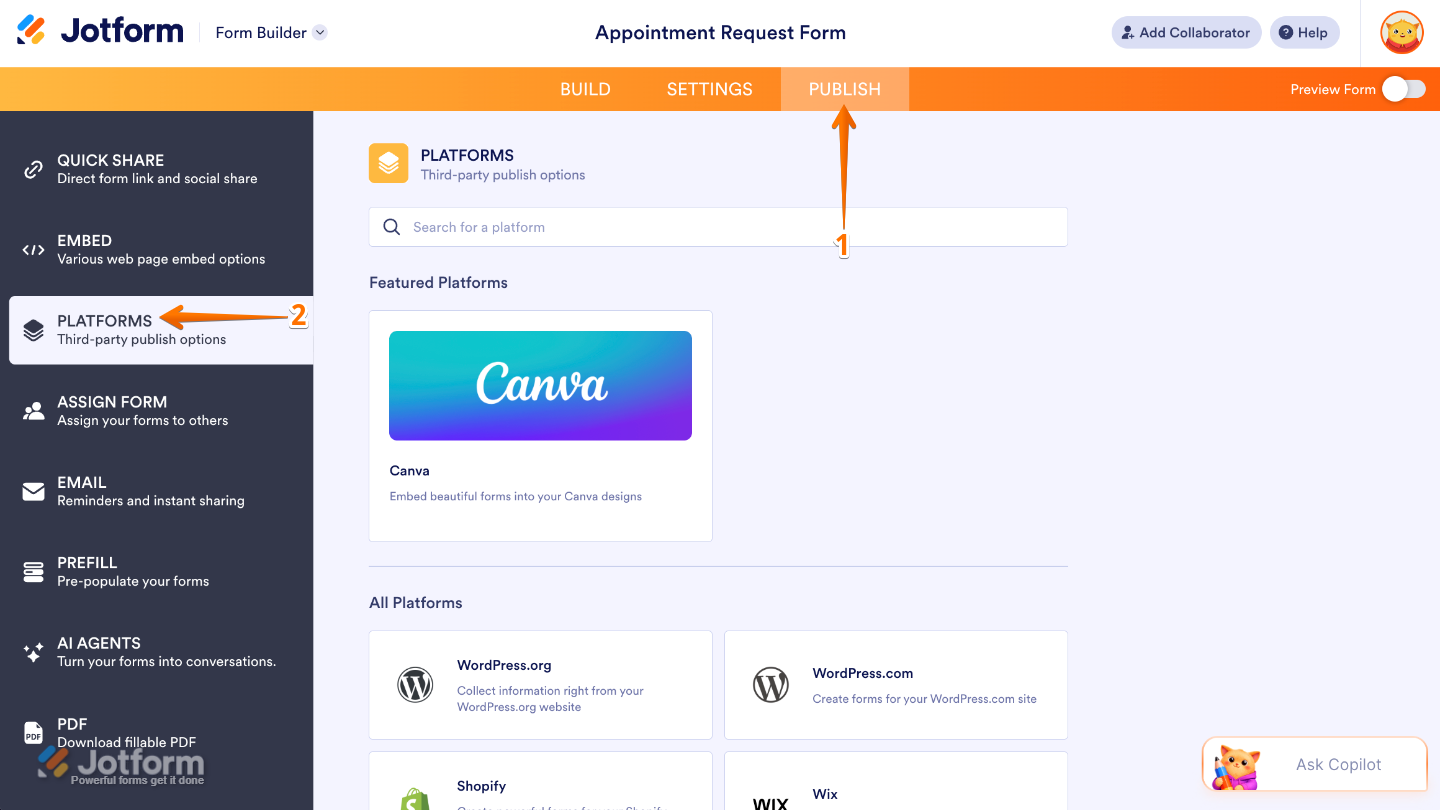
- In Form Builder, in the orange navigation bar at the top of the page, click on Publish.
- Then, click on Platforms in the menu on the left.
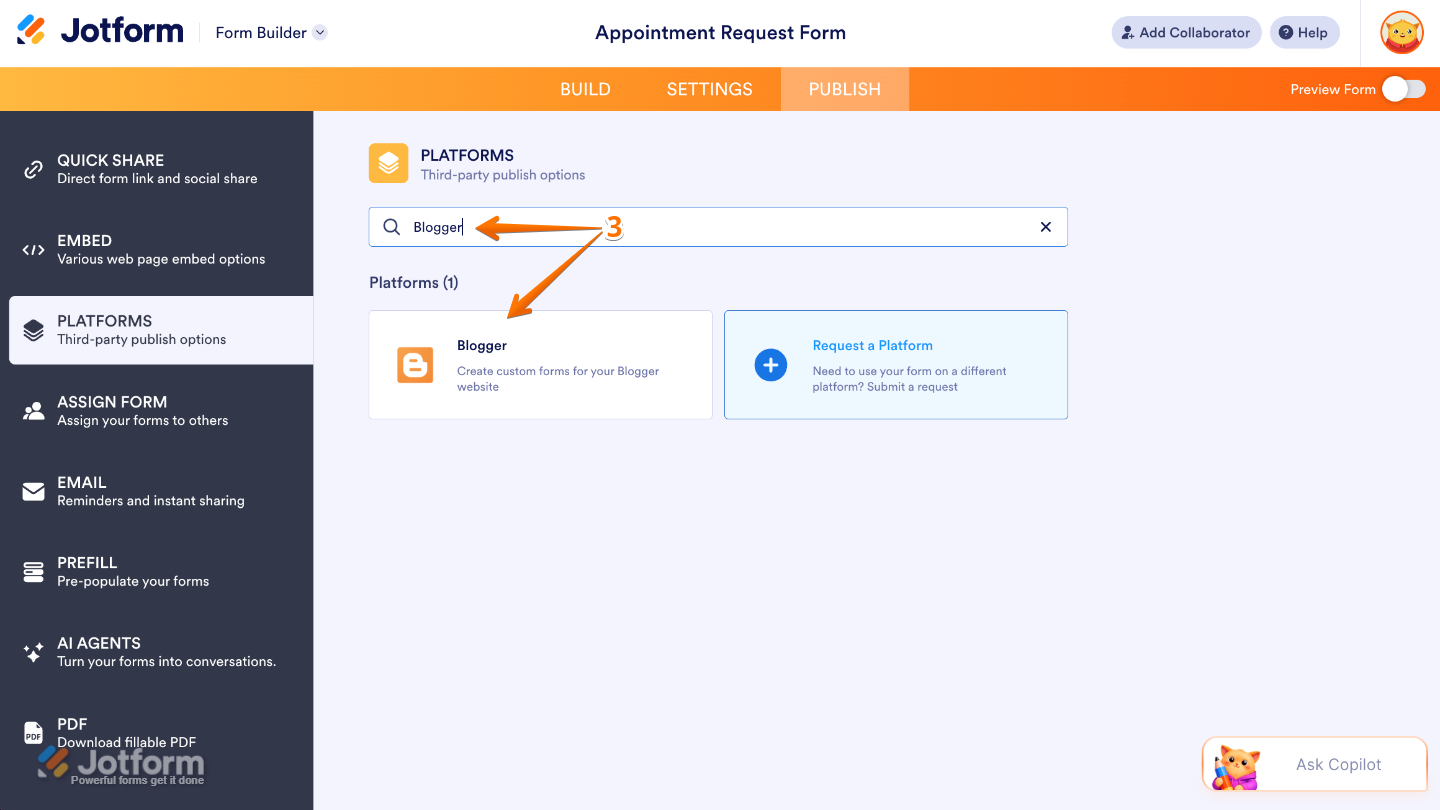
- Next, in the Platforms options, search for Blogger and then click on it.
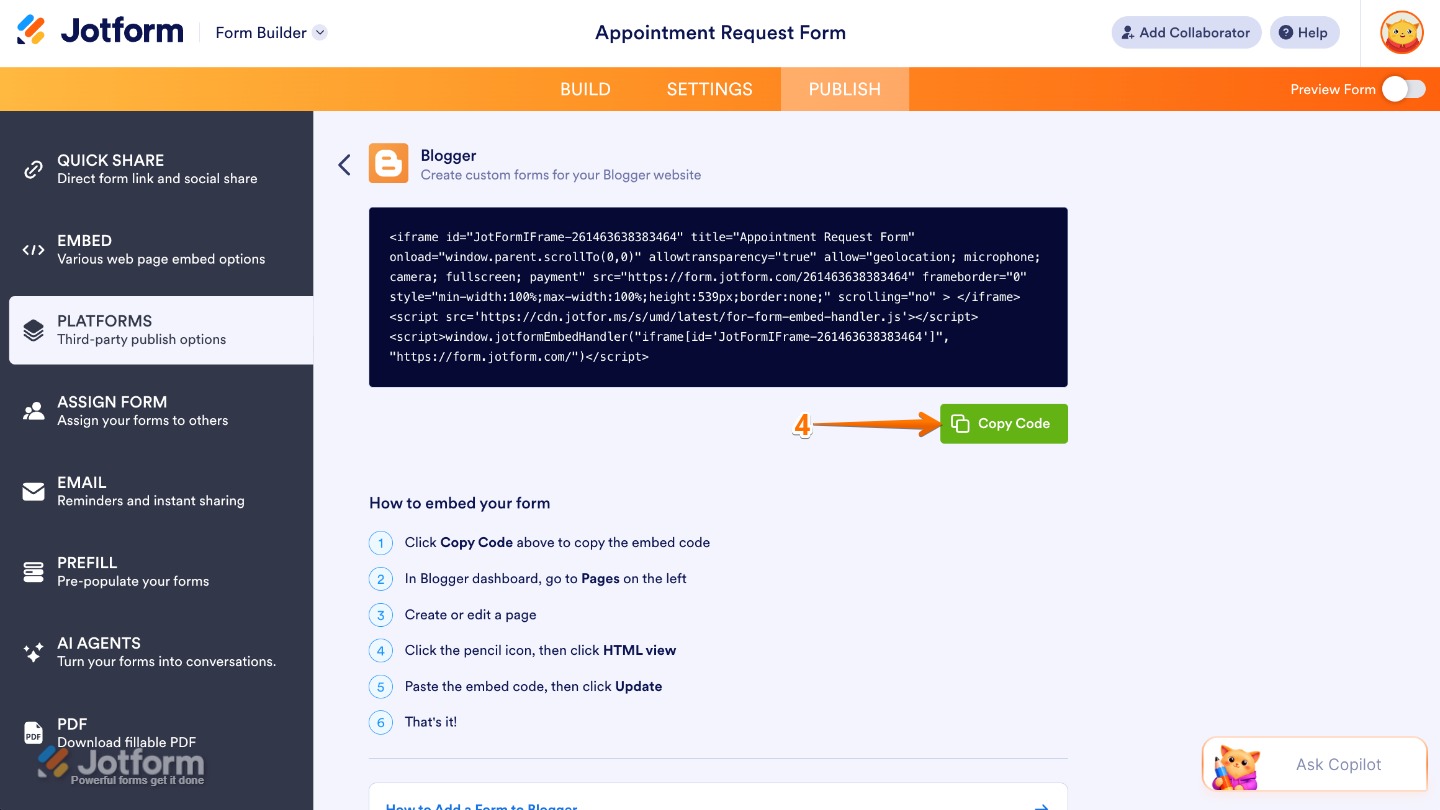
- Now, click on Copy Code.
Embedding a Form in Blogger
After getting your Blogger embed code, you can add your form directly to your Blogger page so visitors can easily interact with it while browsing your site. Here’s what to do next:
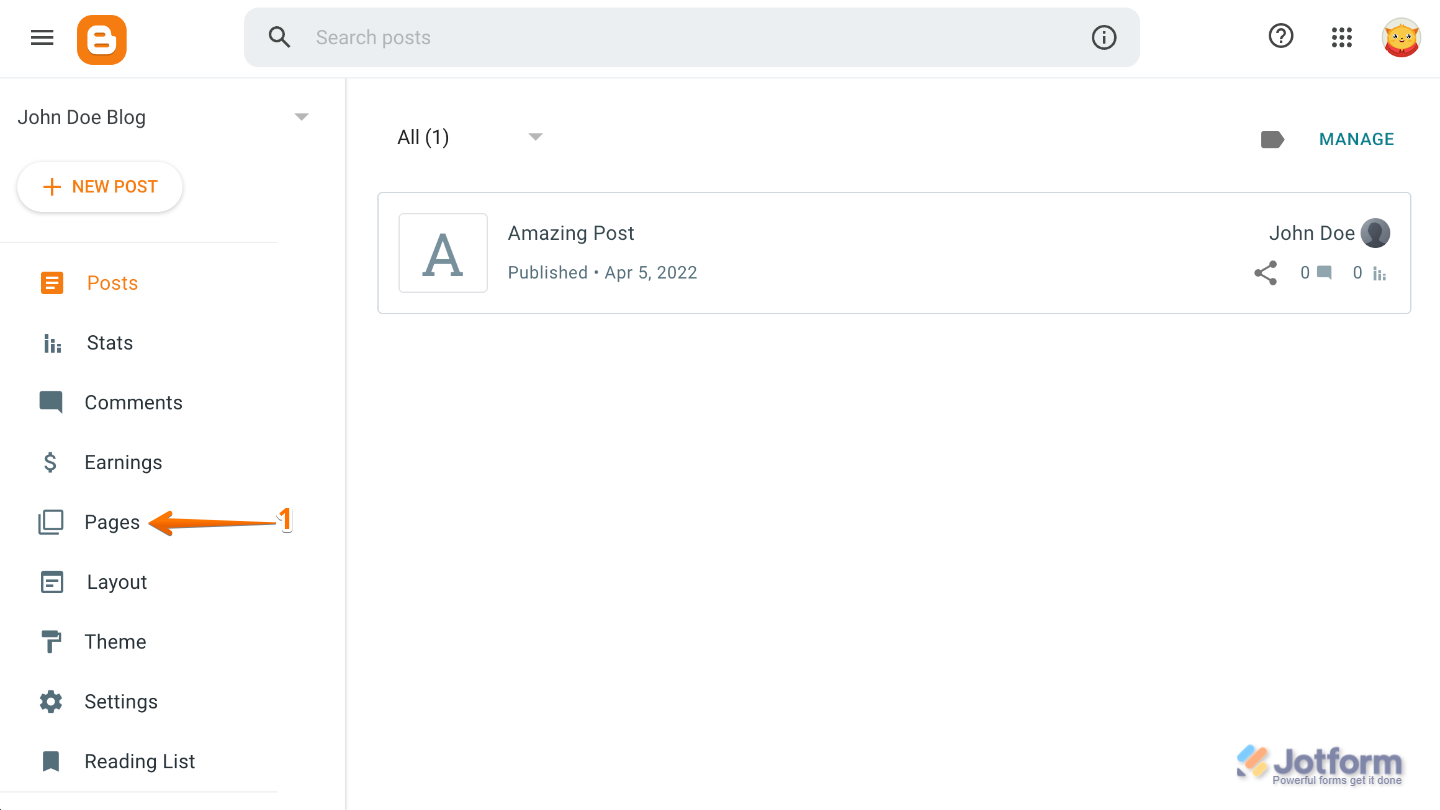
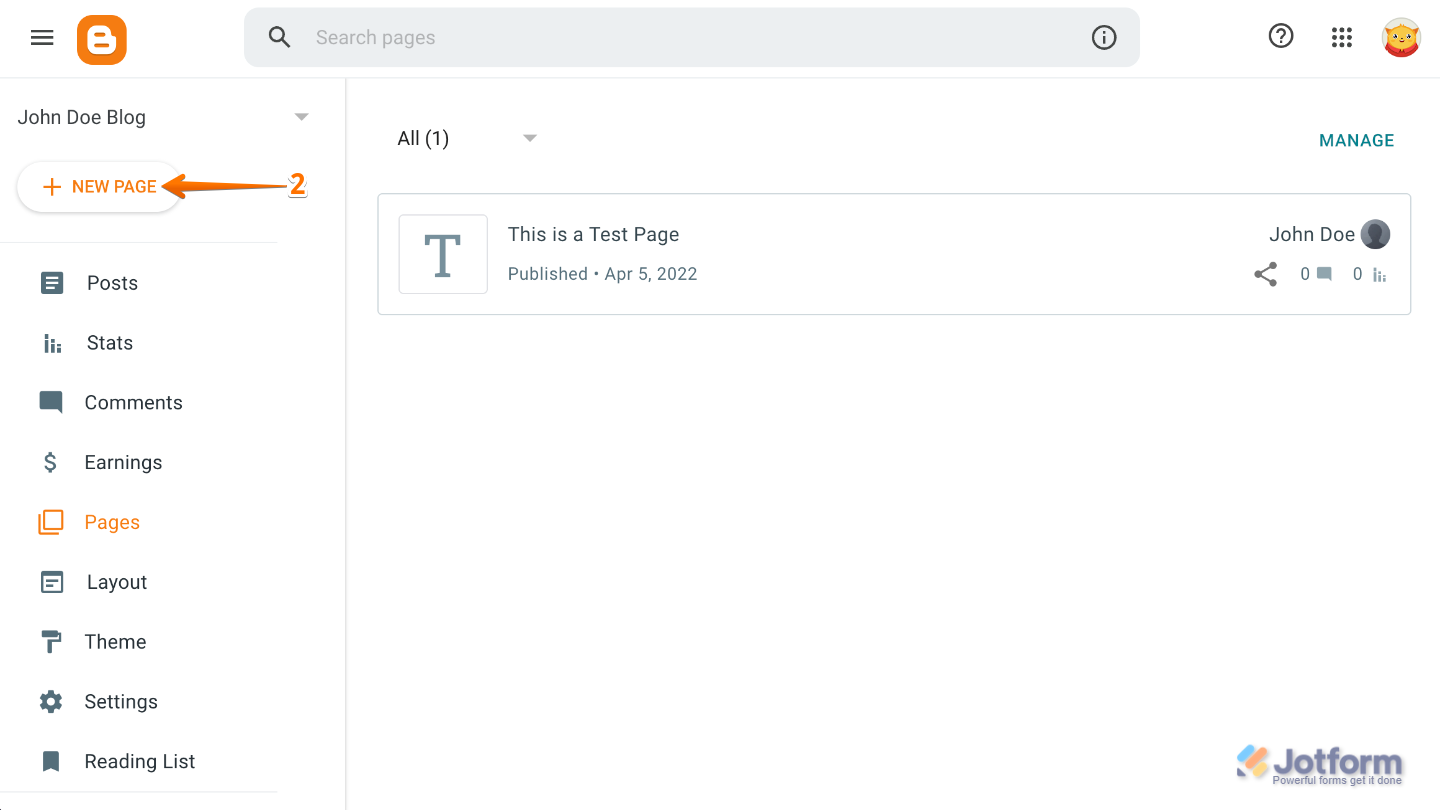
- Go to your Blogger dashboard and click on Pages in the menu on the left.
- Then, click on New Page on the top-left side of the page.
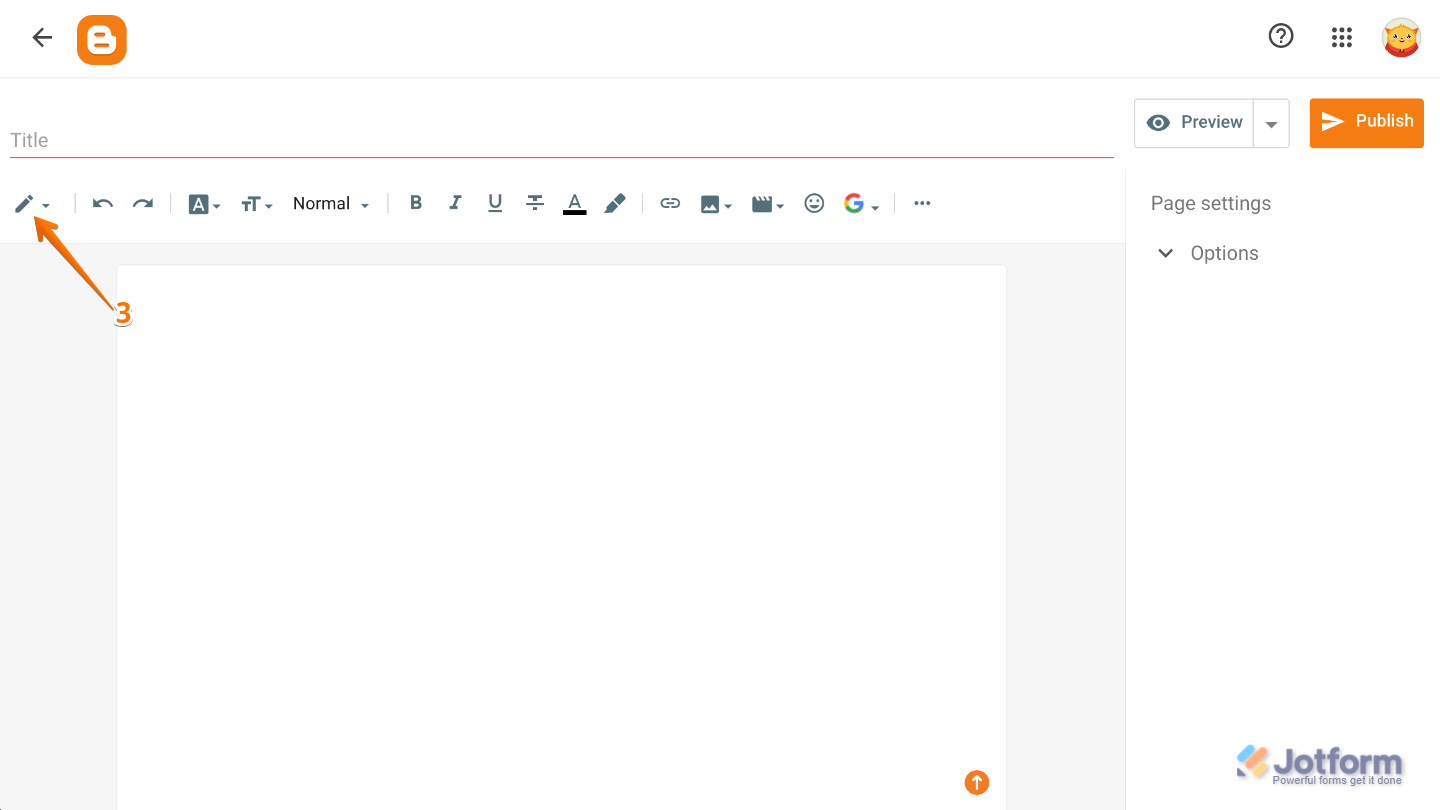
- Next, click on the Pencil icon on the top-left side of the page.
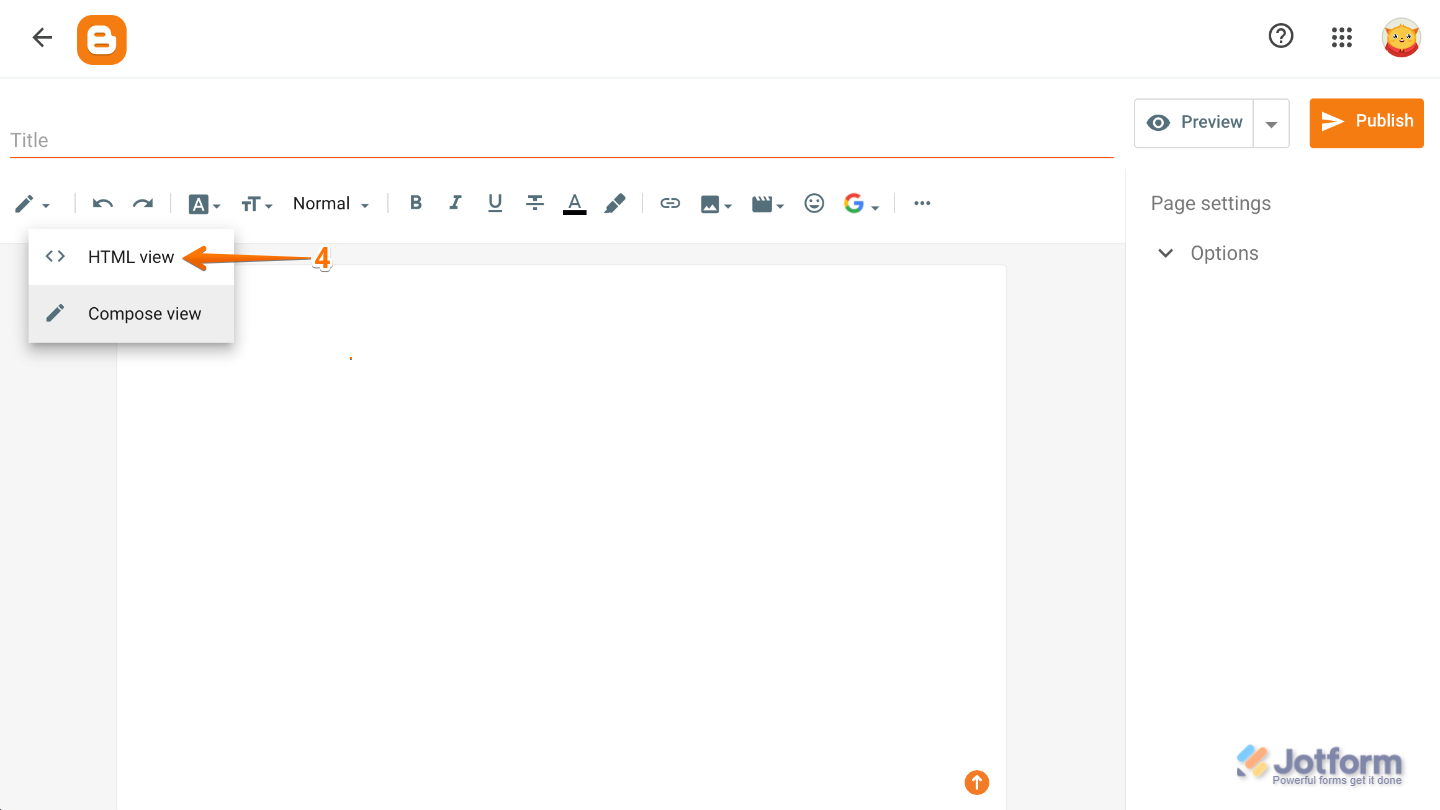
- In the Dropdown menu that opens, select HTML view.
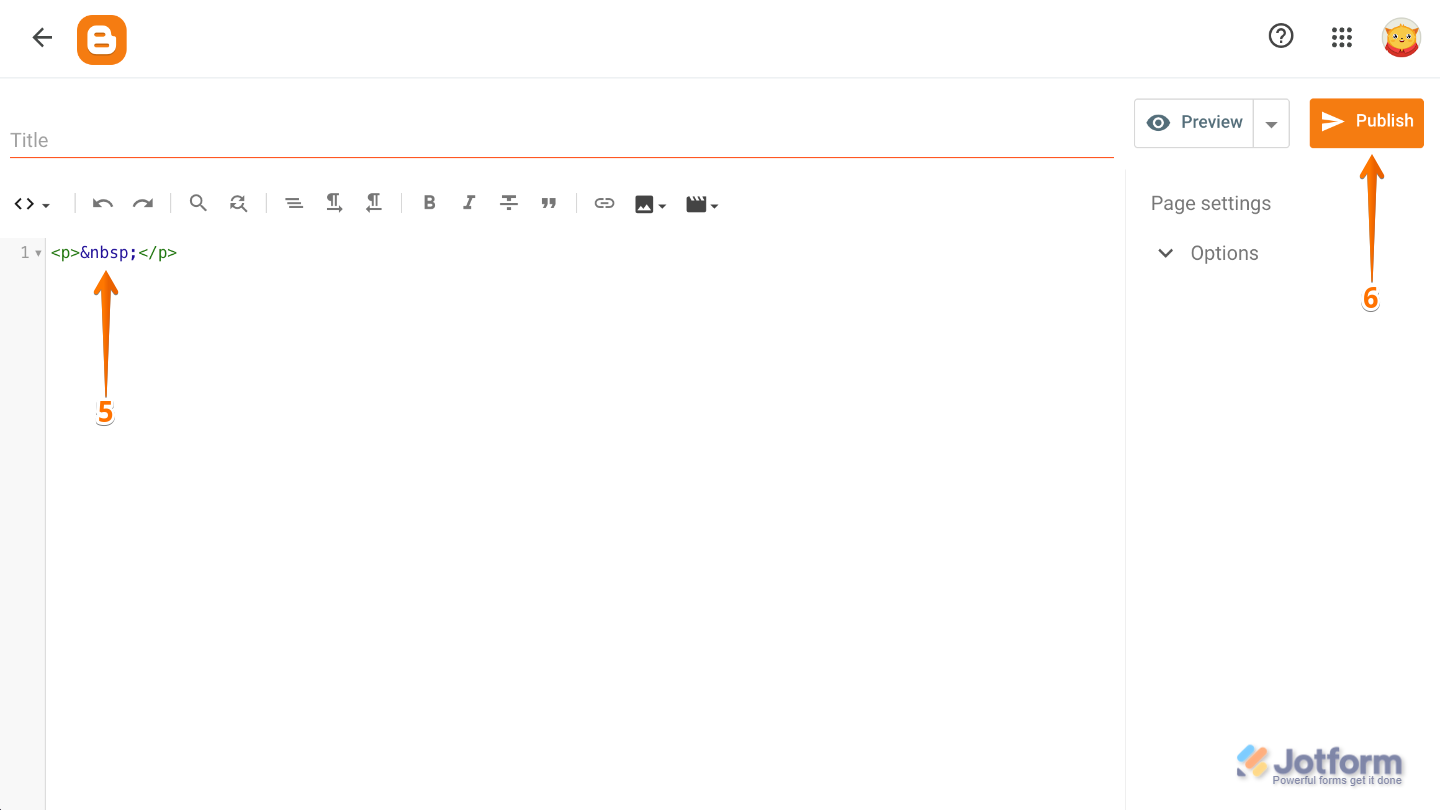
- Now, enter your preferred title, then paste the code into the Content box.
- Once you’re done, click on Publish in the upper right corner.
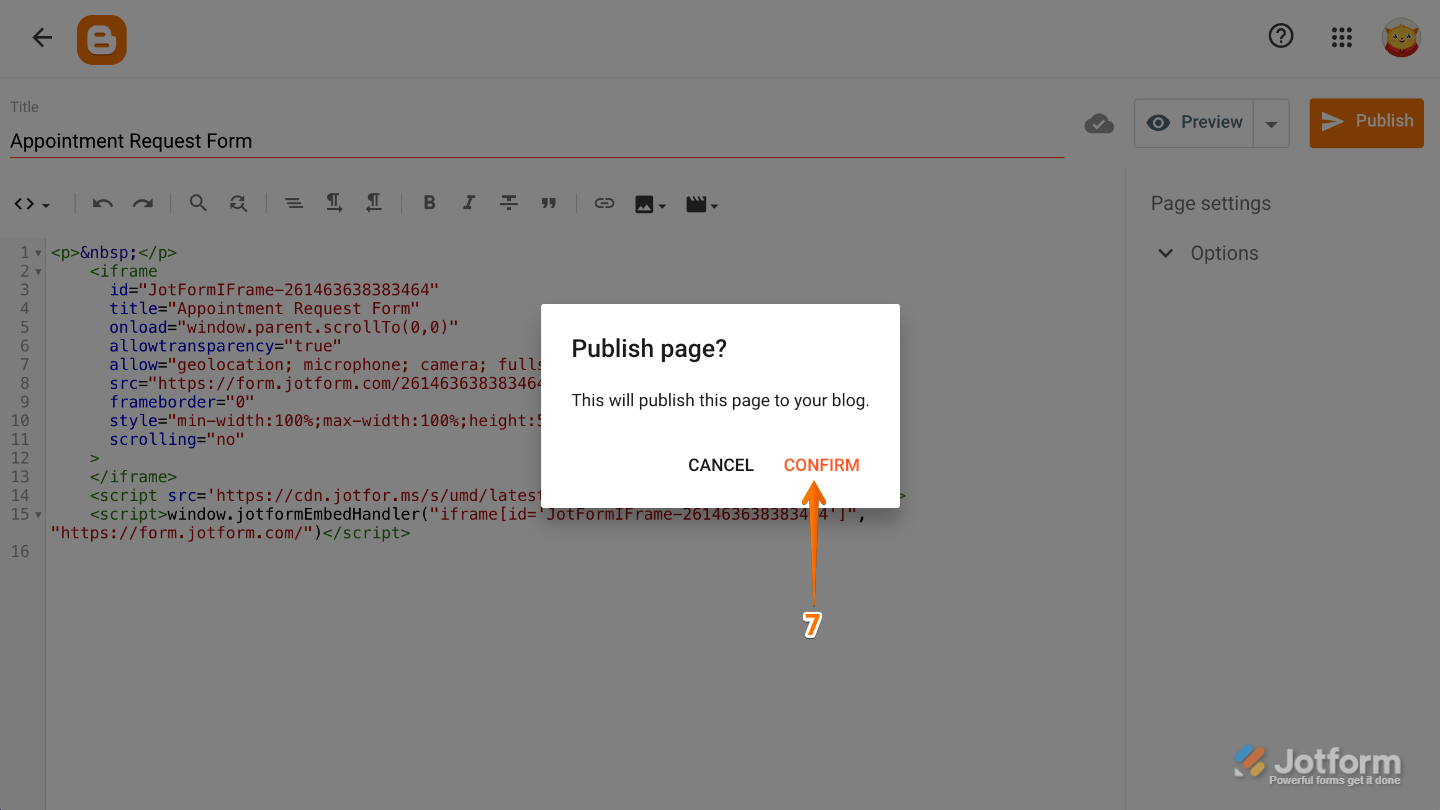
- Finally, in the Publish Page window that opens, click on Confirm.
That’s it. You’ve successfully added a Jotform form to your Blogger page, making it easier for visitors to interact with your website and submit information directly from your blog. Whether you’re collecting feedback, registrations, inquiries, or responses, embedding a form is a simple way to create a more engaging and interactive experience for your audience.

Send Comment:
92 Comments:
December 30, 2022
Wow ! Amazinginformation information showing through your blog, it's a beautiful decoration.
Its really great post I have some important information on your blog its very helpful for me.
October 16, 2022
This is Best Learning point i have ever visited🌹❣️
January 18, 2022
FAKE. Where is the code????
June 9, 2021
Send me contact us html code
March 31, 2021
helpful you can also check about iti
December 15, 2020
found this very helpful for my blog keep it up.
December 8, 2020
how can i code a resposive working form
November 15, 2020
thanks so much for this tutorial. But pls, how do i add other sections to the contact form. for if the blog is about product sales, how do i add multiple choice into the form
September 14, 2020
THANKS FOR THIS OPPORTUNITY TO CREATE ONLINE FORMS I AM GOING TO PROSPER
August 19, 2020
I use this method work properly. Thank you for this
June 3, 2020
Thank your for your information, I have add contact form in my blog learnAtool:Blog on automotive blog. But whenever I click on the send option , it don't show anything, how can I fix this. Please help. Thank you in advanced!!!
May 19, 2020
Can you tell me a contact form method which sends all the content to my mail .
May 12, 2020
Thanks for this great tips. Its really helpful for me.
April 27, 2020
Thanks for this great tips. Its really helpful for me. Again thanks
April 17, 2020
Great tips Thank you, sir.
April 16, 2020
Thanking you
February 25, 2020
Wow really awsome ?
February 18, 2020
Thank you
February 11, 2020
It's very helpful thanks for sharing
January 29, 2020
Nice form
January 25, 2020
As how to add form on mine blogger website as i used default blogger contact form but when anyone sends contact details i wont receive any respective details.
December 23, 2019
I created my blog post, added form and saved. I previewed form, everything looks good. When I publish it, the first several lines of the post repeat after the form. I am not sure as to why. Do you have any suggestions and I only know very little about coding/html. Please help.
December 23, 2019
Exactly what I was looking for! I couldn't find anything on YouTube like this. The steps are clear and precise; anyone can understand.
Great job!
Thanks
December 7, 2019
Nice article. Thank you so much for providing the information about how to create feedback form in the blogger. Really very interesting content you have shared.
November 2, 2019
sir, this article of yours is very good. this article is very important for all new blogger. please, all new blogger must read this article and apply to their blog to gain more organic traffic on your website.