Accidentally deleting a form can happen, but Jotform makes it easy to recover it. In the Jotform Mobile Forms App, deleted forms are moved to the Trash folder, where you can restore them if needed.
Restoring a deleted form allows you to bring it back to your form list so you can continue editing it or collecting submissions.
Note
Deleted forms remain in the Trash folder for 30 days before they are permanently removed. Once a form is permanently deleted from Trash, it can’t be restored.
If a form is deleted from your Jotform account, it will be moved to the Trash folder. You can restore it from the Trash in the Jotform Mobile Forms app in just a few steps. Here’s how:
- In the Jotform Mobile App, tap the Three Lines icon in the bottom-right corner of the screen.
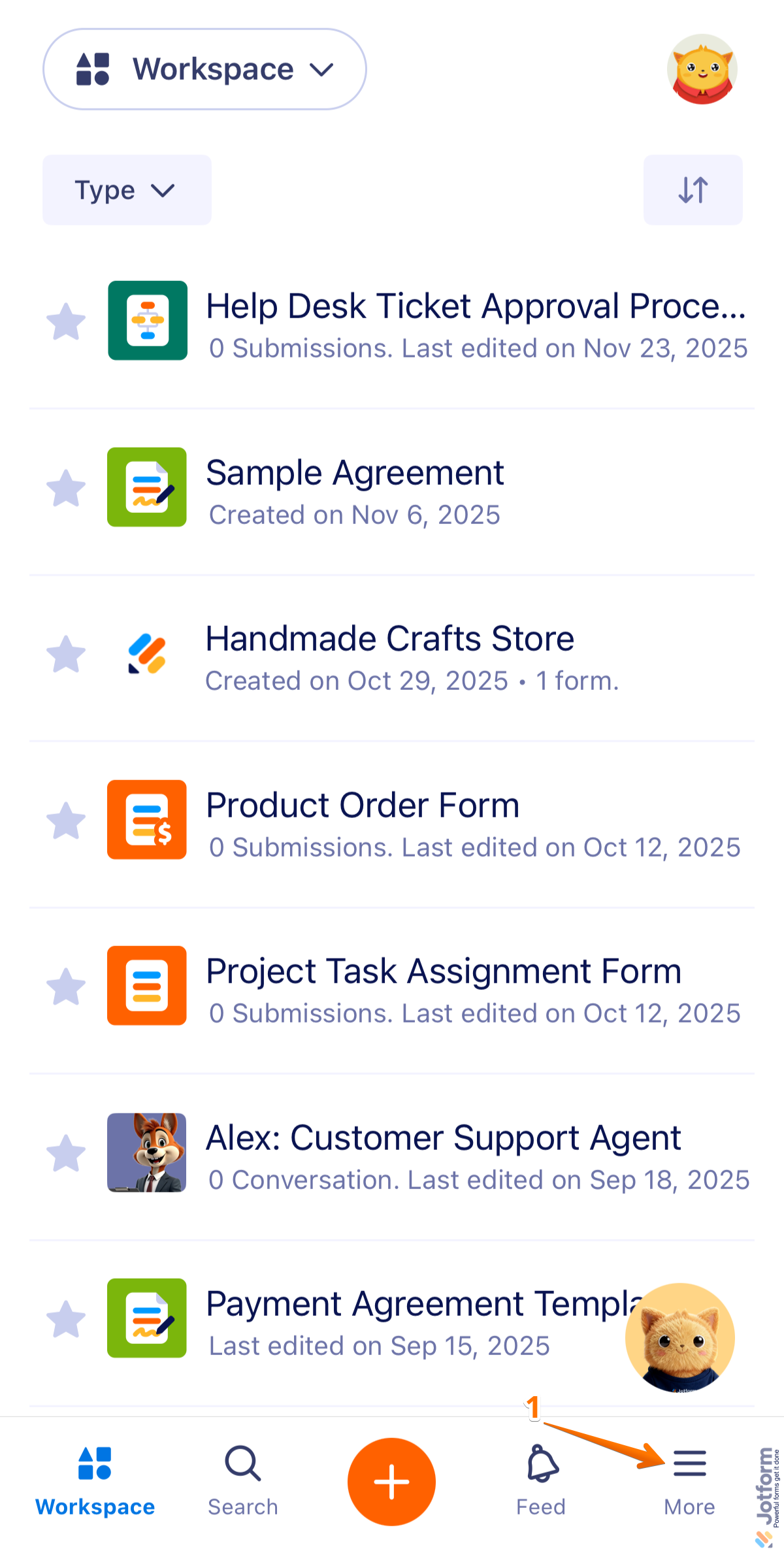
- Then, in the menu that opens, tap on Trash.

- Next, on the top-left side of the screen, tap on the Type dropdown.

- Now, in the menu that opens at the bottom, uncheck the boxes next to all the assets except Forms, so only forms will be shown on the page.
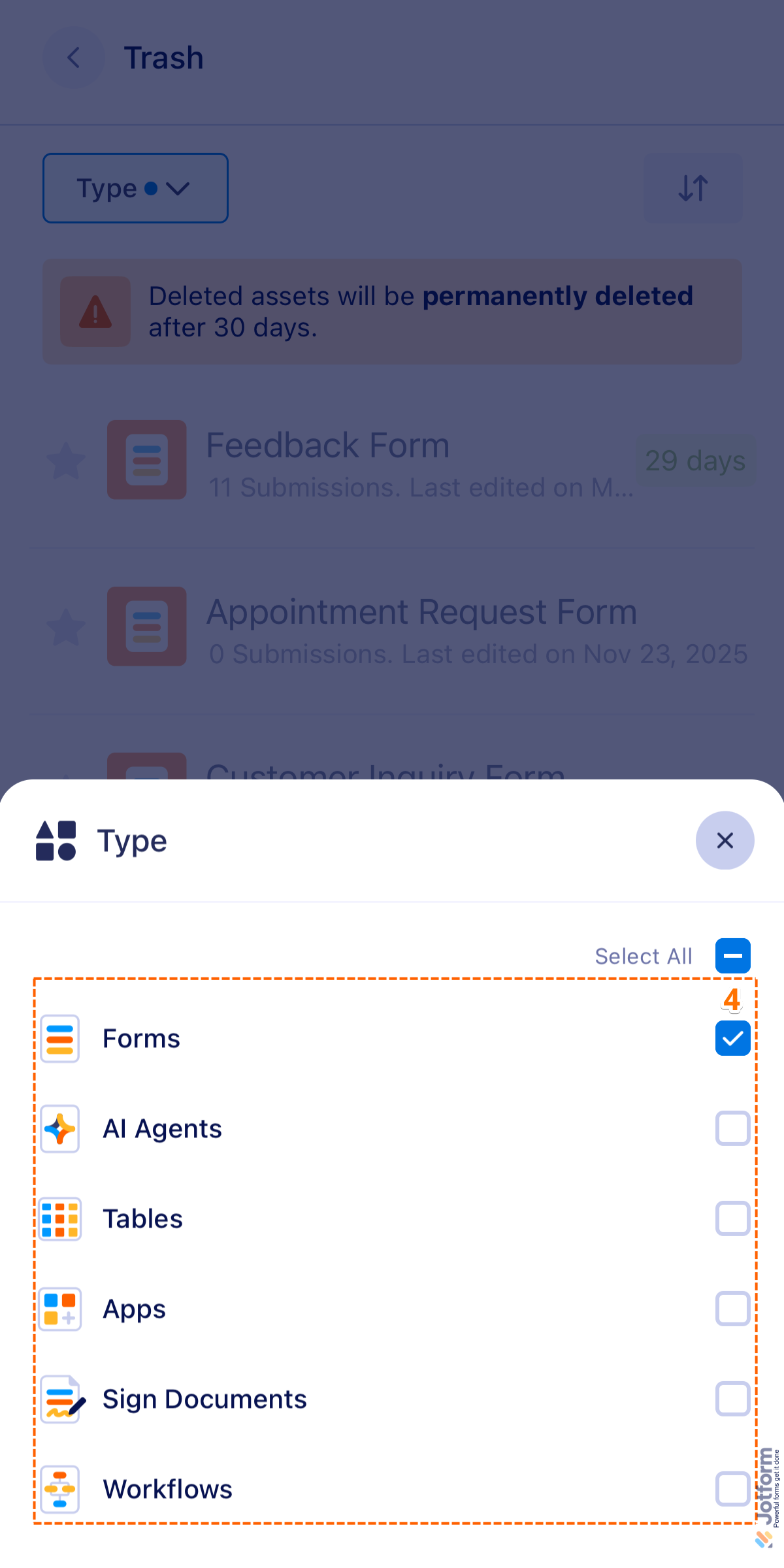
- Then, tap on the form you want to restore. For example, Feedback Form.

- Finally, in the menu that opens, tap on Restore and you’re done.

That’s it! Once restored, the form will appear again in your Workspace page.

Send Comment: