Regularly updating your password helps protect your account from unauthorized access. If you ever forget it, resetting your password is an easy way to regain access. Remember to choose a strong password and keep it private to keep your account secure.
Resetting your Jotform Password is pretty simple. Here’s how to do it:
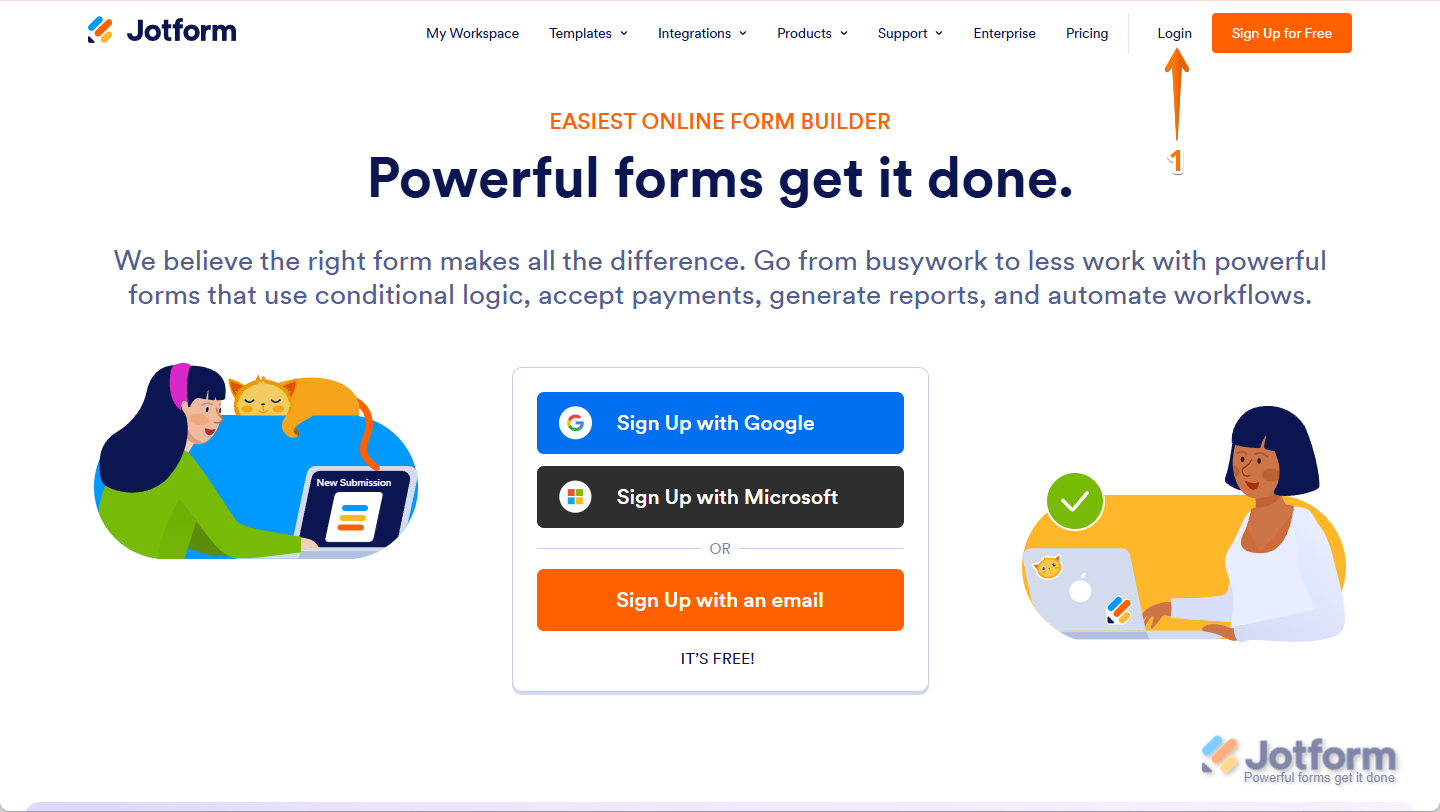
- Go to the Jotform Main page and click on Login in the top-right corner of the page to go to Jotform login page.
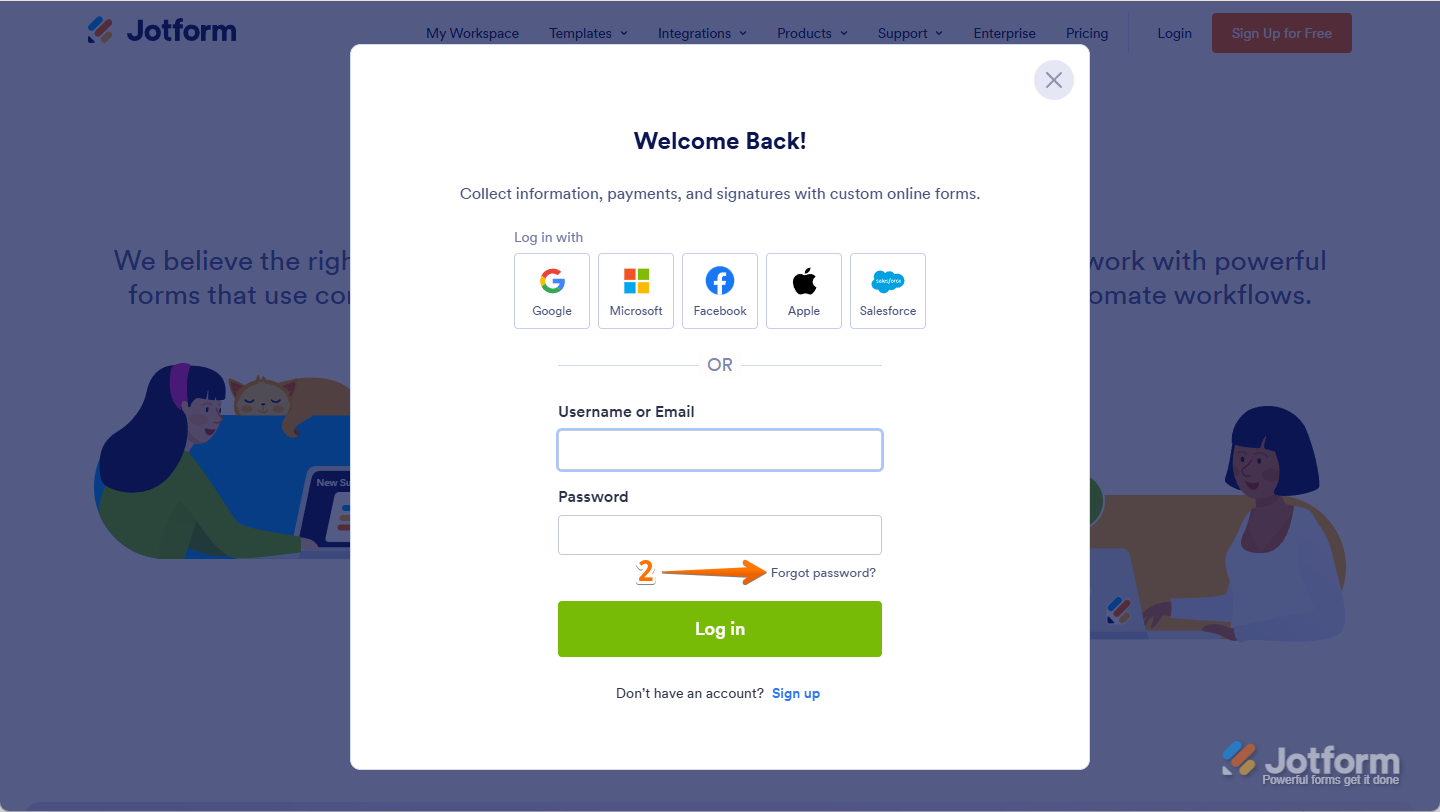
- In the window that opens, click on Forgot Password?.
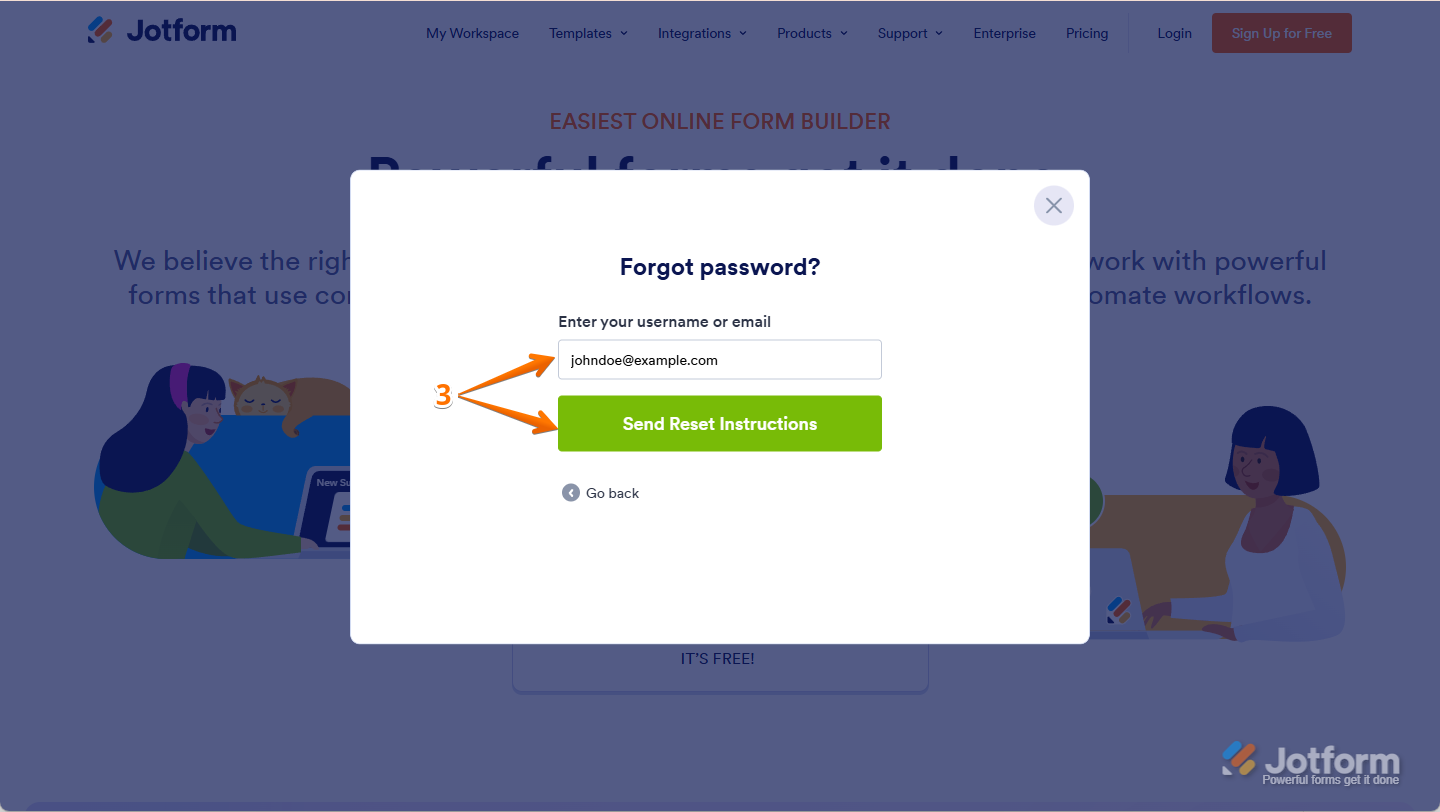
- Now, enter your email address, and click on Send Reset Instructions.
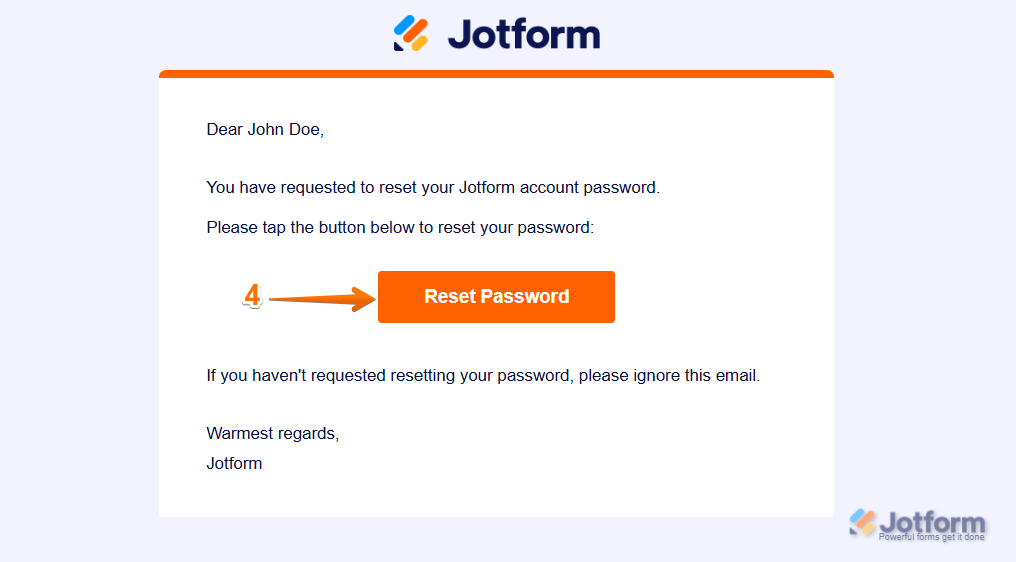
- You’ll get an email with instructions on how to reset your password. Open the email and click on Reset Password.
- Enter your new password, then enter it again to verify it, and click on Create a New Password.
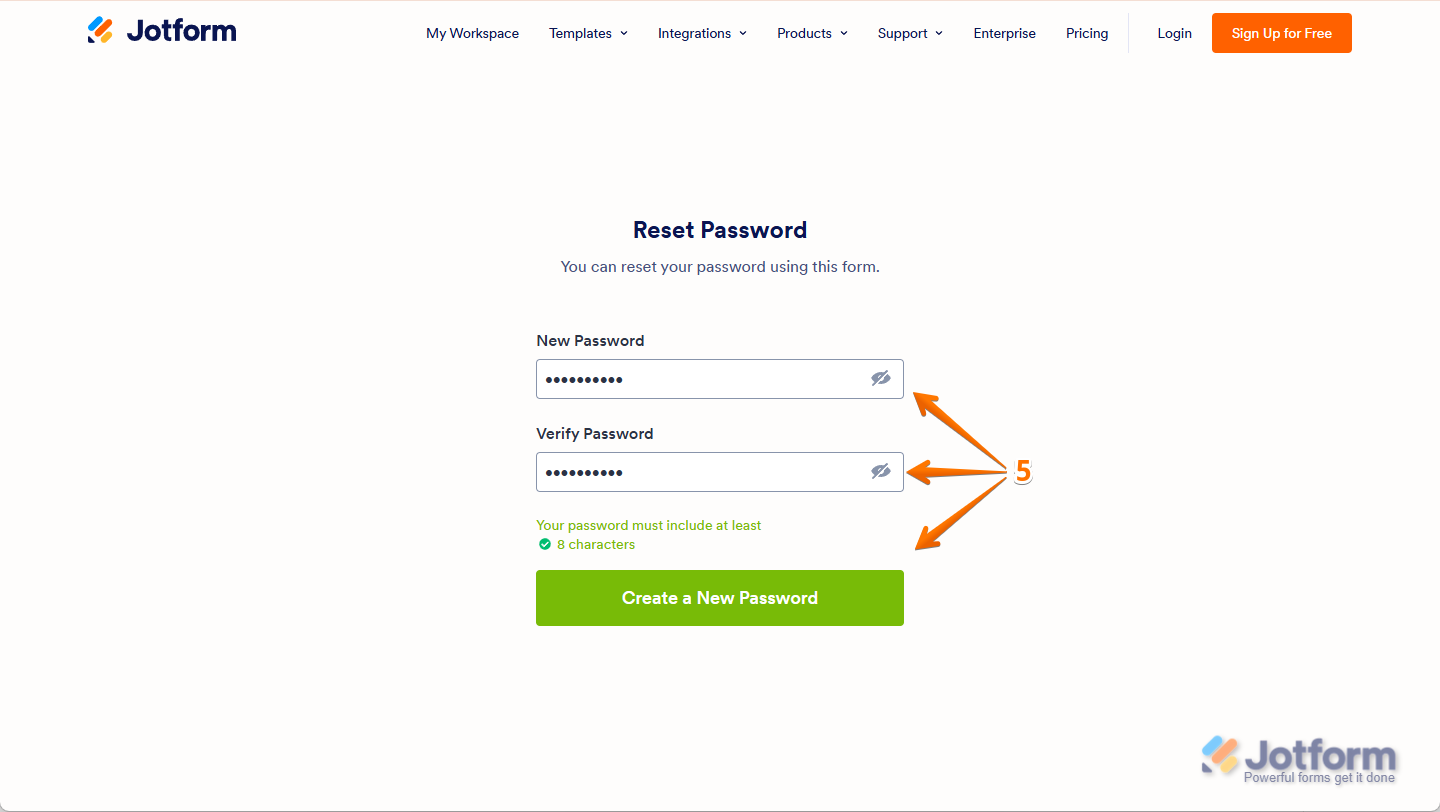
You’re all set! You’ve now successfully changed your password, and you can use it to log in to your Jotform account.

Send Comment:
79 Comments:
November 16, 2025
All a person needs is to have the email and can request to change password. This doesn't seem secure?
October 7, 2025
It's not the answer I was looking for in order to "reset" my encrypted form in order to retrieve my submitted forms
April 28, 2025
I don’t need the password reset, I need to update our email, as we are locked out of the original email account, the email account is no longer accessible.
February 8, 2025
The password we sent is not working
February 7, 2025
Reset password does not work. Keeps coming up with "there was an error on the page"
January 30, 2025
Trying to use the reset password and the link does not appear in my email or my spam folder. Please assist ASAP. Thank you.
January 20, 2025
Thanks a ton for the "reset password" instructions...I'm not an idiot, and I can follow your instructions you provide when attempting to reset the password...the issue is that the LINK sent to reset expires immediately thus not allowing a password reset. I
Please assist asap...I've got to much to get accomplished before 8am.
Thank you,
Mike
January 5, 2025
Hi I am trying to resent my password but do not see a email with a reset link. I checked my spam folder as well.
Tamara
December 29, 2024
my account is suspended and I would like access to it
December 18, 2024
I also have not had the password reset email. I have a deadline to complete an application that needs to be done by the 20th December and signed by my manager. I have completed the application but been locked out of the account. Please can you urgently help? Thank you.
October 25, 2024
this reset does not work! pleaase help me to reset my password. our company used the website in August for a poll. And now I cant use it!
Christian
October 4, 2024
I have tried the password reset, but it does not send a link.
October 3, 2024
THE RESET PASSWORD LINK NEVER ARRIVES.
September 30, 2024
Please unlock my account somehow it has locked out.
September 30, 2024
I have tried the password reset, but it does not send a link.
July 30, 2024
I can not reset my password as it does not provide me a reset link
July 6, 2024
Still waiting for a email to reset password. It's been several days.
June 26, 2024
I did request a password reset but did not get an email
June 4, 2024
I do not receive a password reset email. I have checked the spam filter and I have tried to reset password for this account on different browsers and devices. The reset email never arrives
May 23, 2024
I am not getting to the password reset screen when I click "reset password" from the email that you sent. It takes me to the log in screen only.
May 1, 2024
Your system is failing to send the Reset Your Password email to me. It has been almost 24 hours without any response to my initial request and followup support request communication.
April 16, 2024
I am not receiving the reset password email. Please help.
April 7, 2024
This did not work
April 3, 2024
This is not helpful, our issues is unresolved!
March 25, 2024
I can't log in and I can't get a rest code in my email