Tables allow you to add new columns whenever you need to. You can add basic, formula, button, or connection column types. Organize columns as you see fit. You can duplicate, reorder, and toggle columns. You can also sort data alphabetically or numerically as well as group them by answers.
Adding a New Column
To create a column:
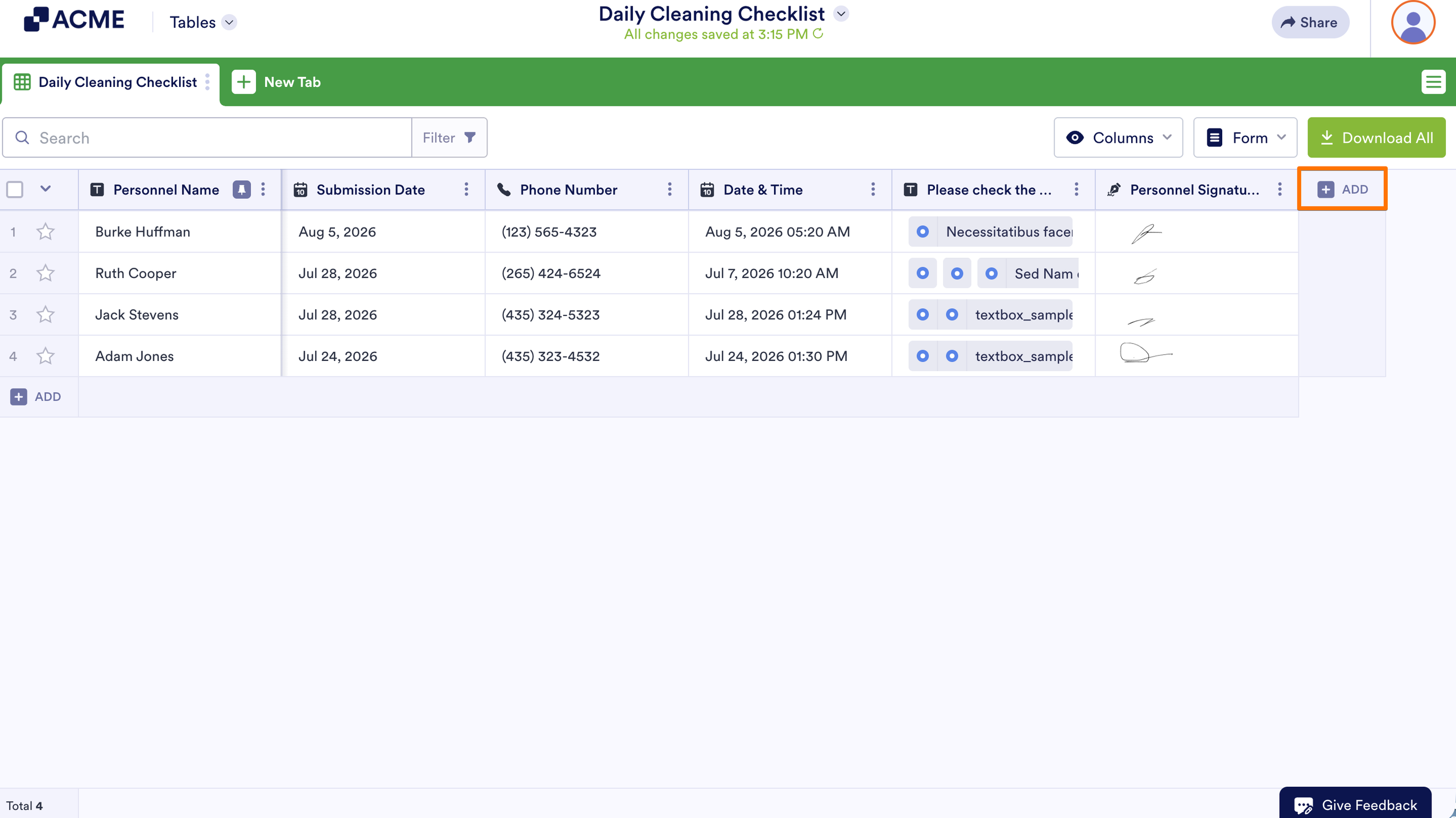
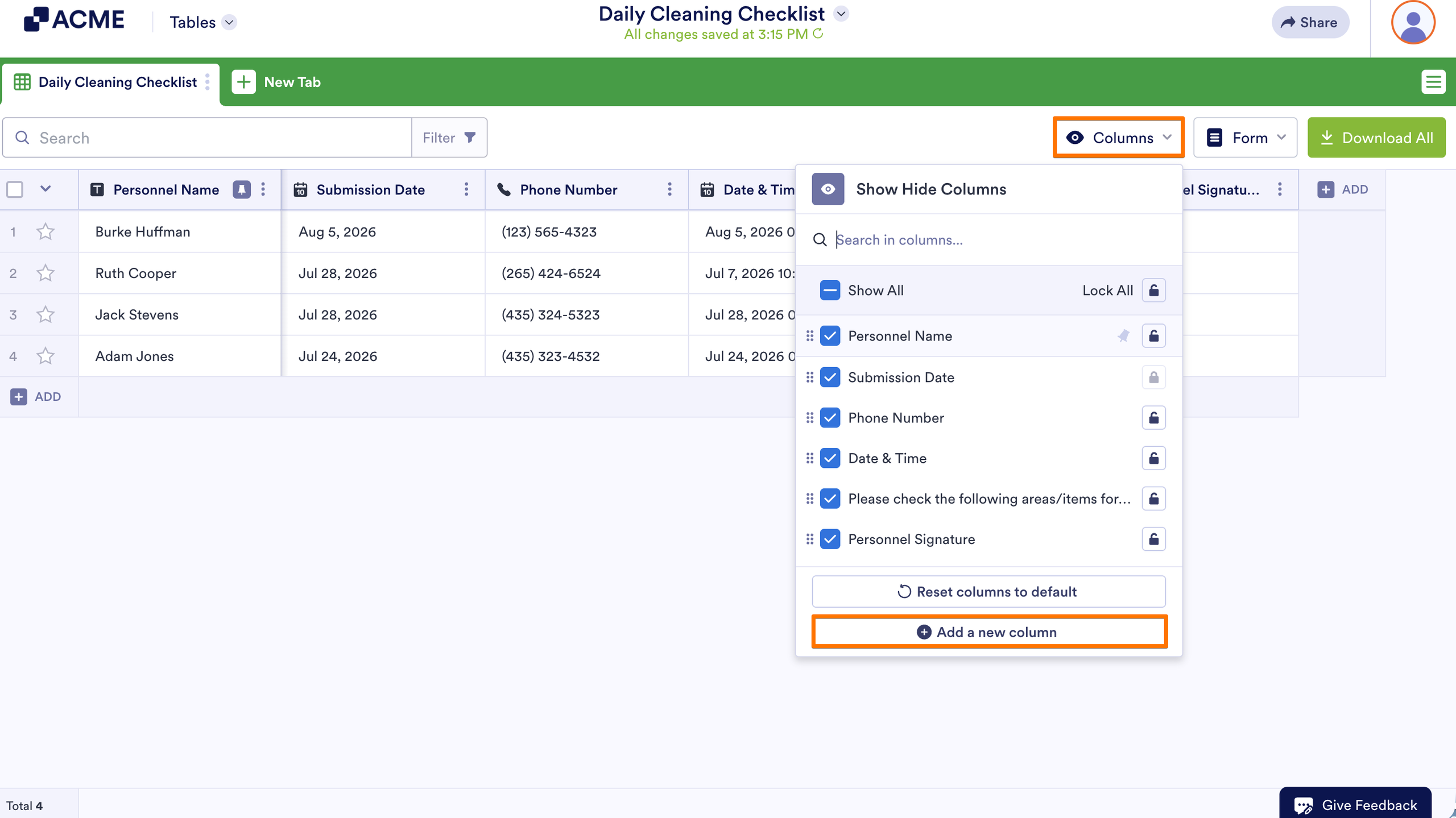
- In Tables, select Add at the right end of column headings. Or open Columns in the upper-right corner and then select Add a new column.
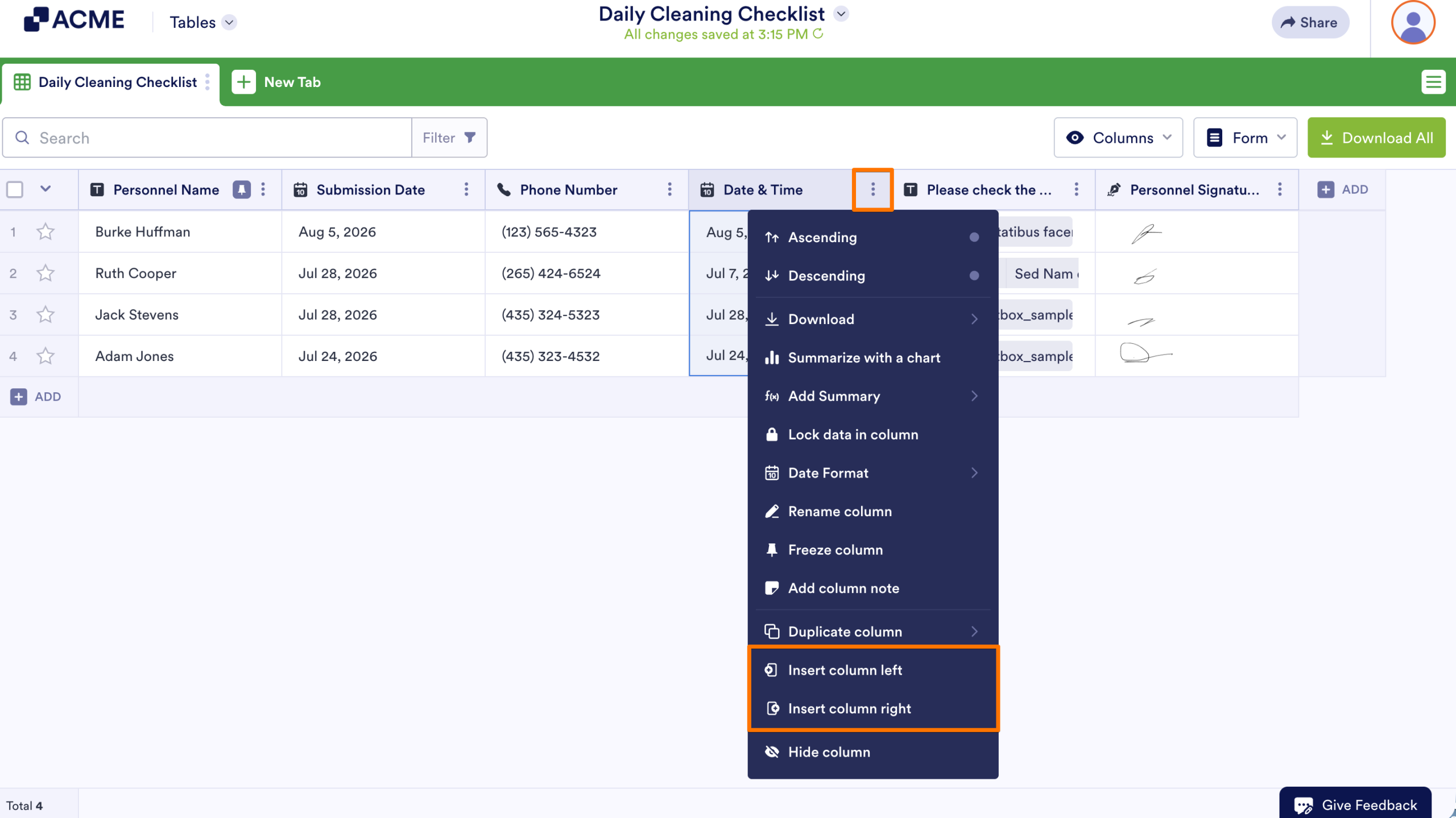
To insert a column, open a column menu, then select Insert column.
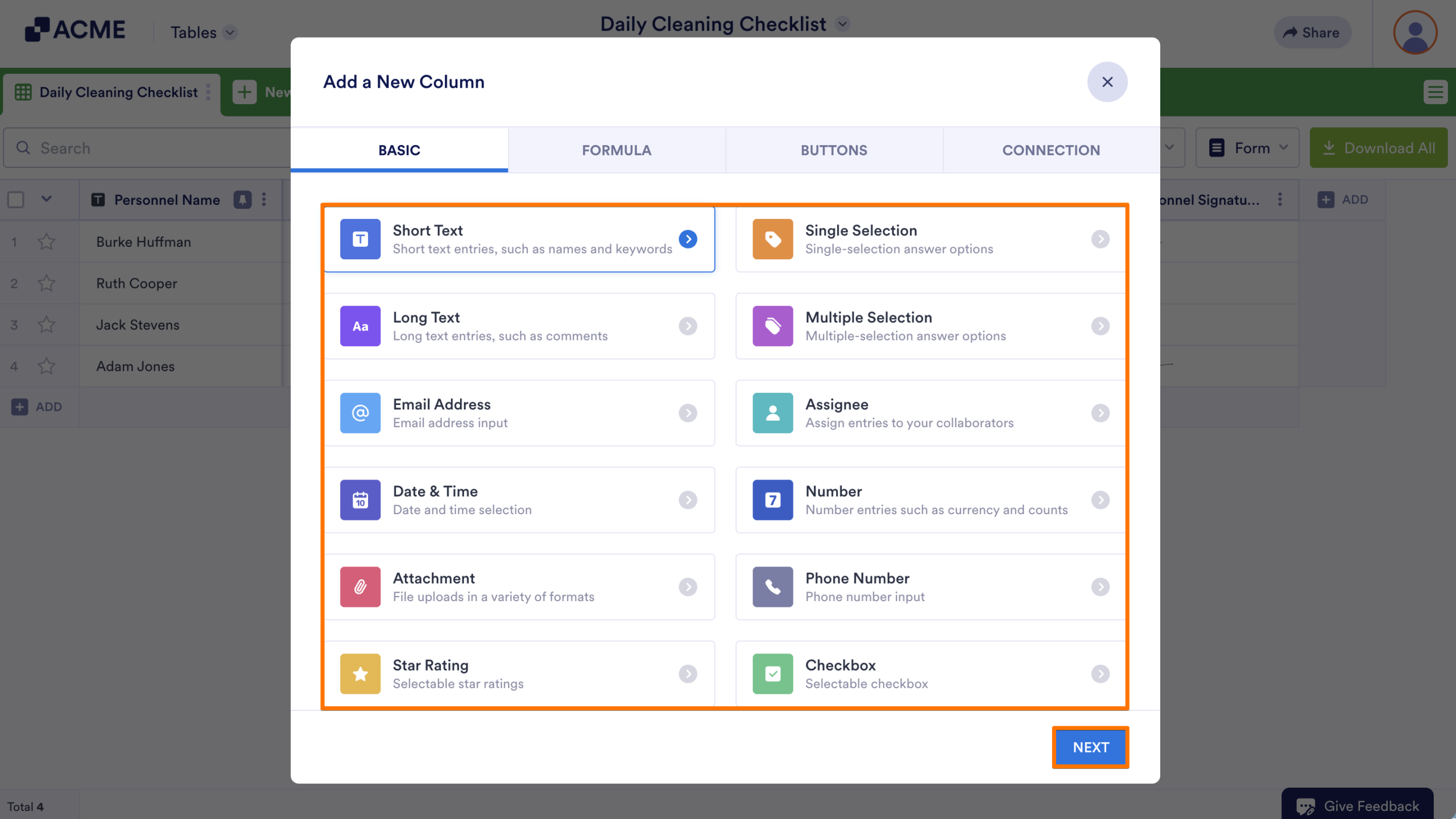
- In the dialog, choose a column type, then select Next. You can switch categories — Basic, Formula, Buttons, or Connection — using the tabs at the top.
- Enter your desired column name, then select Create Column or Next depending on the column type.
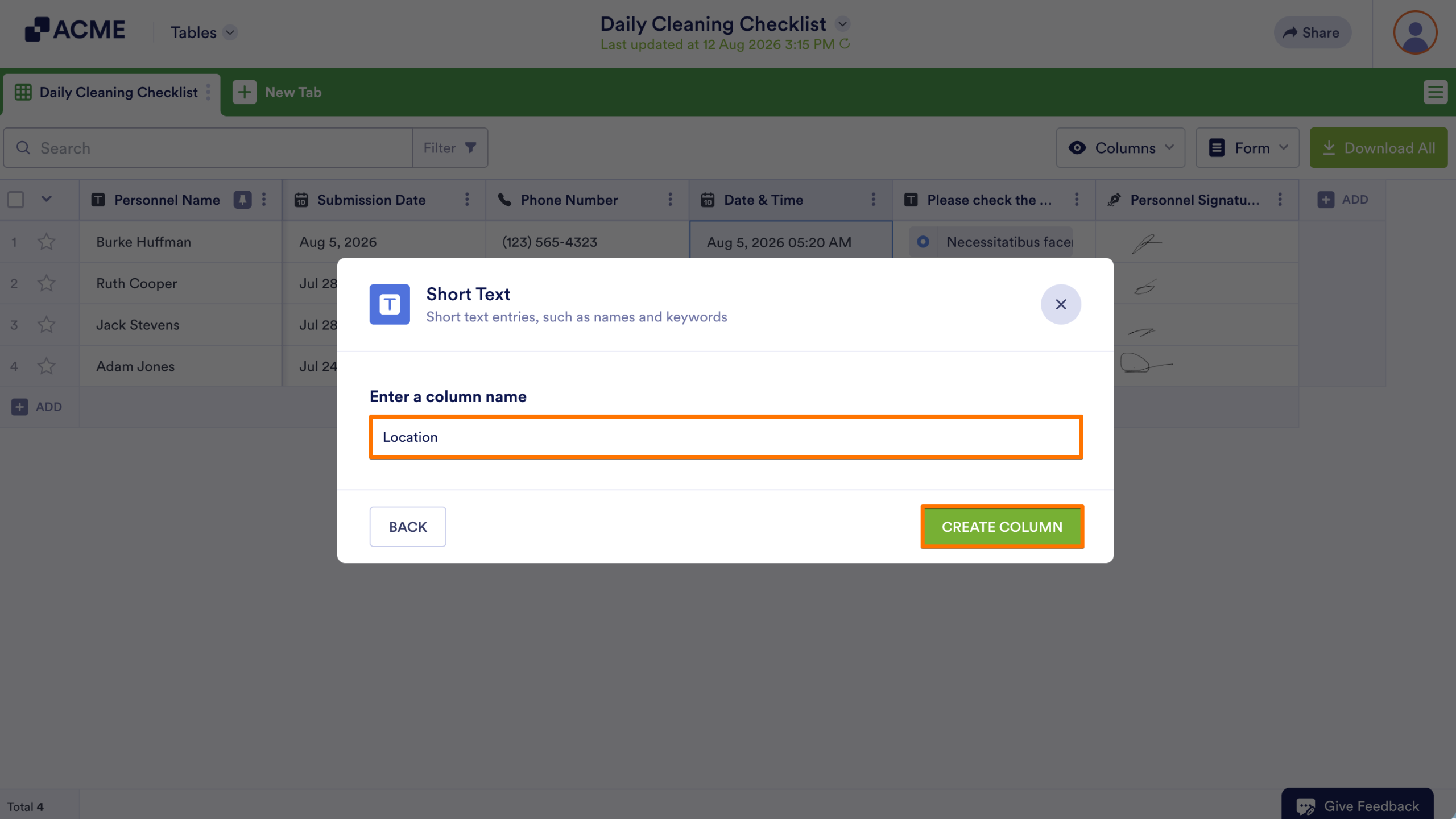
- If applicable, follow the rest of the instructions on your screen to complete the process. For more information on non-basic column types, see Advanced Formula and Action Buttons.
Organizing Columns
There are several ways to organize your columns. Depending on what you need, you can organize your columns using the visibility options, the column menu, or by interacting directly with the columns.
Columns Button
Select Columns in the upper-right corner to see your columns’ visibility and other options.
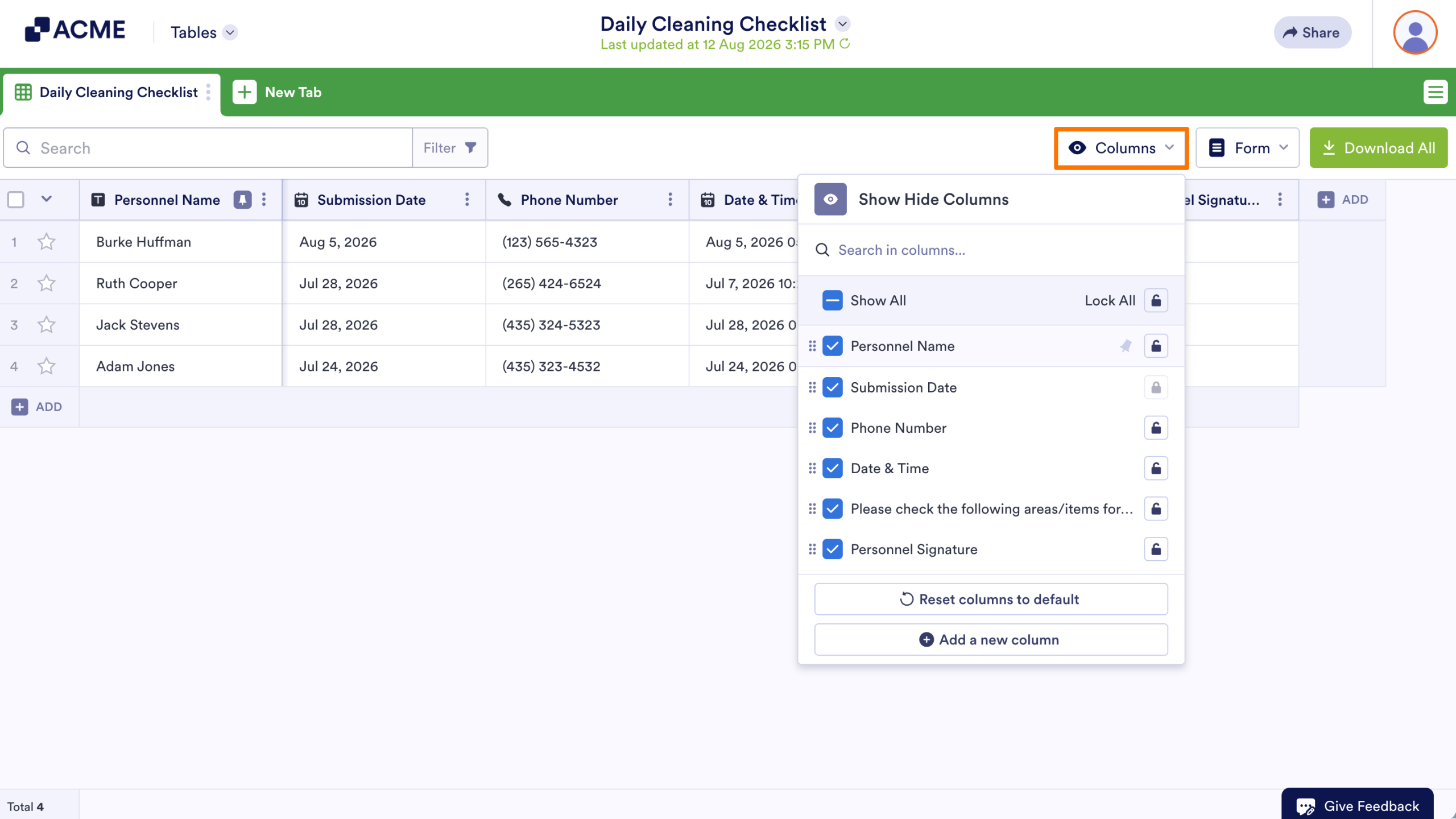
In the Show/Hide Columns dialog, you can
- Search columns.
- Show or hide columns.
- Rearrange columns by moving them vertically.
- Change a column’s read and write permission using the lock icon.
- Create a new column by selecting Add a new column.
Tab Menu
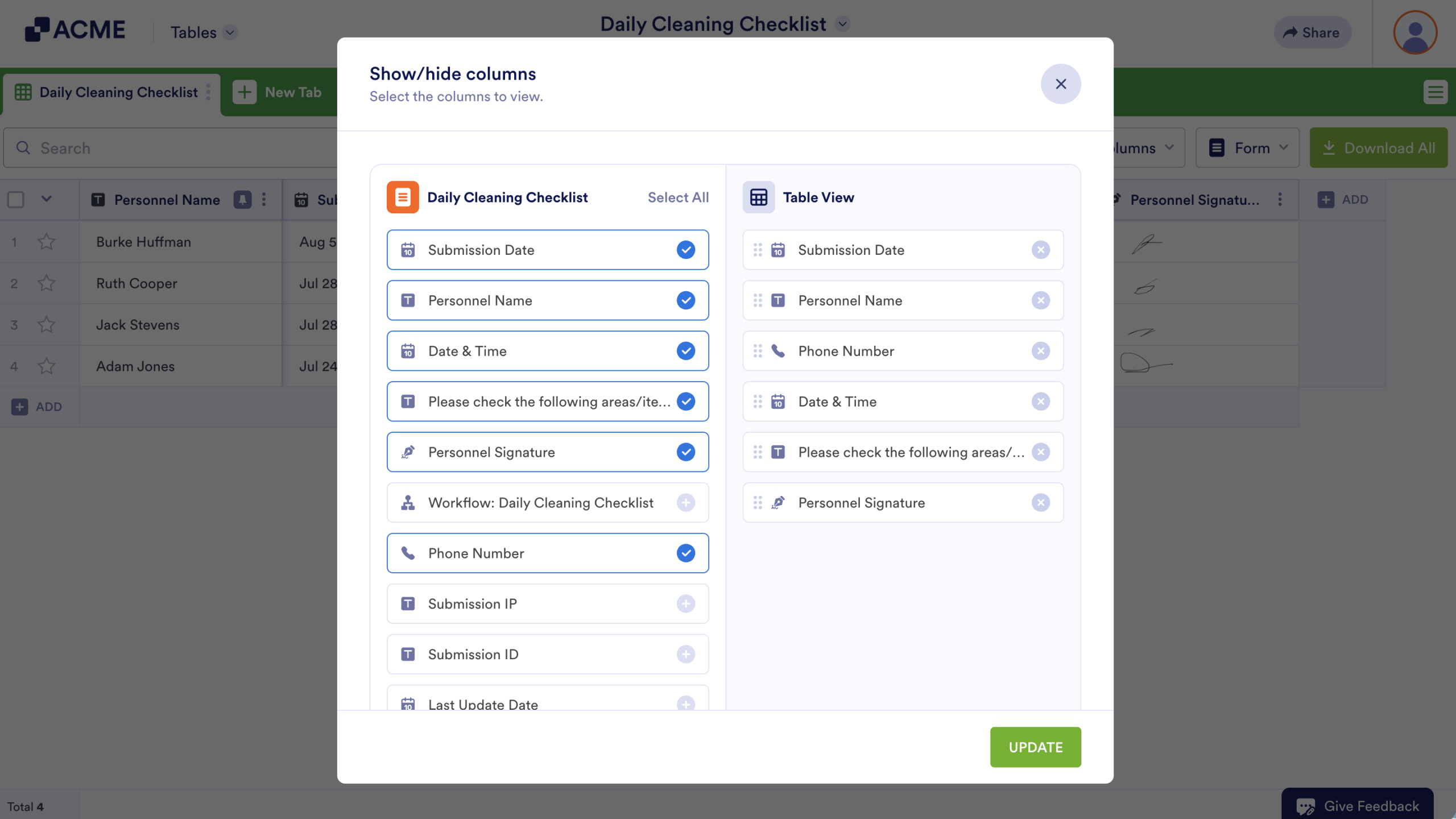
You can manage your columns from the tab menu by selecting Manage columns.
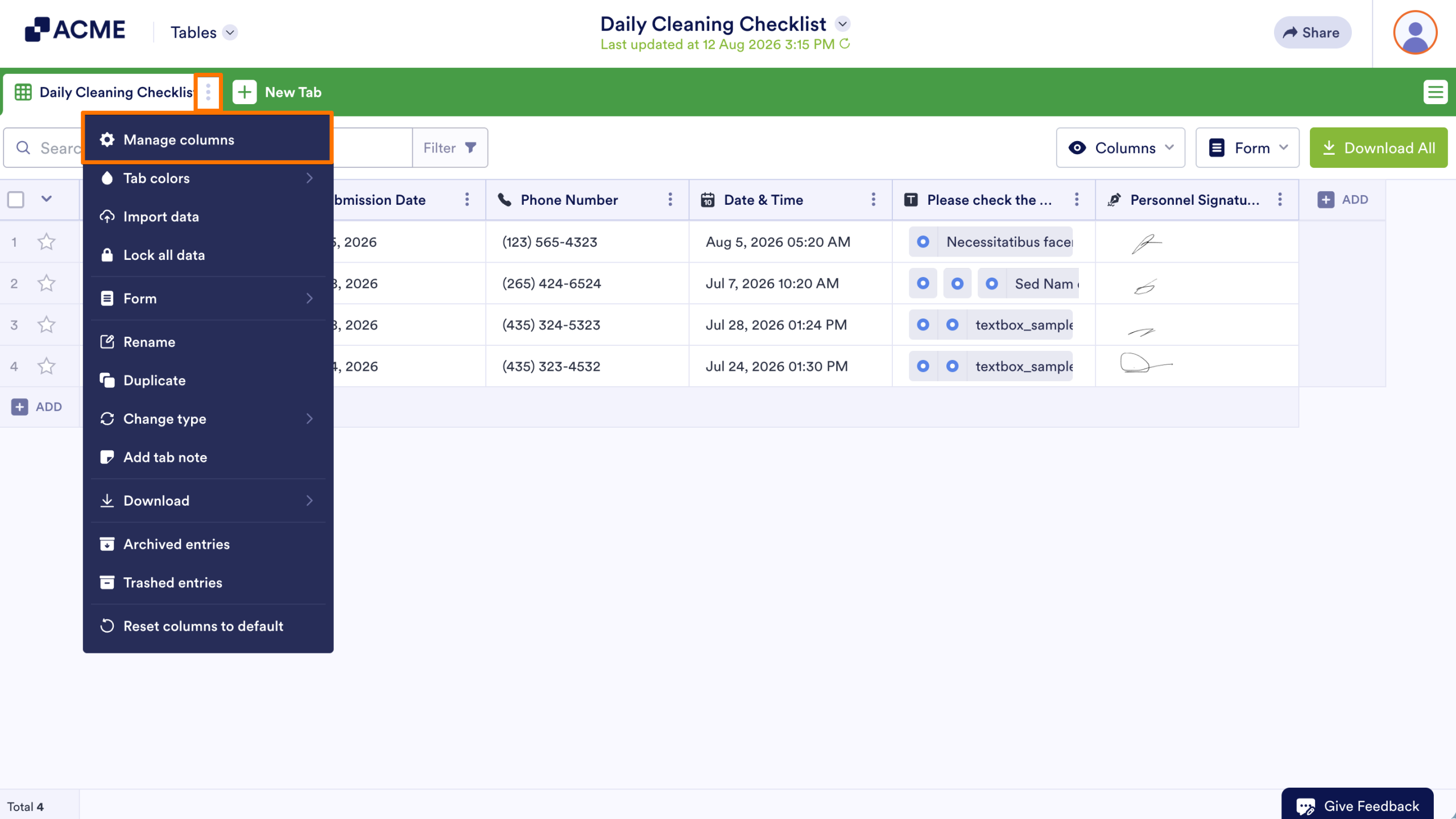
Unlike the Columns button, the tab menu’s Manage columns option is limited to rearranging and showing or hiding columns.
Column Menu
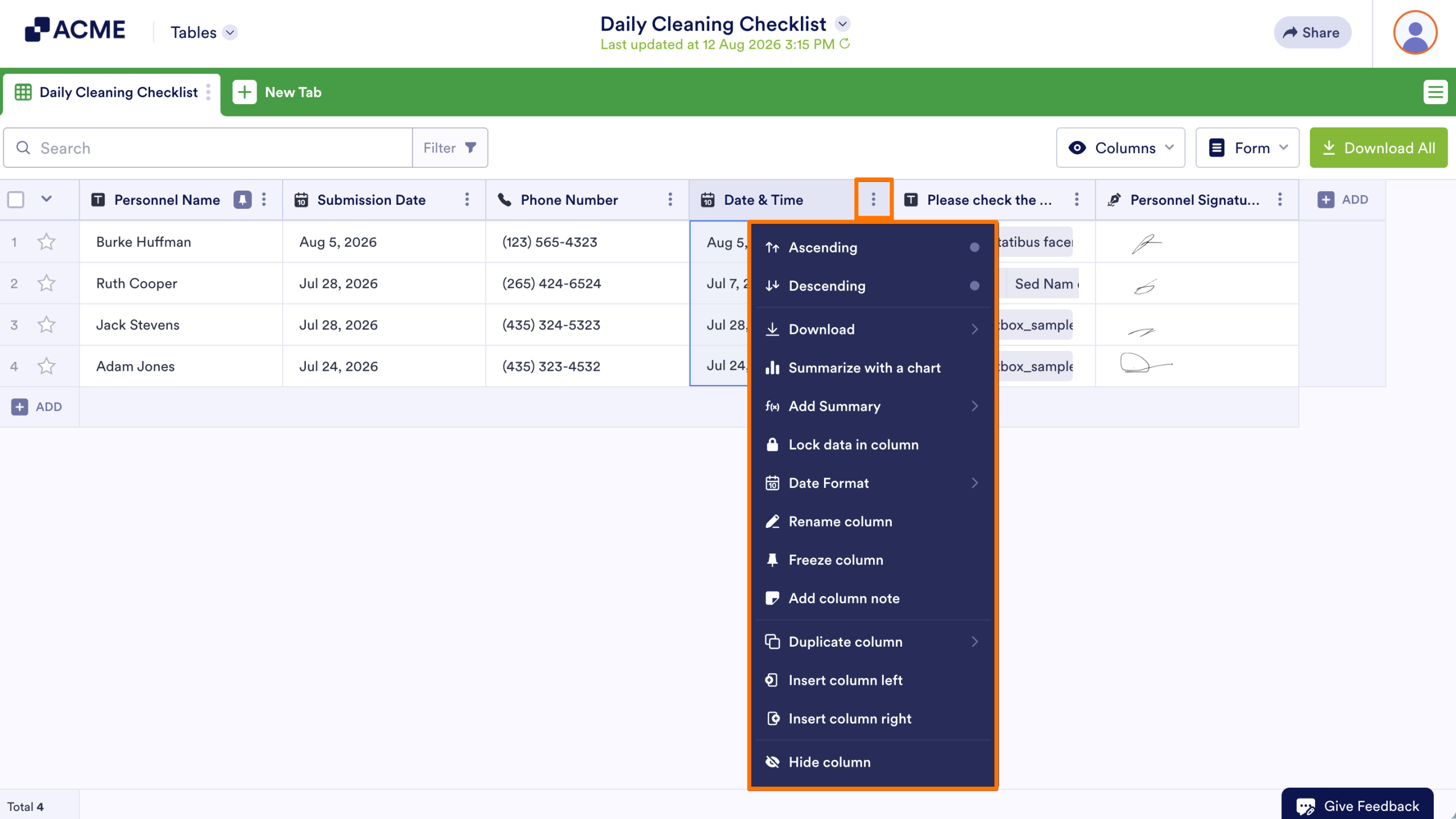
The column menu has a variety of options you can perform like freezing, duplicating, renaming the column, and more. Some options are unique to certain column types like the Group by option.
Column Headings
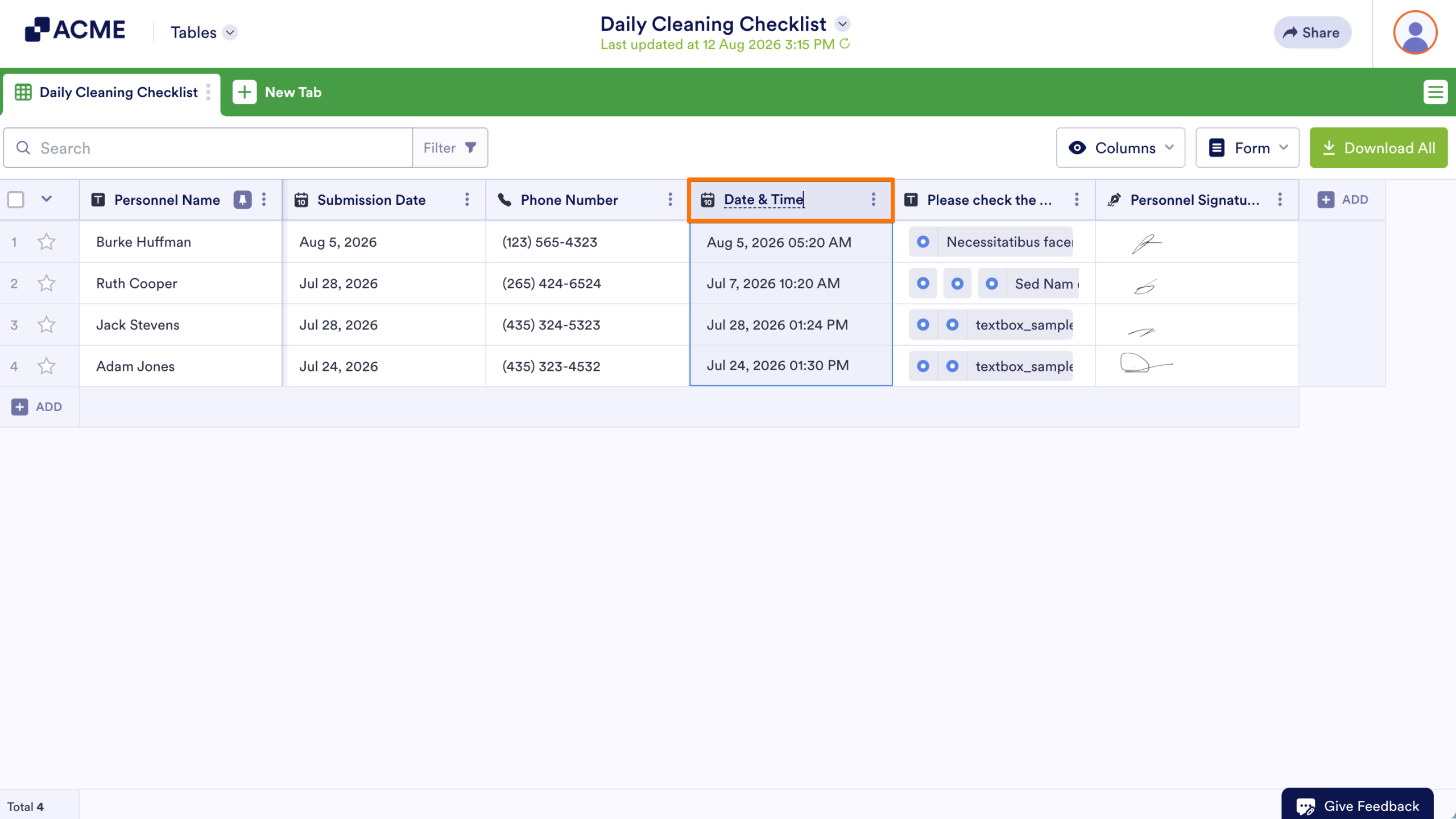
There are some actions you can perform by interacting with the column headings. For example, double-clicking on a column heading’s text allows you to rename it. You can also rearrange columns by moving the column headings.

Send Comment: