As an Admin, you can decide whether your organization can access AI-powered tools for faster asset creation and workflow automations by enabling or disabling them from the Admin Console. AI capabilities include all AI-related product settings, such as AI Agent Creation, Jotform AI, and AI-Generated Organization-wide Form Template Creation.
In the Admin Console, you can enable or disable the option for users in your organization to use AI capabilities. Please refer to the guide below to update this setting.
Enabling AI Capabilities
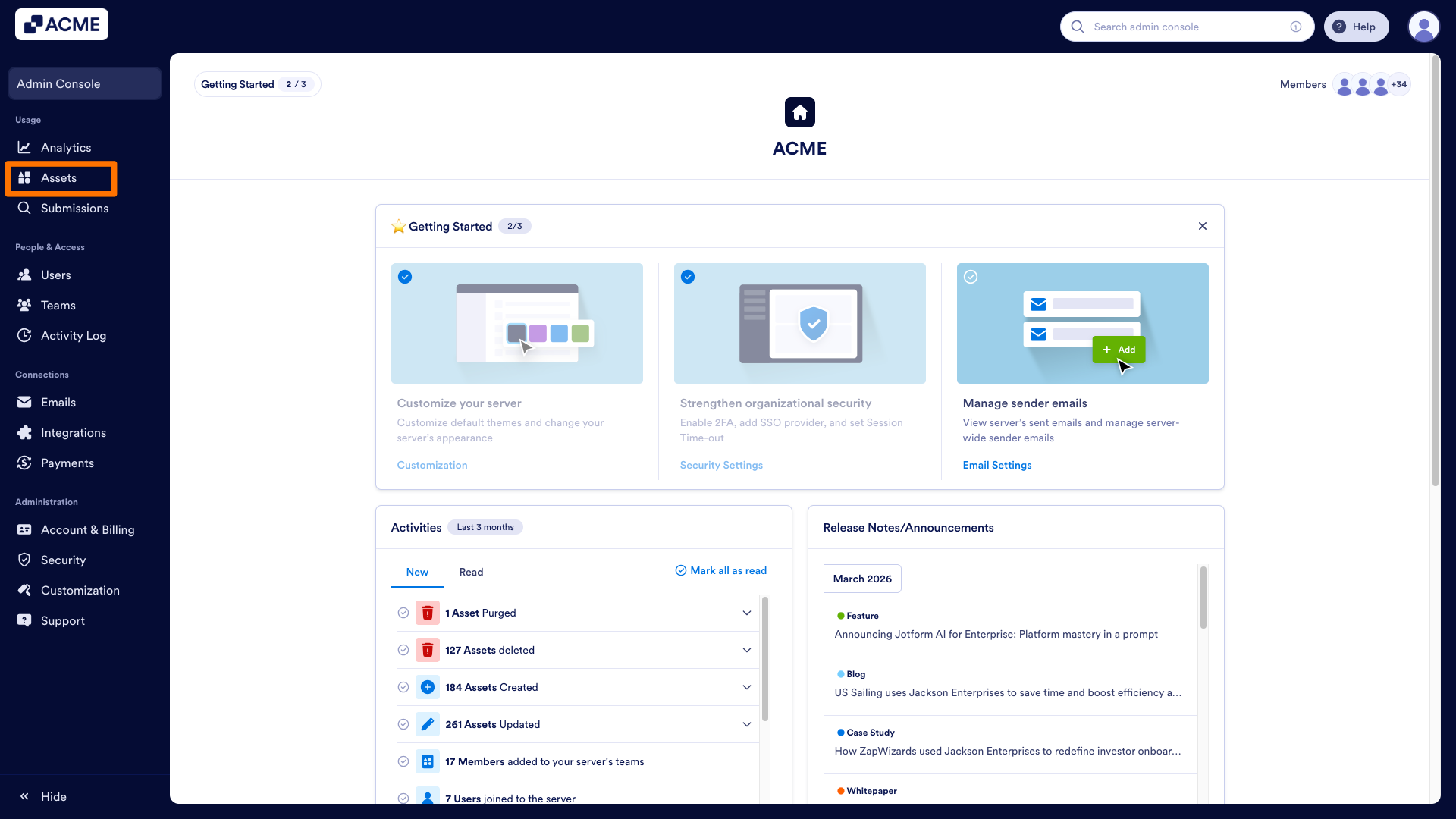
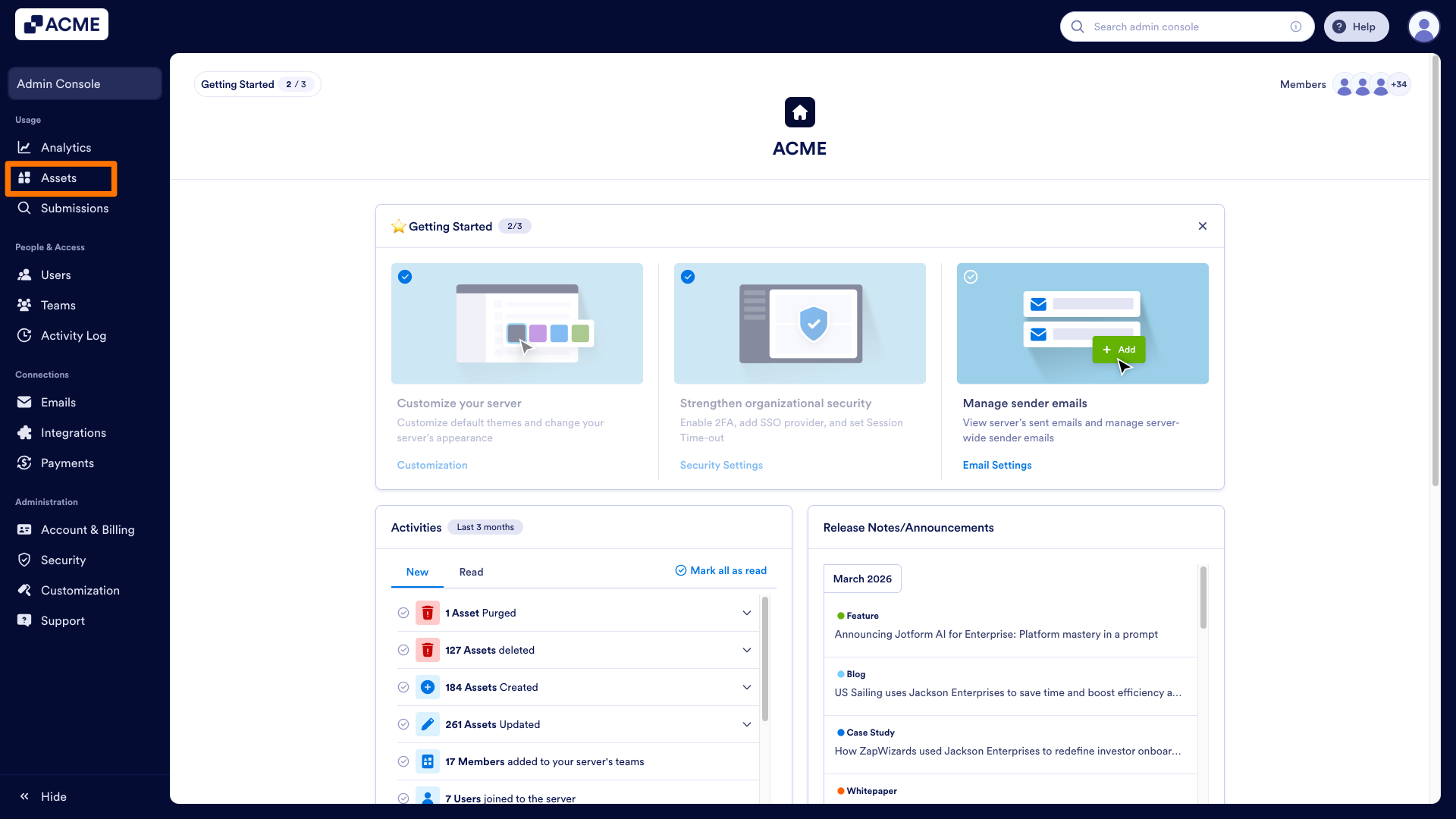
- In the Admin Console, click on Assets in the menu on the left side of the screen.
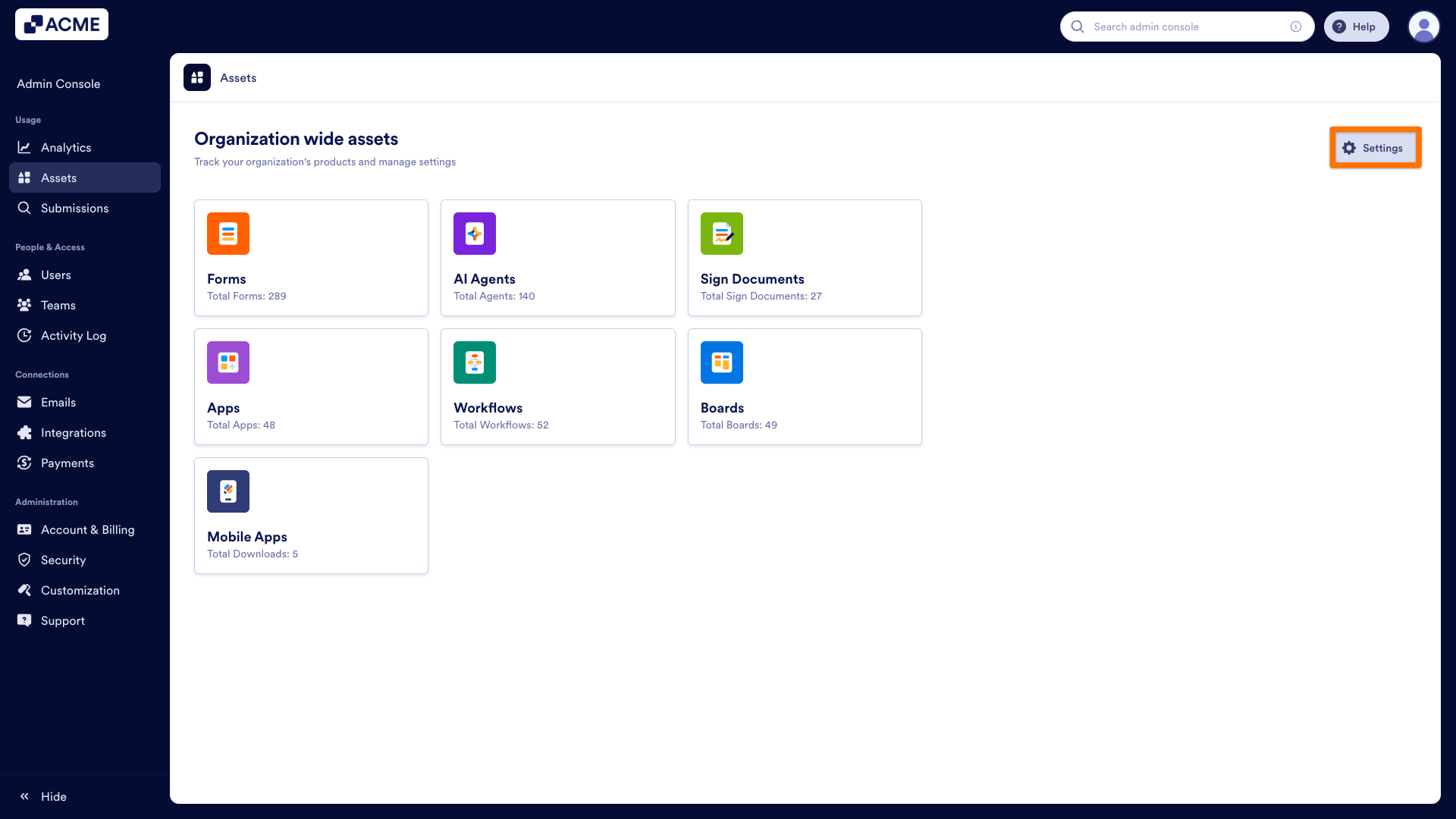
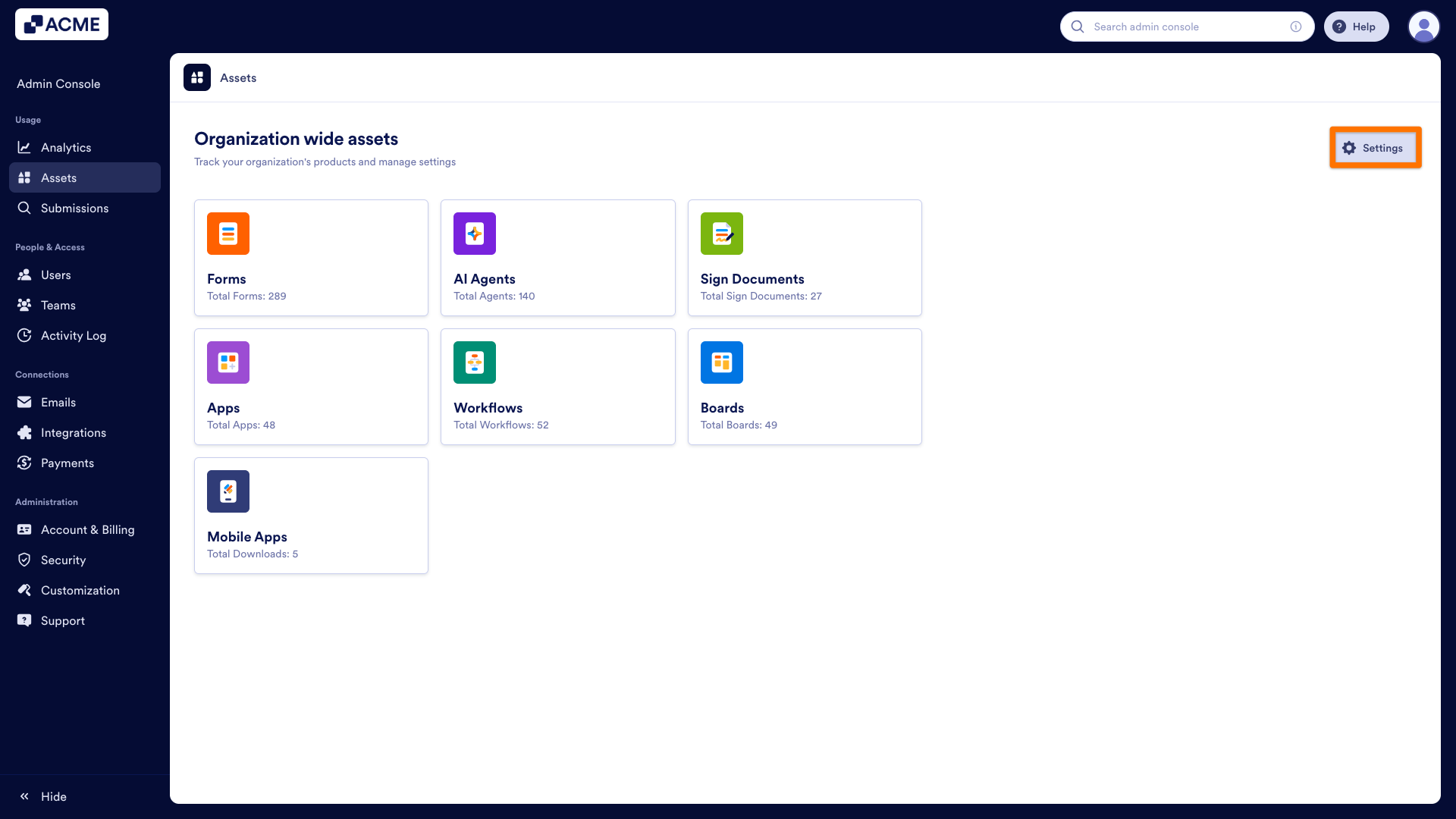
- Under the Assets tab, go to Settings from the top-right side of the screen.
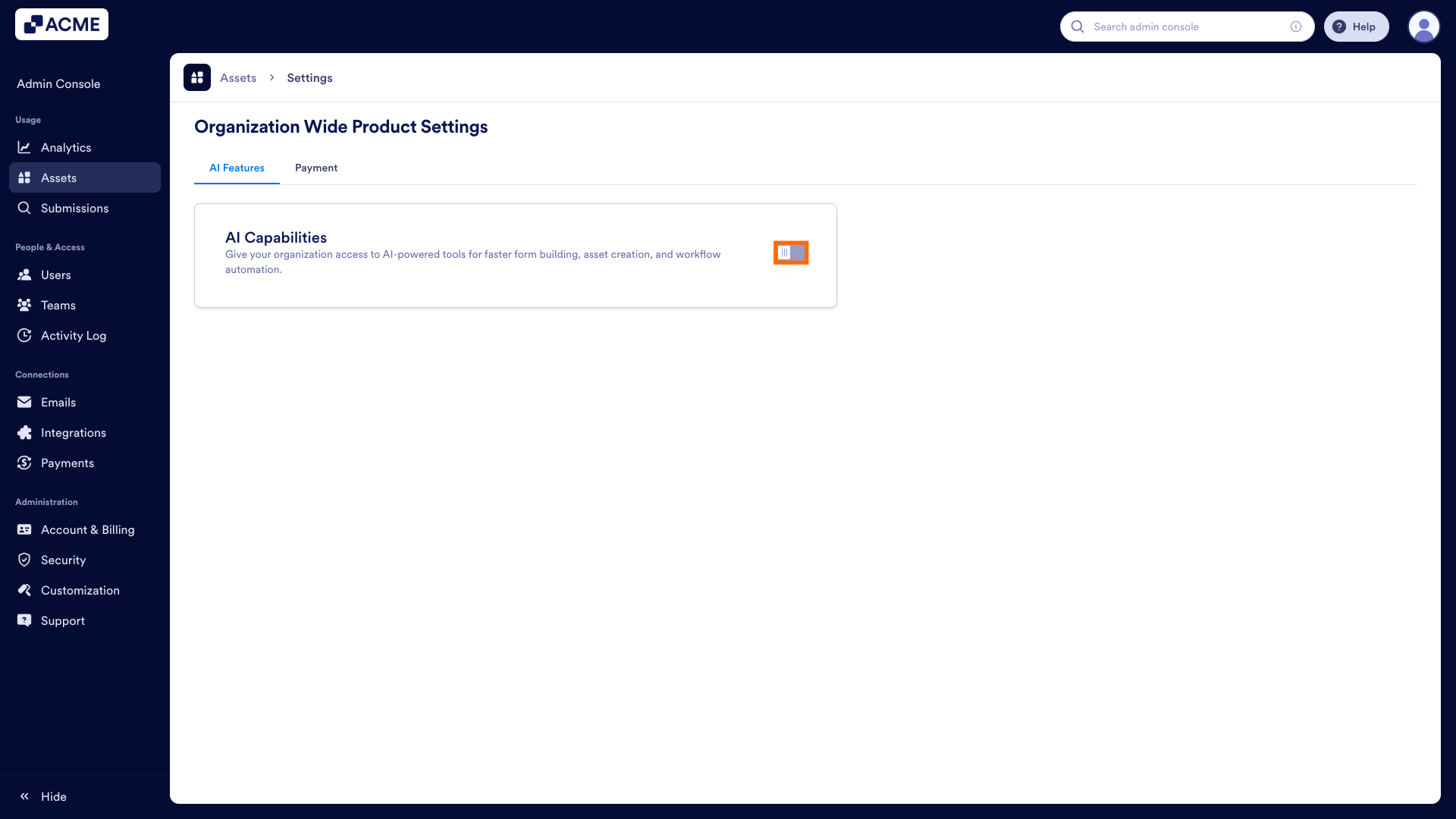
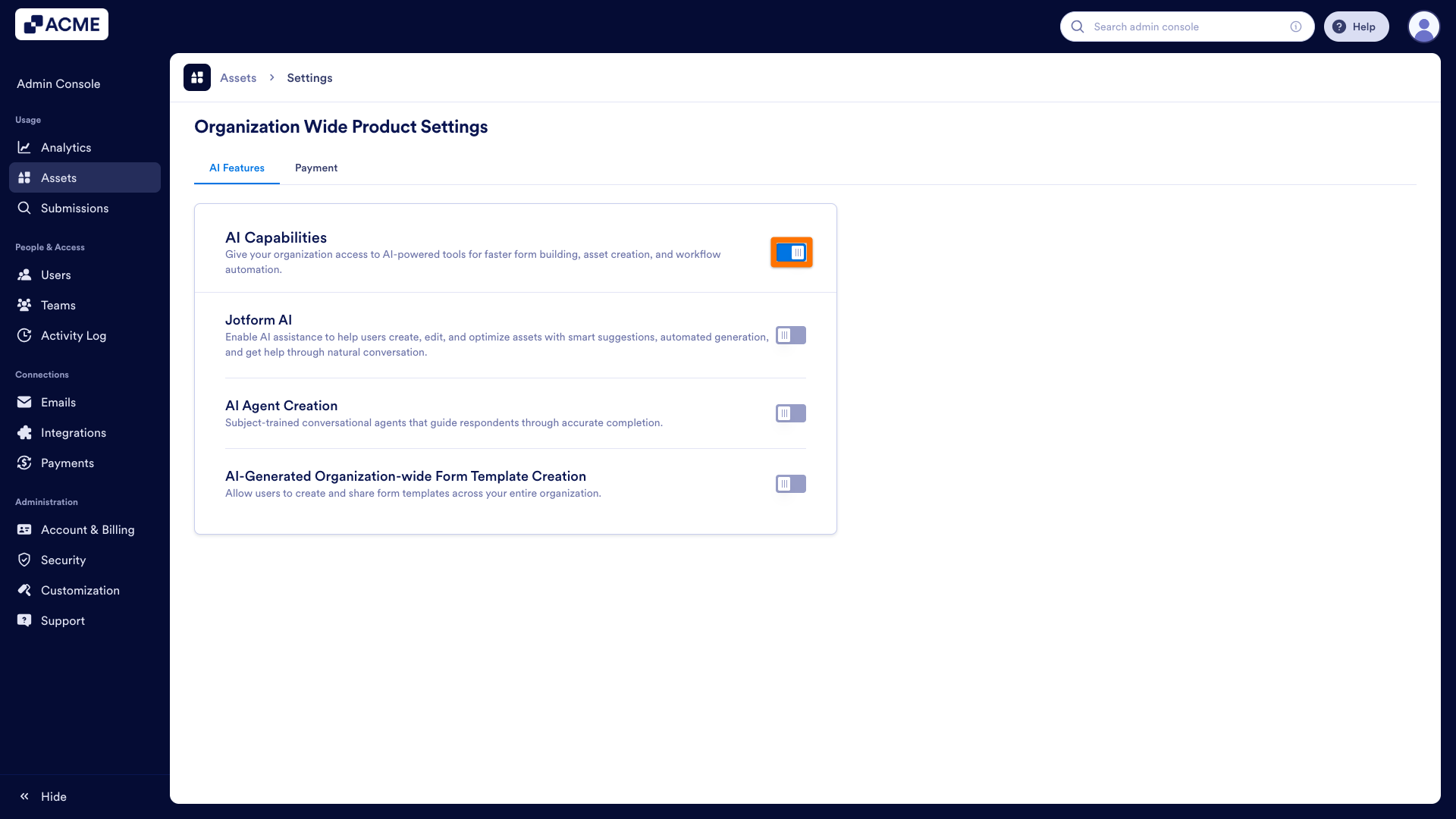
- In the AI Features section, toggle the AI Capabilities on.
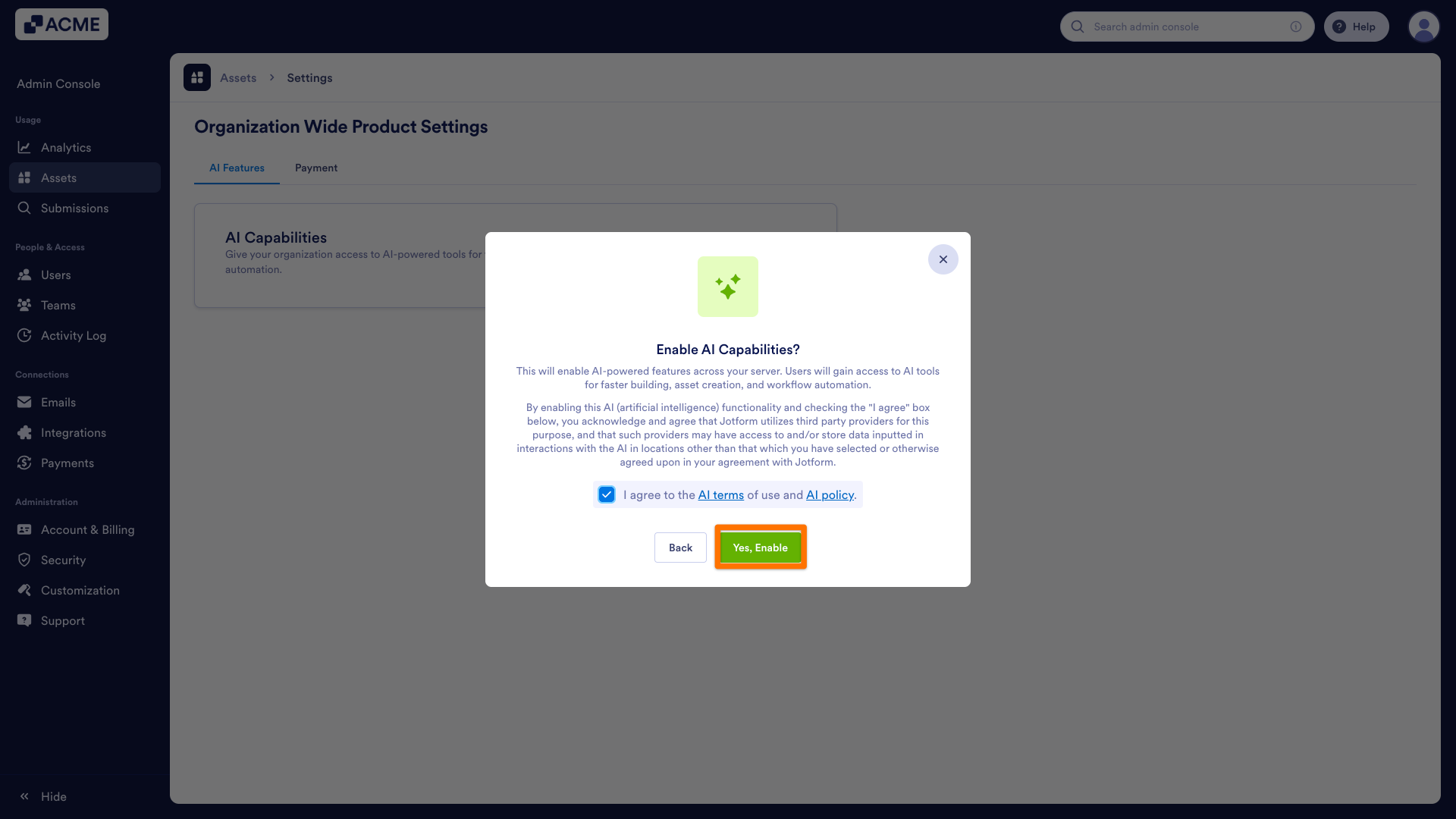
- In the confirmation pop-up, click on the checkbox next to “I agree to the AI terms of use and AI policy.“
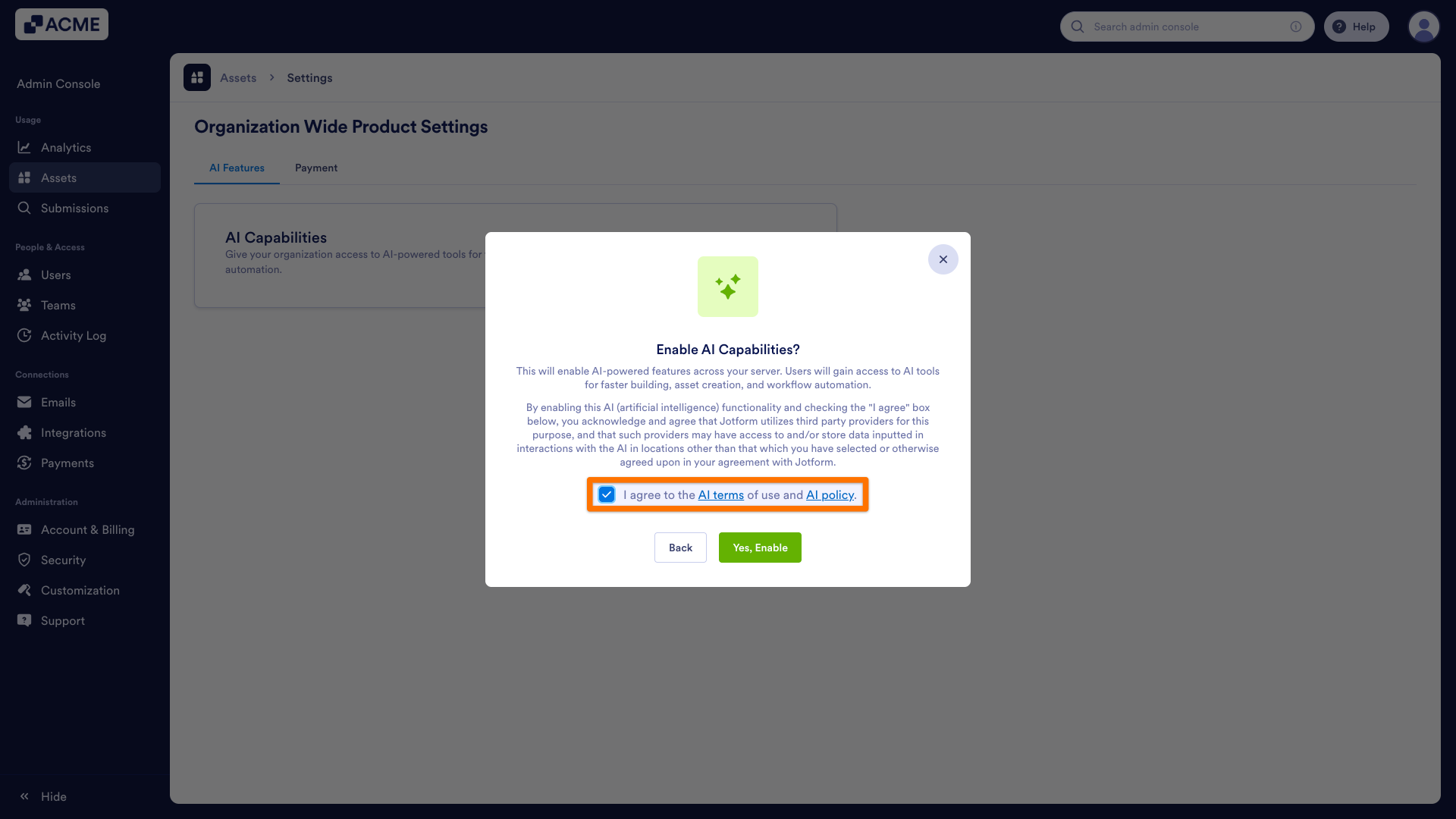
- Finally, click Yes, Enable.
Disabling AI Capabilities
When the AI Capabilities are disabled in your organization, all AI-powered products and tools will be hidden from the asset builders, workspace, and templates page.
- In the Admin Console, click on Assets in the menu on the left side of the screen.
- Under the Assets tab, go to Settings from the top-right side of the screen.
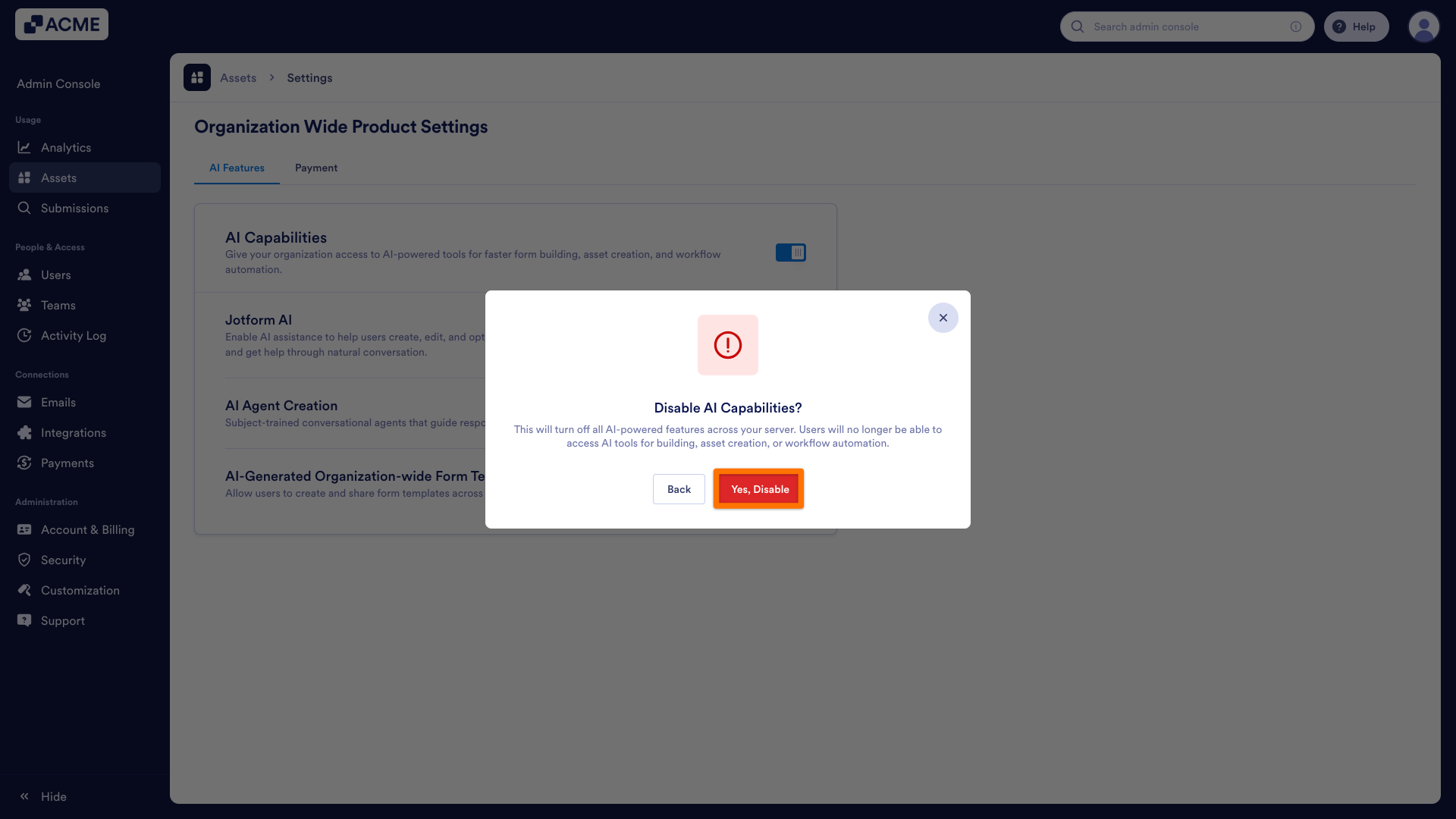
- In the AI Features section, toggle the AI capabilities off.
- In the pop-up window, click on Yes, Disable to confirm your decision.
Note
Re-enabling AI capabilities will disable other AI-related settings (AI agent creation, Jotform AI, and organization-wide form template creation), allowing you to choose which to enable later.

Send Comment: