Whether tracking finances, analyzing survey responses, or managing inventory, you can easily calculate the sum of fields using the summary feature and Advanced Formula in Tables.
Calculating the Sum of Fields in a Column
To get the sum of fields in a column:
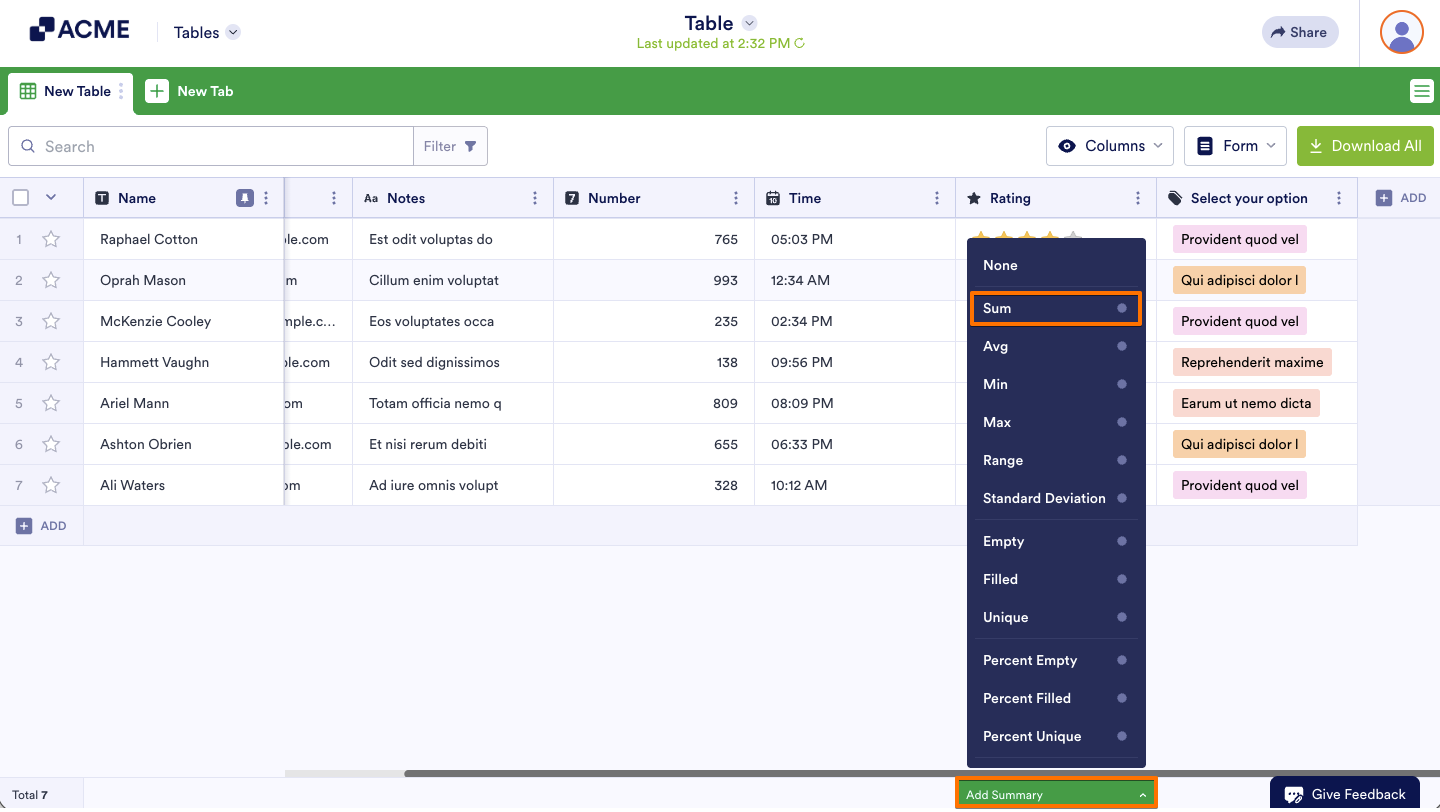
- In Tables, open Add Summary at the bottom of the column.
- Select Sum from the menu.
Note
Aggregations are available on the following column types: Number, Spinner, Star Rating, and Advanced Formula. For other column types, use Advanced Formula to reference their numeric values where aggregations are supported.
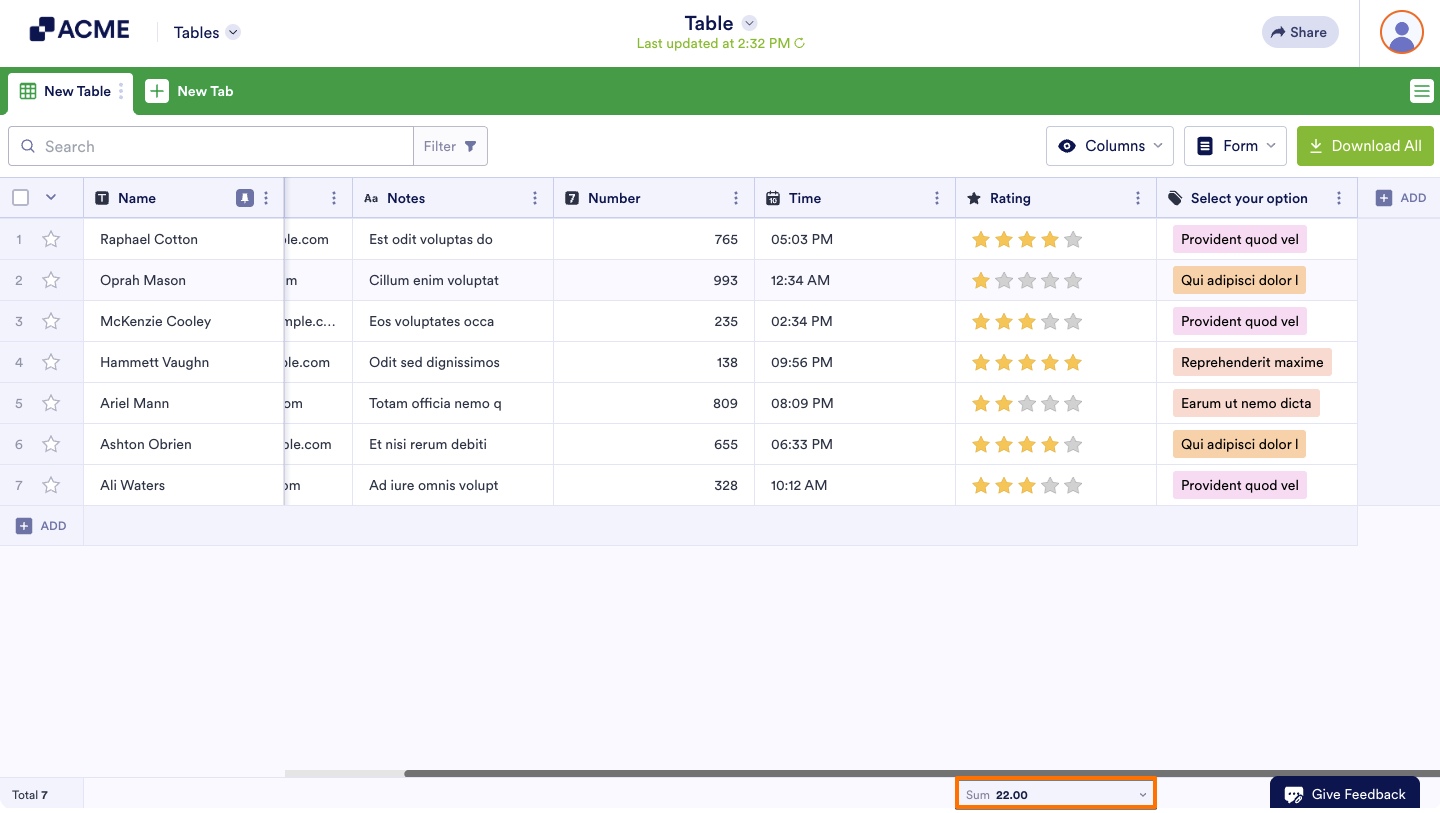
The sum will appear at the bottom of the column.
Calculating the Sum of Fields in a Row
To get the sum of fields in a row:
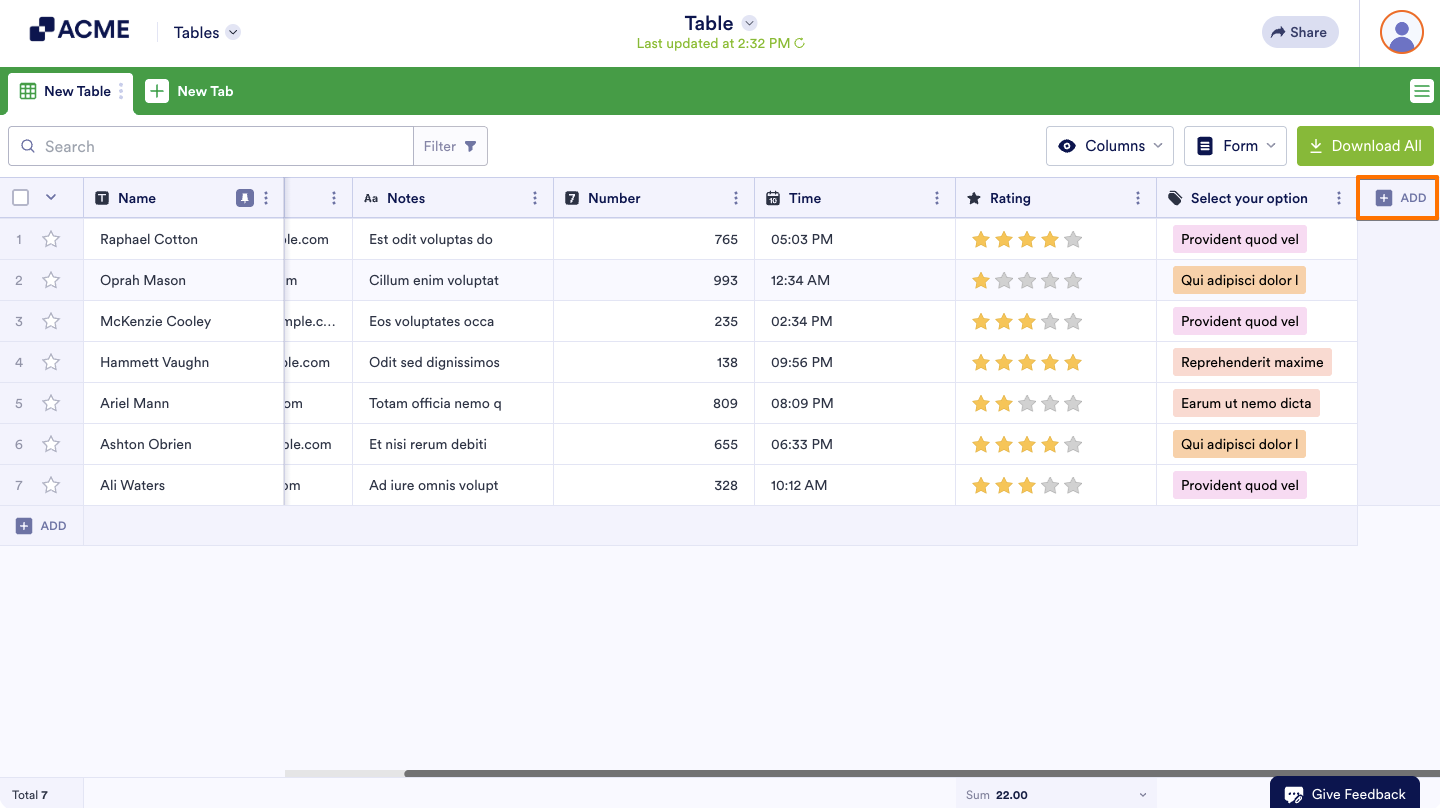
- In Tables, add or insert a new column. See How to Add and Organize Columns for more information.
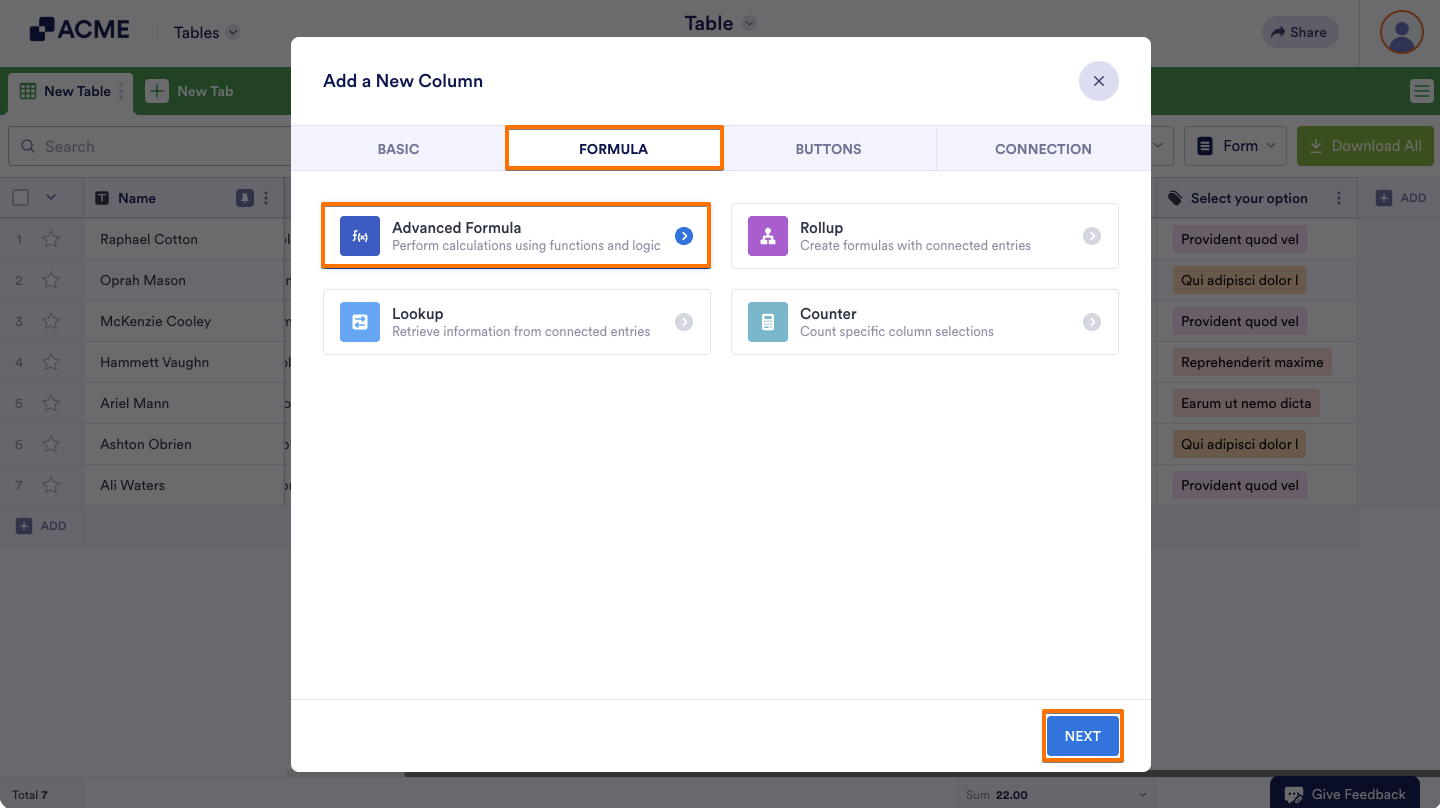
- In the dialog, go to Formula at the top, then select Advanced Formula and click Next.
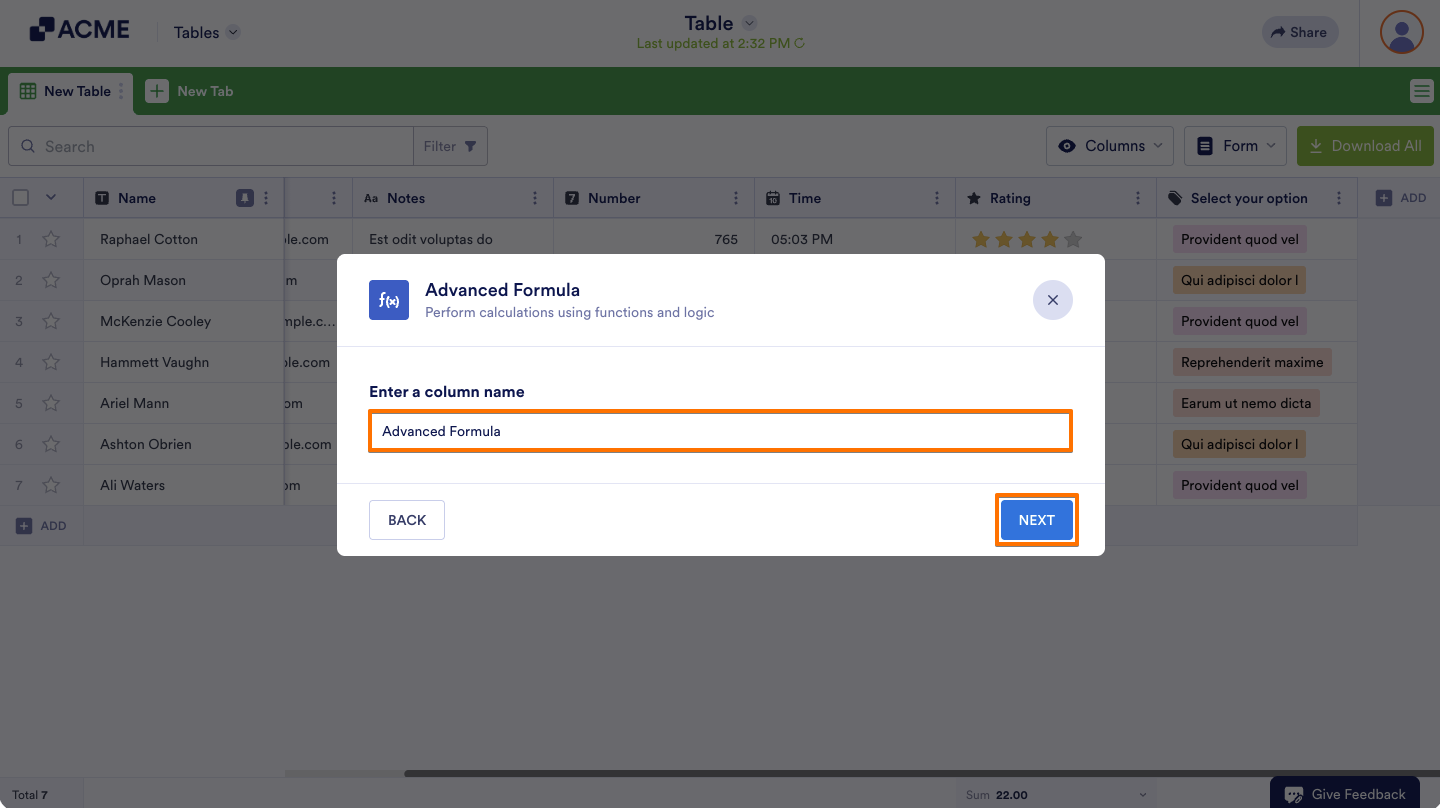
- Enter your desired column name, then click Next.
- In the editor, create a formula to get the sum of fields using the addition operator (e.g.,
{Column 1}+{Column 2}+{Column 3}). See Using Advanced Formula to learn more. - Select Create Column at the bottom when finished.

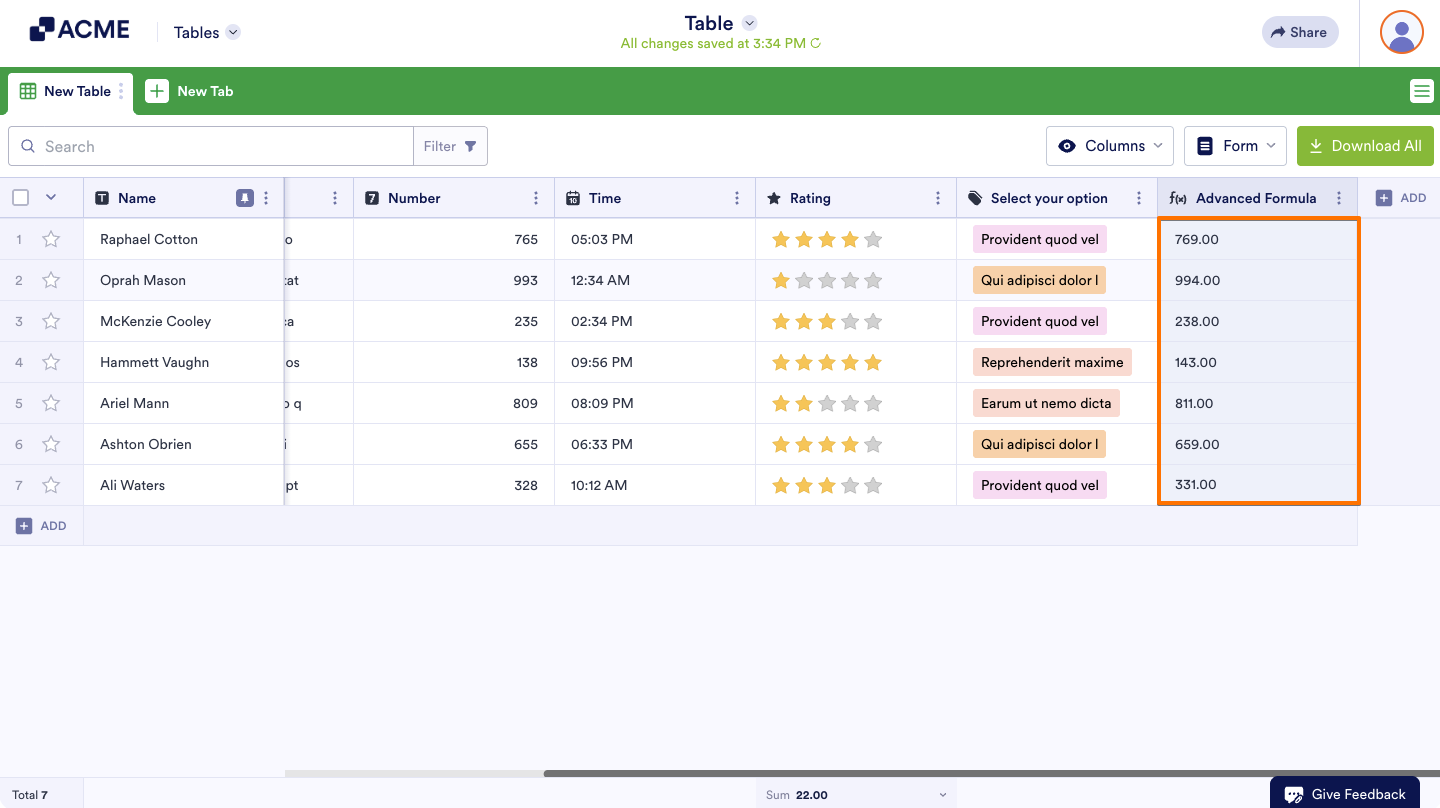
You can now view the sum of fields for each row.

Send Comment: