This guide provides step-by-step instructions on logging in to your Jotform Enterprise account using recovery codes. If you have lost access to your mobile device, this guide will help you regain access quickly and easily.
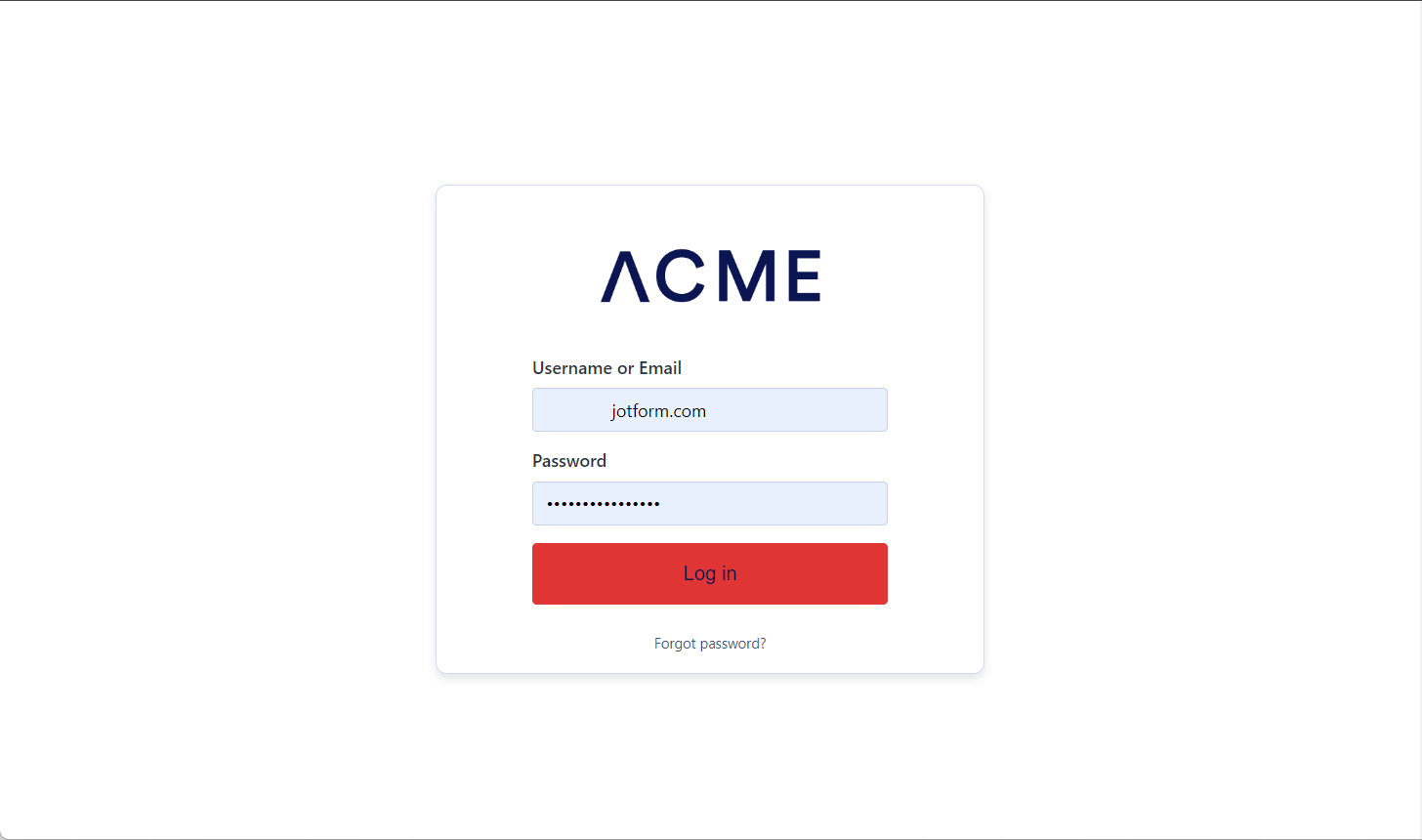
- Enter your username/email and password on your Enterprise login page.
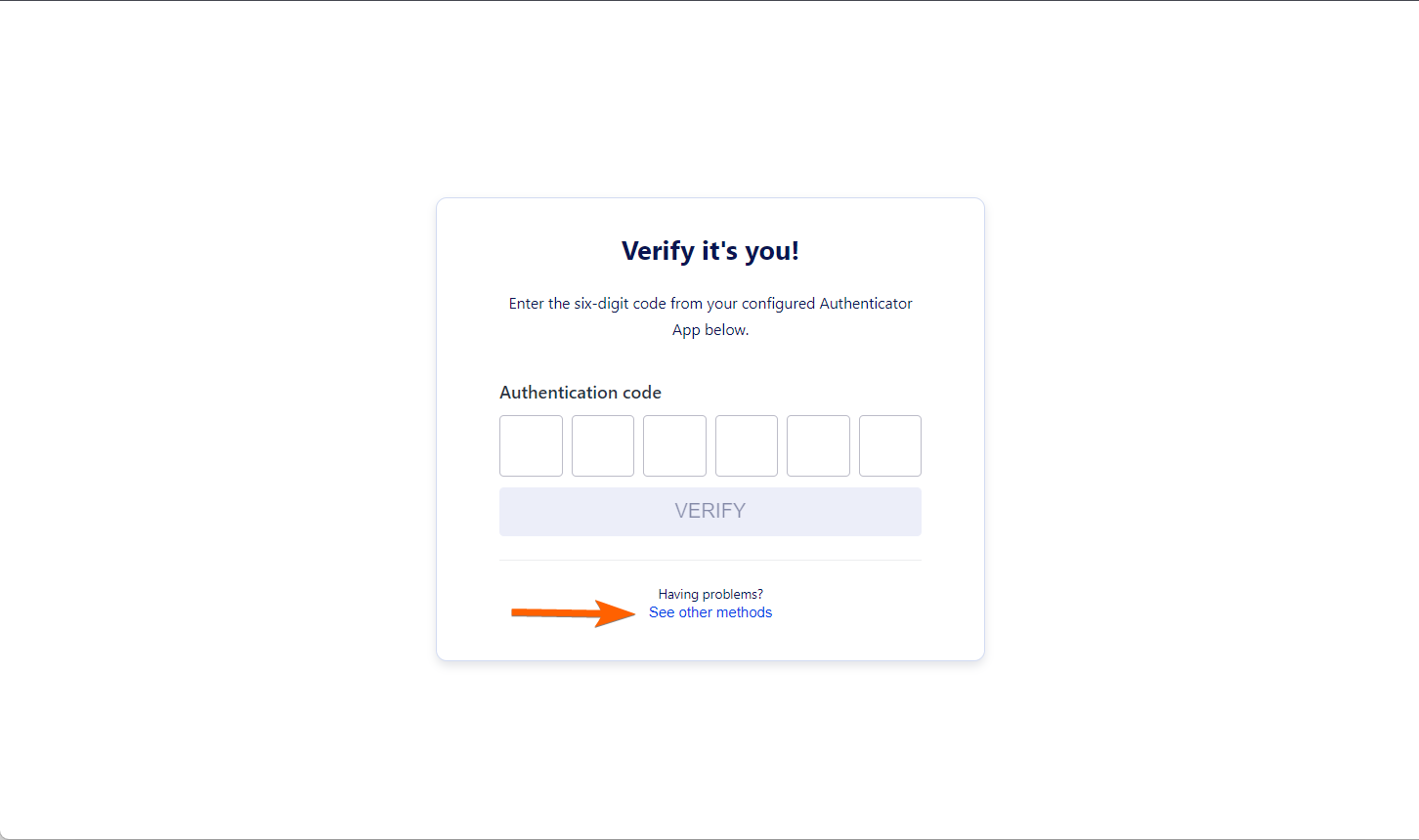
- Since your 2FA authenticator is unavailable, click the See other methods.
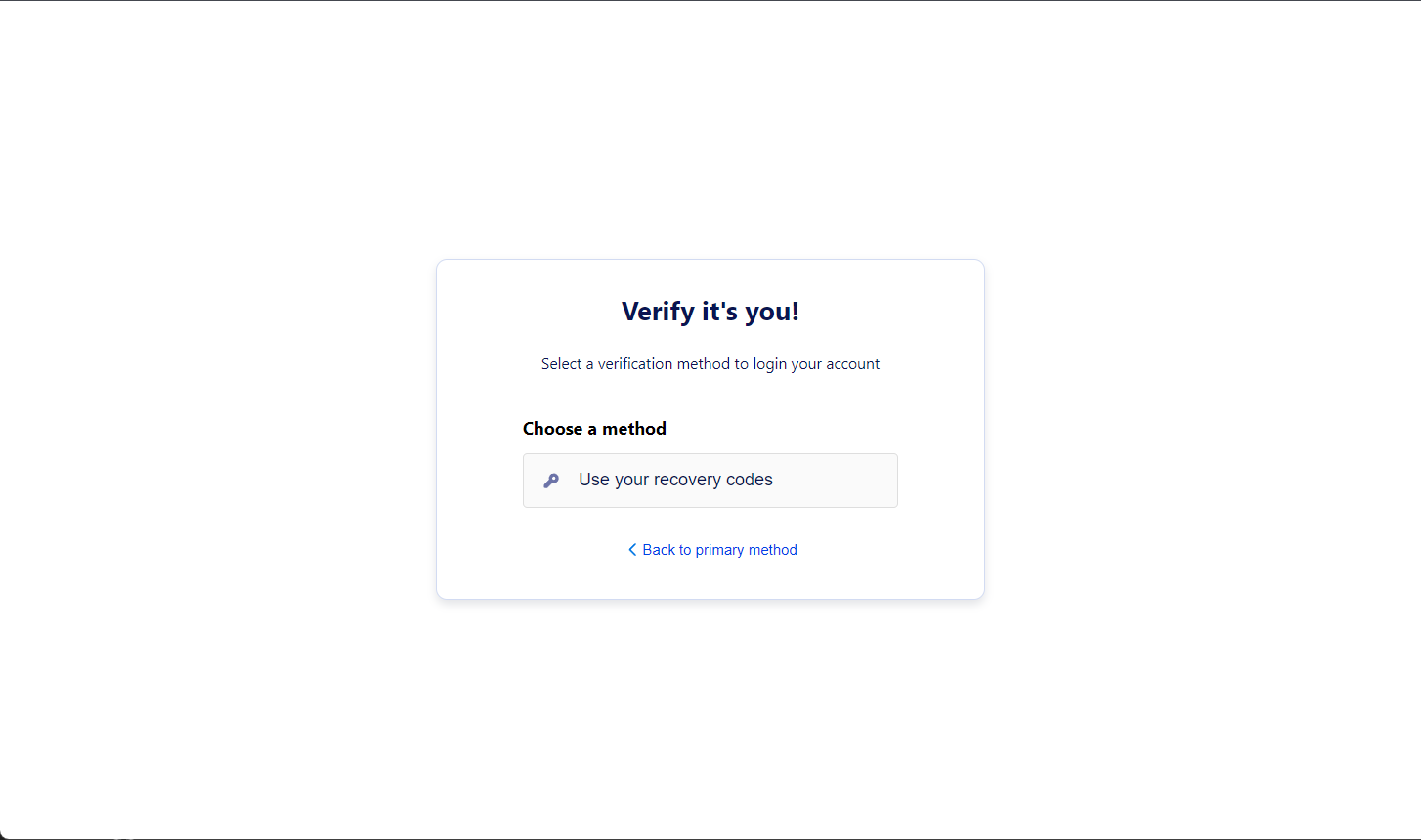
- Choose the Use your recovery codes option.
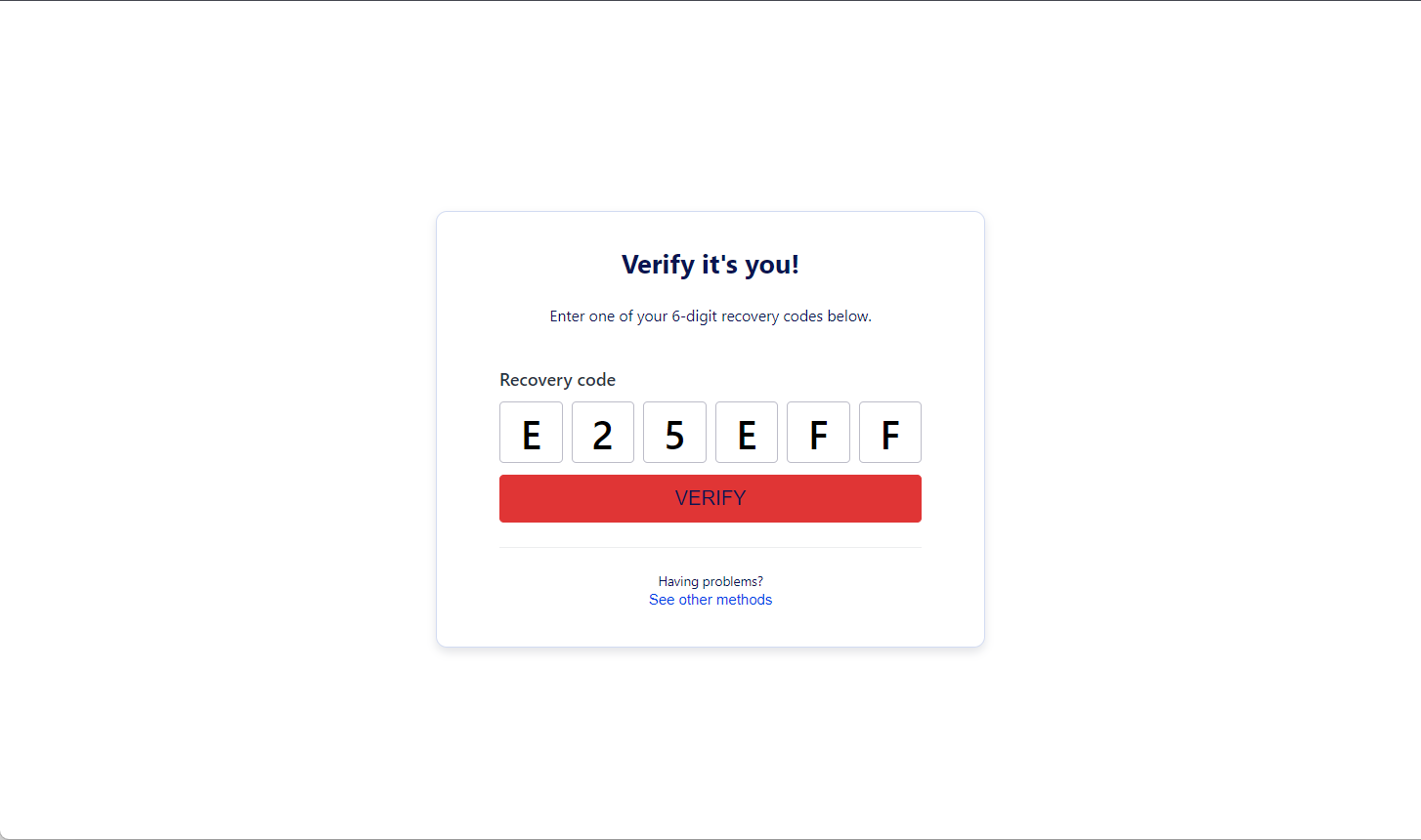
- Enter one of your recovery codes, and click the Verify button. You should be logged in after this.
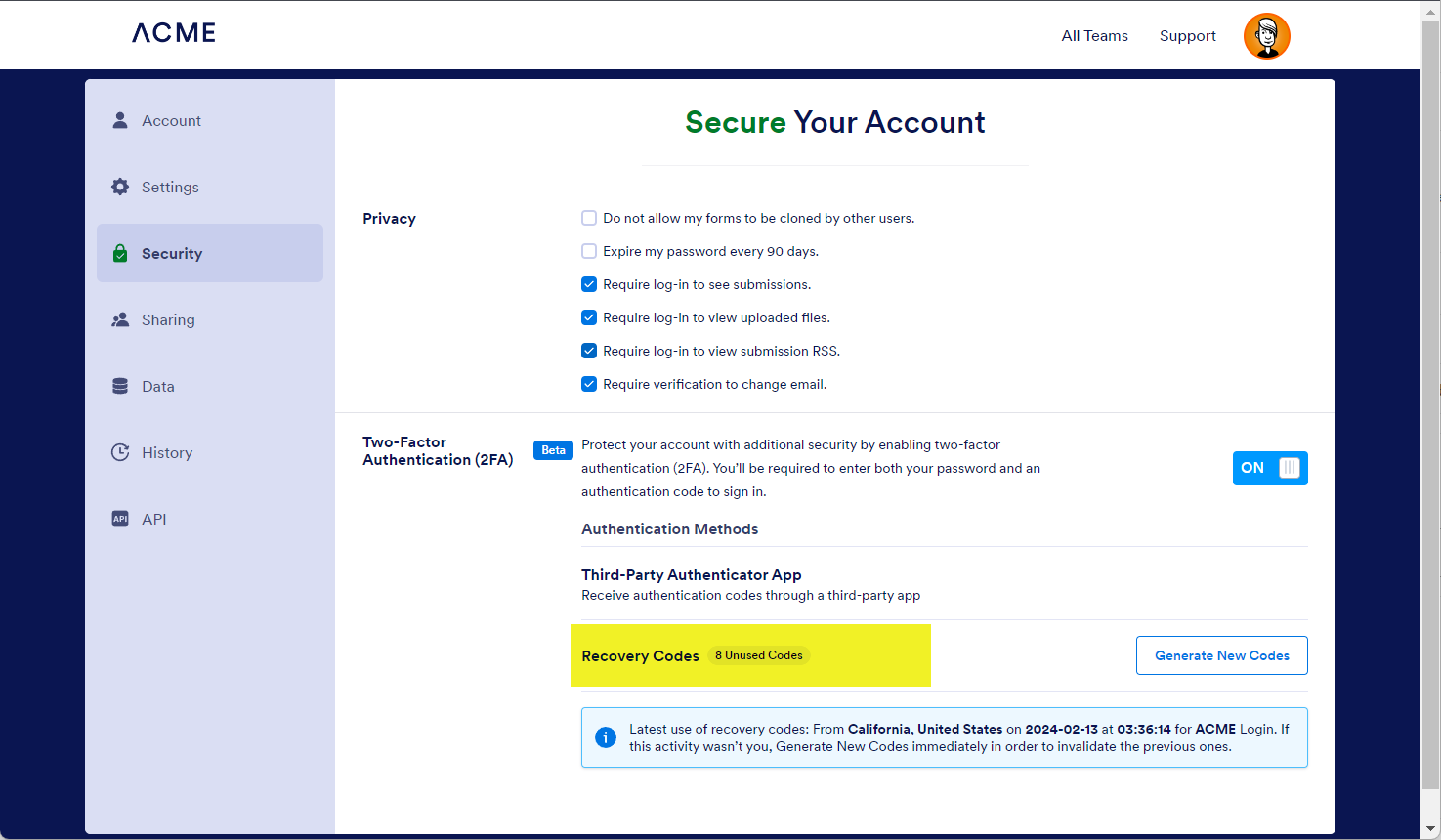
The available number of recovery codes you can use is displayed on the Settings page of your account; see below as an example:

Send Comment:
1 Comment:
January 22, 2025
Hi I can not log in with my password I HAVE BEEN using thos web for many years and log in with the data that is save in my computer but now when im trying to log in the web send me a email authenticantion code to an email that i dont use anymore soo i can not know the code. How Can I log in is the another method I need to log in as soon as possible because i have important data the user name is karina-rosales and the email that i use to have is i dont use this email anymore so i can not log in to see the authenticantion code.