Printed documents can be more convenient in some situations like during presentations or when in a location with limited internet connectivity. If you need to create a hard copy of your form data, you can print entries in Tables: To print a submission:
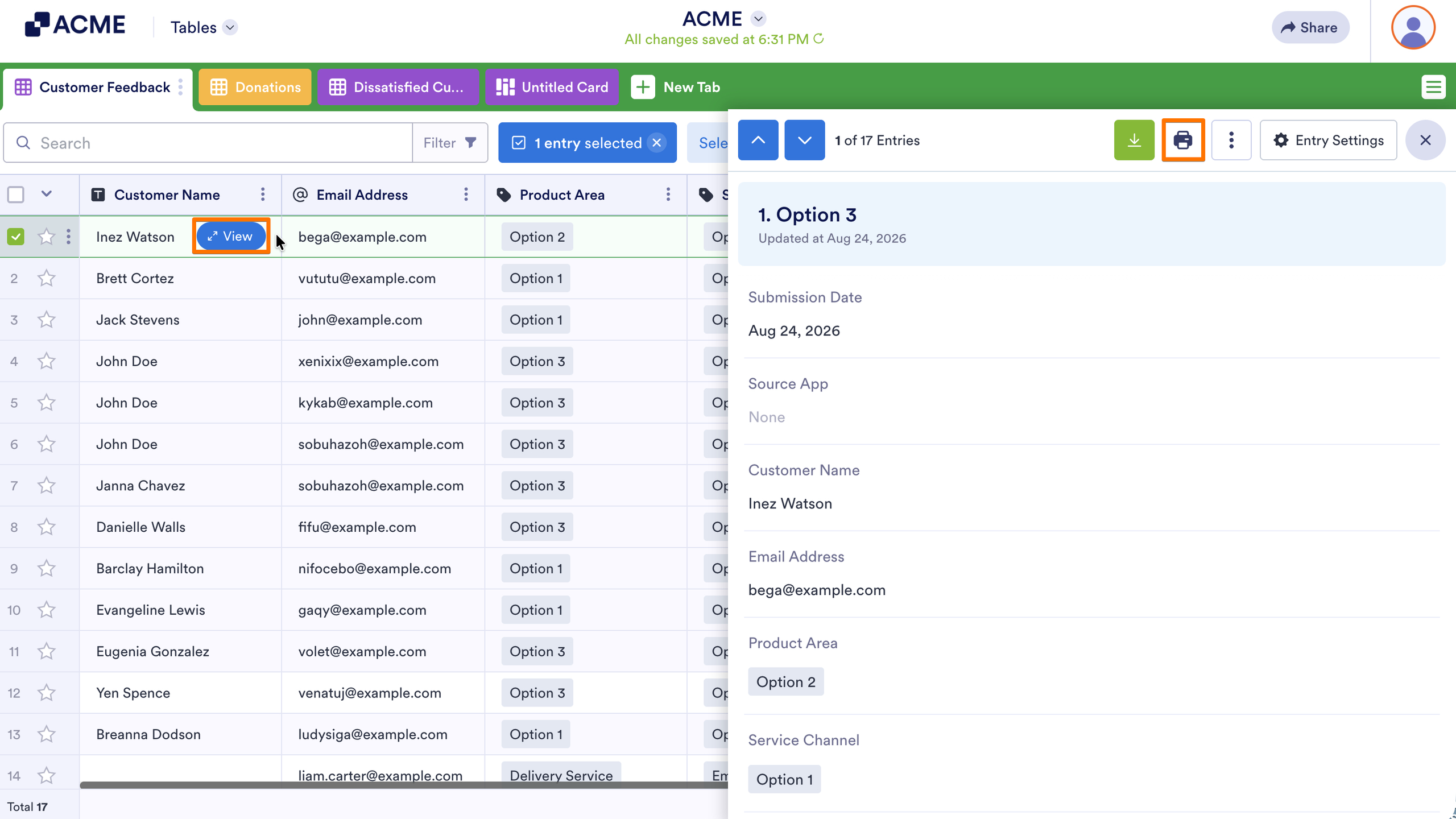
- In Tables, select the entry’s View button in the first column.
- In the right panel, select the Print icon at the top.
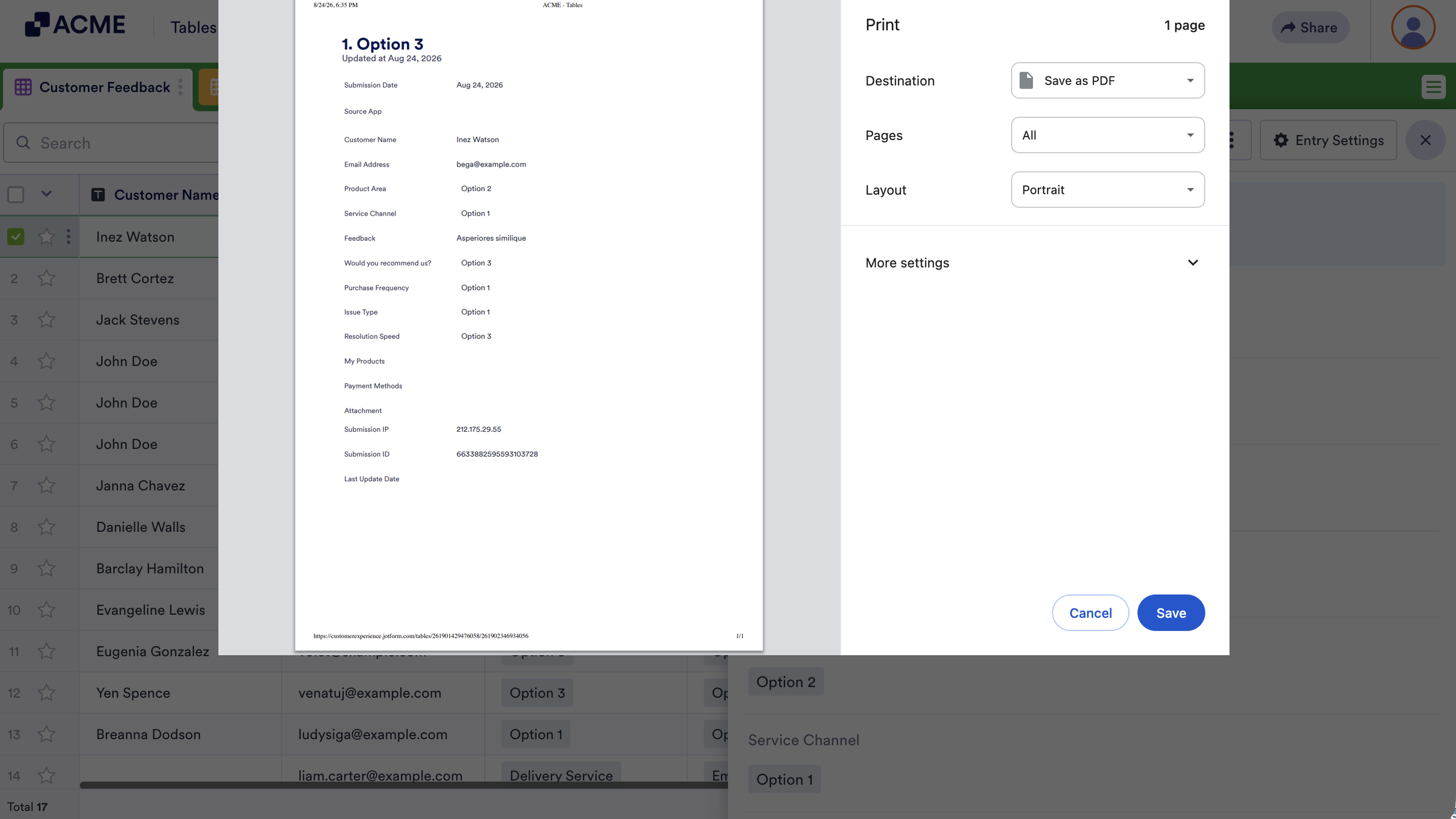
- Set your preferences in your browser’s print dialog, then continue from there.
To print multiple entries, download the submission data, then print the downloaded file. For more information, see How to Download Form Submissions as Excel, CSV, or PDF.

Send Comment: