Joining a Jotform team makes it easy to collaborate with colleagues by sharing access to forms, submissions, and workspaces—all in one place. Whether you’re part of a company, school, or organization, you can quickly request to join a team.
Requesting to Join a Team
Sending a request to join a team is pretty simple. Here’s how to do it:
- On your My Workspace page, click on All Teams on the top-right side of the page.
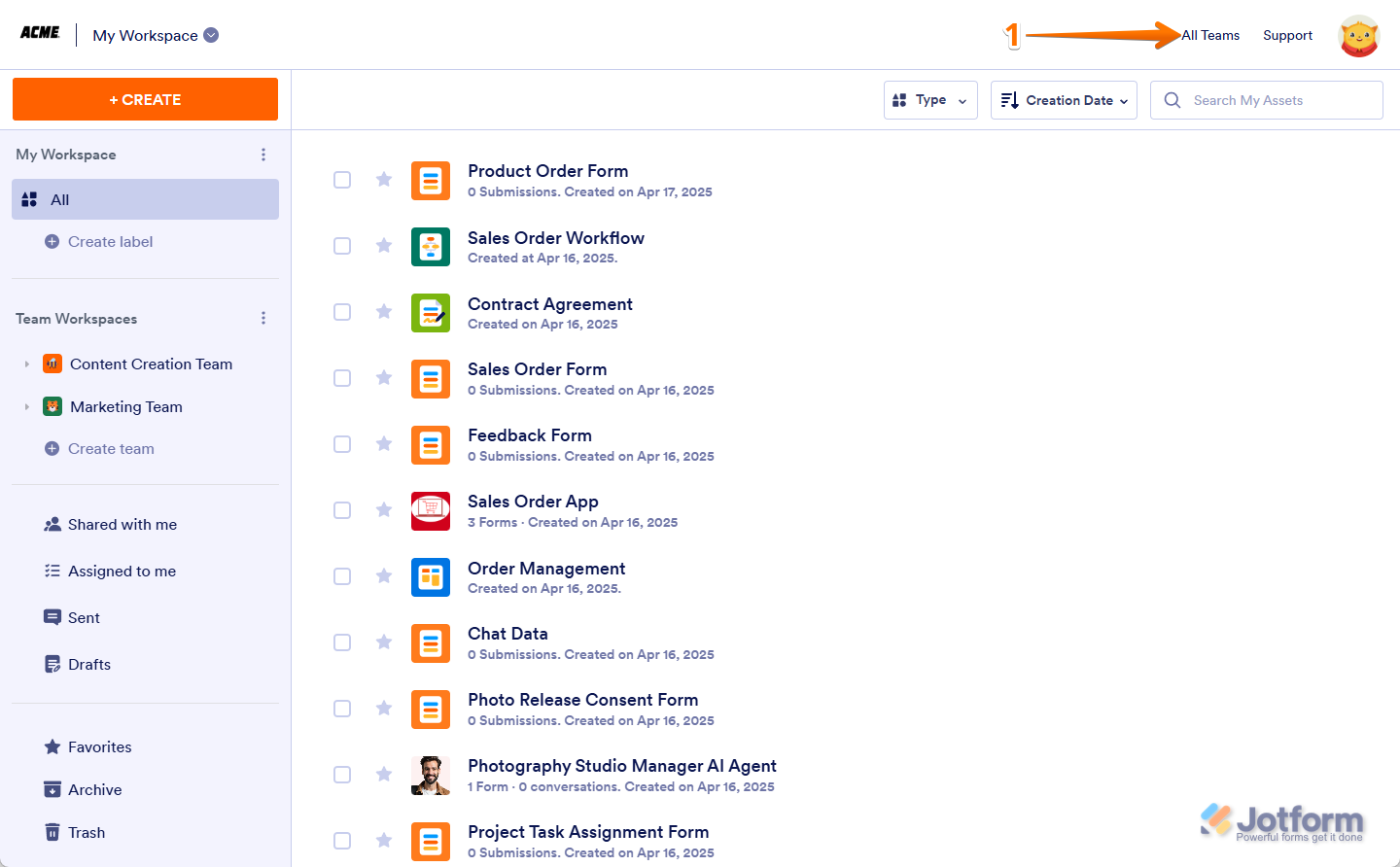
- Now, hover your mouse over the Team you want to join, for example, the Finance Team, and then click on Request to Join, and you’re all set.

Previewing a Team’s Workspace Before Joining
If you want also to check out the content of a Team’s Workspace before you join. It’s easy. Here’s how to do it:
- On your My Workspace page, click on All Teams on the top-right side of the page.
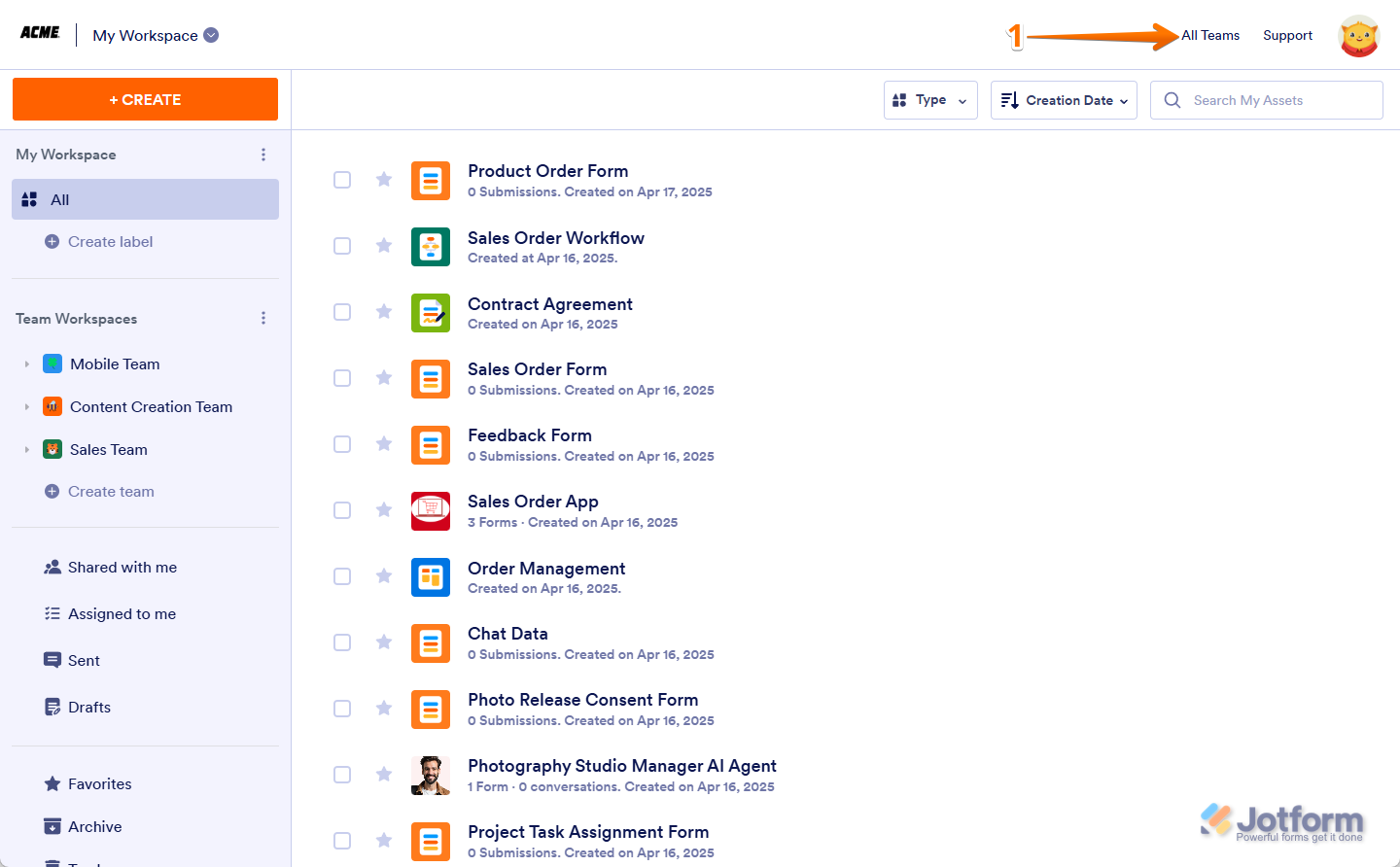
- Then, hover your mouse over the team you want to join, for example, the Finance Team, and then click on View Workspace.

- Now, click on Request to Join in the top-right corner of the page, and you’re all set.

That’s it! The team admin will get your request, and once approved, you’ll be able to manage assets in the team based on the role assigned to you.

Send Comment: