Create Online Calendars Store
Jotform’s Store Builder helps you sell calendars online by creating a no-code online calendars store app in seconds. Use this solution to add your product list, accept payments through 40+ gateways, and manage orders and feedback in one place. Upload your product list to launch faster and let AI Store Builder create your store instantly.
Templates
Free Online Calendar Store Templates
Don’t know where to start? Choose one of our ready-made app templates below — and make it your own in seconds with Jotform’s drag-and-drop, no-code store builder.
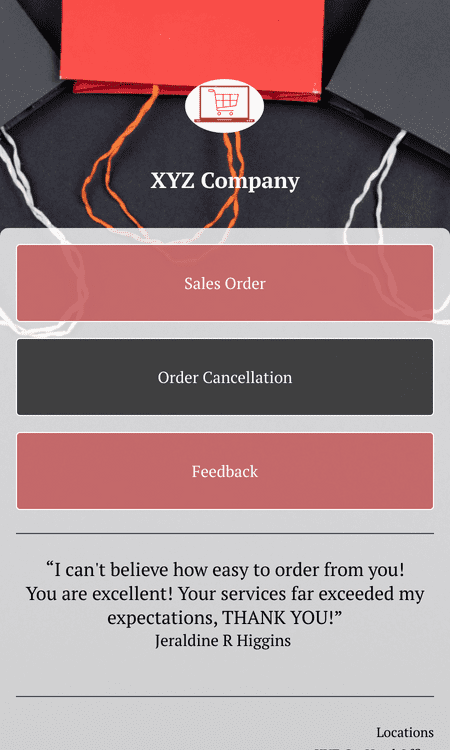
Sales Order App
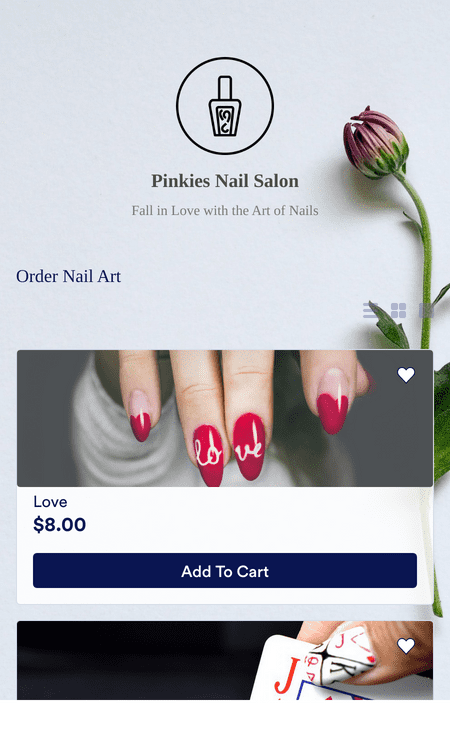
Product Catalog App
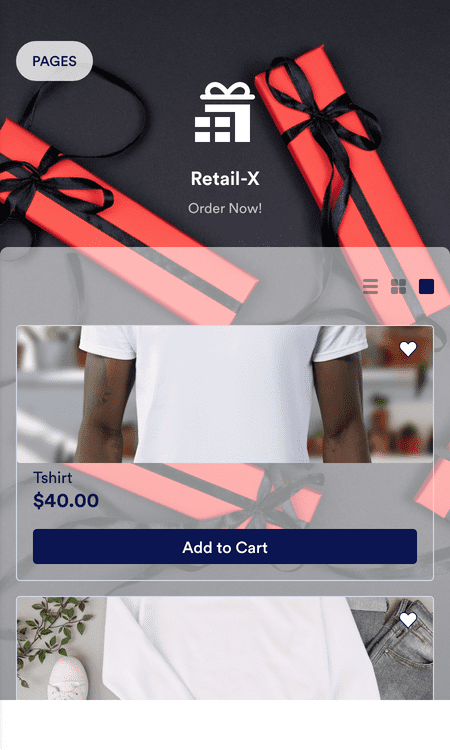
Merchandising App
Benefits
Start Your Online Calendar Business
Create an Online Calendar Store
Sell calendars online using Jotform Store Builder without coding. Build a store in minutes, upload calendar products with photos and prices, and connect payment gateways so customers can place orders. You can also include feedback forms to understand what customers want next.
Instant Store Creation with AI
Upload a calendar catalog and let Jotform’s AI Store Builder generate a complete online store automatically. The AI-created store includes product listings, a checkout flow, and mobile-optimized design. This lets you focus on product creation and fulfillment.
Accept Online Payments
Connect a payment option from Jotform’s 40+ payment processors, including PayPal, Square, Stripe, and Google Pay. Customers can pay through the store checkout, so payment stays tied to the order. Jotform does not charge additional transaction fees beyond the chosen payment processor’s rate.
Track and Manage Orders
Manage orders and inventory from one place using Jotform Tables. Jotform Tables can show the same order data in spreadsheet, calendar, or card views. Multiple views help with fulfillment because shipment dates and customer details are easier to scan.
Compatible with Any Device
Share a store that works on smartphones, tablets, and desktop computers. Jotform Store Builder apps are mobile-ready, and Android and iOS users can add the app to a home screen. Broad device support helps customers shop without switching platforms.
Drag and Drop Store Builder
Build and adjust the store layout using a drag-and-drop, no-code app builder. A store owner can change sections and content without editing code. This makes seasonal updates simpler when product collections rotate.
Powerful Online Store Elements
Add product lists and categories so customers can browse calendar options clearly. Add forms, documents, videos, image carousels, and links when those details help customers decide. Keeping key details in the store can reduce back-and-forth questions.
Create Custom URLs
Publish the store with a memorable URL that includes the calendar business name and the app name. A clear URL is easier to share in social posts, emails, and printed materials.
Boost Sales with Push Notifications
Send push notifications to announce specials, new products, and limited-time discounts. Notifications appear directly on a customer’s device after they opt in, so updates are easy to notice.
Learn More about Online Calendars Business
All your questions about selling calendars online are answered. Check out our FAQs for answers to common questions, or contact our support team for further information.
How can I sell calendars online with Jotform Store Builder?
Jotform Store Builder makes it easy for anyone to create their own online store — no coding required. Add images and descriptions of your calendars, take orders, collect payments, track shipments, and connect with customers worldwide from one convenient location. Share your online calendar store app by posting a link in your social media bios — or seamlessly embed it in your website with a simple copy-paste embed code. Customers can then download your app and access it from any smartphone, tablet, or desktop computer.
Is selling calendars online profitable?
Absolutely! Having an online calendar store allows you to reach a wider audience. Share your app with the world by sending email invitations, including the app link in email newsletters or social media bios, or by generating a unique QR code to put on business cards.
What type of calendars can I sell?
With Jotform Store Builder, you can sell any products you like, so the possibilities are endless. Personalize your online calendar store with our no-code app builder — then drag and drop to add as many products and categories as you need.
Some types of calendars you can sell include:
- Desk Calendars
- Custom Calendars
- Photo Calendars
- Printable Calendars
- Wall Calendars
- Advent Calendars
Testimonials